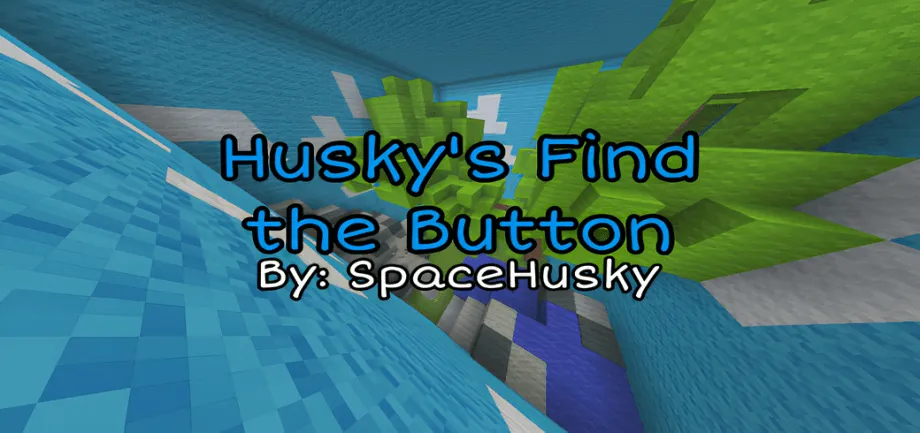
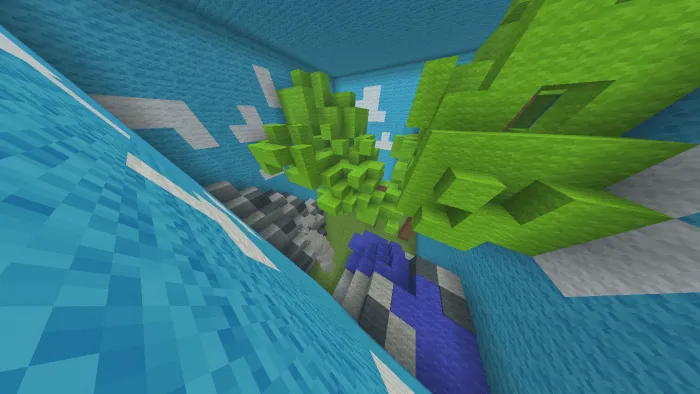
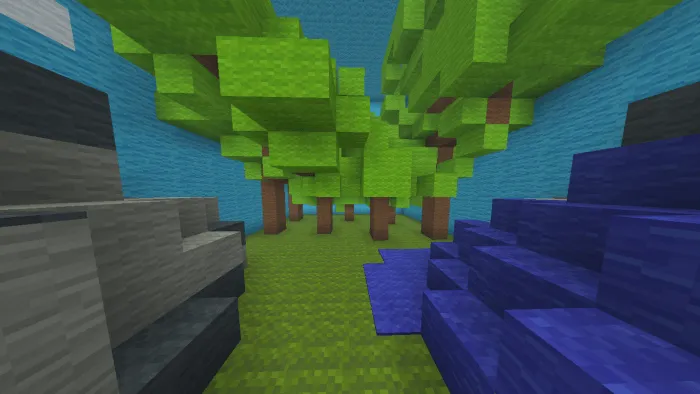
Husky’s find the button is a find the button map created by SpaceHusky. It has a total of 5 stages which are: Wool world, Dead world, The Mine, The Nether, The End.
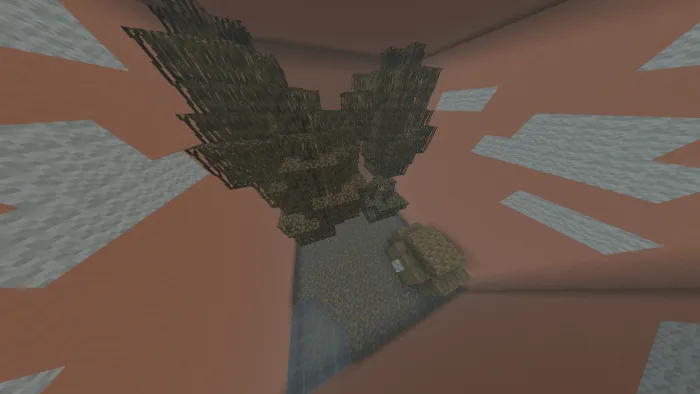
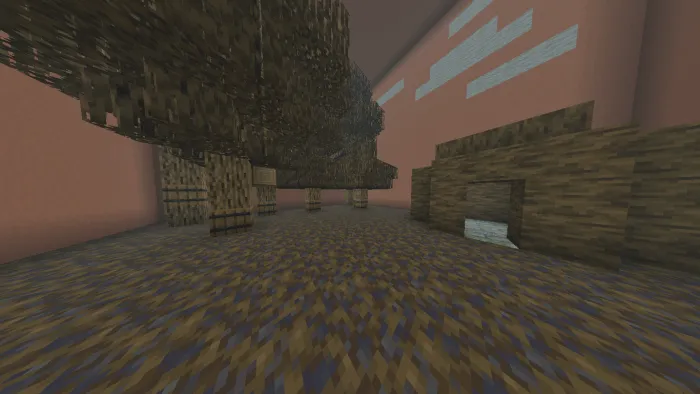
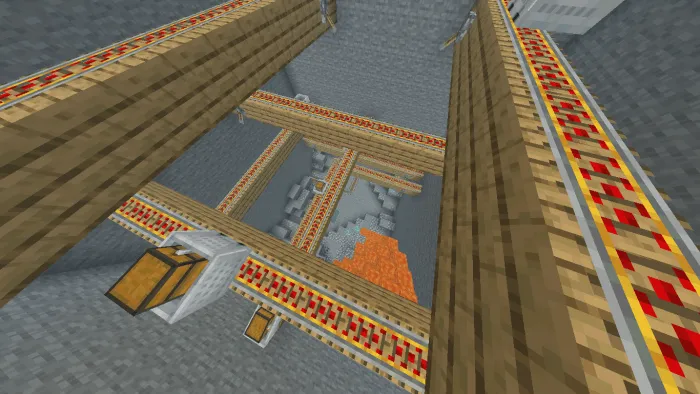
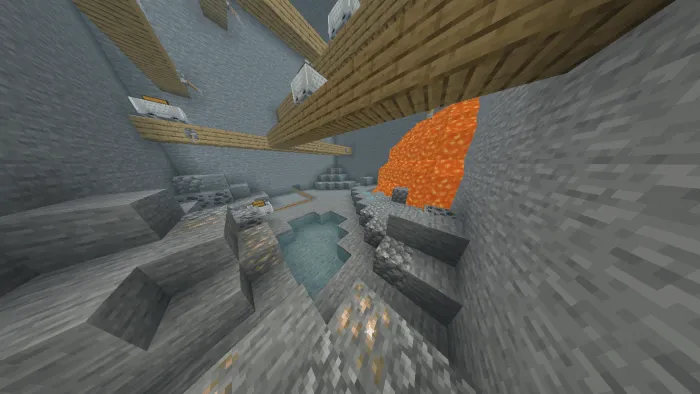
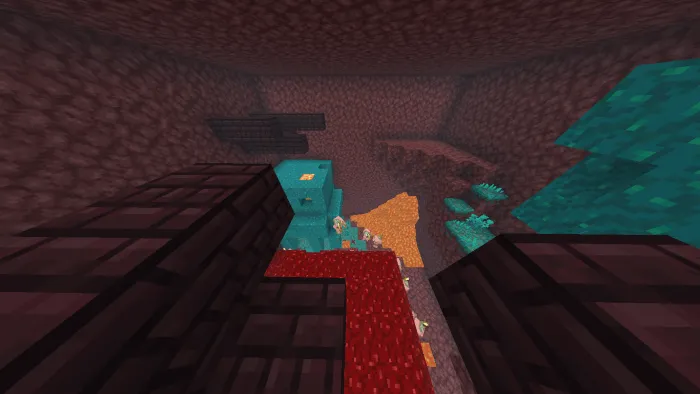
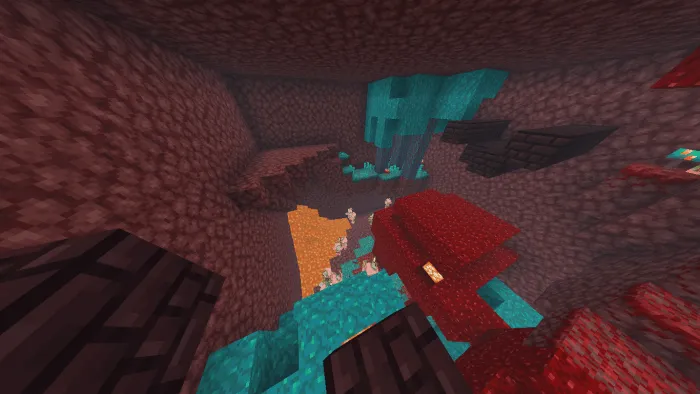
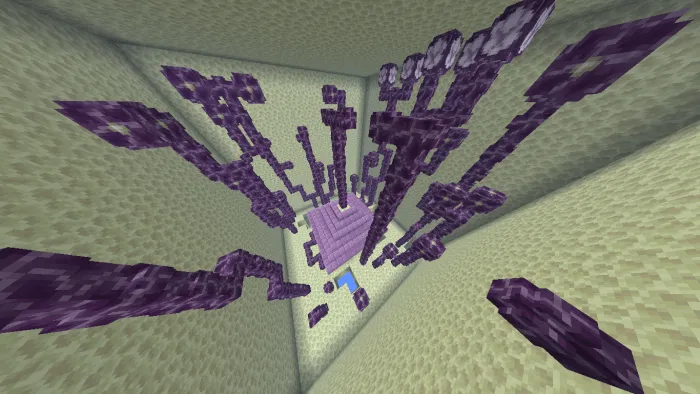
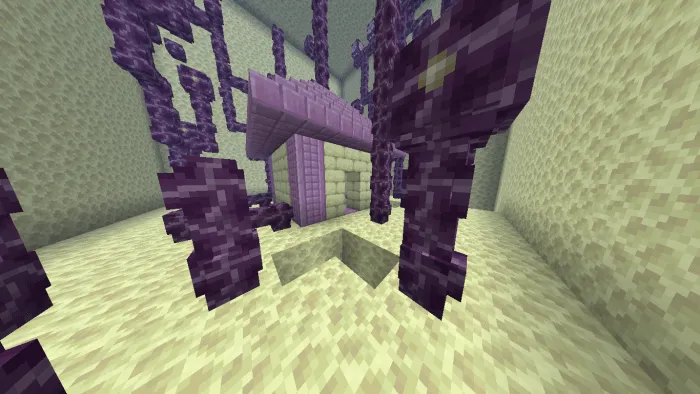
There will be more stages in the future so stay tuned! The wool world is a normal overworld but covered in wool. The dead world is an overworld type stage but the leaves on the trees are replaced with mangrove leaves to make them look dead. The mine is a cave type stage with ores, lava & minecarts. The Nether is a stage with all the Nether biomes except for the Soul sand valley and the Basalt deltas biomes. The End is an outer end islands type stage with chorus and a house made out of blocks you would find in an end city.
Created by: SpaceHusky
- Edition: Minecraft Bedrock
- File type: .mcworld
- Minecraft versions listed: 1.20.0, 1.19.0
- How to install: Download the .mcworld file. → Open it — Minecraft imports it as a new world. → Find it in your Worlds list and play.
- Where to get it: In MCModsHub, or directly above on this page.
Install steps are the general flow for this file type — How to install Minecraft Bedrock maps walks through it step by step.
- Pack type: .mcworld — a ready-made world
- Download link checked 18 Jun 2026 — working
- Mirrored on our own servers — the download does not depend on the original host
These come from our own check of the pack file, not from the source page.