Utility UI Texture Pack for Minecraft Bedrock 1.21.130
Bedrock texture pack listed for Minecraft 1.18–1.21. File opened and checked on 3 Oct 2026; installs from the MC Bedrock Mods app on Android.
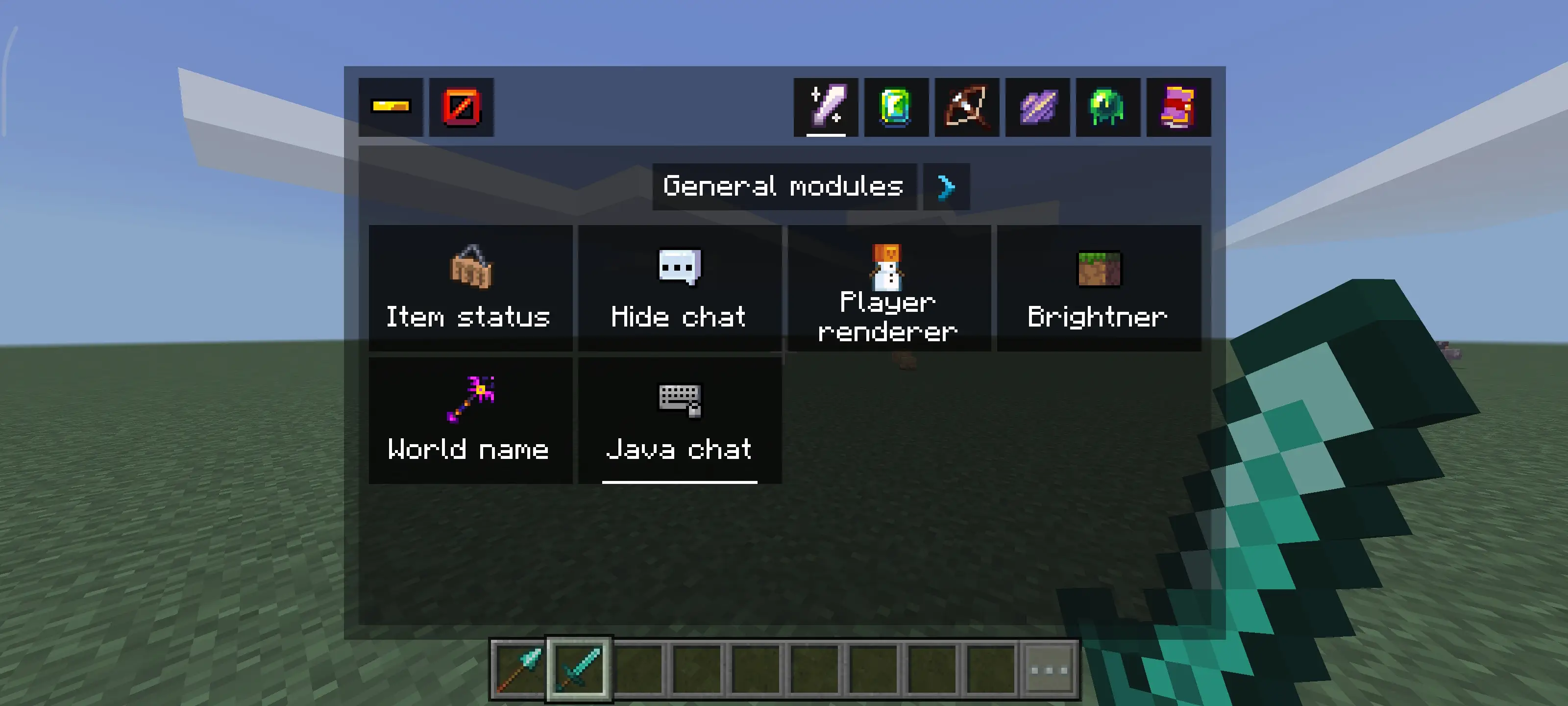
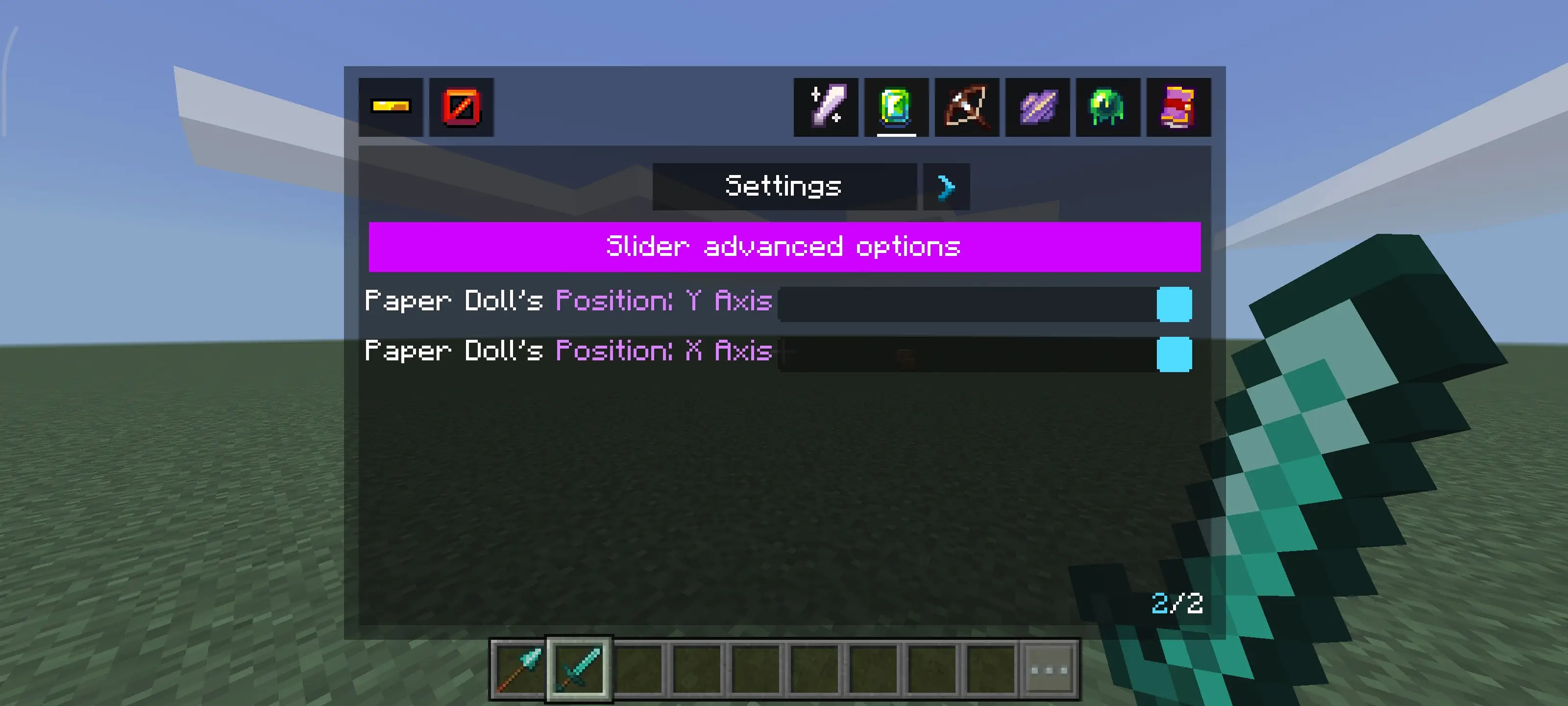
This pack allows you to unlock the true possibilities of the HUD, controlling everything in it, turning it on and off if you like, and so many useful…
⬇ DownloadThis texture pack allows you to unlock the true possibilities of the HUD, Controlling everything, Turning it on and off,So many useful modules that awaits you!
Made by HJN/Hotaka
The texture pack size is very optimized and the pack overall does not affect the gaming experience of the game, Instead by turning off options in the utility panel it will disable some heavy UI components.
Features Menu
How to open the menu?
You need to double-click the top left button in the pause screen.
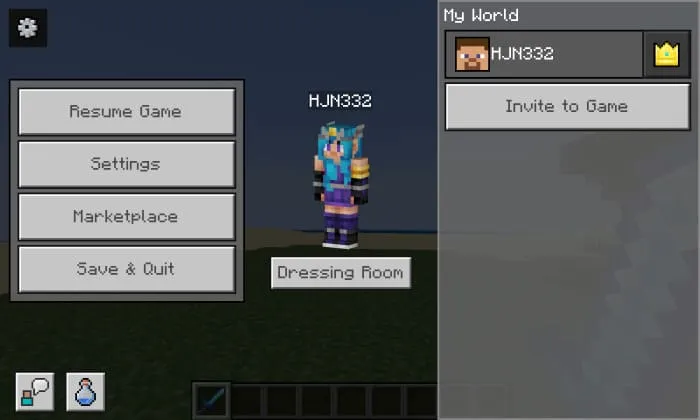
Showcase:
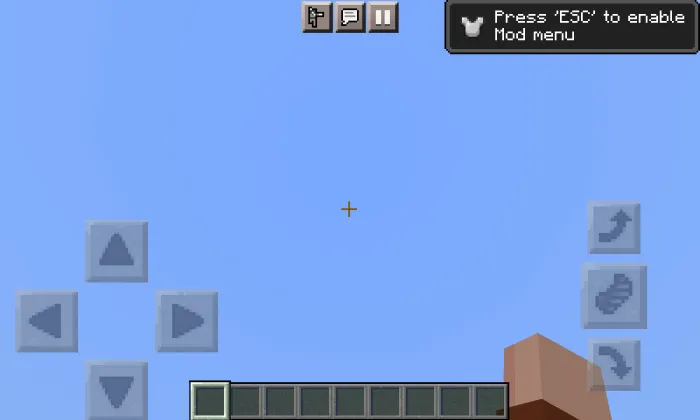
Special thanks to @Stitch who originally made the icons!
Her work can be found here: https://www.curseforge.com/minecraft/texture-packs/faithless
Terms of Use
What you can do:
- Reviewing this requires you to put the modbay website link, And Credit (HJN/Hotaka) in the description of the video.
- The pack will be open source, so if you want to edit the pack, feel free to edit it for ONLY private use.
What you can't do:
- Editing the pack and publishing it online
- Stealing the UI code and sharing it
Special Thanks
@TLGM (F1 panel and pack optimization)
JOIN OUR NEW DISCORD SERVER!
We'd love to have you in our discord server to chat with us, We have sophisticated channels for gaming and anime discussions.
JOIN HERE: https://discord.gg/jBn8nppfKy
Updated on February 4
- Fixed all issues and bugs
- Removed music tab due to minecraft updates
- Removed some modules
- Rebulit the features menu
- Added new modules
- Added optimizations
- Edition: Minecraft Bedrock
- File type: .mcpack
- Minecraft version listed: 1.21.130
- How to install: Download the .mcpack. → Open it — Minecraft imports it under Resource Packs. → Activate it in Global Resources, or for one world under Resource Packs → Available.
- Where to get it: In MCModsHub, or directly above on this page.
Install steps are the general flow for this file type — How to install Minecraft Bedrock texture packs walks through it step by step.
- Pack type: .mcpack — a single pack
- Manifest requires Minecraft 1.18.0 or newer
- Complete pack — everything it depends on is inside the file
- Download link checked 18 Jun 2026 — working
- Mirrored on our own servers — the download does not depend on the original host
These come from our own check of the pack file, not from the source page.