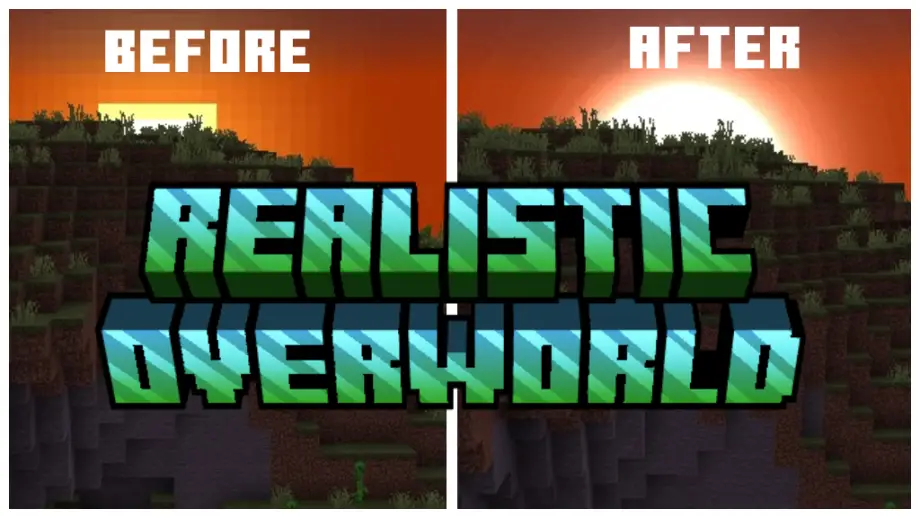
Realistic Overworld Texture Pack for MCPE 1.21.0
Bedrock texture pack listed for Minecraft 1.21. File opened and checked on 21 Sep 2026; installs from the MC Bedrock Mods app on Android.
Enhances Minecraft visuals with realistic environment textures, fogs, shaders, and lifelike sun and moon phases.
⬇ DownloadRealistic Overworld enhances Minecraft visuals with high-quality environment textures, realistic fogs, shaders, improved foliage colors, and lifelike sun and moon phases for an immersive experience.
Examples
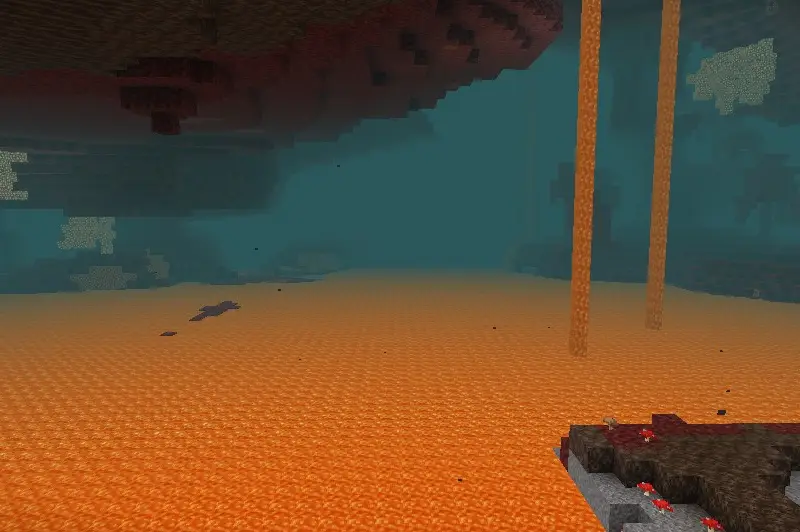
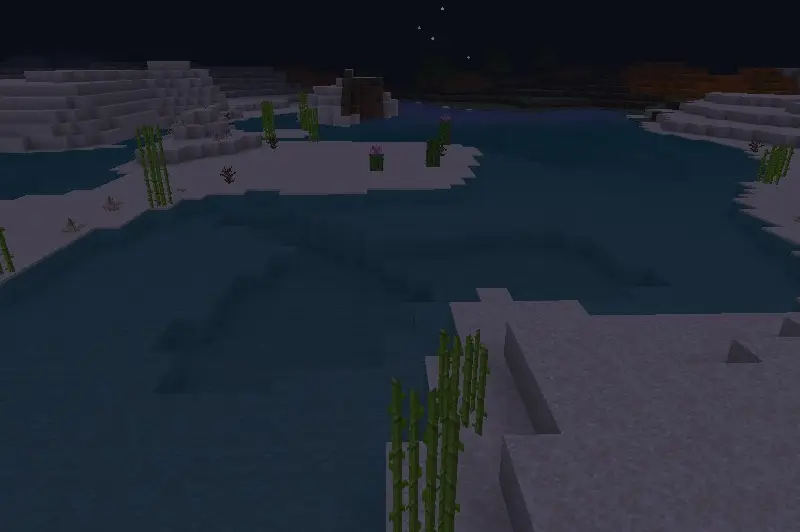
Also changed the environment textures and added fogs and shaders!
Features
- Nether fog
- Overworld fog (weather)
- Realistic sun and moon (all phases)
- Changed foliages and grass colormap
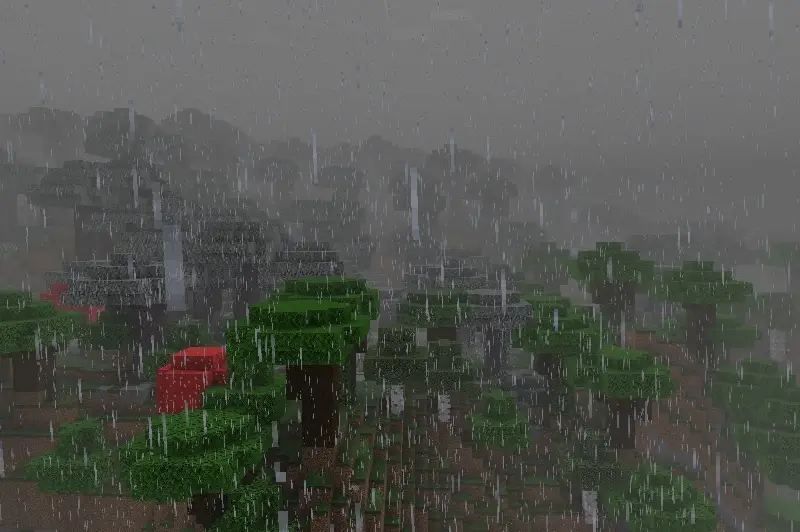
Warning: If raining, there is no splash particles
Don't forget to activate the experimental mode!
Updated on January 20, 2026
- The new update V2
- Fix shader files
- Fix some bugs and errors
- Fix splash textures
- Added water shading
- Edition: Minecraft Bedrock
- File type: .mcpack
- Minecraft versions listed: 1.21.0, 1.21
- How to install: Download the .mcpack. → Open it — Minecraft imports it under Resource Packs. → Activate it in Global Resources, or for one world under Resource Packs → Available.
- Where to get it: In MCModsHub, or directly above on this page.
Install steps are the general flow for this file type — How to install Minecraft Bedrock texture packs walks through it step by step.
- Pack type: .mcaddon — behaviour and resource pack in one file
- Manifest requires Minecraft 1.21.0 or newer
- Complete pack — everything it depends on is inside the file
- Download link checked 18 Jun 2026 — working
- Mirrored on our own servers — the download does not depend on the original host
These come from our own check of the pack file, not from the source page.