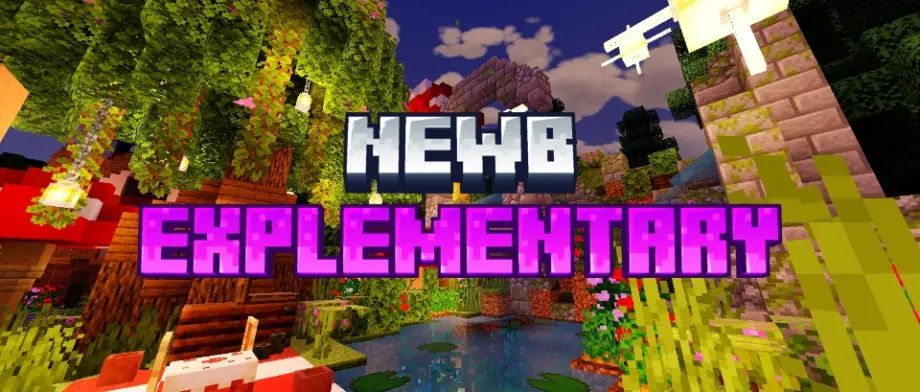
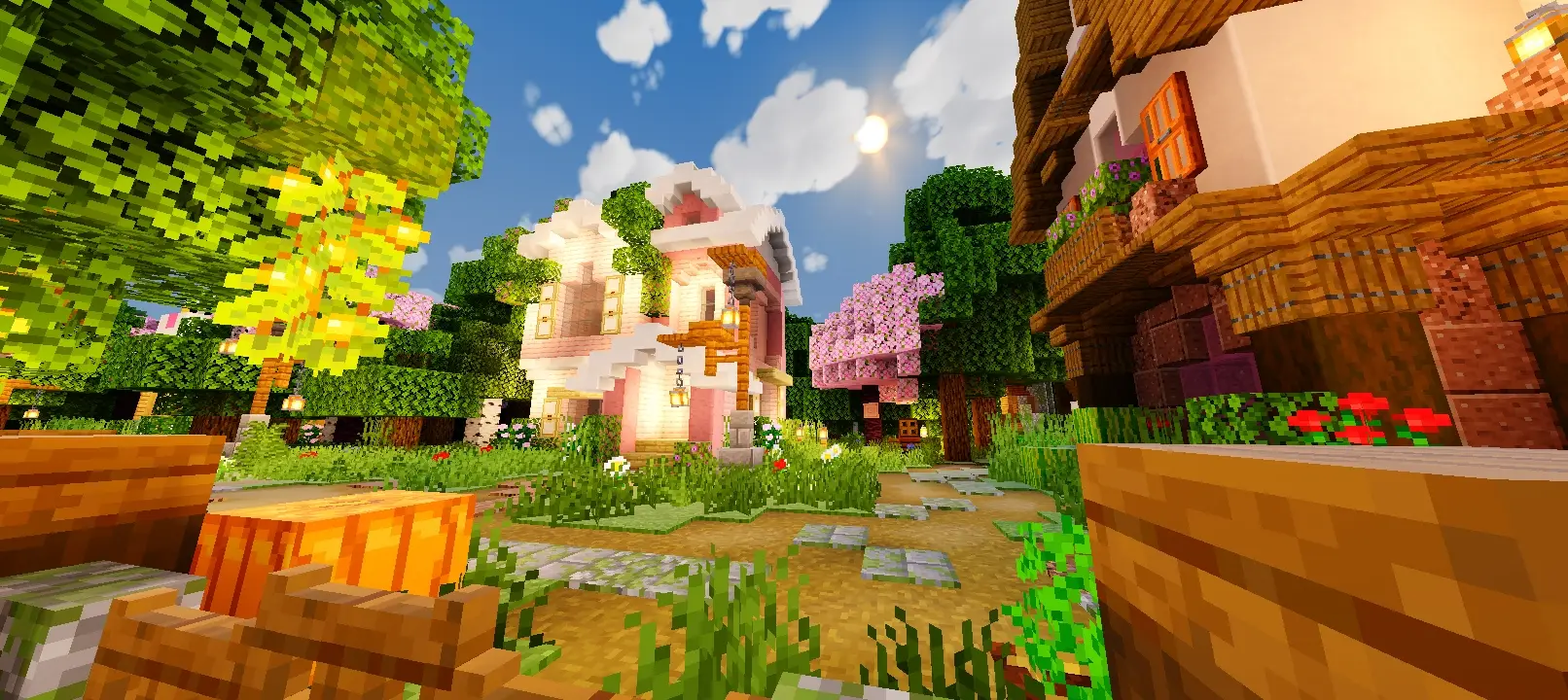
Newb Explementary Edition Shader for MCPE 1.21.100
Bedrock texture pack listed for Minecraft 1.21. File opened and checked on 22 Sep 2026; installs from the MC Bedrock Mods app on Android.
⬇ DownloadNewb Explementary Edition Shader enhances Minecraft with realistic lighting, clouds, and effects, supporting Render Dragon for a more immersive and visually stunning experience.
Logo
Features
- Round sun
- Moonlight rays (by devendrn)
- Realistic newb clouds (clouds 3)
- Colourful shooting stars
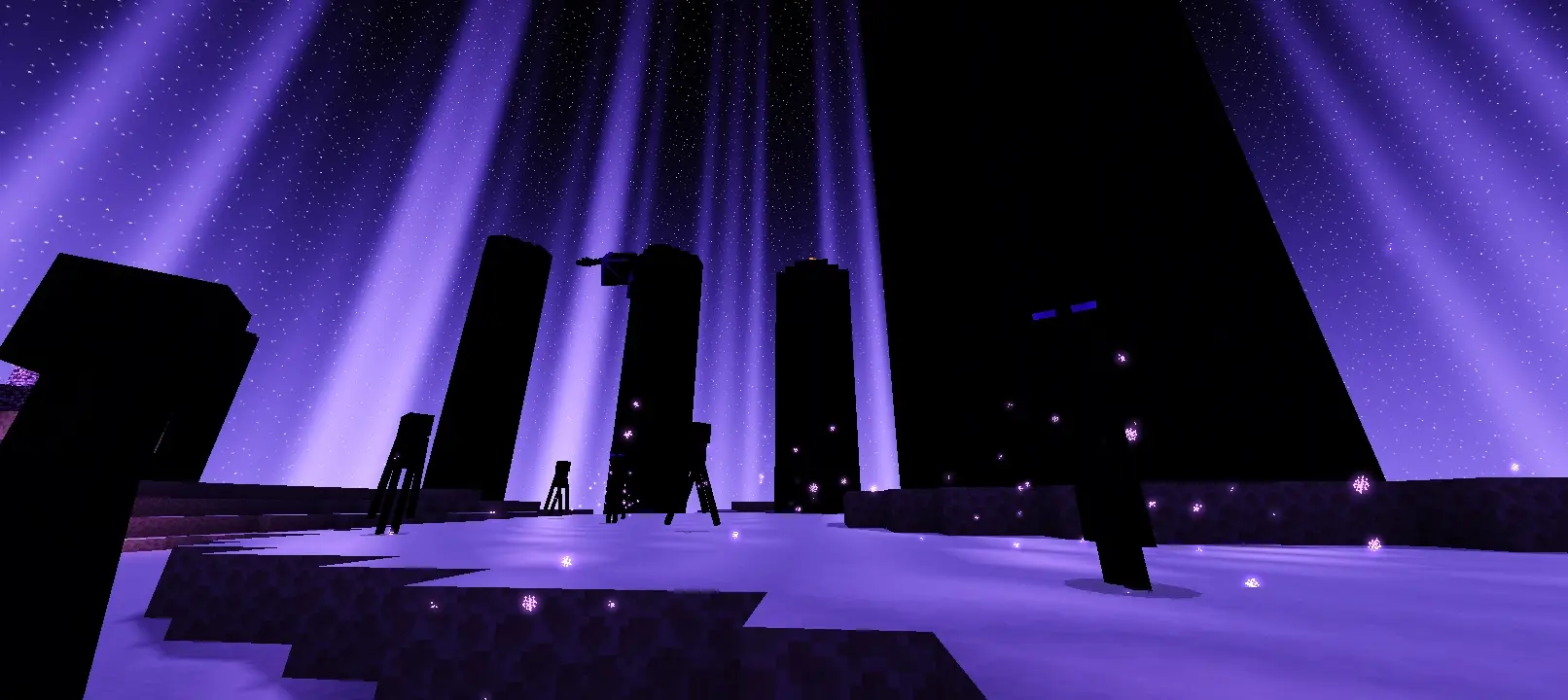
- Glowing streaks end sky
- Hard shadows
- Glowing ores and some other blocks
- Glowing mob effect particles
- Aurora
- Lantern wave
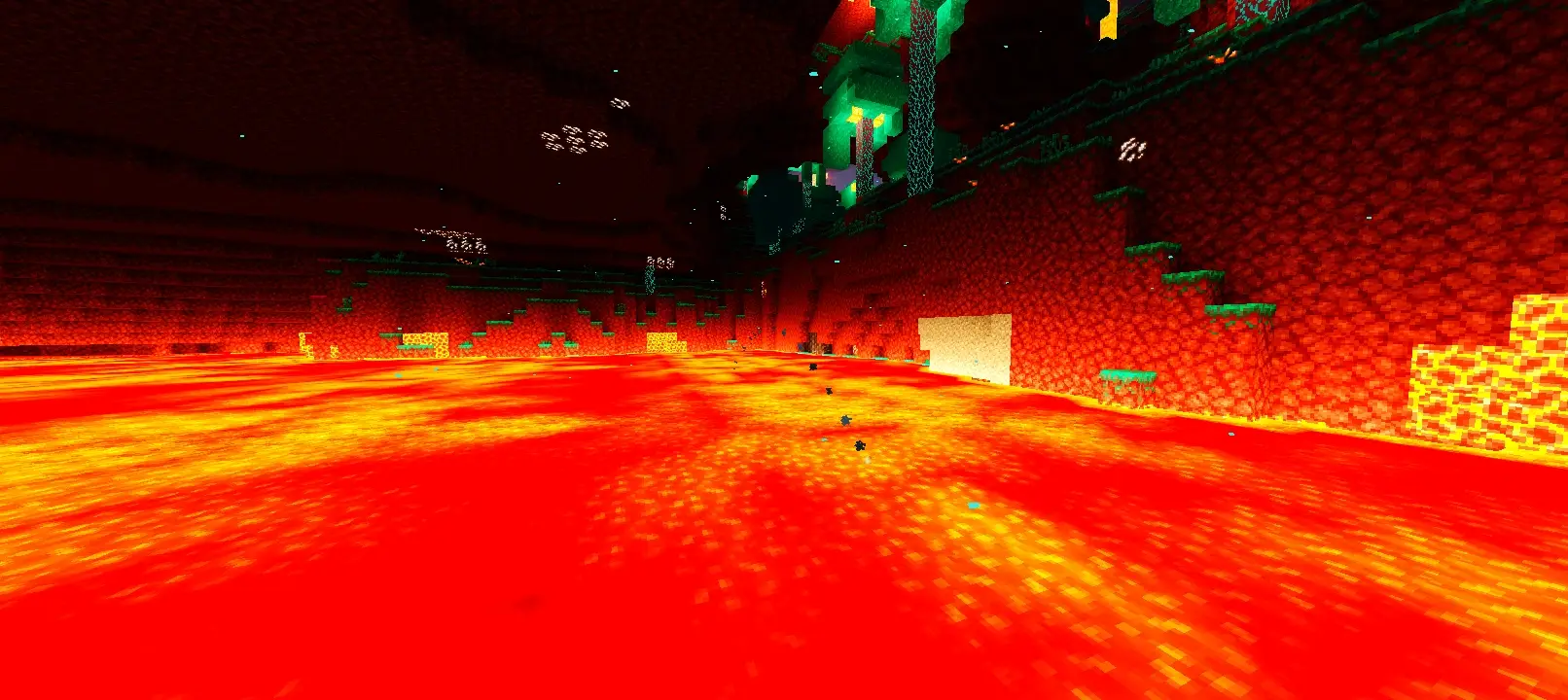
- Randomised darkened lava regions
- Slightly slanted rain particles
Subpacks
- Default - Has all the things listed above
- Boxy clouds - Clouds similar to complementary reimagined
- Chunk animation - Chunks animate while rendering
- No aurora - Doesn't have aurora in the night sky
Note
This shader is not official, so you need an MB Loader or Minecraft Bedrock modification, like:
- Minecraft Patch (Android)
- DracoPatch (Android)
- Better Render Dragon (Windows)
MB Loader is available on the Play Store.
- MB Loader
If you want Better Render Dragon, you can get it on the official GitHub.
- Better Render Dragon
How to Import the Shader
To import the shader to Minecraft (using ZArchiver):
- Delete the old pack.
- Click the "Newb X Shader (all versions).zip" file.
- Click "Extract to ./<archive name>/".
- Find the extracted "Newb X Shader (all versions)" folder.
- You'll get the extracted ".mcpack" files inside.
Do Not Relink or Redistribute Modified Files
COPYRIGHT / CREDIT / SOURCE
Creator:
- BatmanBinSuparman49
Newb Community Creator:
- deven
- Edition: Minecraft Bedrock
- File type: .mcpack
- Minecraft version listed: 1.21.100
- How to install: Download the .mcpack. → Open it — Minecraft imports it under Resource Packs. → Activate it in Global Resources, or for one world under Resource Packs → Available.
- Where to get it: In MCModsHub, or directly above on this page.
Install steps are the general flow for this file type — How to install Minecraft Bedrock texture packs walks through it step by step.
- Pack type: .mcpack — a single pack
- Manifest requires Minecraft 1.21.20 or newer
- Complete pack — everything it depends on is inside the file
- Download link checked 18 Jun 2026 — working
- Mirrored on our own servers — the download does not depend on the original host
These come from our own check of the pack file, not from the source page.