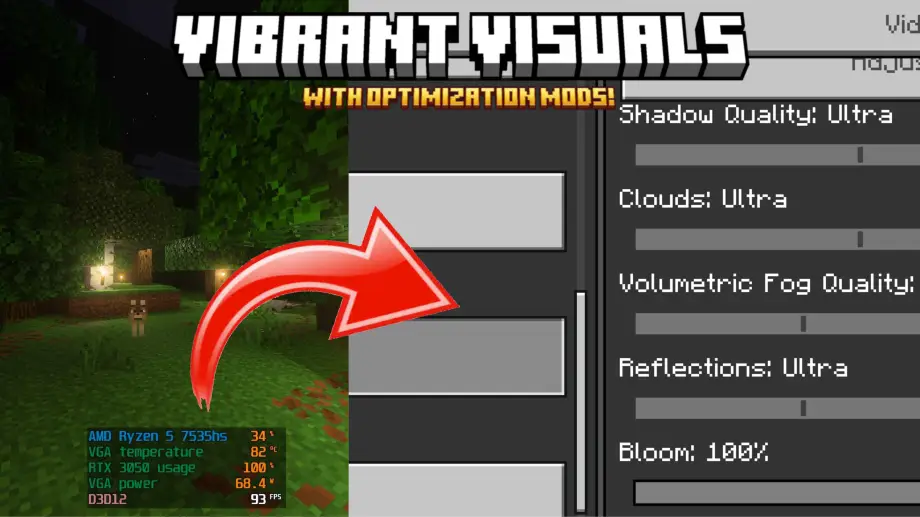

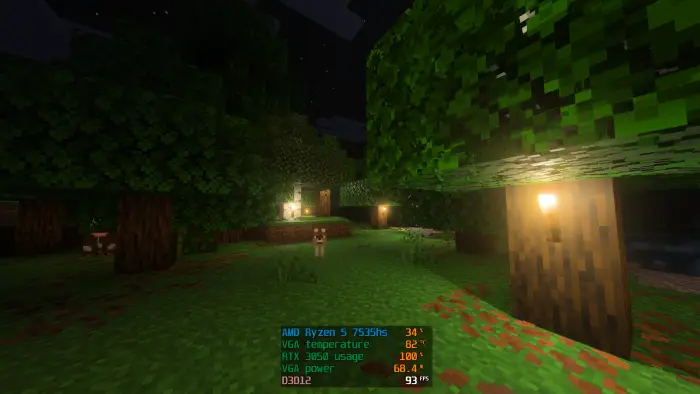
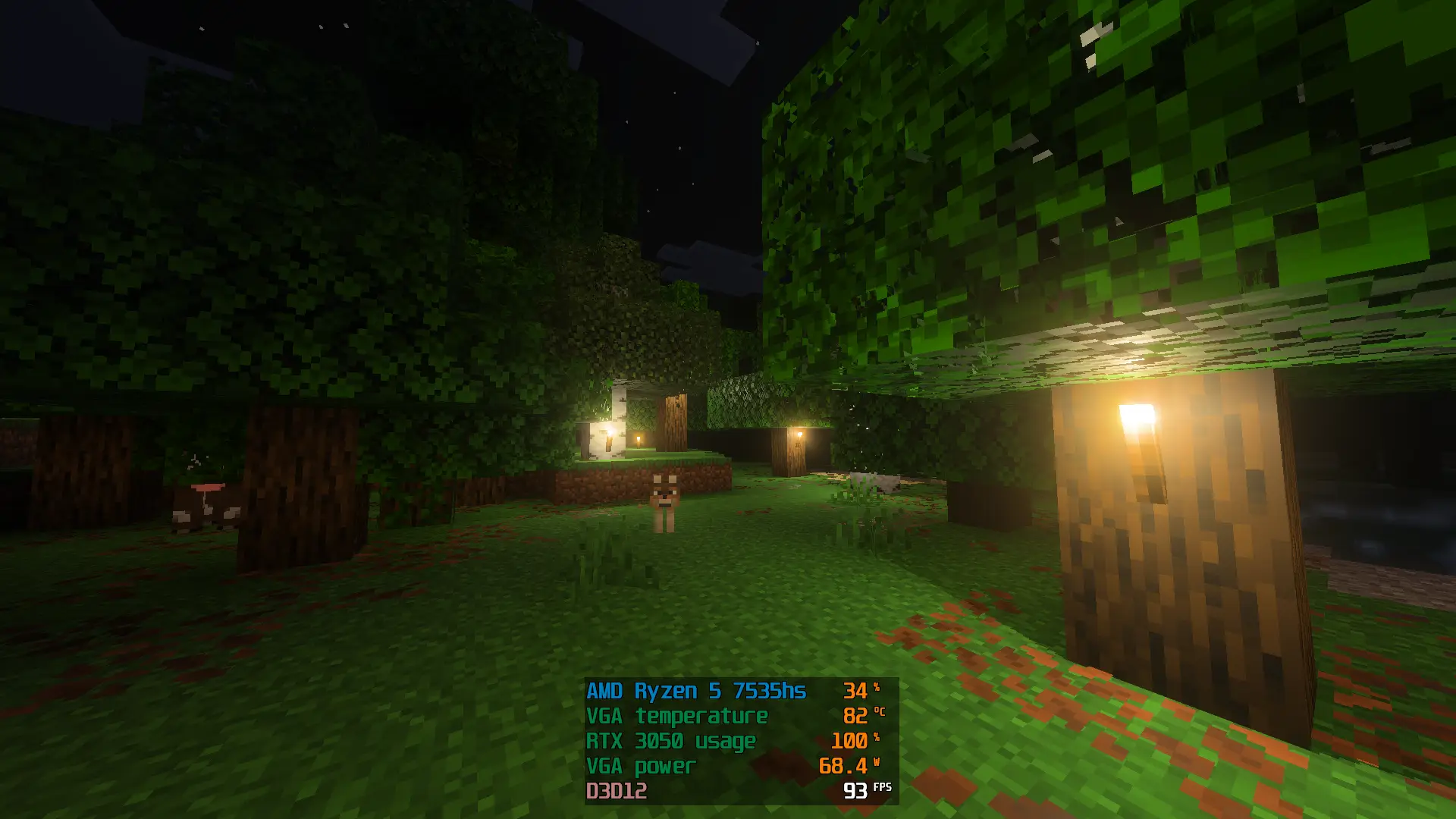
Vibrant Visual Optimization enhances Minecraft Bedrock's visuals and boosts FPS on PC and laptop by improving water, lighting, and shadow performance.
Changelogs
- Improve performance on water
- Improve performance on point light
- Clear water
- Soft shadow
Screenshots
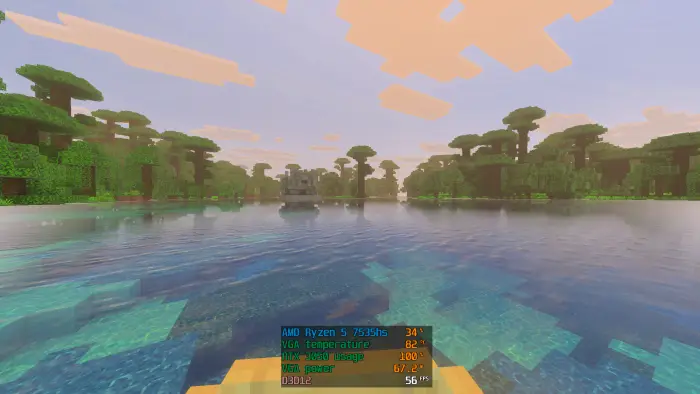
Before
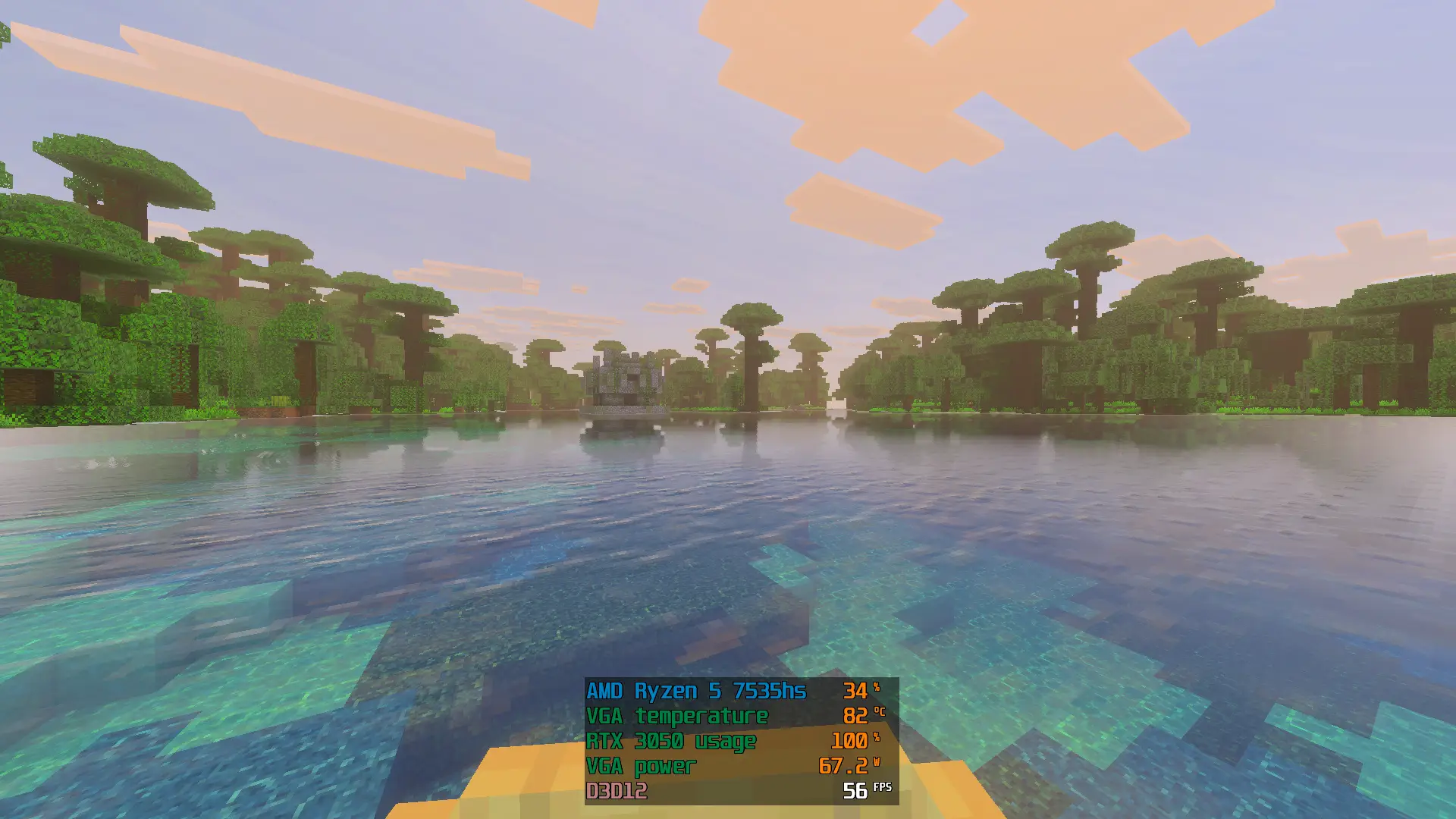
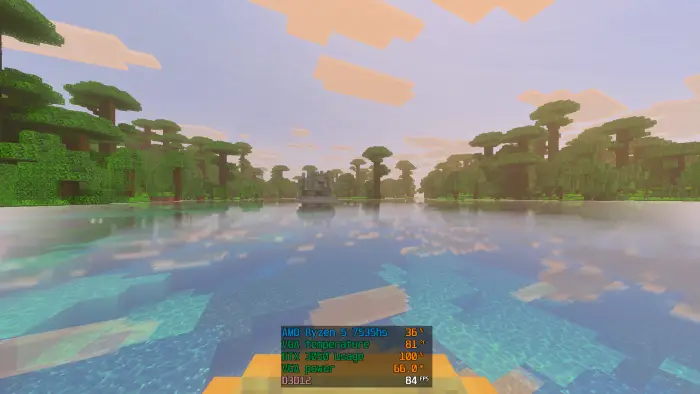
After
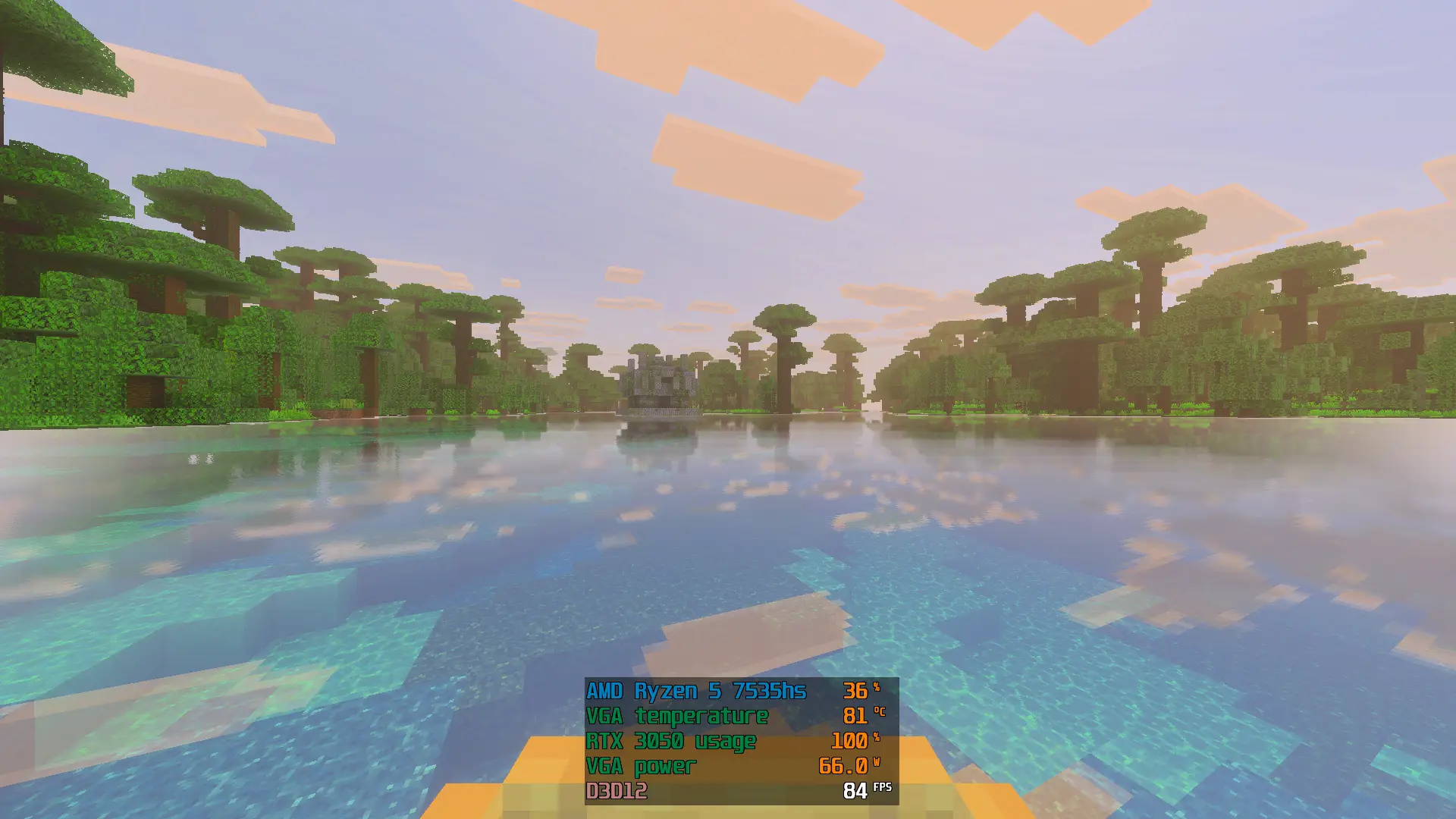
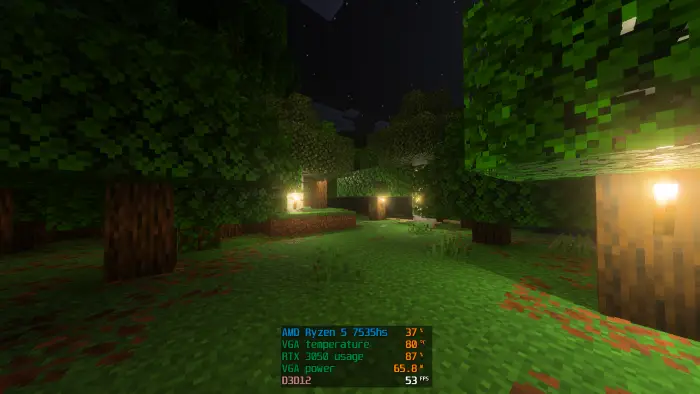
Before
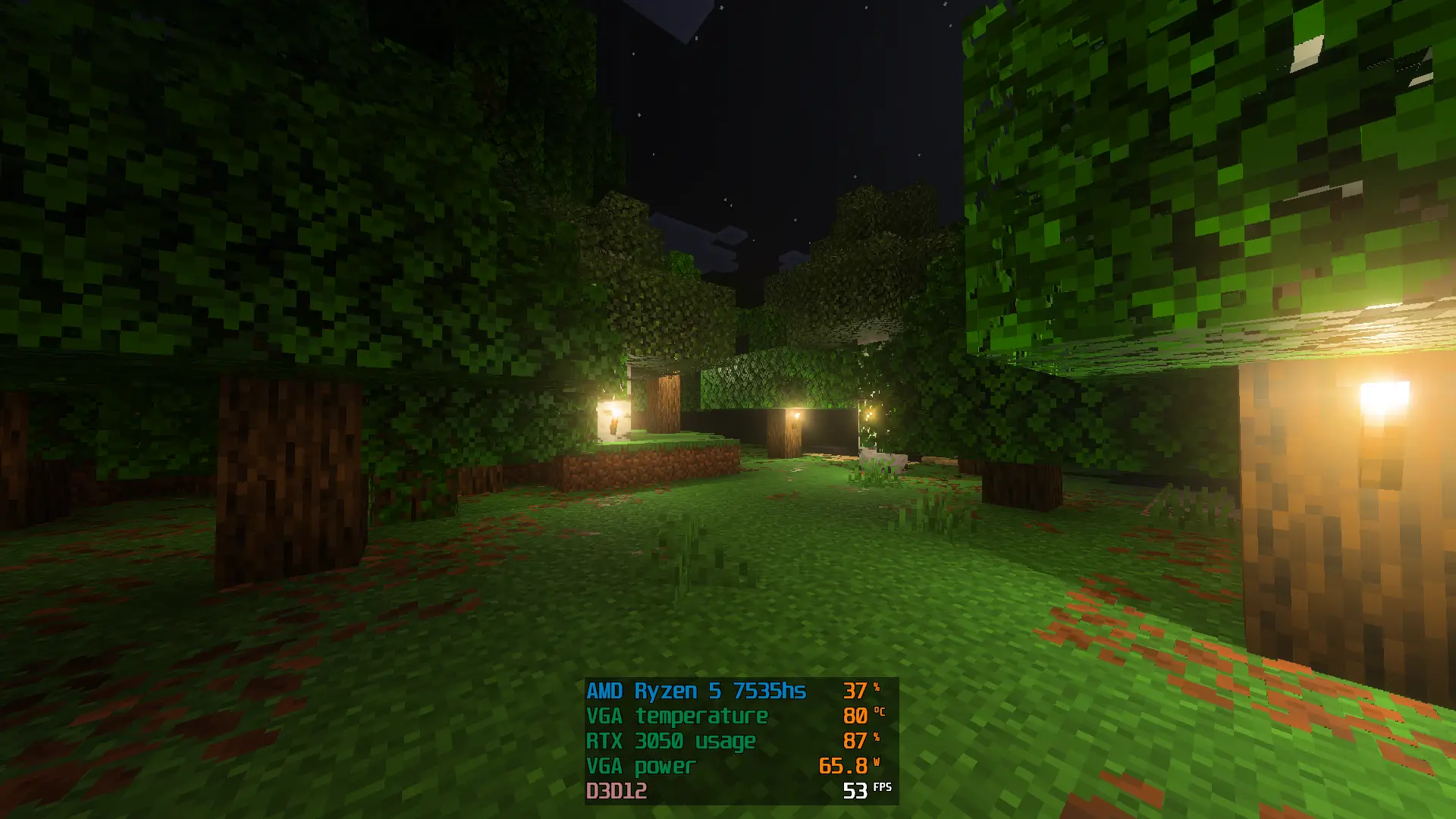
After
How to Install
New tutorial for installing optimization mods on Vibrant Visuals on Windows:
youtu.be/EMmkC92iT1s?si=ILP_vAMD4Ox8_IFW
Showcase
Vibrant Visual Optimization Mods - Fixed Low FPS and Improve Shadow! || Minecraft Bedrock 1.21+
Usage and Permissions
- You are allowed to showcase "Vibrant Visual Optimization Mods" but you must use the original link from this website or the "Strawberry Graphics" Discord server link below:
- If you violate the above rules, you may be subject to copyright action.
Quick facts
- Edition: Minecraft Bedrock
- File type: .mcpack
- Minecraft version listed: 1.21
- How to install: Download the .mcpack. → Open it — Minecraft imports it under Resource Packs. → Activate it in Global Resources, or for one world under Resource Packs → Available.
- Where to get it: In MCModsHub, or directly above on this page.
Install steps are the general flow for this file type — How to install Minecraft Bedrock texture packs walks through it step by step.
Vibrant Visual Optimization Texture Pack for Minecraft is a free Minecraft Bedrock texture pack. Compatible with Minecraft 1.21. Available via Modbay. Download it and open it directly in the game.