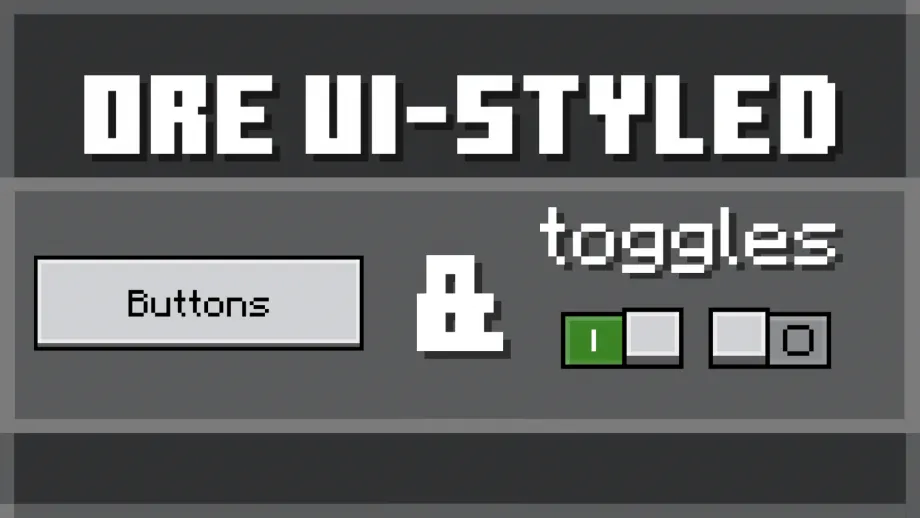
Ore UI-Styled Buttons & Toggles Texture Pack for MCPE
Bedrock texture pack listed for Minecraft 1.21. File opened and checked on 19 Sep 2026; installs from the MC Bedrock Mods app on Android.
Ports Ore UI-style to current UI (JSON UI). This pack is a port of the Ore UI visuals seen in some of the new UIs (achievements screen, create and edit…
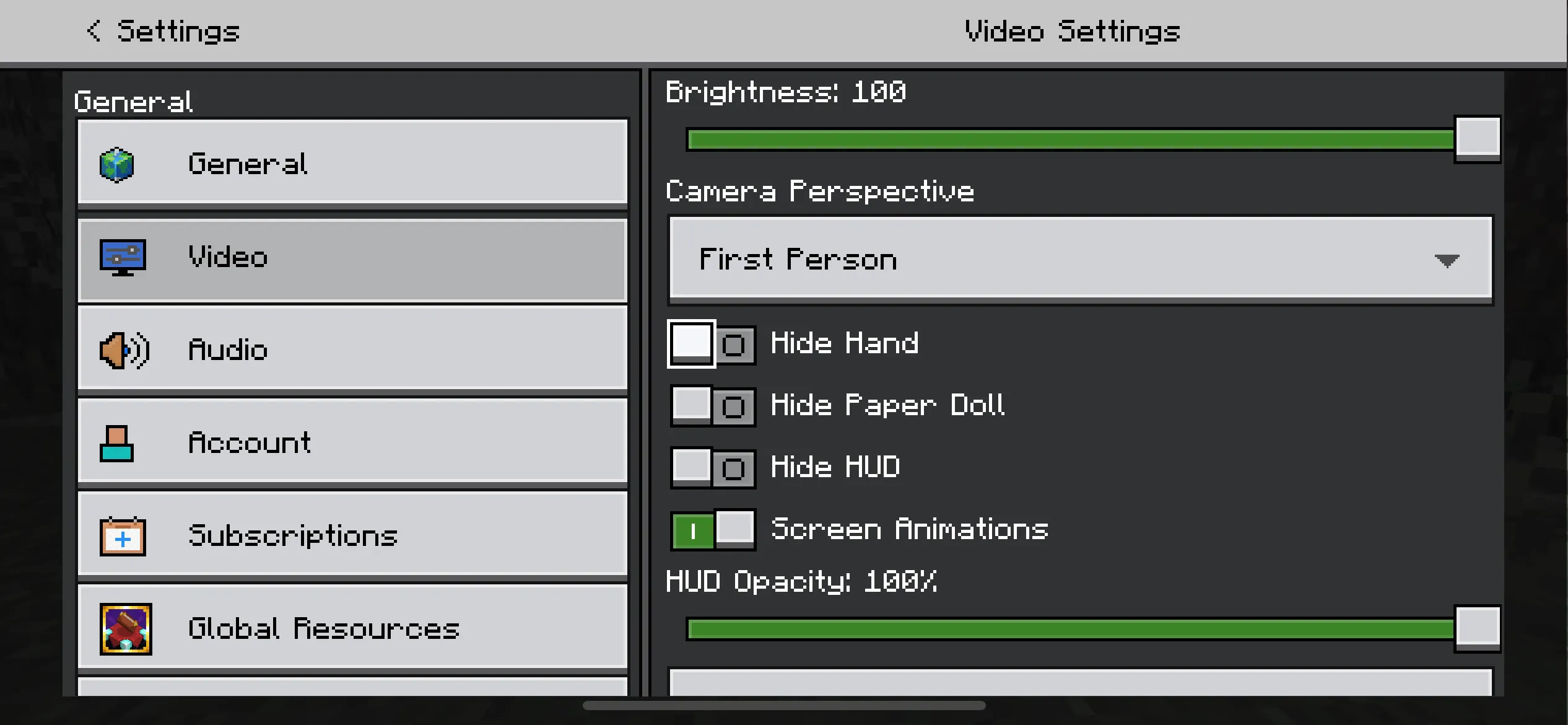
⬇ DownloadThis pack is a port of the Ore UI visuals seen in some of the new UIs (achievements screen, create and edit world screen, etc).
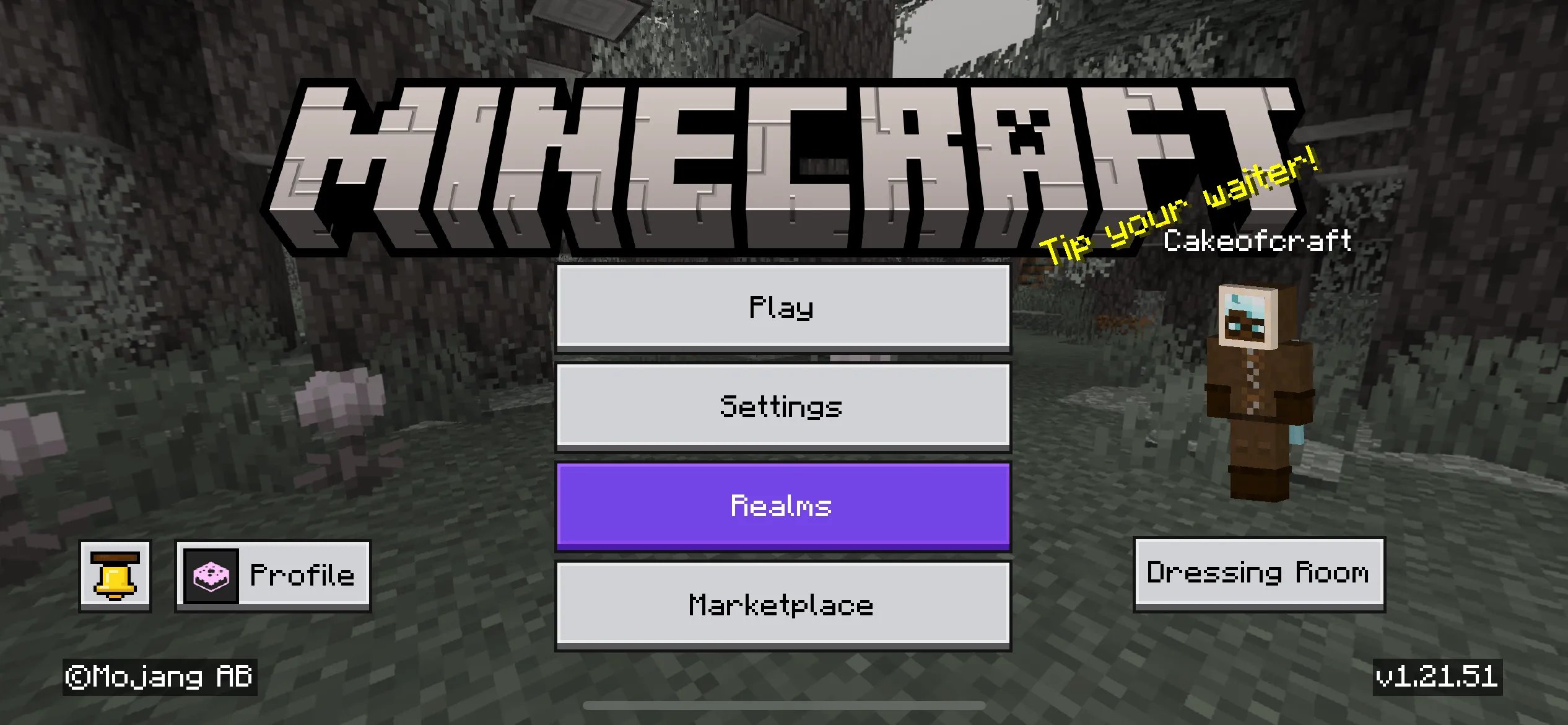
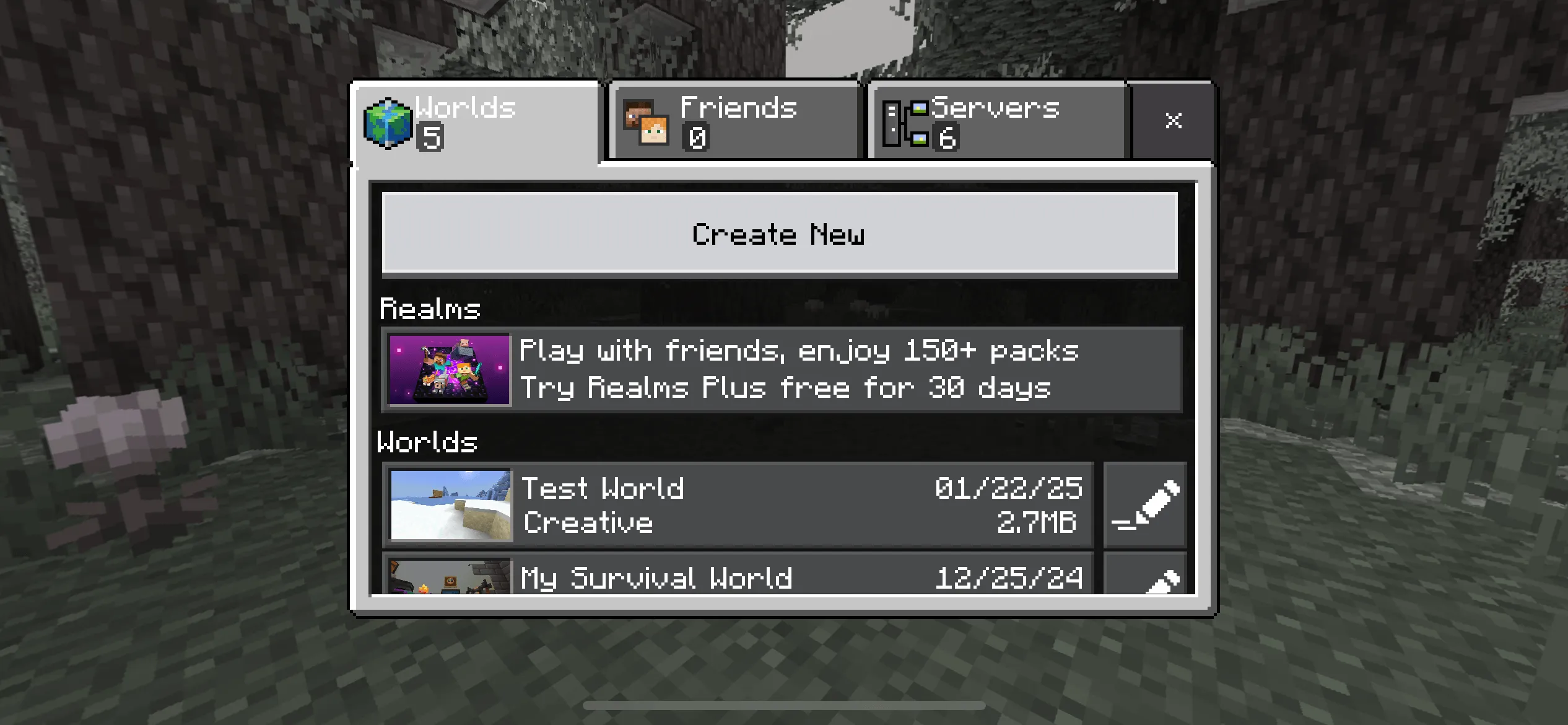
The goal is to make it into a full ore UI pack before most screens have transferred to the new UI with resource pack compatibility. Currently, this packs affects the buttons, toggles and sliders seen in-game.
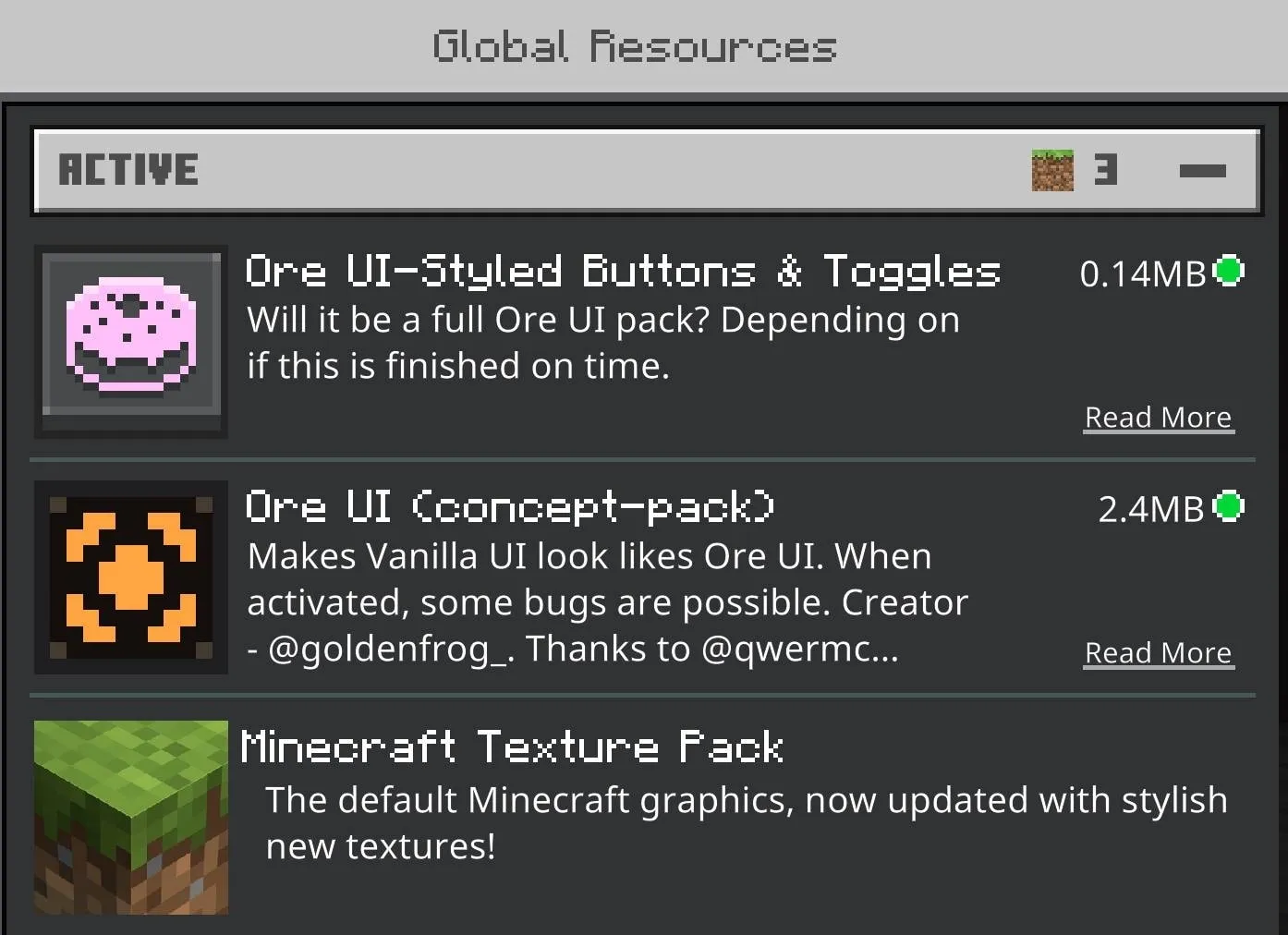
Since this pack is mostly incomplete, it is recommended to use another Ore UI pack above it. Here are the ones I recommend:
- Bedrock Preview UI by Enchanted_Games: less accurate but retains most resource pack compatibility.
- https://modbay.org/textures/3498-bedrock-preview-ui.html
- Ore UI (concept-pack) by GoldenFrog: more accurate but has errors and doesn't have much resource pack compatibility.
- https://www.planetminecraft.com/texture-pack/ore-ui-concept-pack/
Below is an image of how to place the packs in the game. The ore UI pack can be which one you want:
Screenshots:
Known issues:
So far, this pack isn't perfect and here is a list of known issues:
There are content errors in this pack. It is recommended to disable the content GUI until they are fixed.
Not all borders work properly as they need to be set up in the first place. Here is a list of known border inconsistencies:
- Settings categories
- Dropdown
- Dressing room button (Start screen)
- Miscellaneous buttons for other resource packs
- Edition: Minecraft Bedrock
- File type: .mcpack
- How to install: Download the .mcpack. → Open it — Minecraft imports it under Resource Packs. → Activate it in Global Resources, or for one world under Resource Packs → Available.
- Where to get it: In MCModsHub, or directly above on this page.
Install steps are the general flow for this file type — How to install Minecraft Bedrock texture packs walks through it step by step.
- Pack type: .mcaddon — behaviour and resource pack in one file
- Manifest requires Minecraft 1.21.0 or newer
- Complete pack — everything it depends on is inside the file
- Download link checked 18 Jun 2026 — working
- Mirrored on our own servers — the download does not depend on the original host
These come from our own check of the pack file, not from the source page.