Notexturepe Texture Pack for Minecraft Bedrock 1.21.0
Bedrock texture pack listed for Minecraft 1.20–27.x. File opened and checked on 28 Sep 2026; installs from the MC Bedrock Mods app on Android.
Every texture you can see becomes nothing in the game now (doesn't include education edition and hardcoded textures). Maybe you can survive in a world…
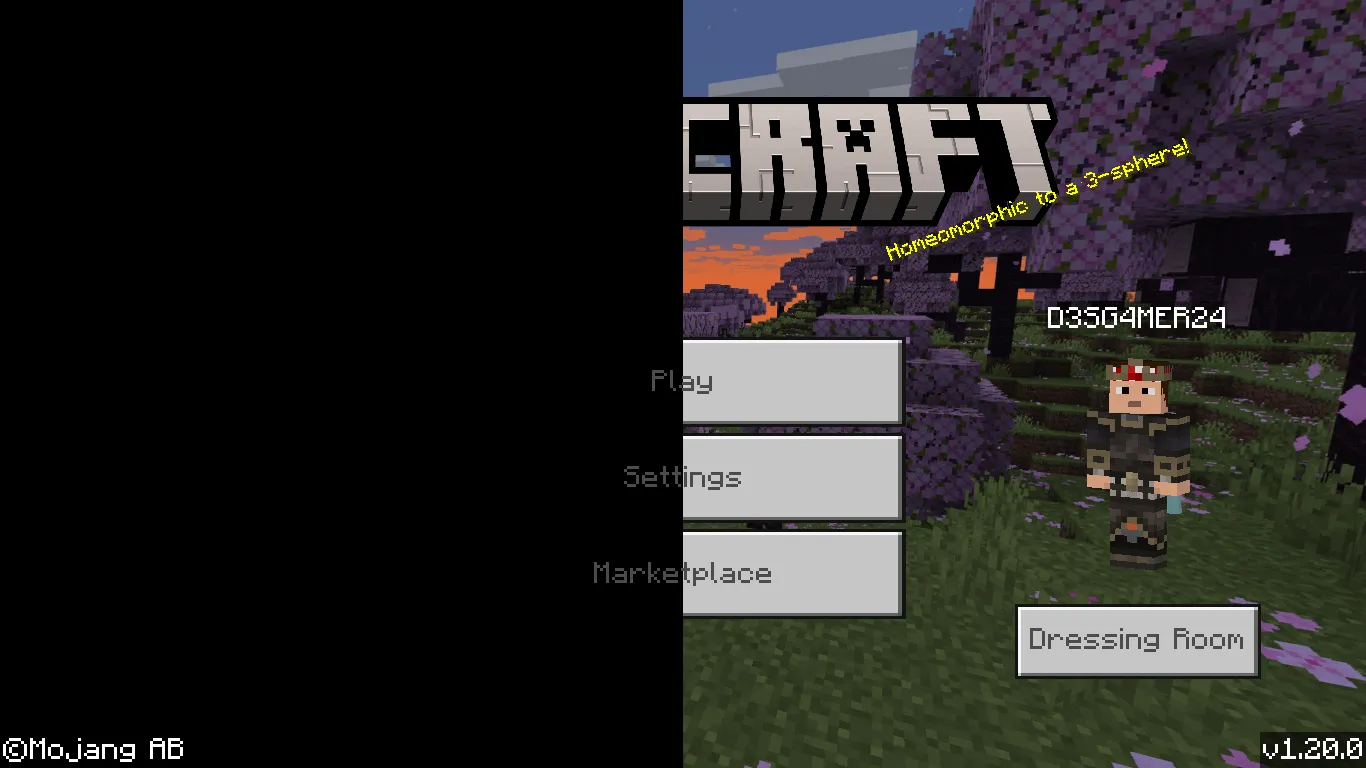
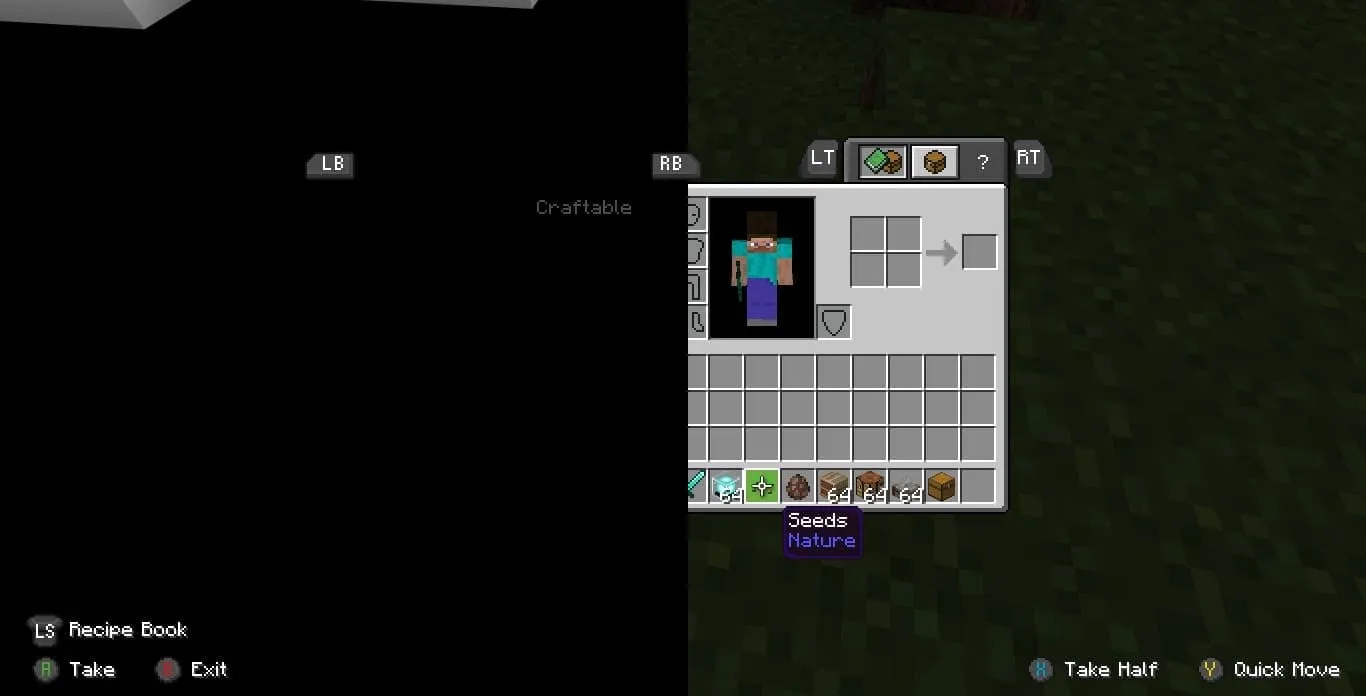
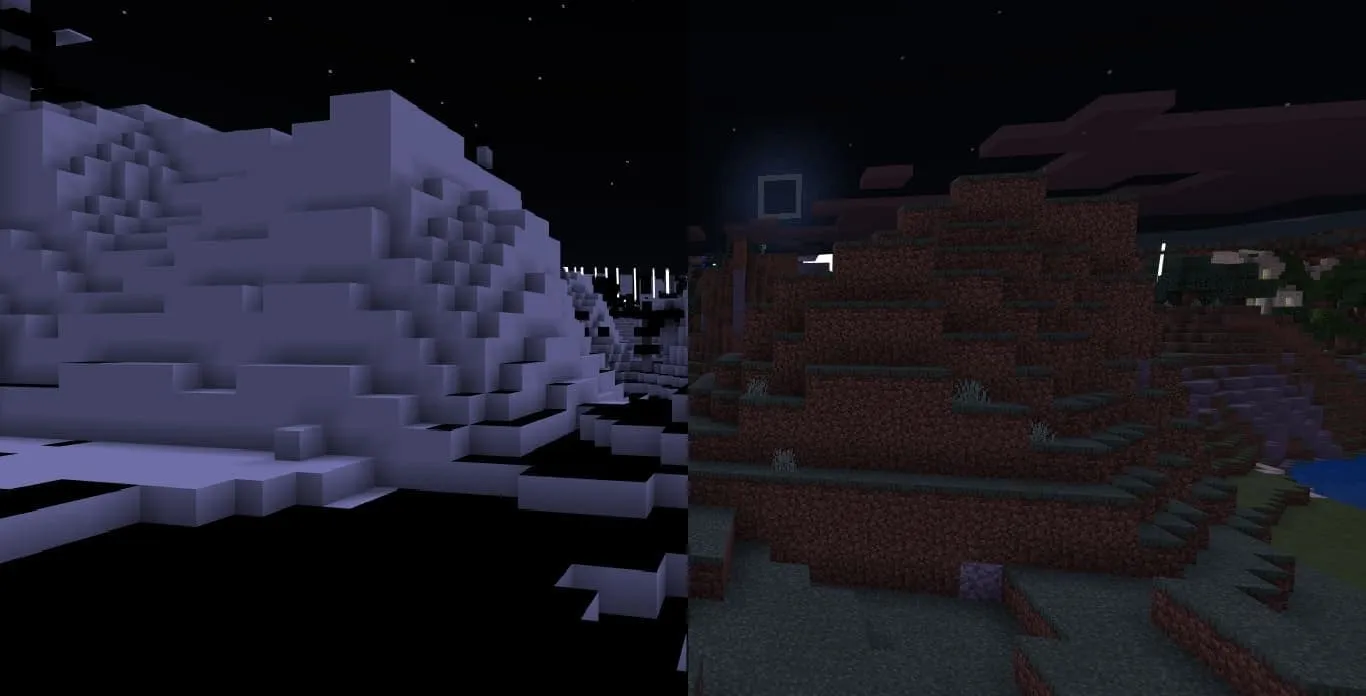
⬇ DownloadThis texture pack removes many Minecraft textures, making the game world black and white. You won't even be able to see the interface (including objects, buttons, and other elements). Maybe you can survive in such a harsh world?
Every texture you can see becomes nothing in the game now (which doesn't include the education edition and hardcoded textures).
1.6 Update: armored paws & tricky trials & 1.20.10 updates.
Screenshots:
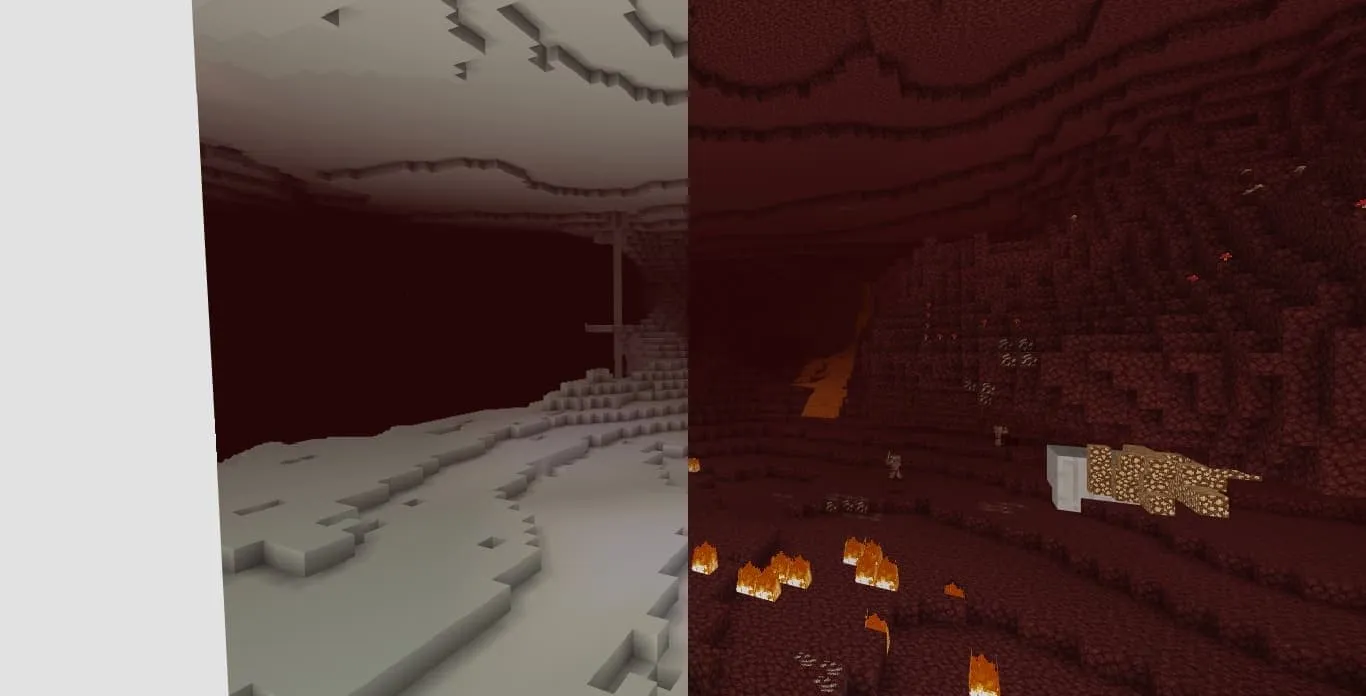
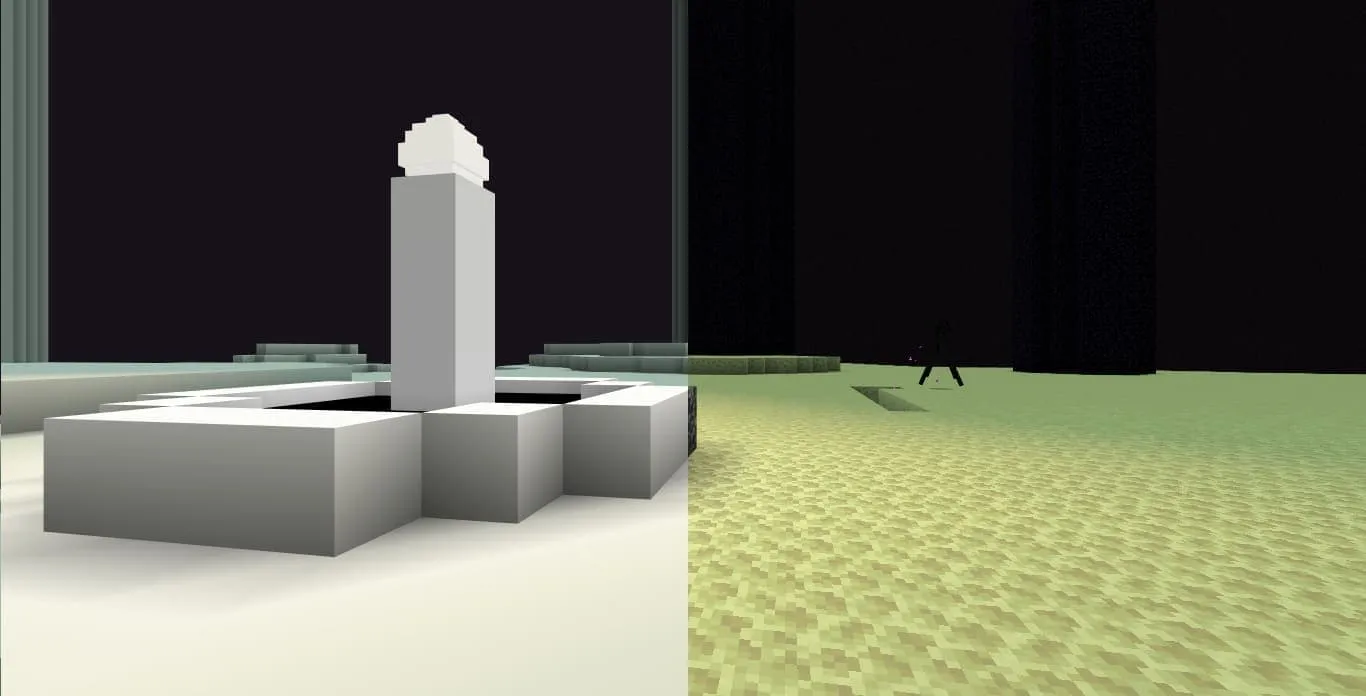
Updated on June 14
- Updated to 1.21
- Edition: Minecraft Bedrock
- File type: .mcpack
- Minecraft versions listed: 1.21.0, 1.20.10, 1.21
- How to install: Download the .mcpack. → Open it — Minecraft imports it under Resource Packs. → Activate it in Global Resources, or for one world under Resource Packs → Available.
- Where to get it: In MCModsHub, or directly above on this page.
Install steps are the general flow for this file type — How to install Minecraft Bedrock texture packs walks through it step by step.
- Pack type: .mcpack — a single pack
- Complete pack — everything it depends on is inside the file
- Download link checked 18 Jun 2026 — working
- Mirrored on our own servers — the download does not depend on the original host
These come from our own check of the pack file, not from the source page.