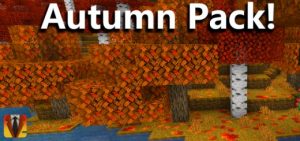
Autumn Leaves by JayCubTruth
Bedrock texture pack listed for Minecraft 1.13. File opened and checked on 30 Sep 2026; installs from the MC Bedrock Mods app on Android.
⬇ Download
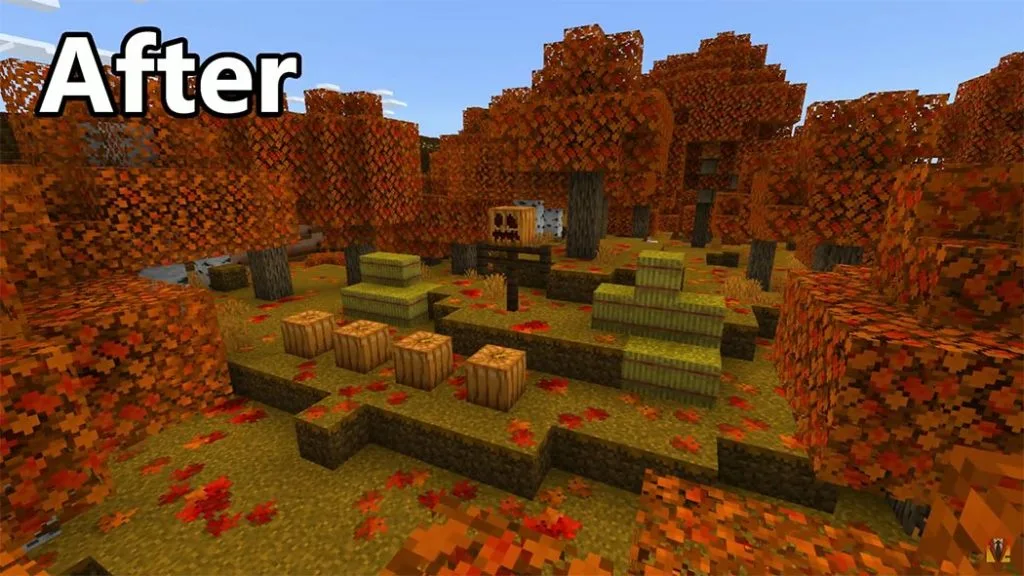
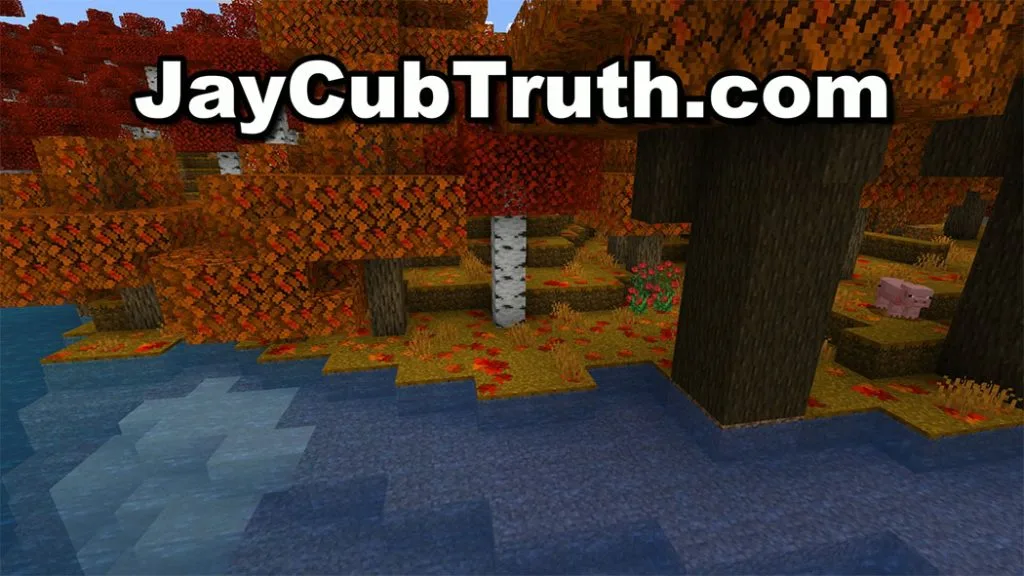
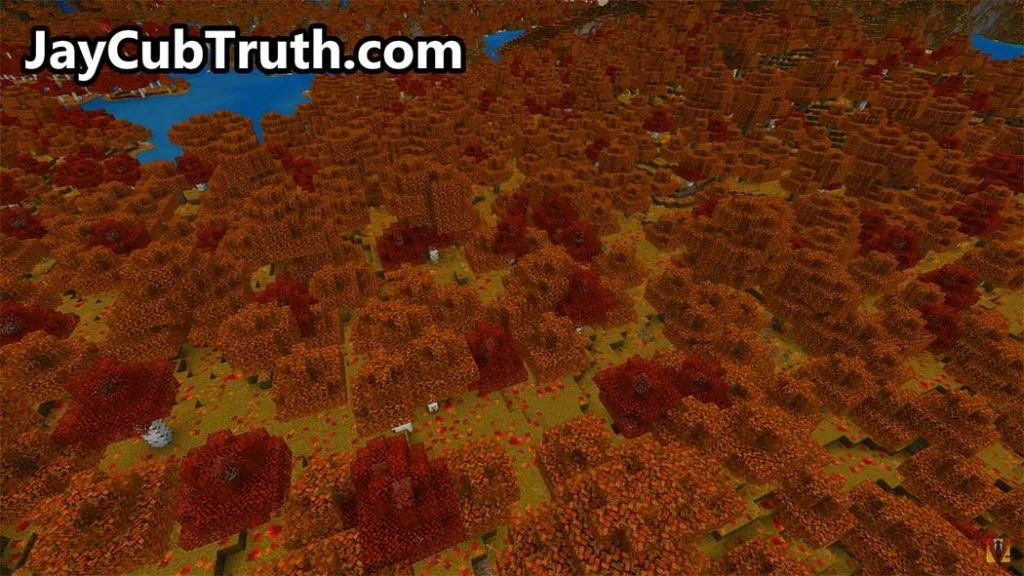
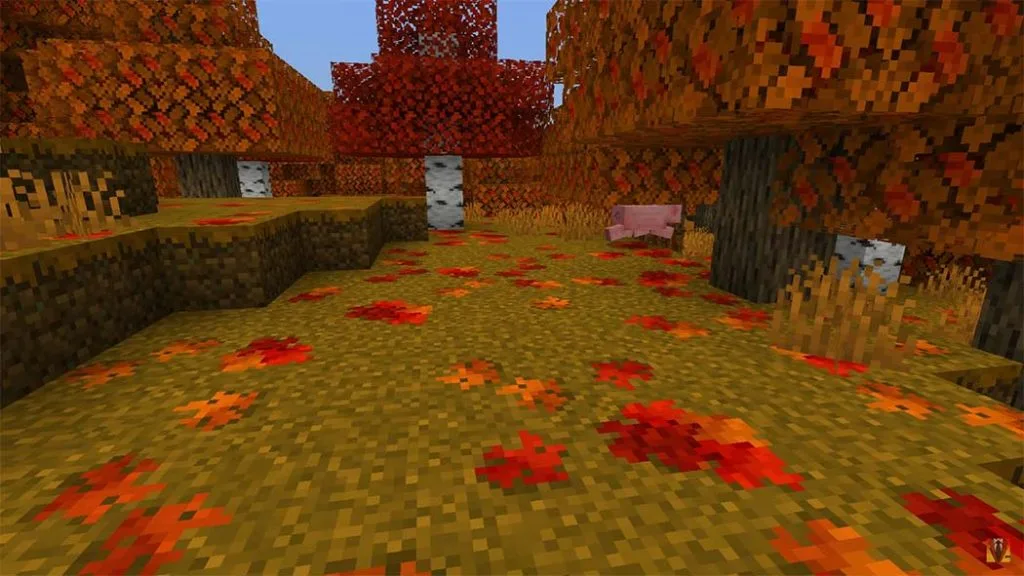
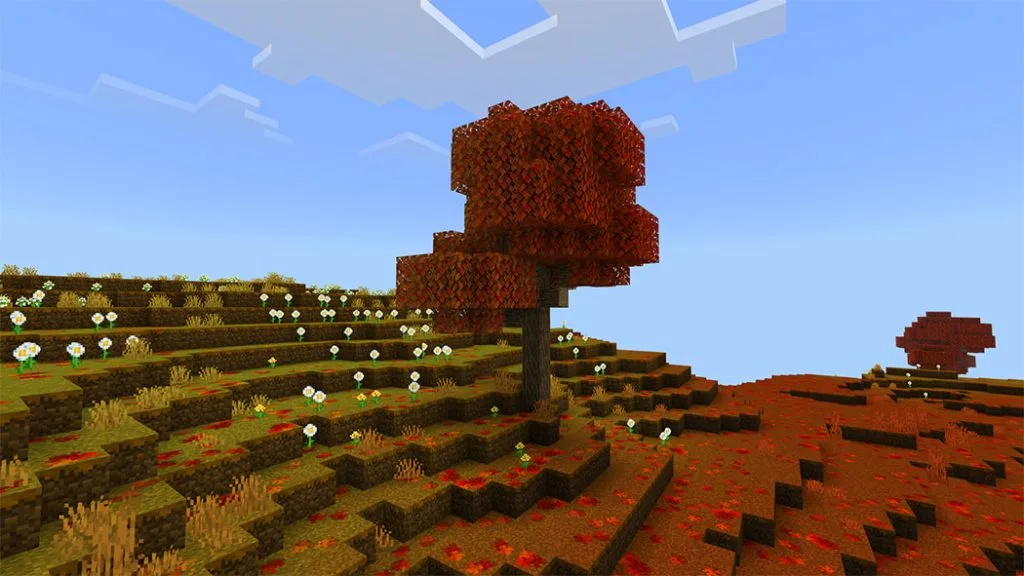
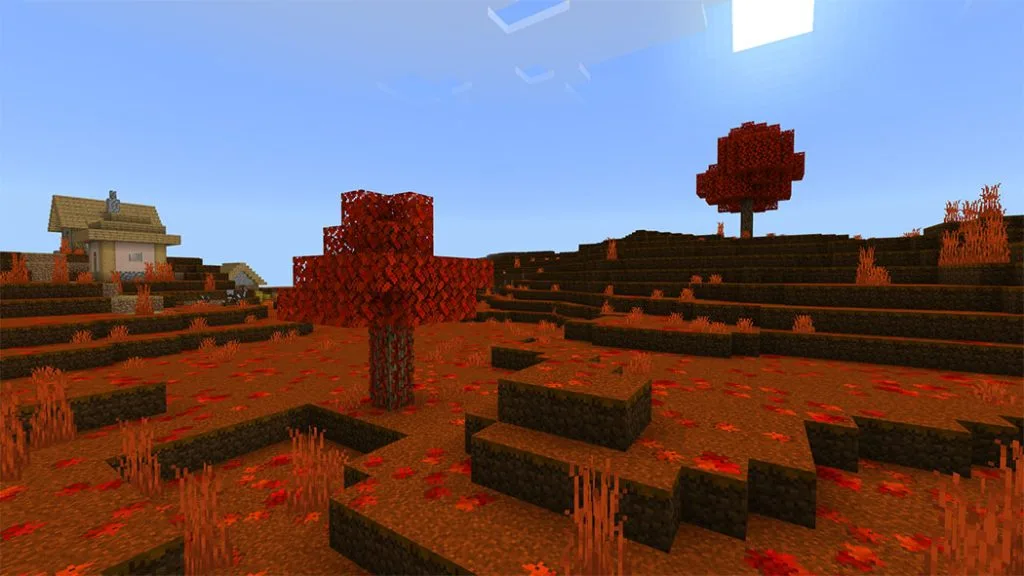

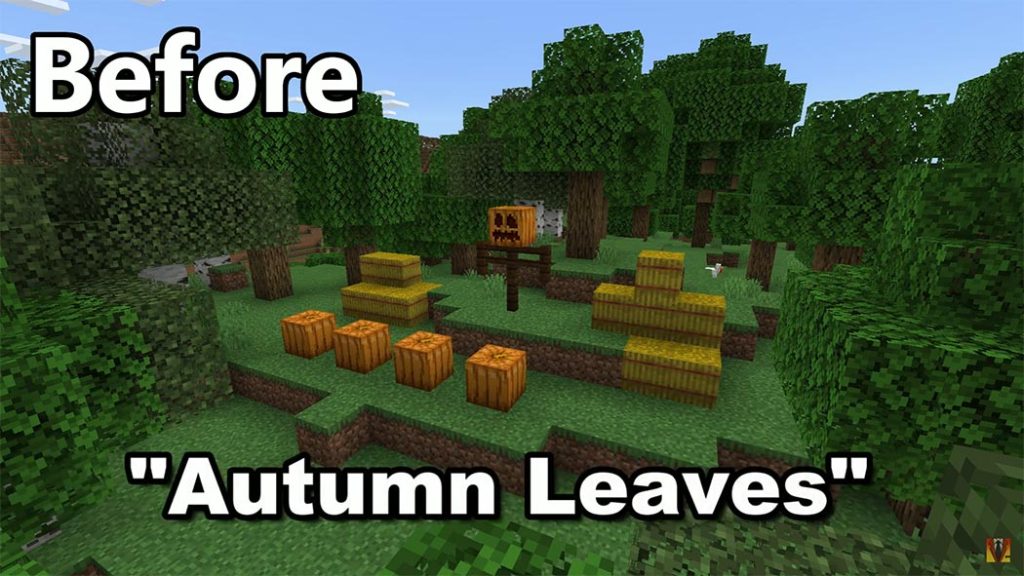
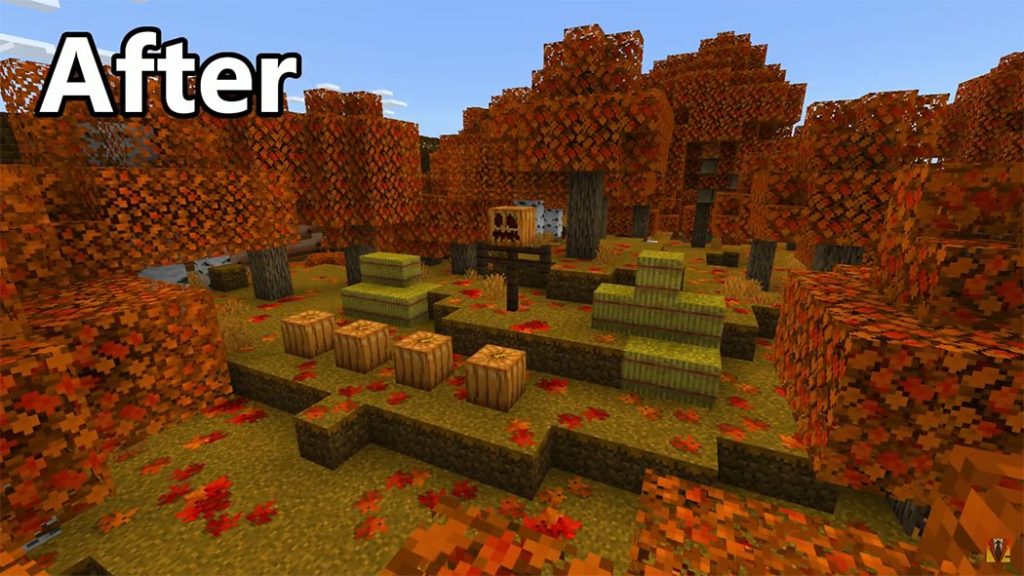
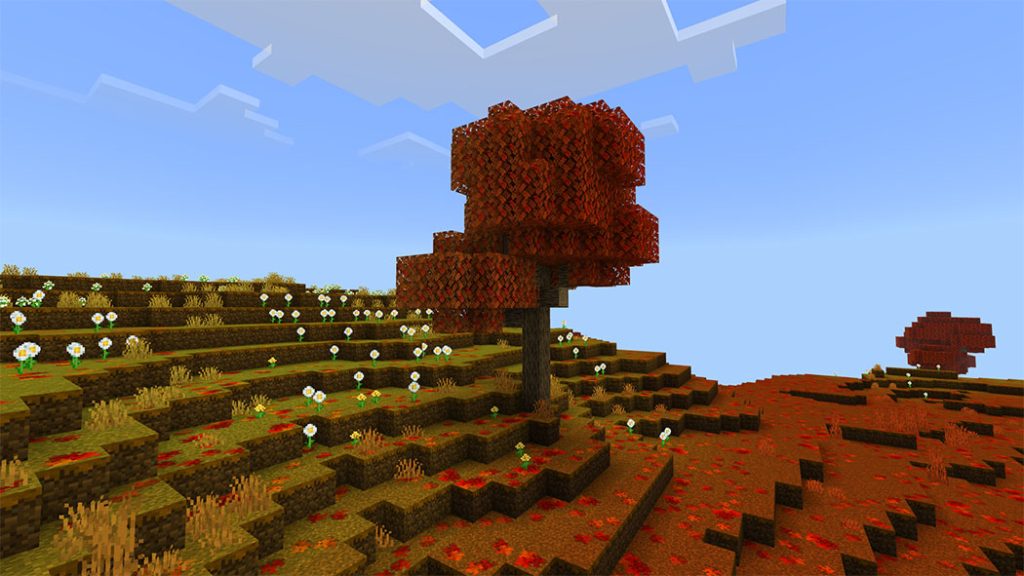
The leaves are changing colors right now in North America, so I made a minecraft resource pack to match! Autumn Leaves pack adds fallen leaves to the ground and alters the color of the leaves!
The leaves are changing colors right now in North America, so I made a minecraft resource pack to match!
Cre: JayCubTruth (Youtube)
Autumn Leaves by JayCubTruth
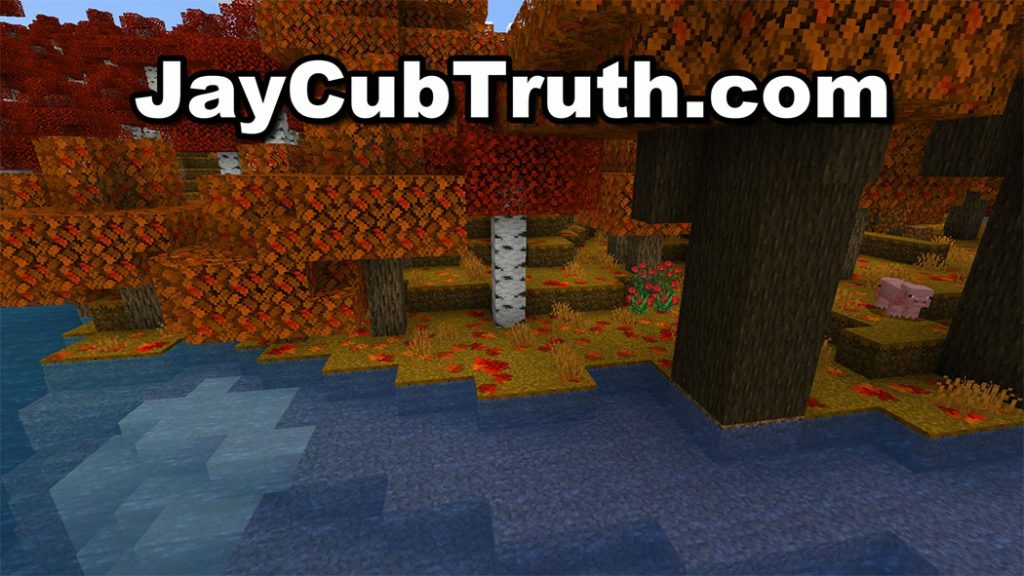
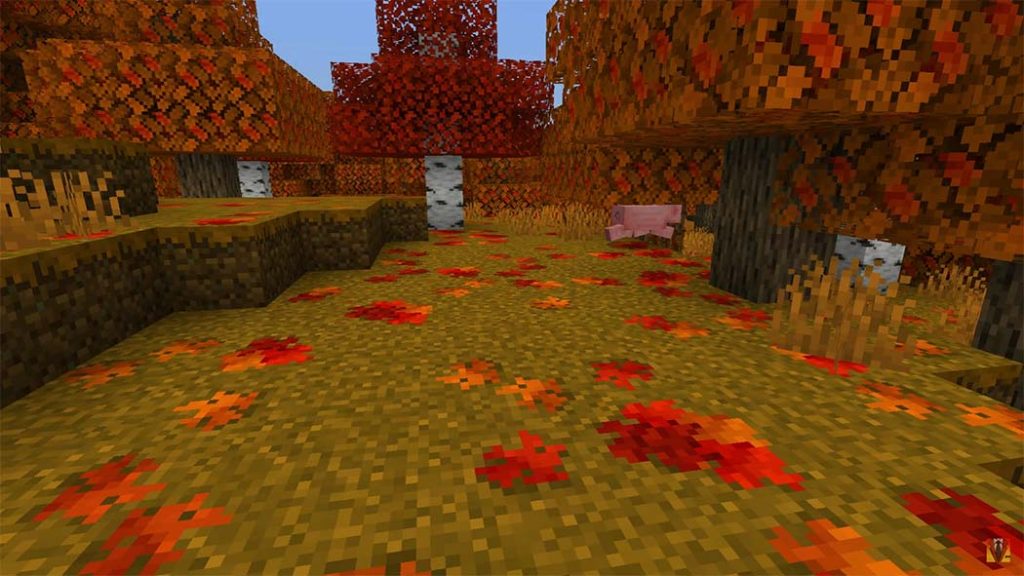
This pack adds fallen leaves to the ground and alters the color of the leaves! The ground has a random distribution of leaves. In my opinion, this addition gives Minecraft a LOT more atmosphere, especially during the month of October. It almost has the sensation of a brand-new game. Minecraft already includes fantastic summer and snowy biomes, but it does not have a good representation of fall. Before now! For season realm events, this resource set is fantastic!
Celebrate the fall / autumn season!


Some Texture packs you can check more in Mcpeaddons.com:
Installation
Double Click the “Autumn Leaves by JayCubTruth.mcpack” file included with this download and it should automatically open and import to minecraft. Once installed you can add it to your world by going to the world settings and clicking resource pack in the lower left corner. From there you will click on “my packs”, select “Autumn Leaves by JayCubTruth”, and select “activate”.

- Edition: Minecraft Bedrock
- File type: .mcpack
- How to install: Download the .mcpack. → Open it — Minecraft imports it under Resource Packs. → Activate it in Global Resources, or for one world under Resource Packs → Available.
- Where to get it: In MCModsHub, or directly above on this page.
Install steps are the general flow for this file type — How to install Minecraft Bedrock texture packs walks through it step by step.
- Pack type: .mcaddon — behaviour and resource pack in one file
- Manifest requires Minecraft 1.13.0 or newer
- Complete pack — everything it depends on is inside the file
- Download size: 312 KB
- Download link checked 17 Jun 2026 — working
- Mirrored on our own servers — the download does not depend on the original host
These come from our own check of the pack file, not from the source page.