RGB Nether Portals
Bedrock texture pack listed for Minecraft 1.14. File opened and checked on 19 Sep 2026; installs from the MC Bedrock Mods app on Android.
⬇ Download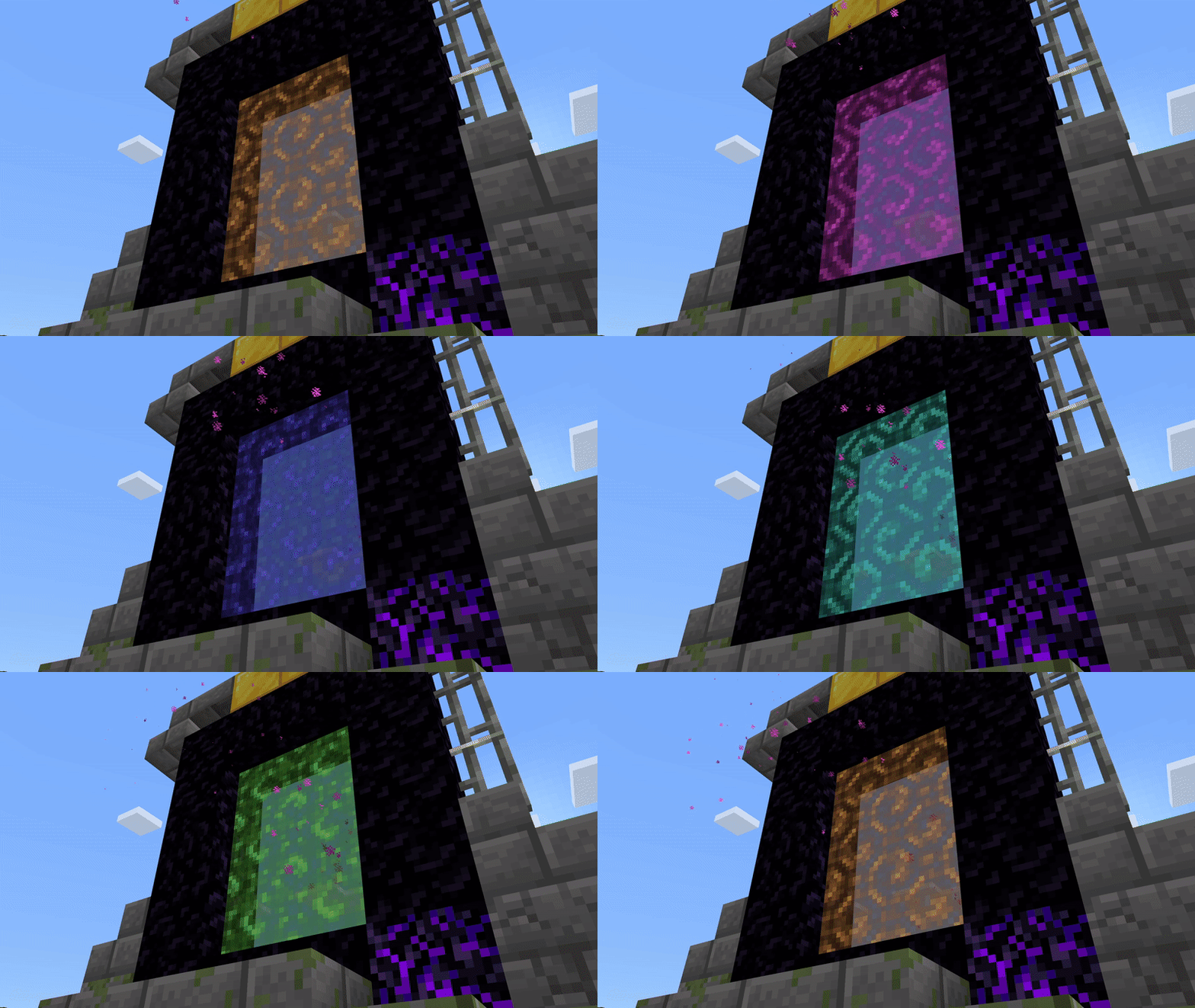
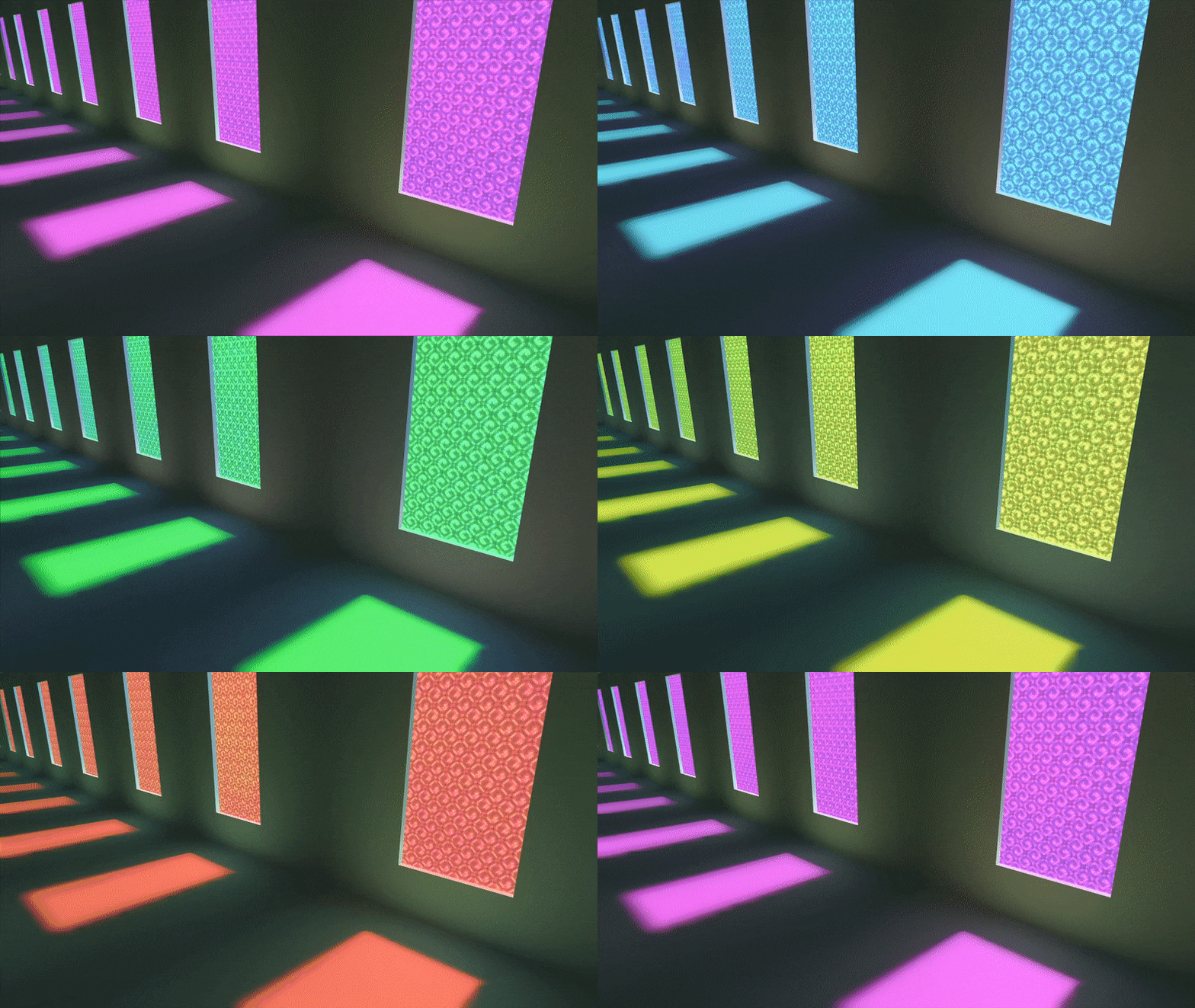
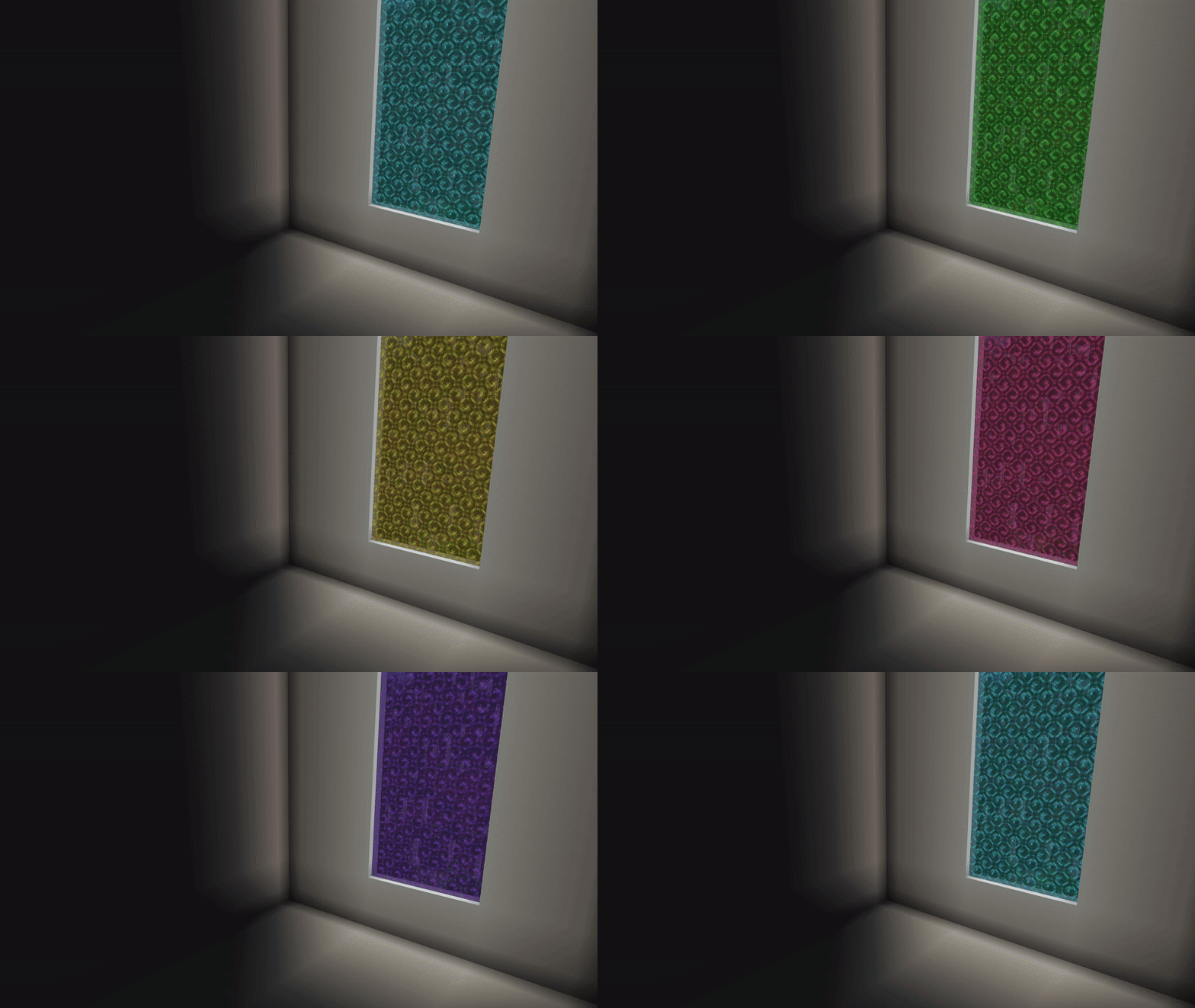

RGB Neather Portals texture pack modifies the default nether portal texture and adds a rainbow motion. If you want to use it with Minecraft RTX, there is also a ray tracing version available.
Cre: Xubeir (Youtube, Twitter)
RGB Nether Portals
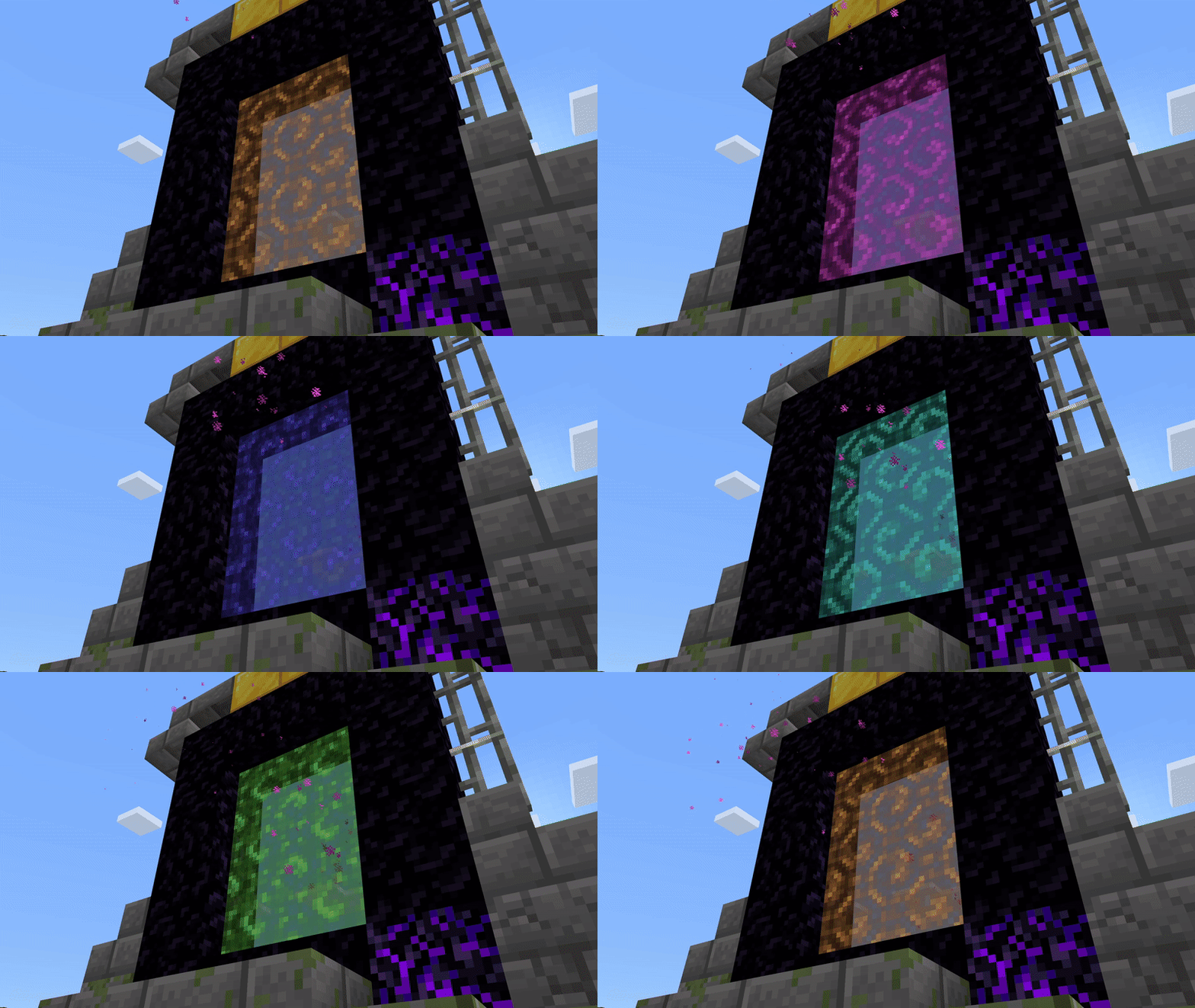
Regular version:
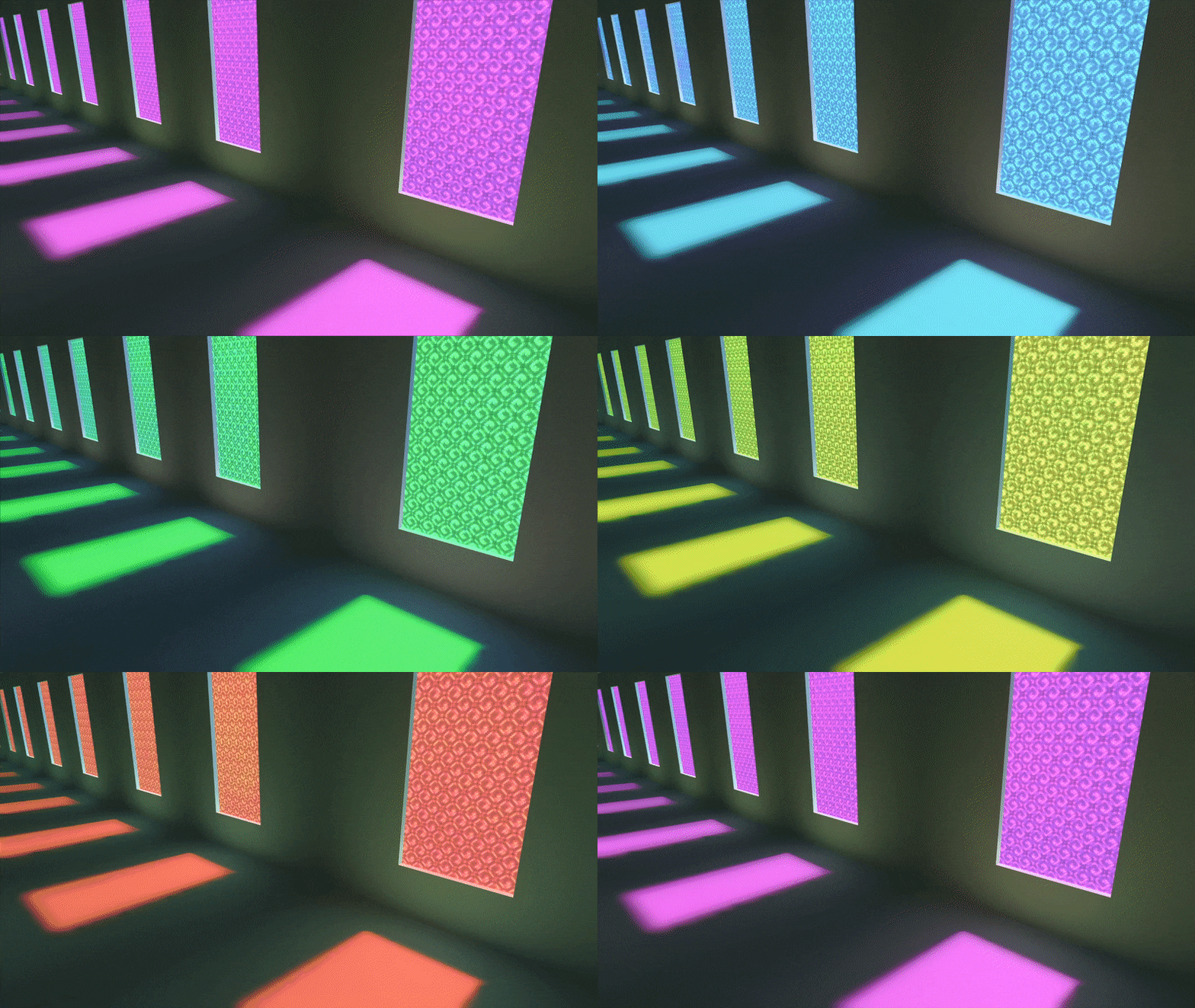
ray tracing on & off
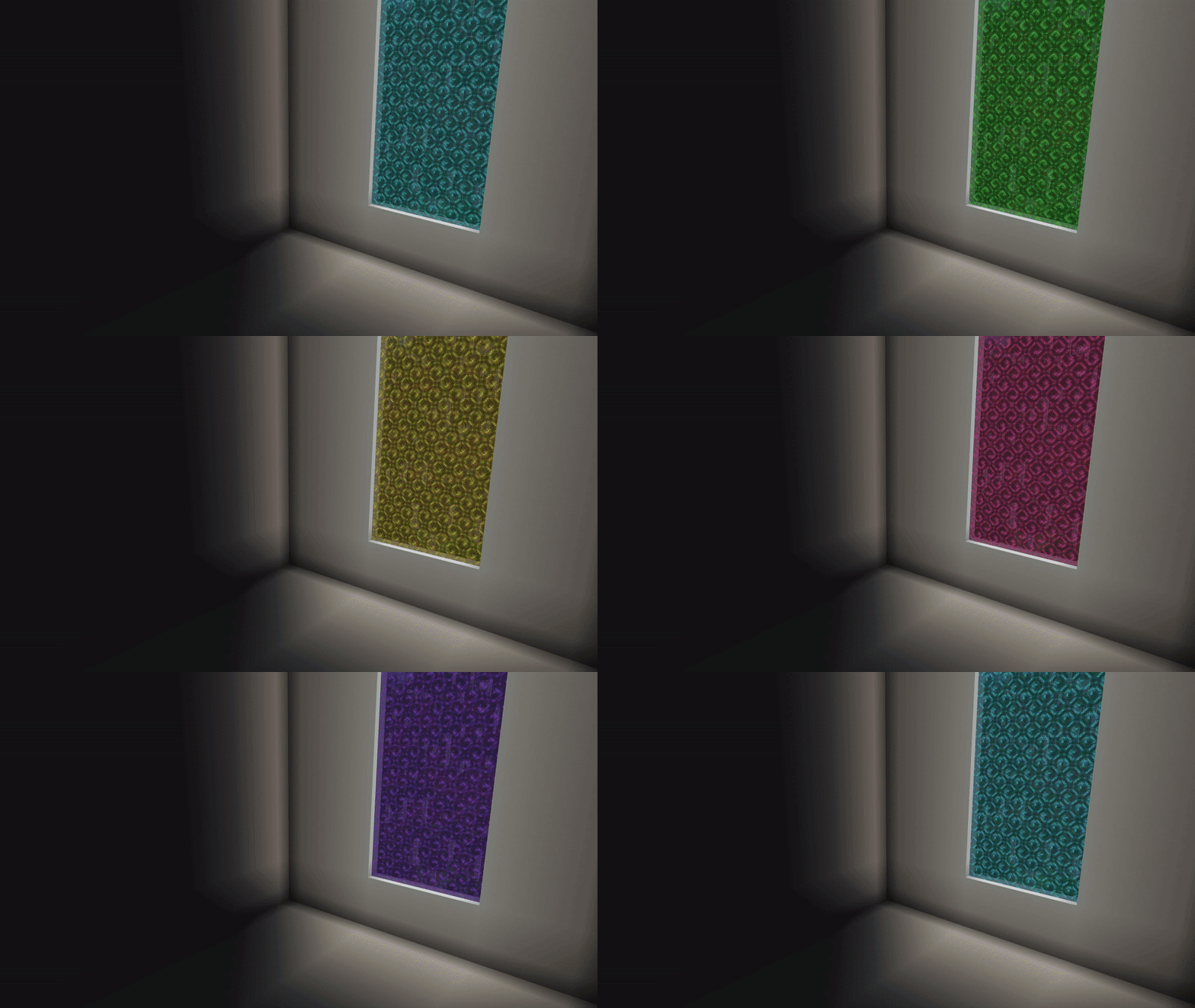
Notes:
If you’re playing on a device that can’t support ray tracing, avoid using that version because the portal opacity is lower.
Additionally, since only the portal version of ray tracing is supported, it is best to layer it over another resource pack that can handle ray tracing, like Vanilla RTX.
Please provide credit if you use it in your own resource packs.
Some Minecraft Texture packs you can check in Mcpeaddons.com:
Changelog
Completely recreated, this version is much better than the previous one:
– better emissive with ray tracing
– better colors & animation, improved opacity in both versions (more light passes through the portal with ray tracing)
– improved contrast to match default portal texture
– redesigned pack icons & thumbnail & updated description
also: pack is no longer unavailable 🙂

- Edition: Minecraft Bedrock
- File type: .mcpack
- How to install: Download the .mcpack. → Open it — Minecraft imports it under Resource Packs. → Activate it in Global Resources, or for one world under Resource Packs → Available.
- Where to get it: In MCModsHub, or directly above on this page.
Install steps are the general flow for this file type — How to install Minecraft Bedrock texture packs walks through it step by step.
- Pack type: .mcaddon — behaviour and resource pack in one file
- Manifest requires Minecraft 1.14.0 or newer
- Complete pack — everything it depends on is inside the file
- Download size: 256 KB
- Download link checked 17 Jun 2026 — working
- Mirrored on our own servers — the download does not depend on the original host
These come from our own check of the pack file, not from the source page.