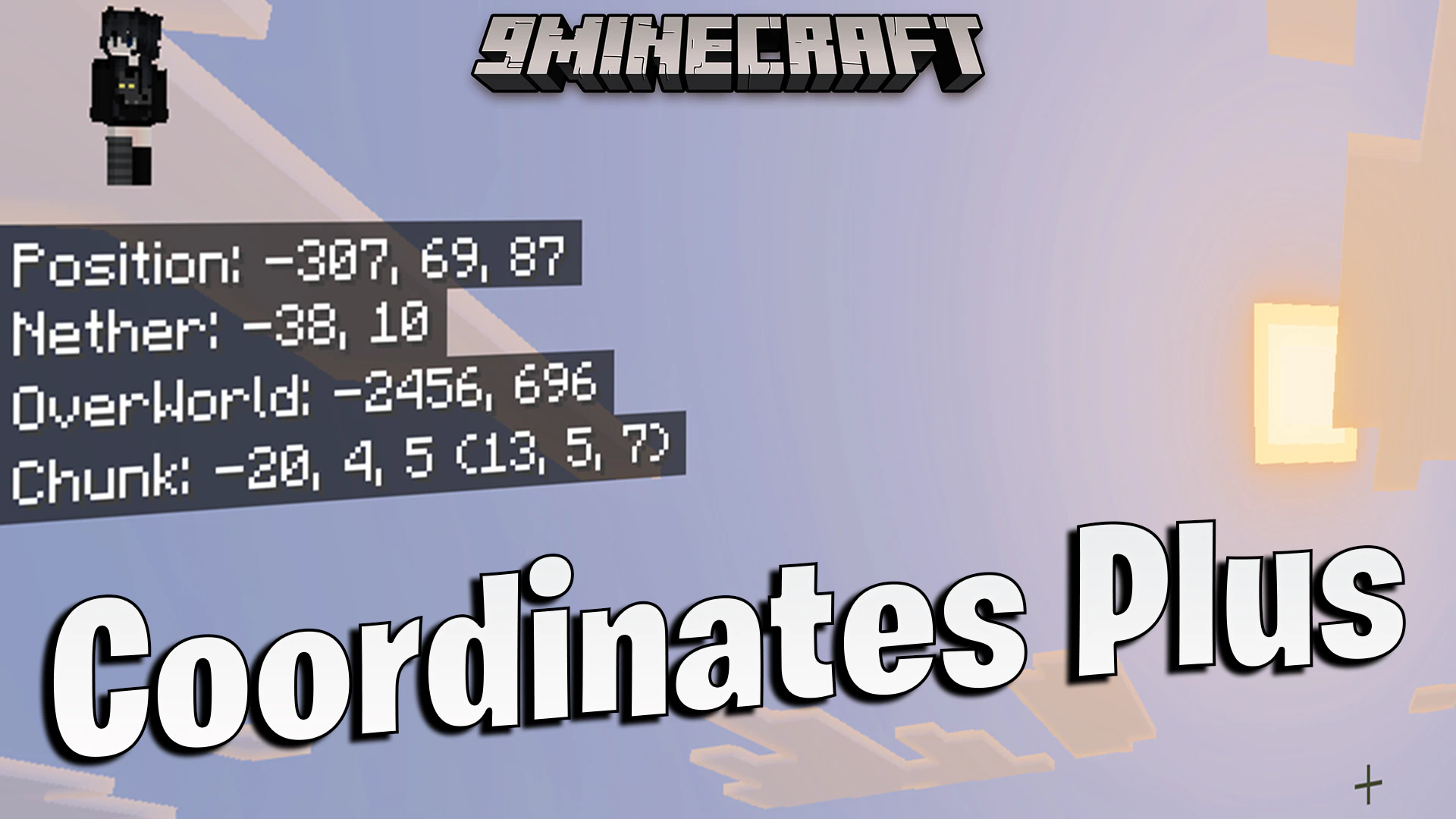
Coordinates Plus Texture Pack (26.x) – Track Chunk And Nether Coordinates On Screen
Bedrock texture pack listed for Minecraft 1.21. File opened and checked on 19 Oct 2026; installs from the MC Bedrock Mods app on Android.
⬇ Download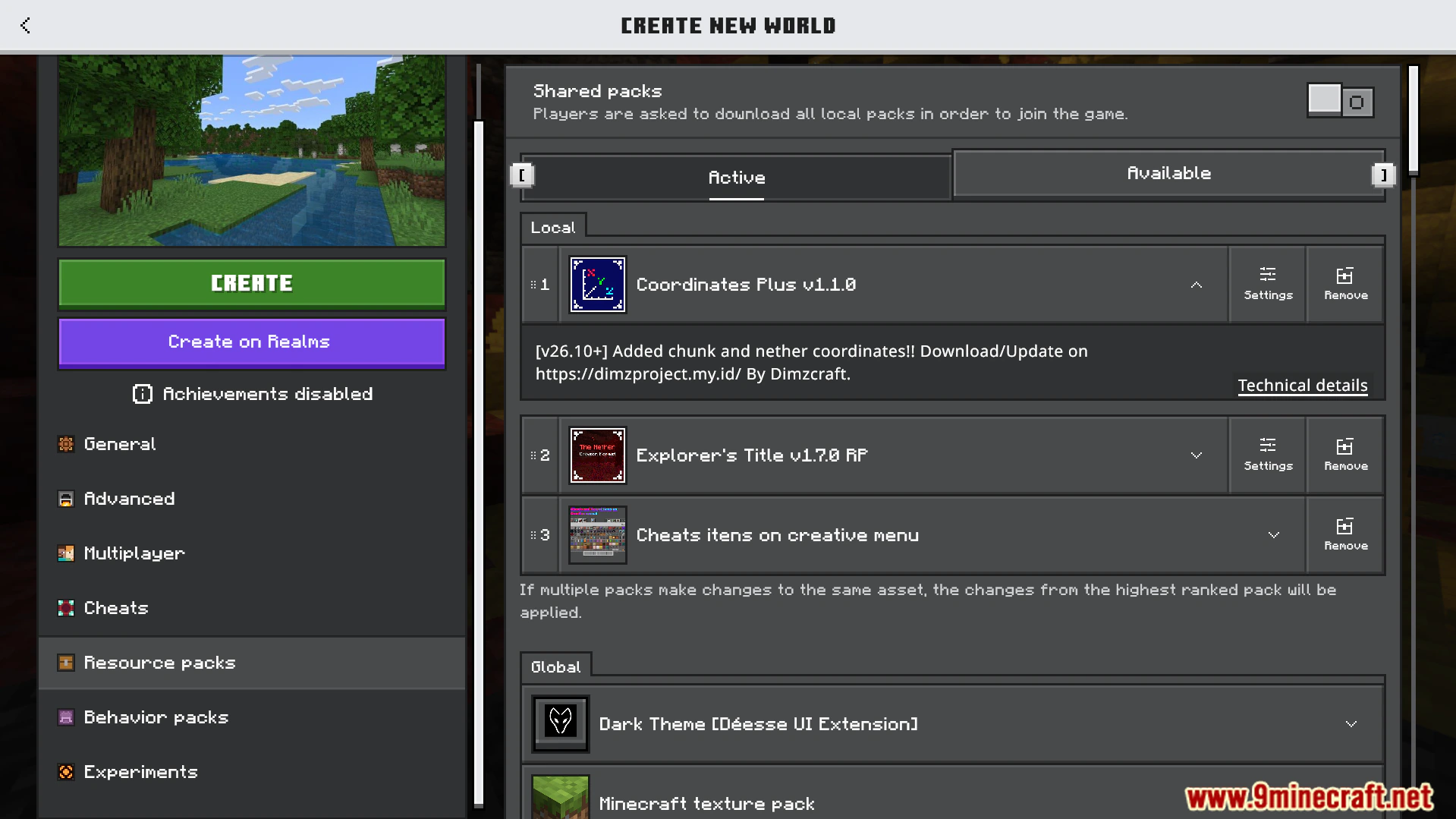
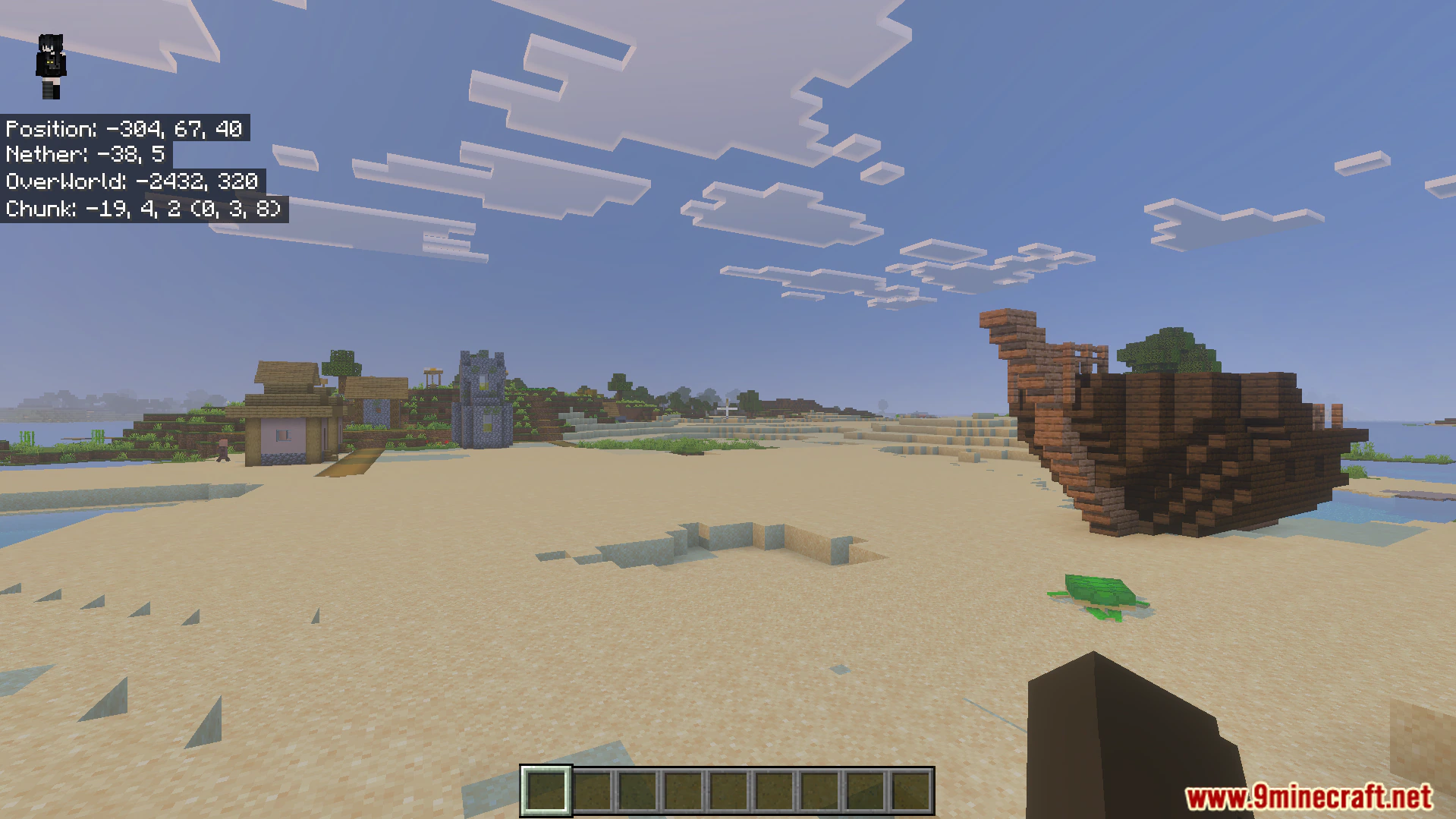
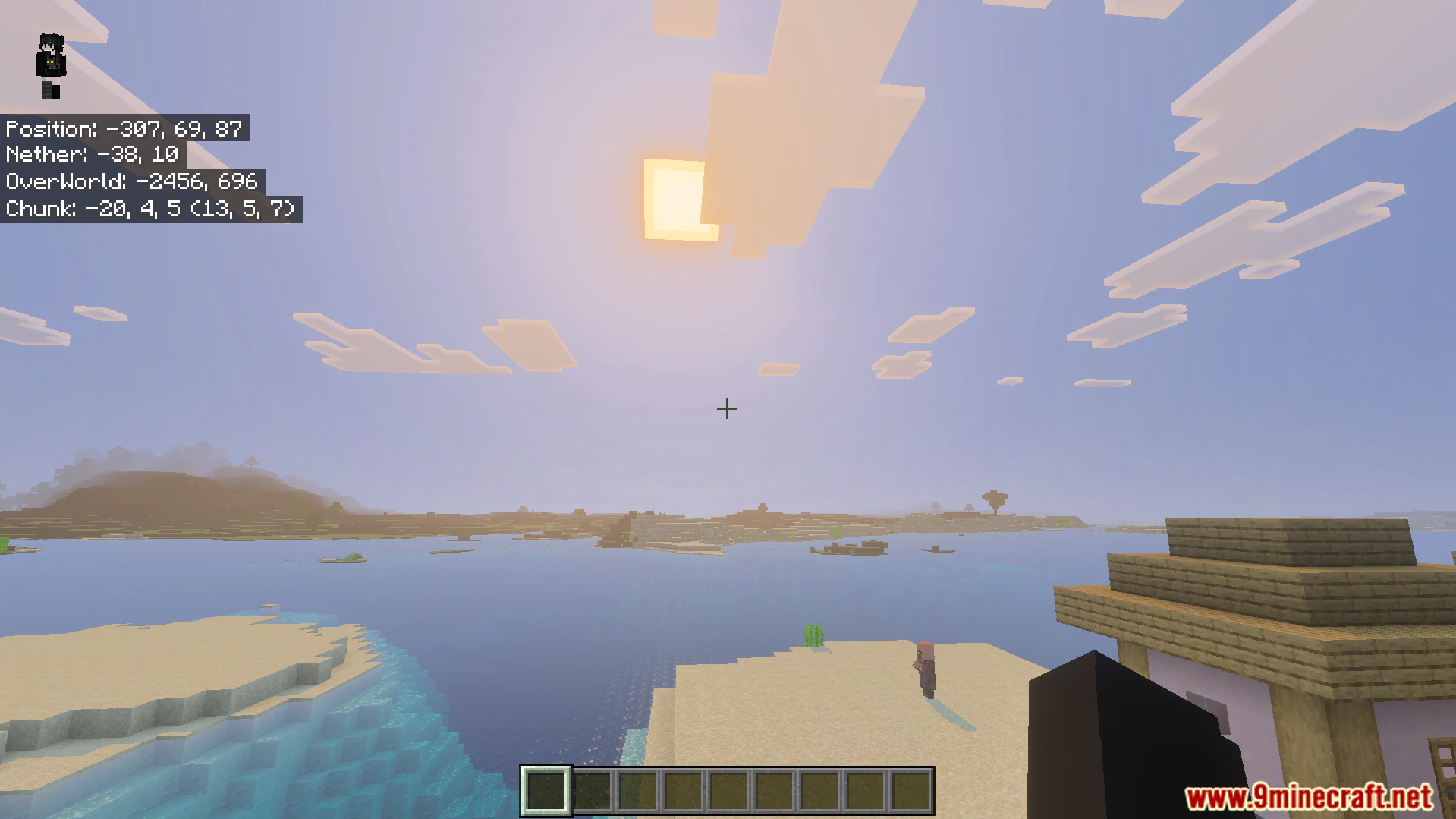
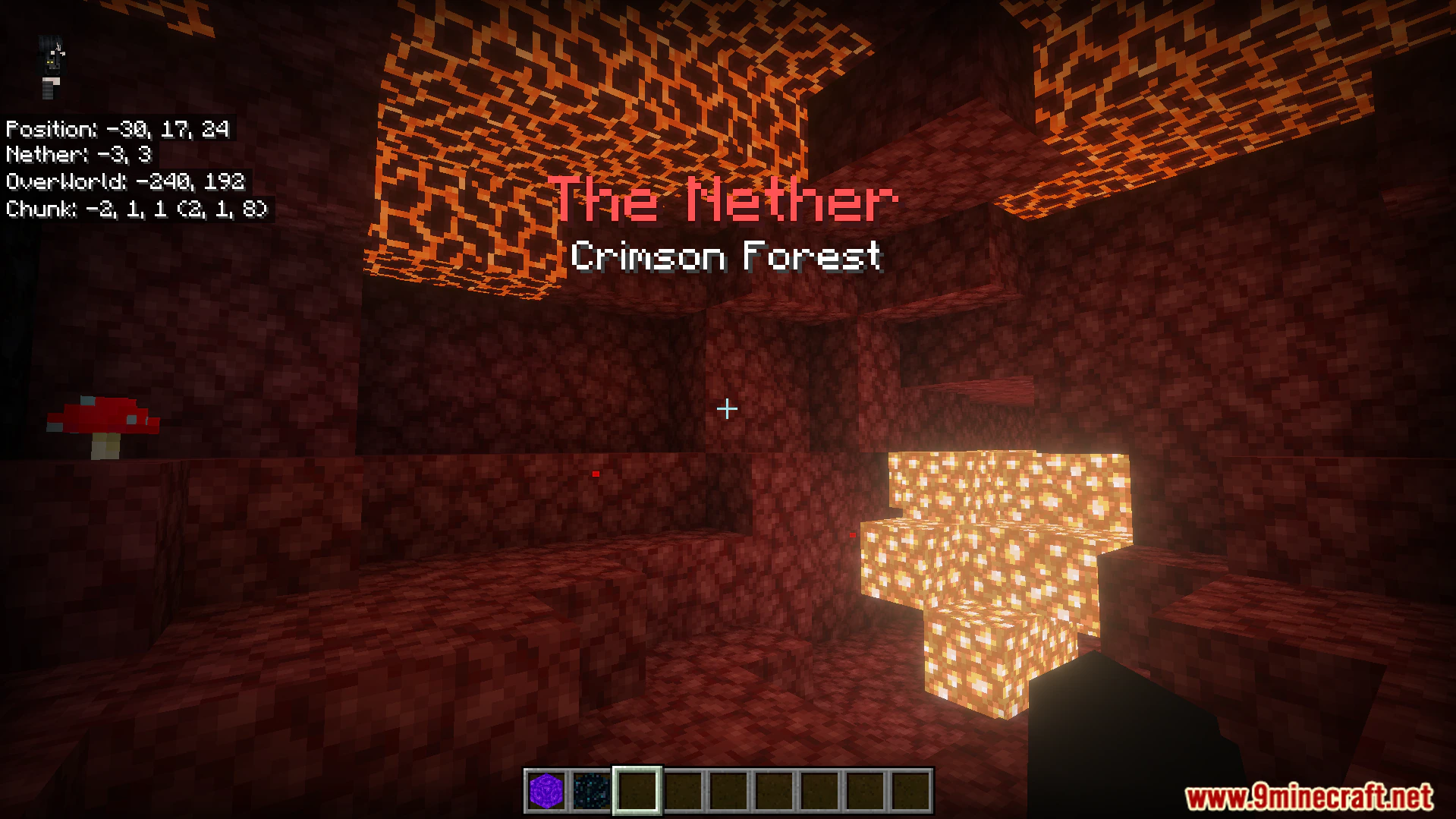
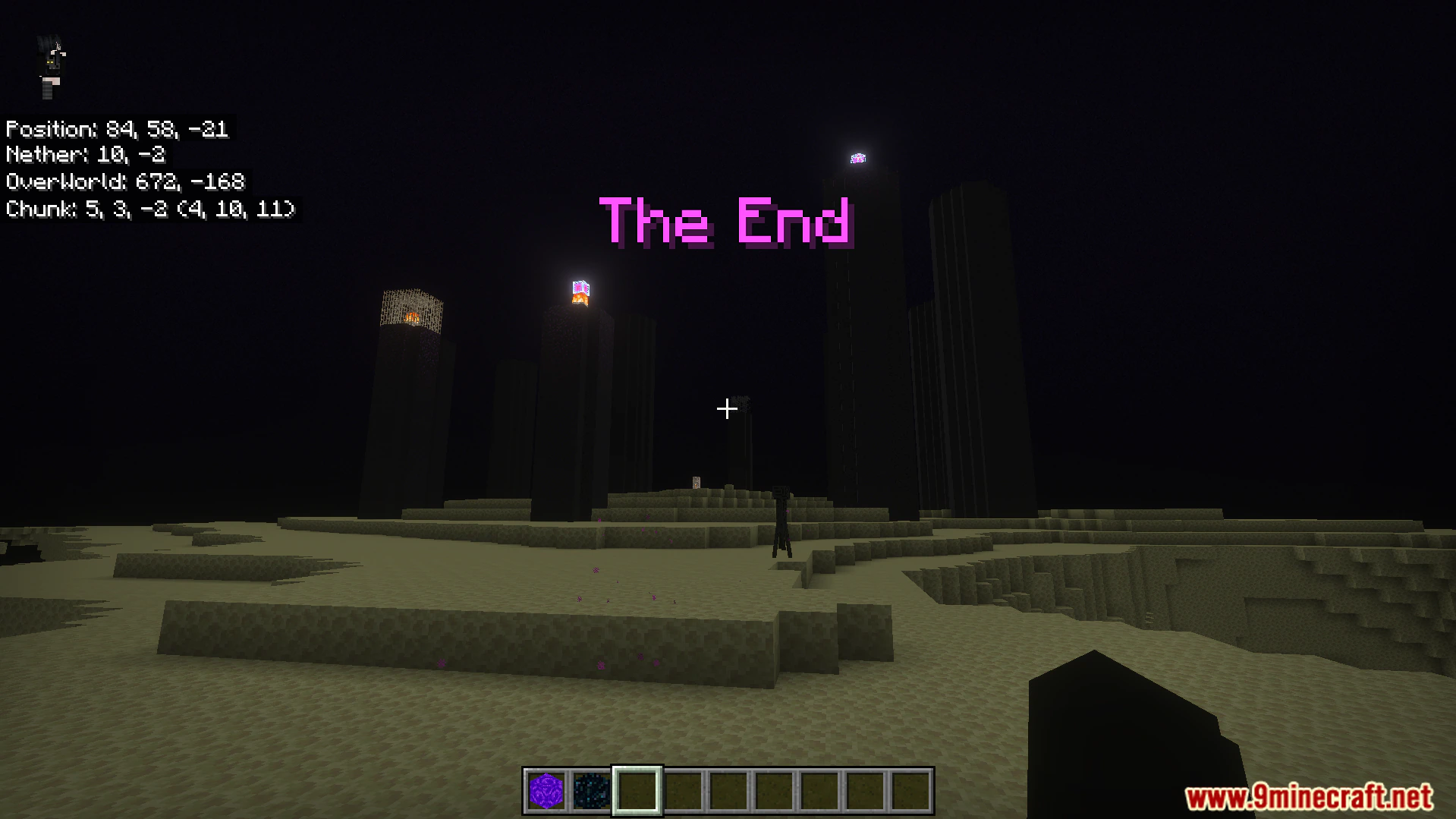
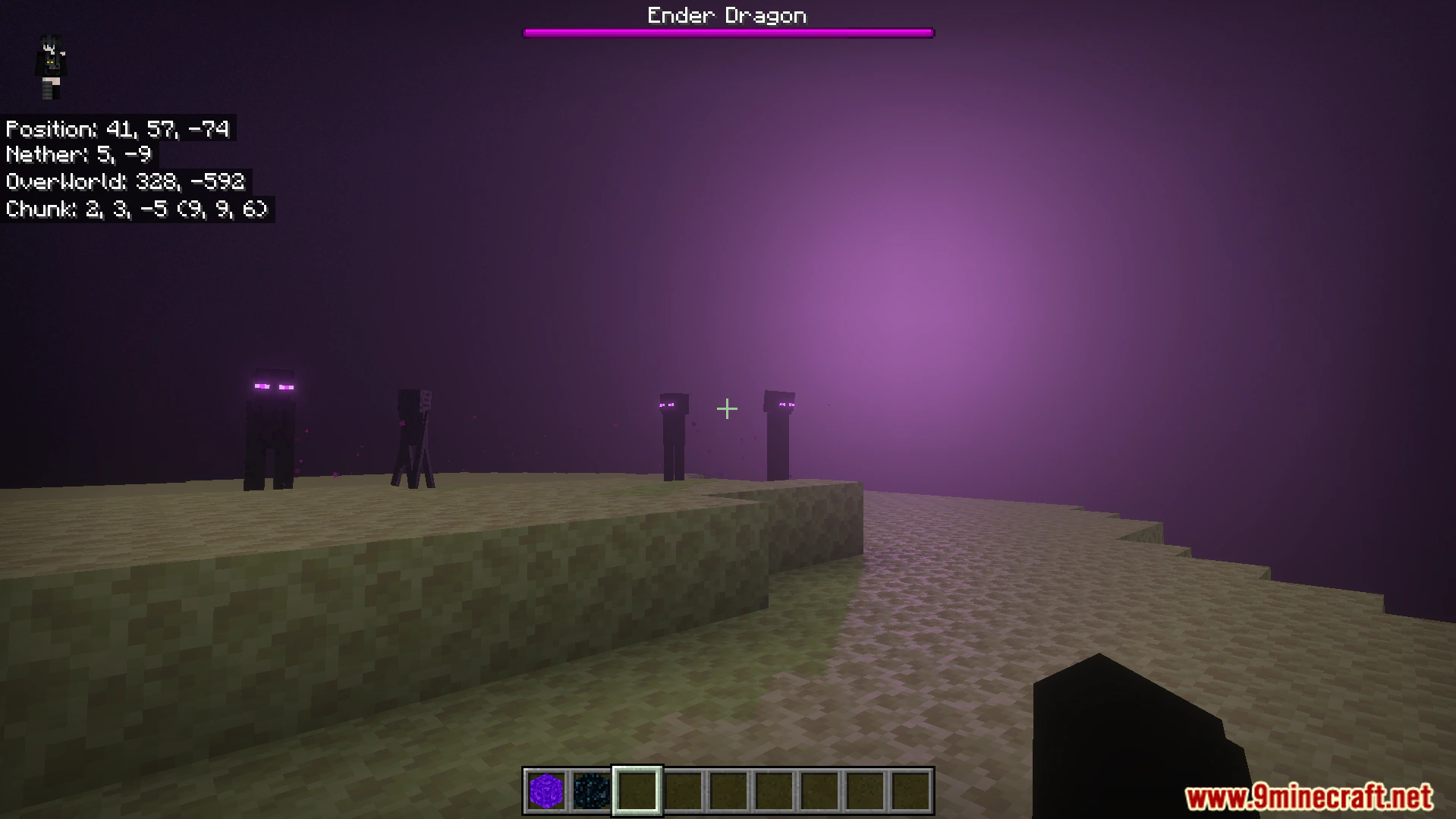
Coordinates Plus Texture Pack lets you see chunk and dimension locations directly on your screen. This pack helps you build nether portal shortcuts and special farms much easier. It allows you to view overworld and nether locations at the exact same time.
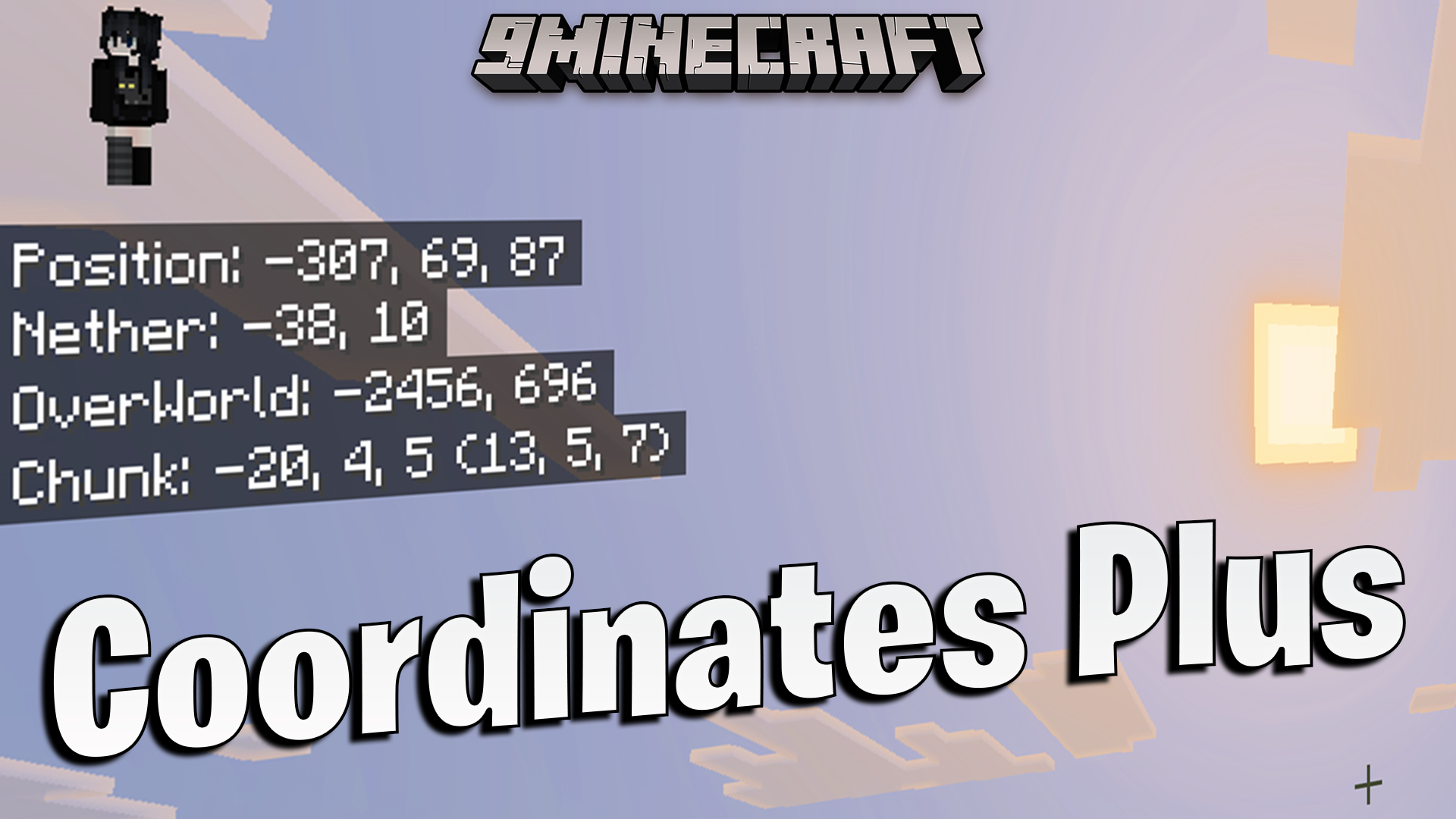
Features:
- Shows your exact chunk coordinates on the game screen.
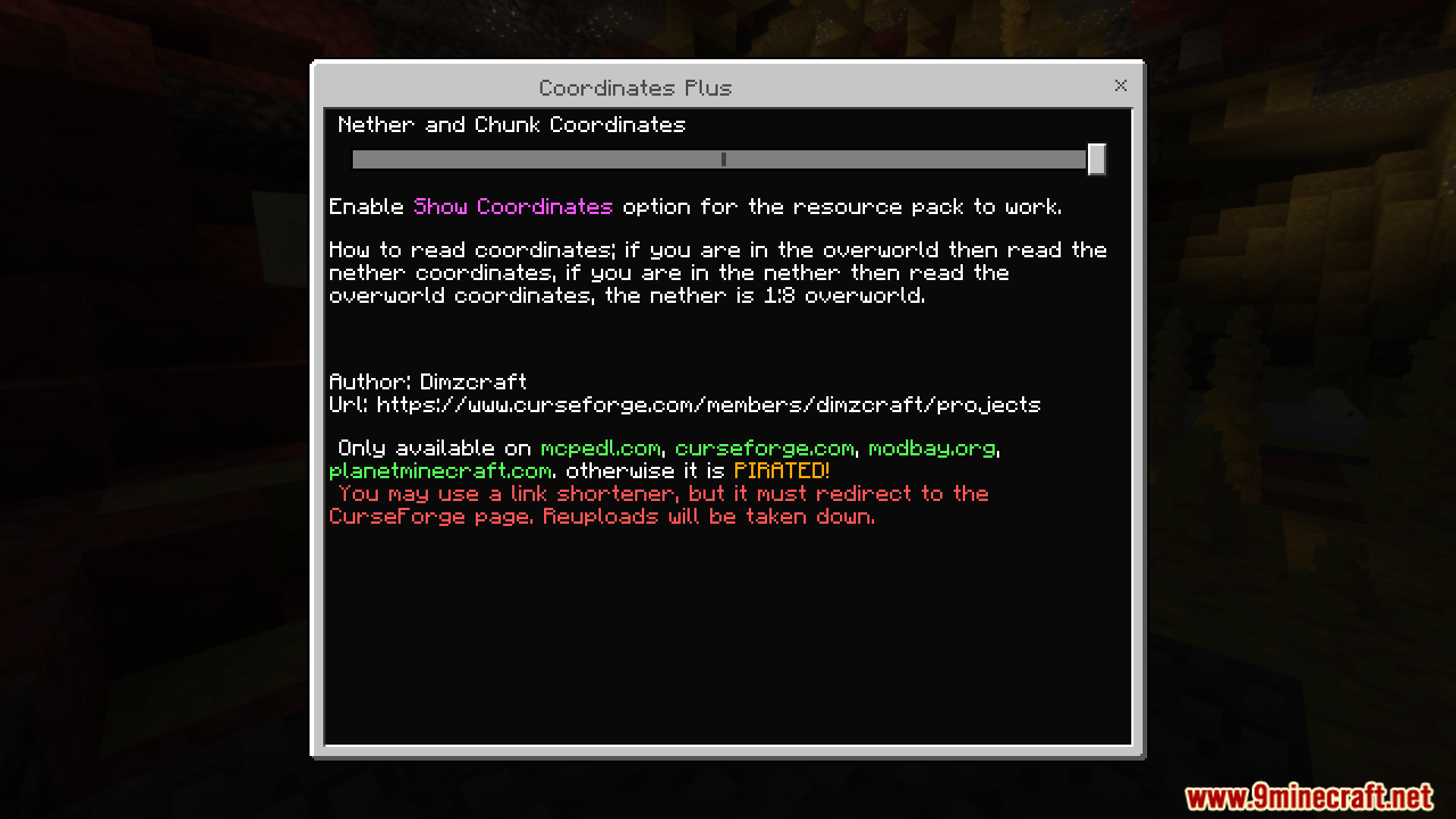
- Displays nether coordinates while you are in the overworld.
- Shows overworld coordinates while you explore the nether.
- Helps you link nether portals together for fast travel.
- Makes building specific chunk farms much easier to plan.
Configuration:
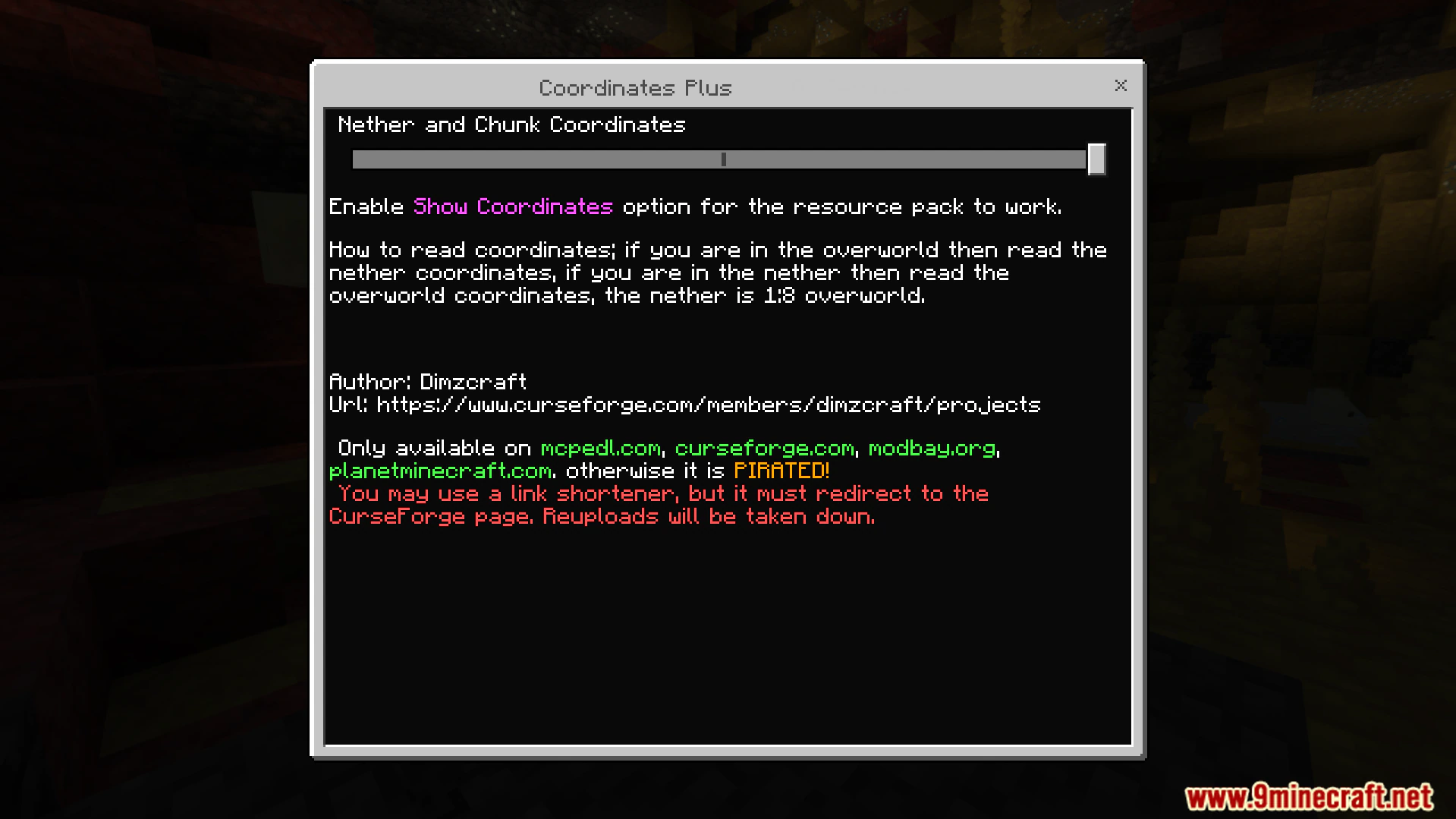
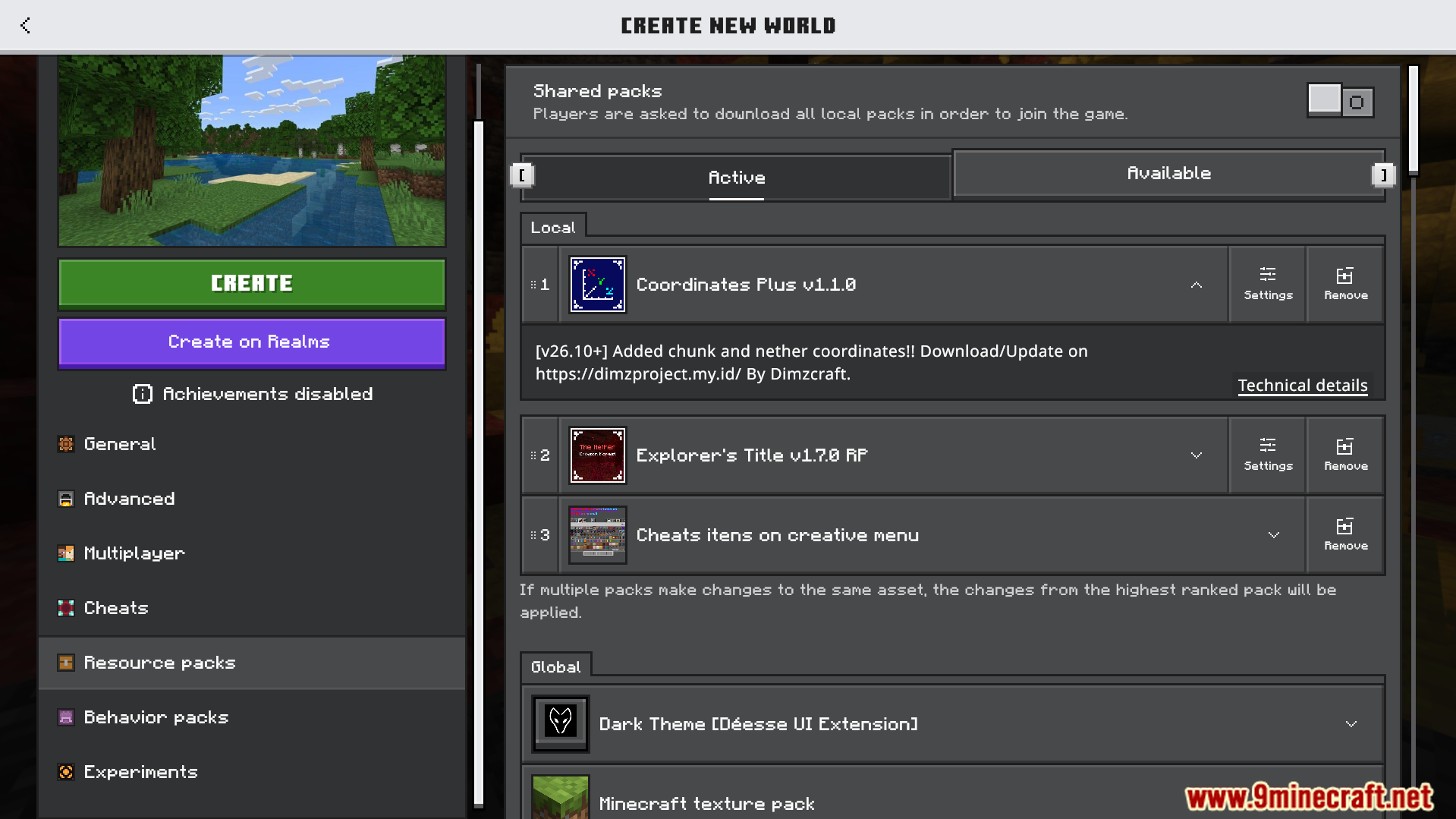
You must turn on the Show Coordinates setting in your world options. You can use subpacks to pick exactly which numbers appear on your screen. Mobile players can also set up a special switch button in the settings.
Screenshots:
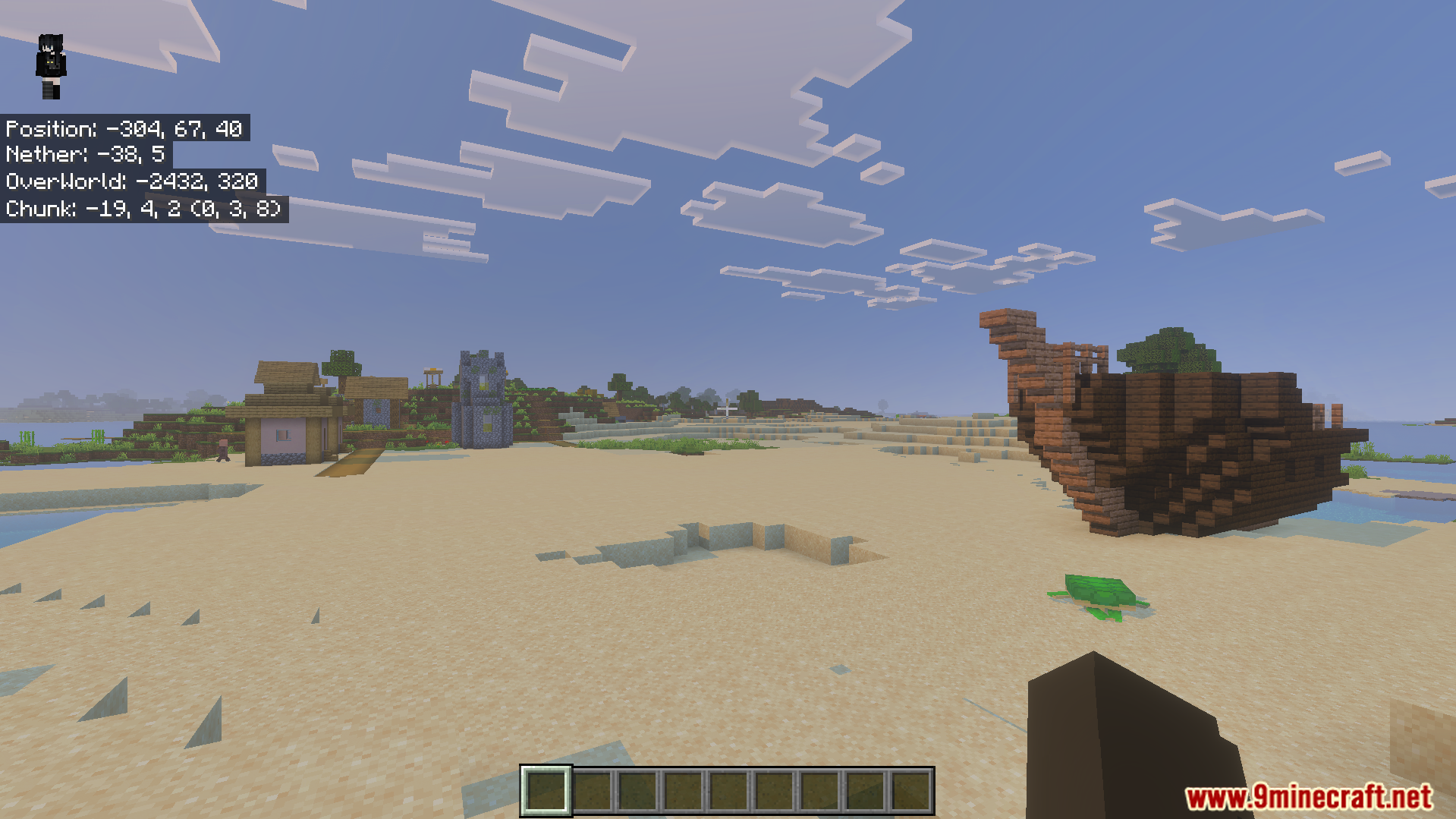
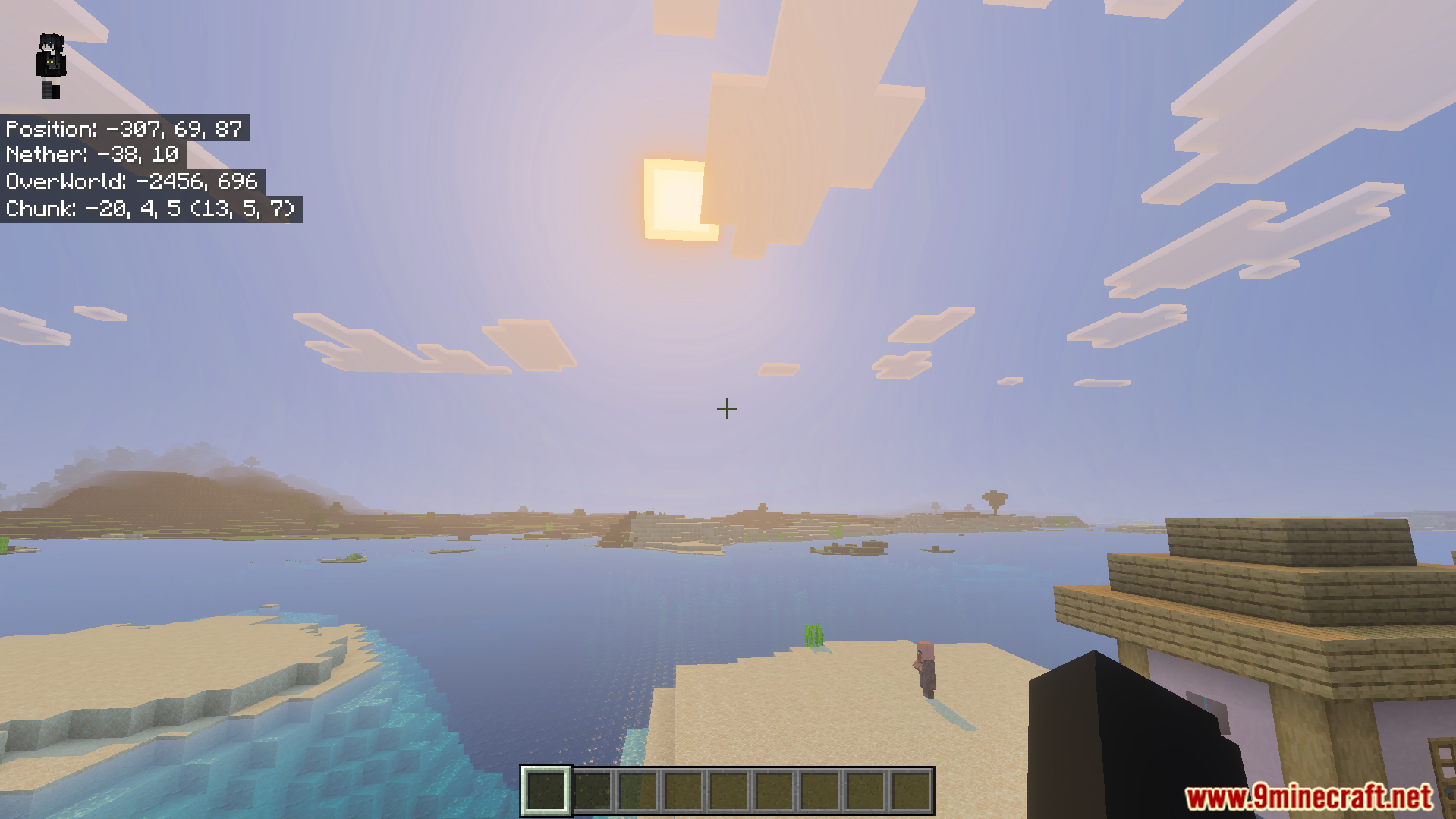
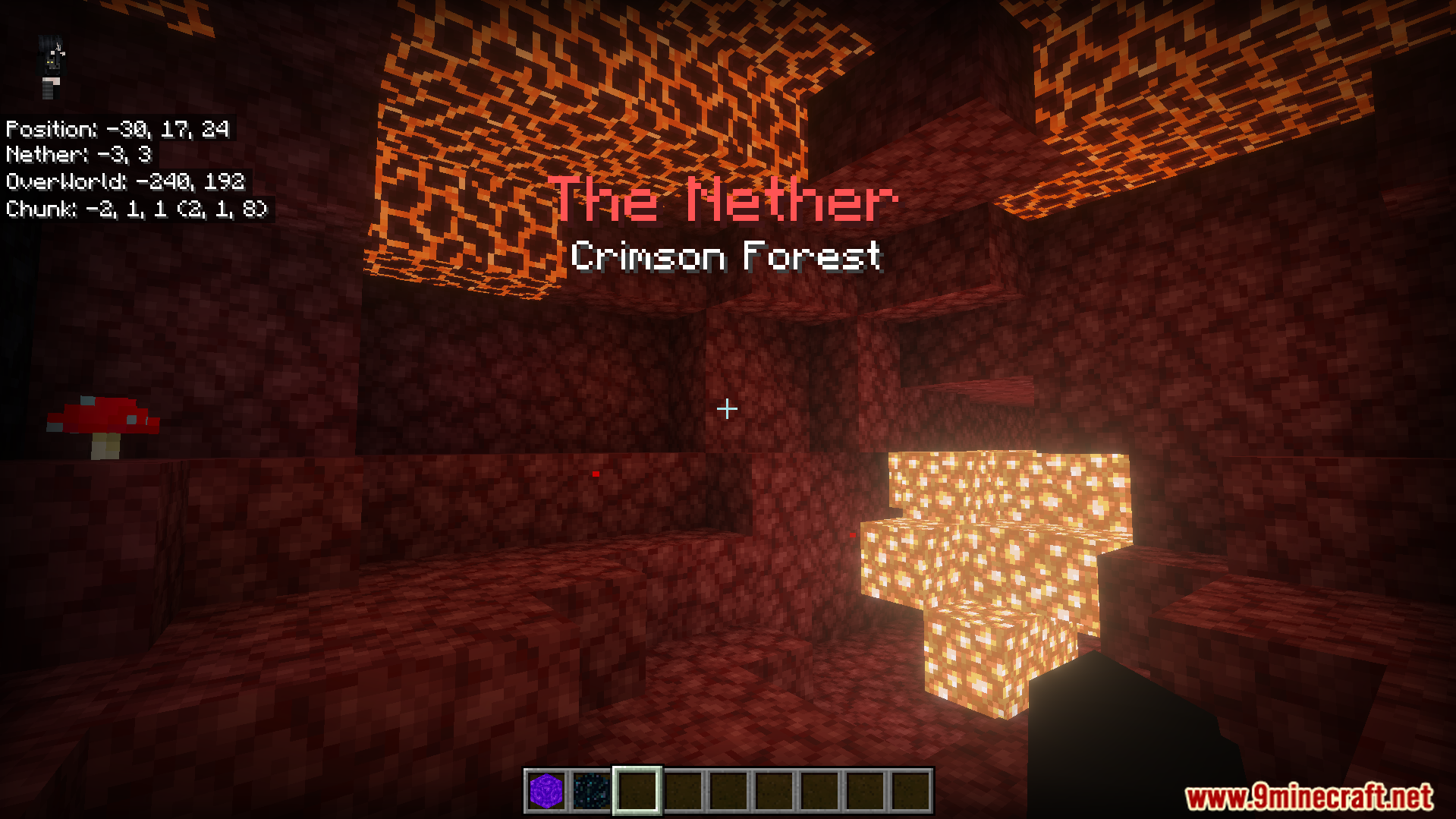
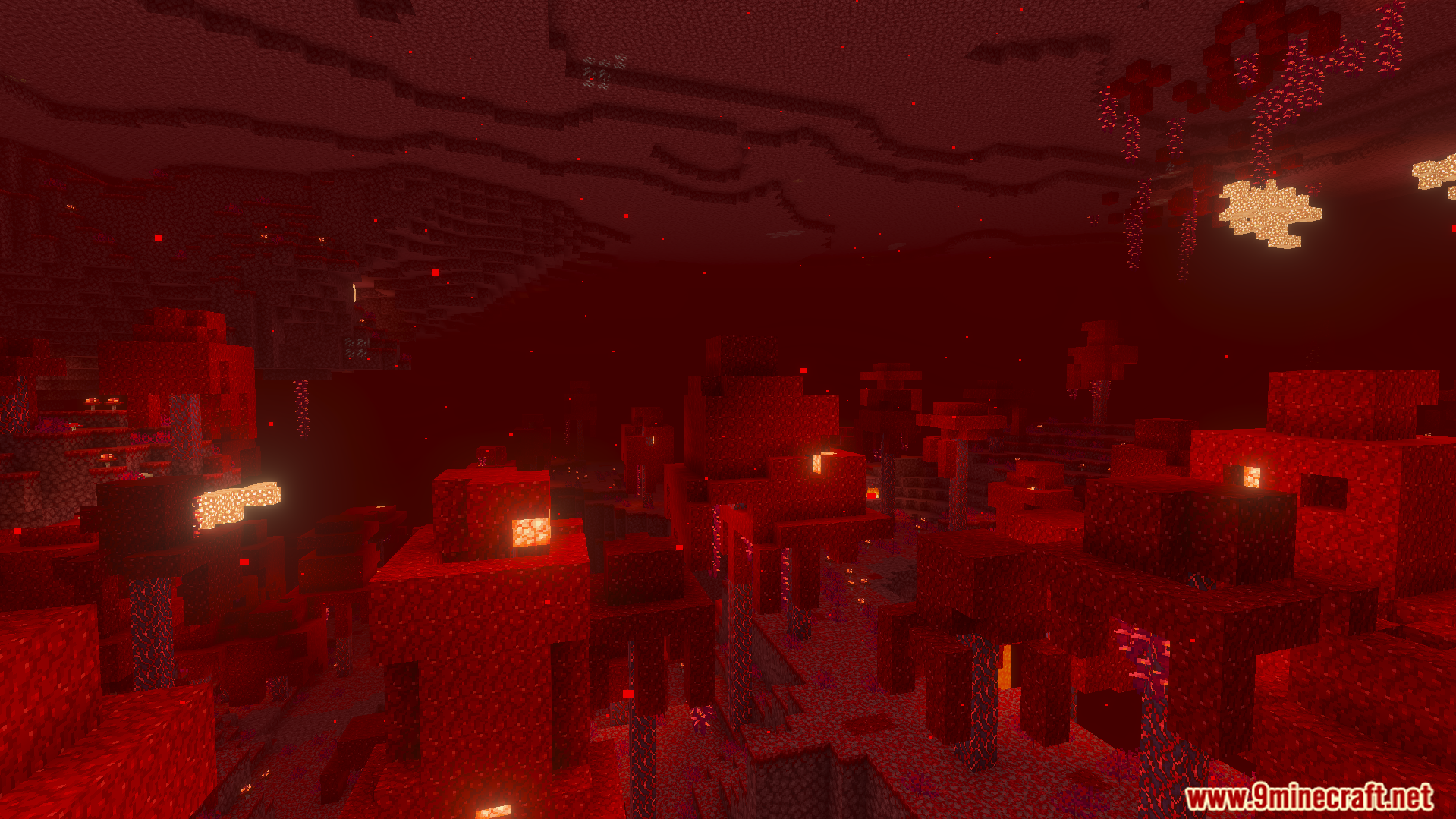
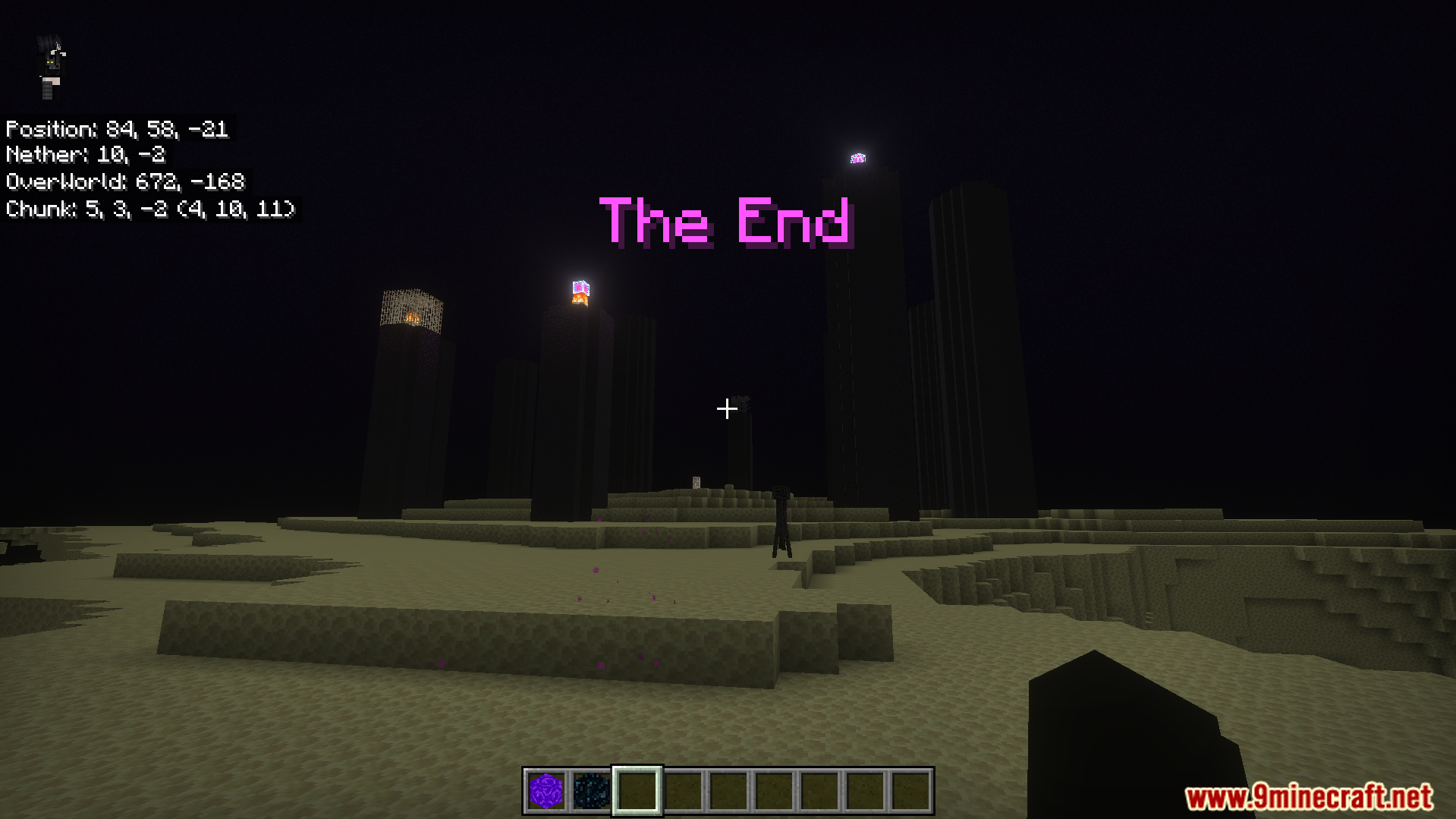
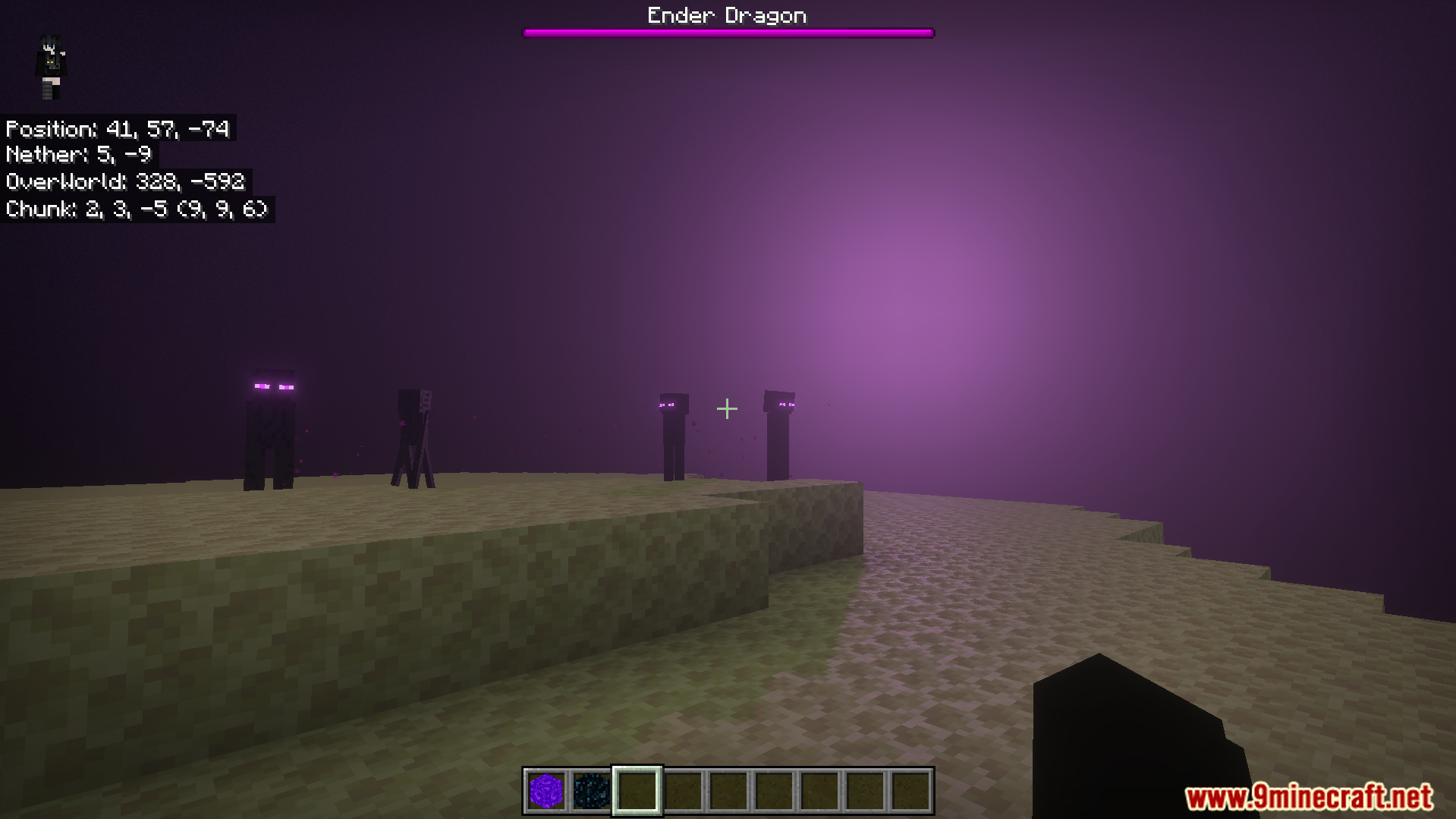
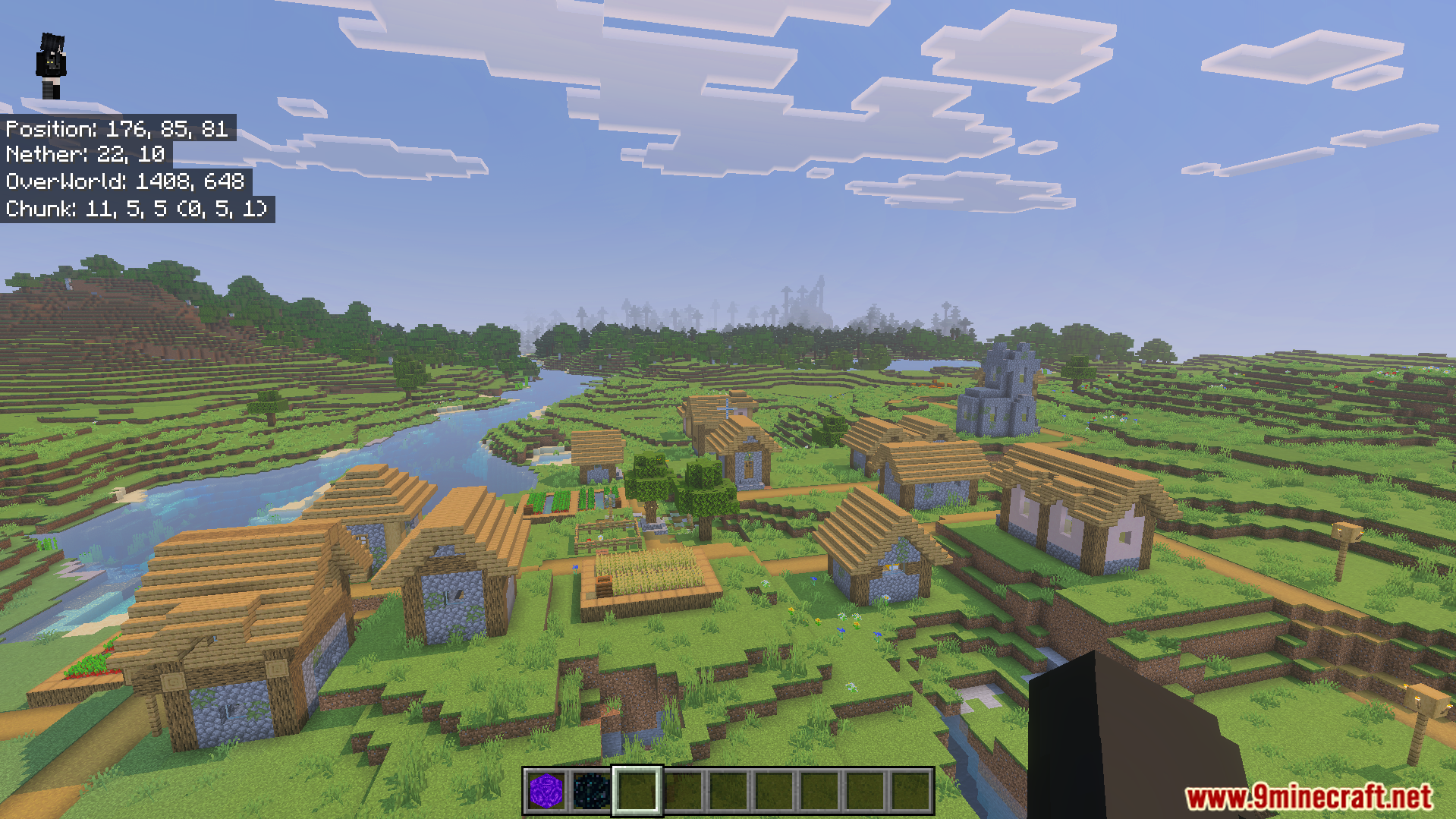
Coordinates Plus Texture Pack Download Links
- Edition: Minecraft Bedrock
- File type: .mcpack
- How to install: Download the .mcpack. → Open it — Minecraft imports it under Resource Packs. → Activate it in Global Resources, or for one world under Resource Packs → Available.
- Where to get it: In MCModsHub, or directly above on this page.
Install steps are the general flow for this file type — How to install Minecraft Bedrock texture packs walks through it step by step.
- Pack type: .mcaddon — behaviour and resource pack in one file
- Manifest requires Minecraft 1.21.130 or newer
- Complete pack — everything it depends on is inside the file
- Download size: 20 KB
- Download link checked 22 Jul 2026 — working
- Mirrored on our own servers — the download does not depend on the original host
These come from our own check of the pack file, not from the source page.