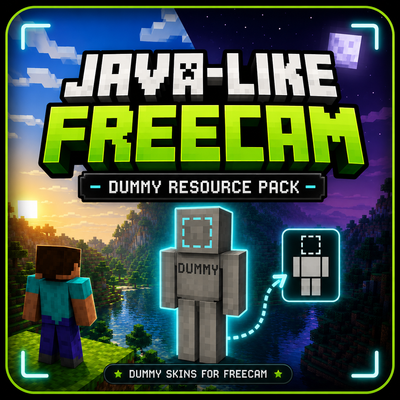
Make your freecam dummy feel more like a real player.
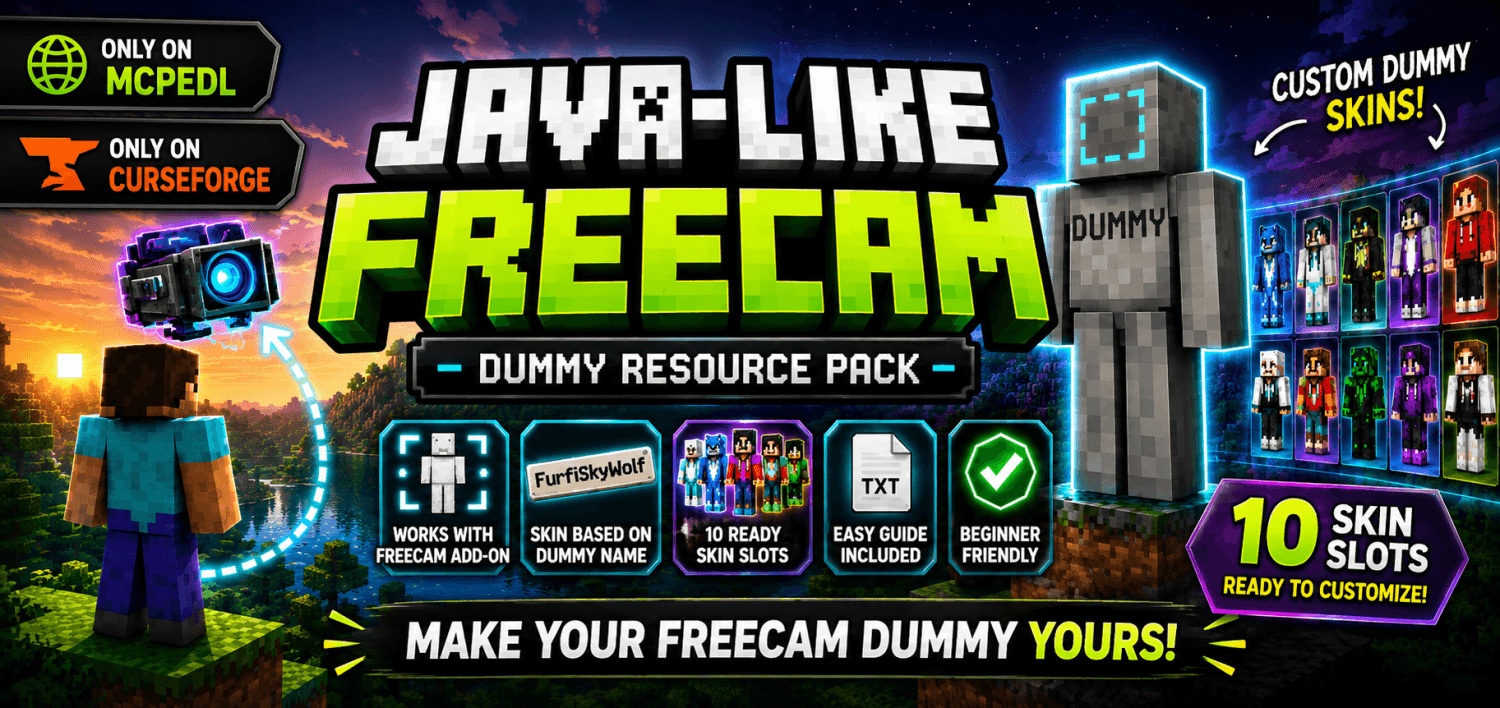
This resource pack adds customizable dummy skins for the Java-Like Freecam Add-On, allowing the dummy left behind during freecam to use different player skins instead of the default Steve texture.
Features
✔ Custom dummy skins based on dummy name
✔ Includes 10 ready-to-use skin slots
✔ Beginner-friendly setup with included guide
✔ Default Steve fallback if no matching skin is found
✔ Easy to customize — no coding experience required
How It Works
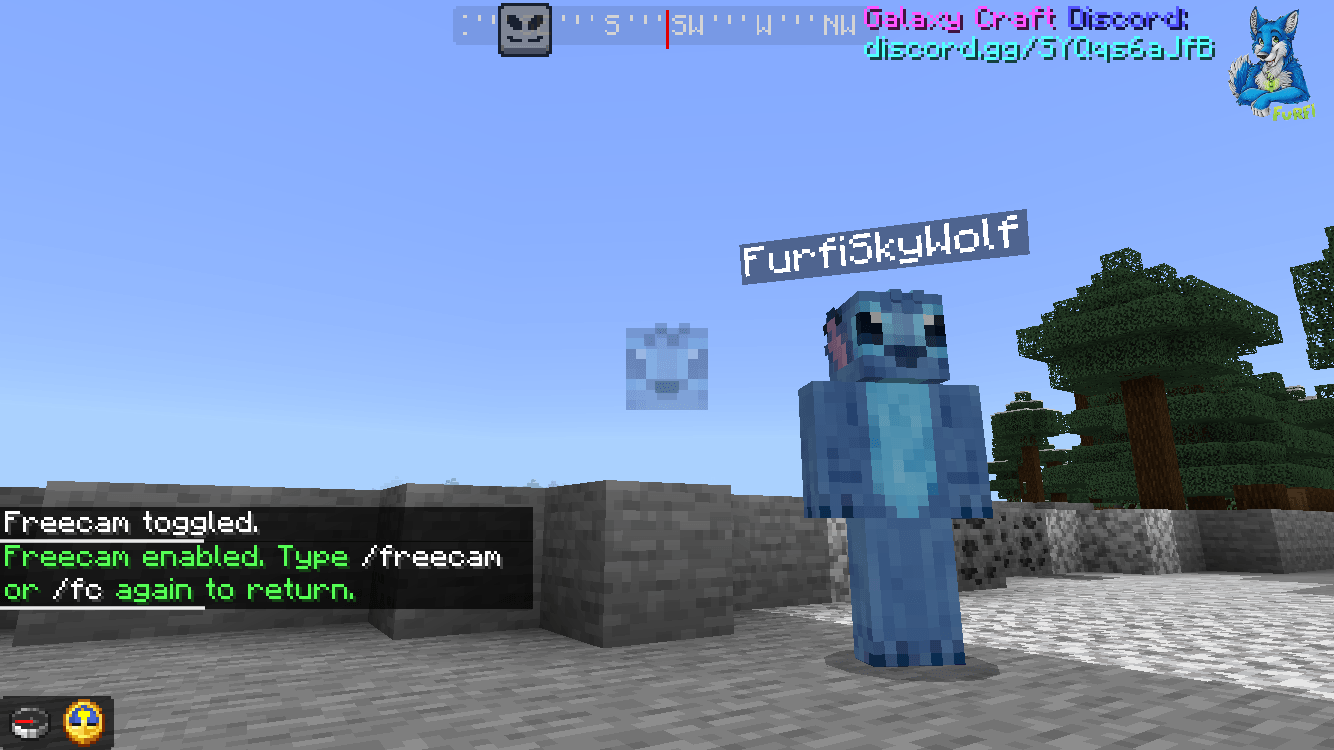
The dummy checks its name and looks for a matching skin texture inside the resource pack.
Example:
- Dummy name: FurfiSkyWolf
- Skin file: FurfiSkyWolf.png
If the names match exactly, that skin will be used.
Included
- 10 preconfigured skin slots (SkinSlot1 → SkinSlot10)
- Default Steve skins for all slots
- Detailed README guide
- Example custom skin setup
Simply replace one of the included Steve skins with your own skin and rename the slot in the skin list.
Installation
- Install Java-Like Freecam Add-On
- Install this resource pack
- Place this pack above the Freecam resource pack
- Activate both packs in your world
Important
- Works only with skins included inside the resource pack
- Does not automatically pull live Minecraft account skins
- Skin names are case-sensitive
Perfect For
- Roleplay servers
- Content creators
- Cinematic recordings
- Multiplayer servers
- Personalized freecam setups
Leave a realistic dummy behind while exploring in freecam — now with your own skin.
You can go to this website I've made to add skins to that pack you download the pack to the website then add the skins and player names (case sensitive) to the skins the hit build pack and it will build and download the pack it's made you just load it on Minecraft and that's it no coding needed.
- Edition: Minecraft Bedrock
- File type: .mcpack
- Minecraft version listed: 26.30
- How to install: Download the .mcpack. → Open it — Minecraft imports it under Resource Packs. → Activate it in Global Resources, or for one world under Resource Packs → Available.
- Where to get it: Opens on CurseForge — not every file is mirrored on our own servers.
Install steps are the general flow for this file type — How to install Minecraft Bedrock texture packs walks through it step by step.
- Save it as Freecam_Custom_Dummy_Skins_RP.mcaddon before opening — it downloads as .mcpack, but it is a .mcaddon pack
- Manifest requires Minecraft 1.21.100 or newer
- Download size: 1.6 MB
- Download link checked 26 Aug 2026 — working
These come from our own check of the pack file, not from the source page.