Texture packsBedrock
Amethyst UI
Amethyst UI gives Minecraft a complete purple-themed makeover — main menu, inventory, crafting, furnace, and trading screens all reskinned consistently…
⬇ Download on CurseForge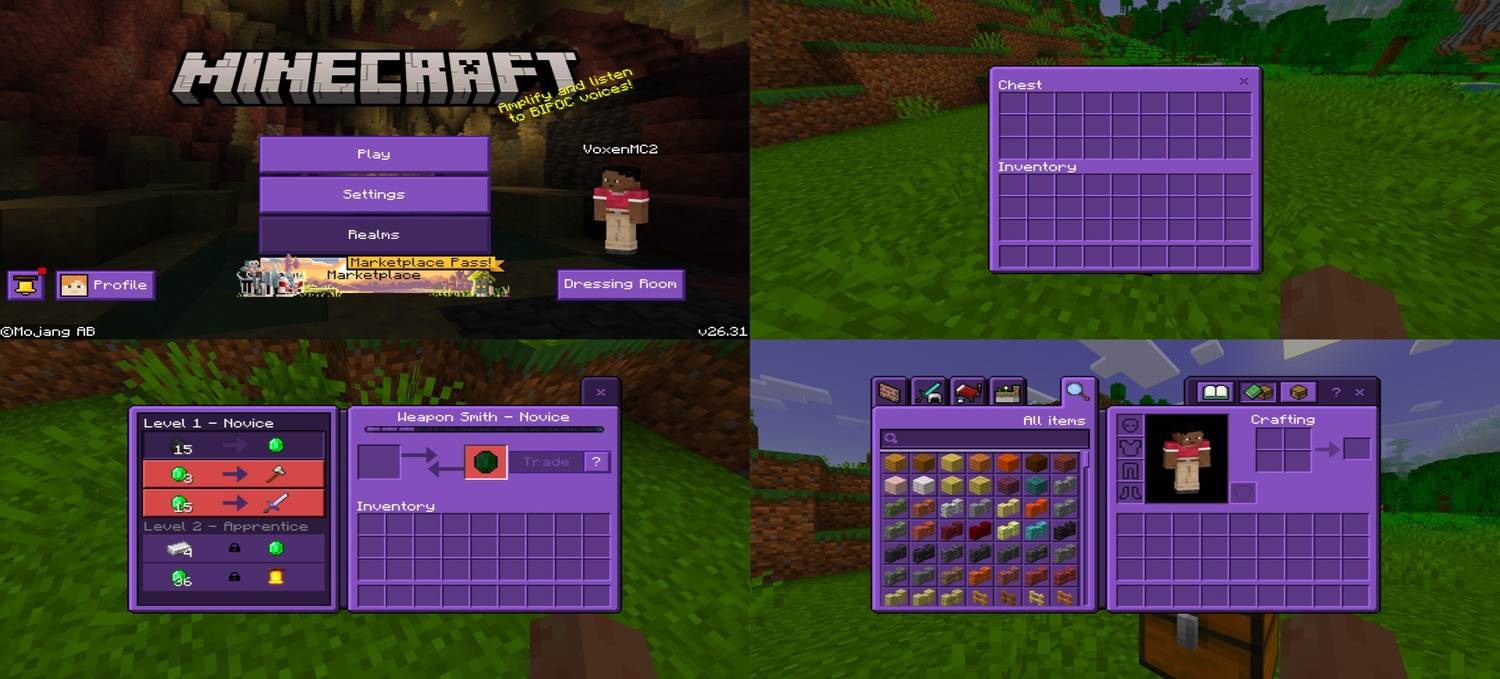
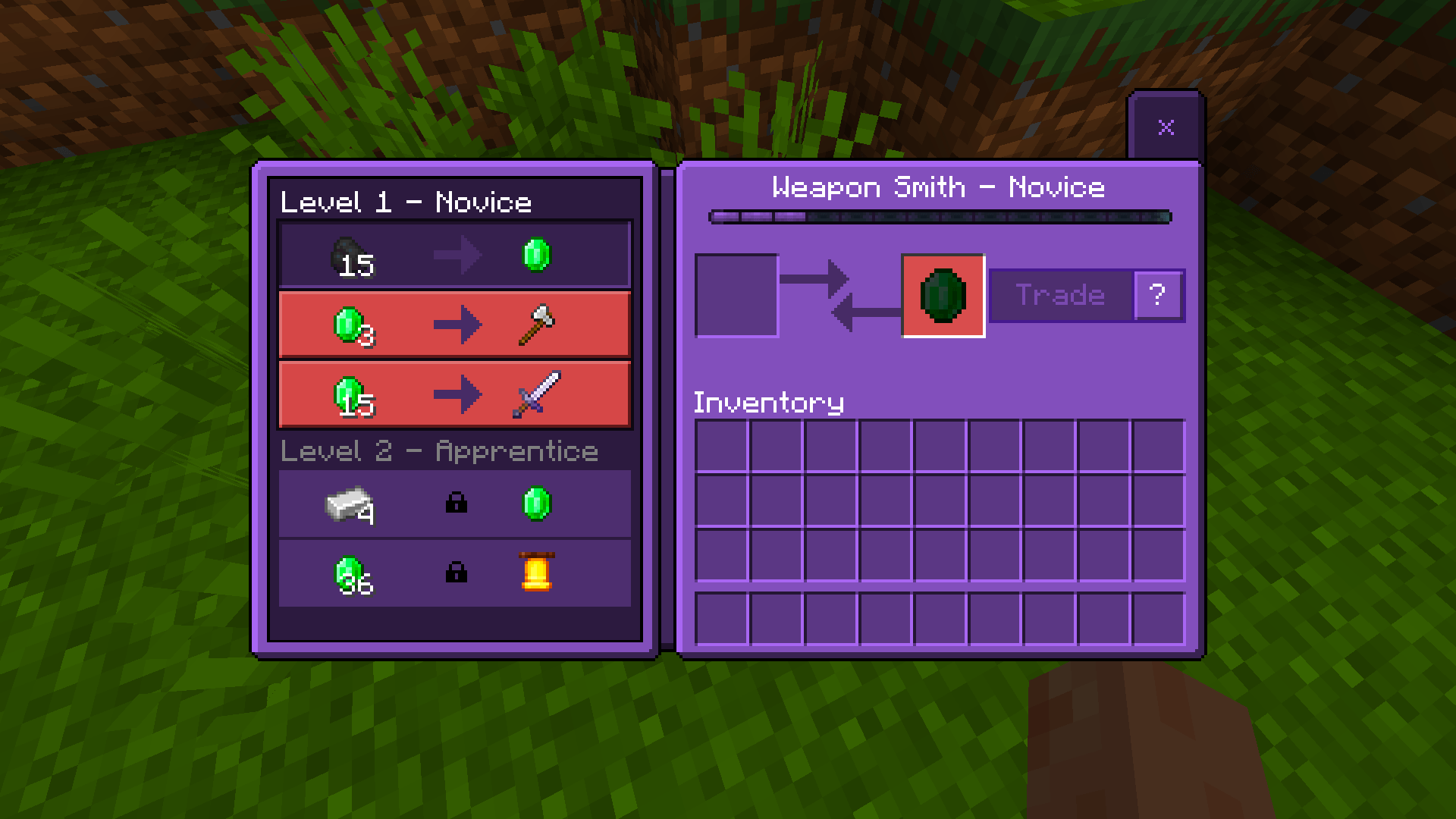
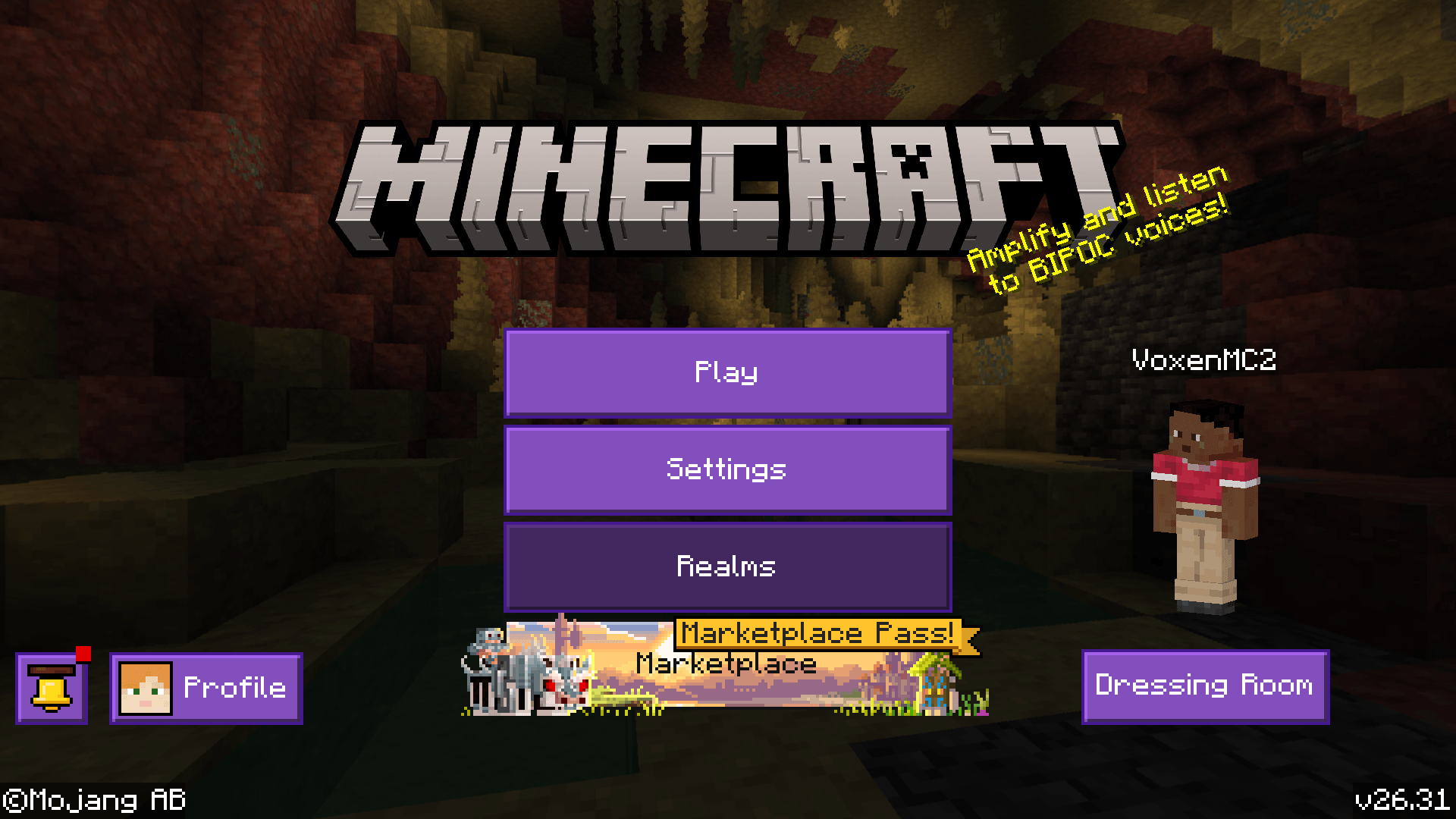
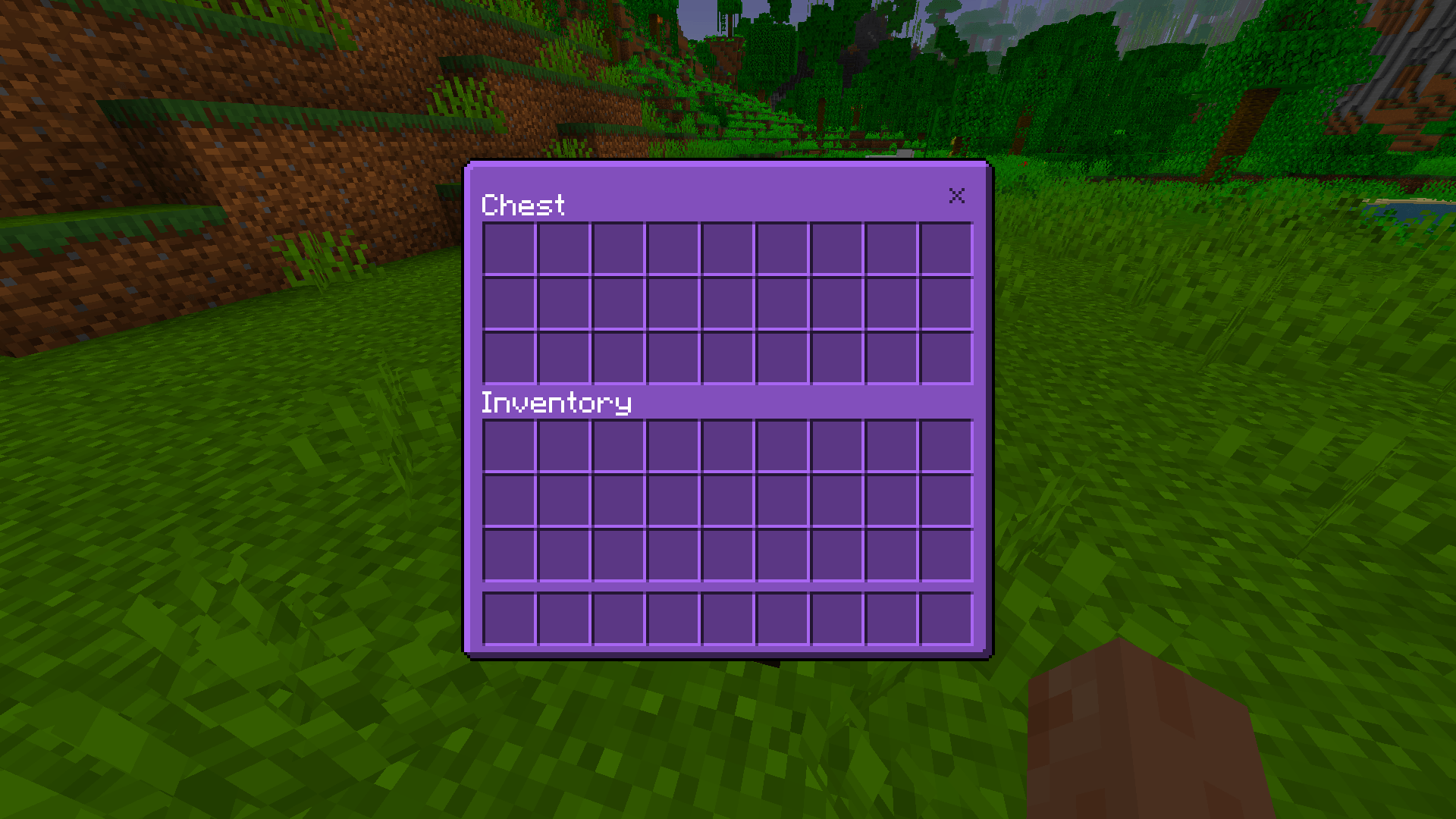
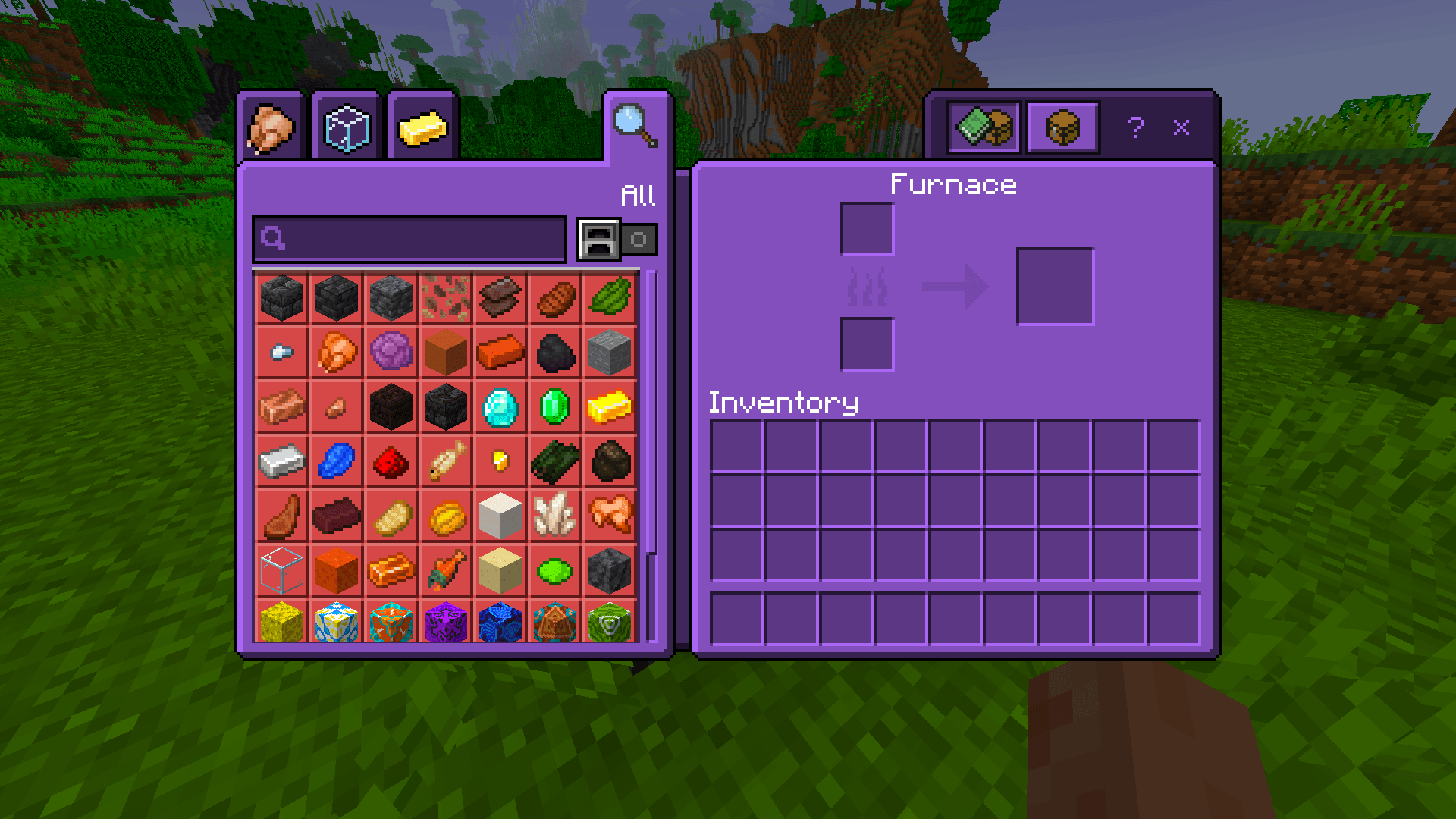
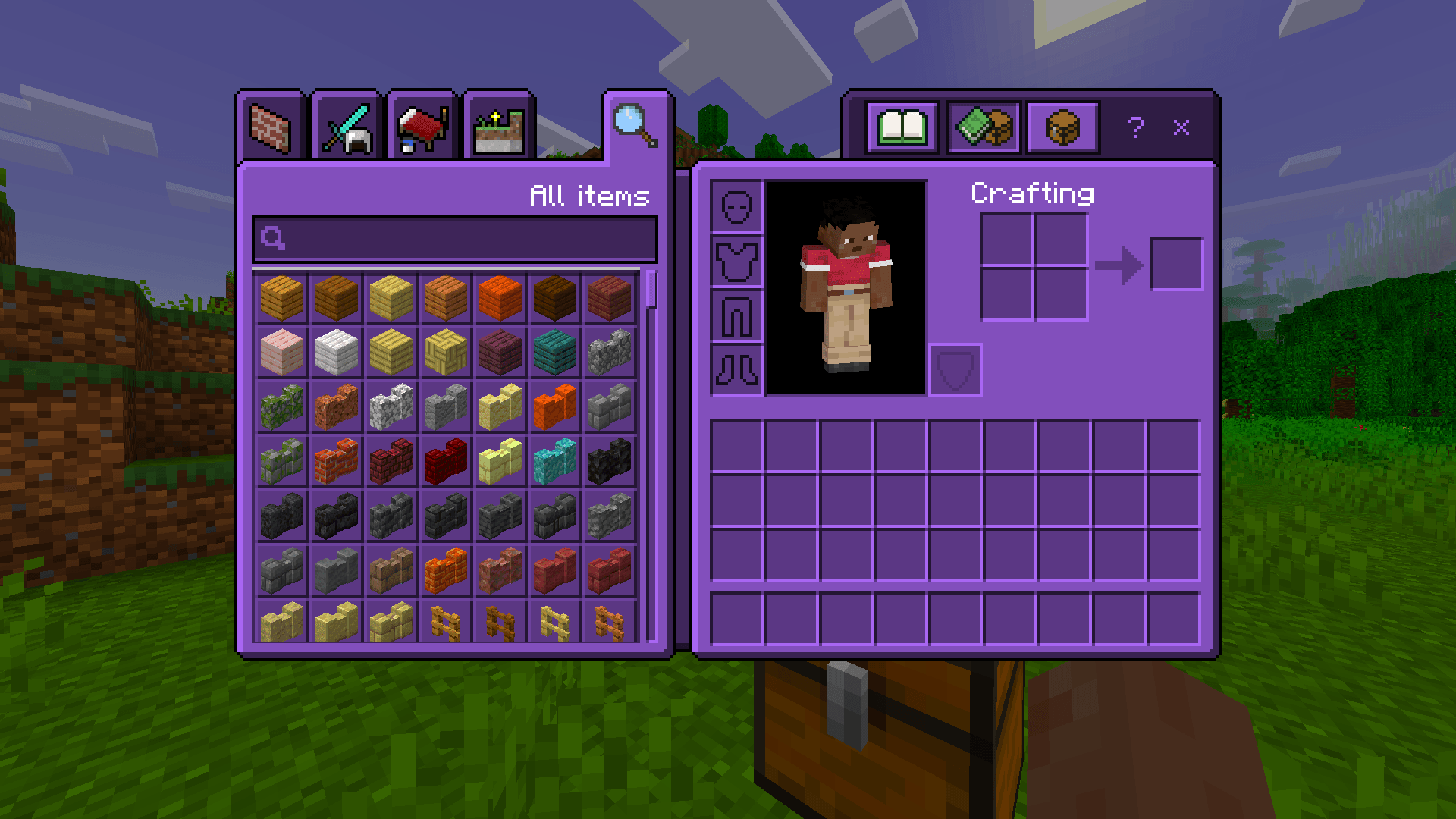
A complete UI overhaul in one bold color. Amethyst UI reskins every screen in Minecraft — menus, inventory, crafting, furnace, and trading — into a sharp, consistent purple theme from start to finish.
What Gets Reskinned
- Main Menu — buttons, panels, and layout all in amethyst purple
- Loading Screen — purple-themed loading bar and tip box
- Inventory & Crafting Table — clean purple interface
- Furnace — fully reskinned, smooth purple tones
- Villager Trading UI — purple theme carried through trade screens
- All other container UIs — chests, hoppers, and more
Pure Aesthetic, Zero Gameplay Impact
UI-only pack. All slots, buttons, and functions work exactly as normal. Just a complete amethyst makeover.
Quick facts
- Edition: Minecraft Bedrock
- File type: .mcpack
- Minecraft version listed: 26.30
- How to install: Download the .mcpack. → Open it — Minecraft imports it under Resource Packs. → Activate it in Global Resources, or for one world under Resource Packs → Available.
- Where to get it: Opens on CurseForge — not every file is mirrored on our own servers.
Install steps are the general flow for this file type — How to install Minecraft Bedrock texture packs walks through it step by step.
Verified by MCModsHub
- Pack type: .mcpack — a single pack
- Manifest requires Minecraft 1.21.0 or newer
- Complete pack — everything it depends on is inside the file
- Download size: 635 KB
- Download link checked 17 Sept 2026 — working
These come from our own check of the pack file, not from the source page.