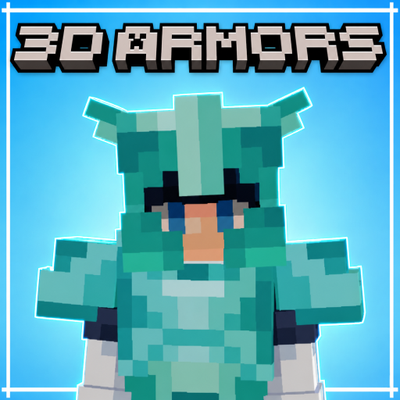
Better 3D Armors
Bedrock texture pack listed for Minecraft 1.21–26.x. File opened and checked on 30 Aug 2026; installs from the MC Bedrock Mods app on Android.
3D Armors brings every armor set to life with fully modeled 3D gear, detailed helmets, chestplates, leggings and boots for every tier, without changing…
⬇ DownloadThe author built this one for Minecraft 1.21–26.50. On other versions it may install and then do nothing.
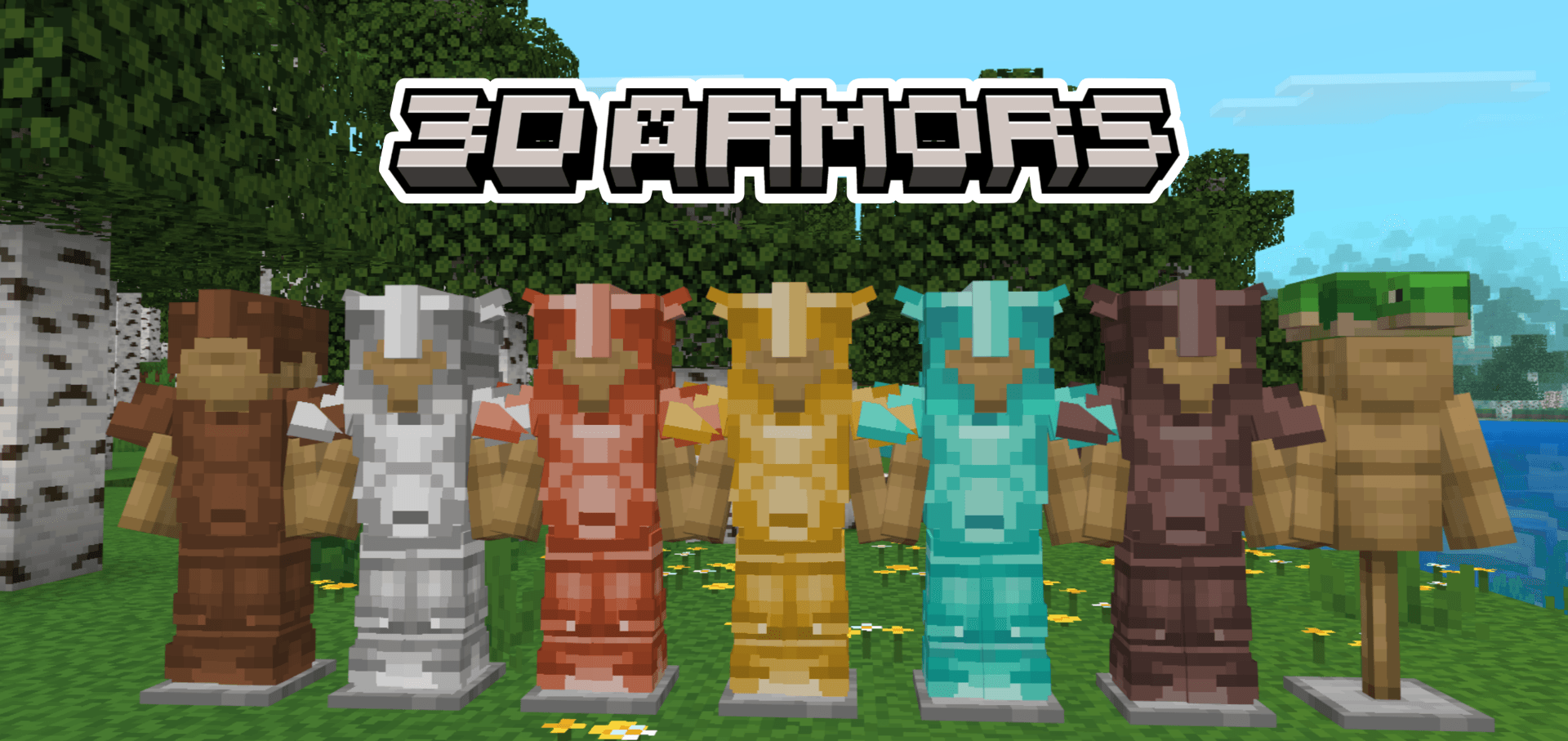

3D Armors is a resource pack for Minecraft Bedrock Edition that replaces flat armor with fully modeled 3D gear: detailed helmets, chestplates, leggings and boots, while keeping the core vanilla style intact.
🛡️ 3D Armor Models
- Six full 3D sets. Leather, iron, gold, diamond, netherite and copper, each with a modeled helmet, chestplate, leggings and boots
- Leather. A custom 3D leather set, fully dyeable with clean, true colors
- Iron, Gold & Diamond. Detailed metal armor with crisp, defined plating
- Netherite & Copper. Heavy 3D models with material-accurate shading
- Turtle Shell. A 3D turtle helmet is included
- Chainmail. A clean vanilla-style mesh with proper transparency
- Natural Fit. Armor sits correctly on the player during movement and animation, on any skin
✨ Enchantment Glow
Enchanted 3D armor glows, so enchanted gear is easy to spot.
- Works on every armor tier
- The glint wraps correctly around the 3D models
- Visible on helmets, chestplates, leggings and boots
🎨 Dyeable Leather
The 3D leather armor fully supports dyes, both on the worn model and on the inventory icons.
- A neutral base so dye colors come out bright and true
- Matching item textures, so inventory icons reflect the worn look
- Works with all 16 dyes and any mixed color
🌗 Vibrant Visuals Support
Every armor set includes PBR texture sets for Vibrant Visuals, so metal looks metallic and leather stays matte. You can choose between two subpacks:
- Heightmap ON. Adds surface depth to the armor plating
- Heightmap OFF. A flatter, cleaner look
🛠 Compatibility
- Minecraft Bedrock Edition 1.21.0 or newer, updated for 26.50
- Android, iOS/iPadOS, Windows 10/11, Xbox, PlayStation
- Works in single-player, on servers and on Realms
- No experimental features required
💬 Feedback & Issues: If you find any bugs or have suggestions, leave a comment below! ⭐ If you enjoy the pack, please leave a rating, it helps a lot!
- Edition: Minecraft Bedrock
- File type: .mcpack
- Minecraft versions listed: 1.21.30, 1.21.50, 1.21.20
- How to install: Download the .mcpack. → Open it — Minecraft imports it under Resource Packs. → Activate it in Global Resources, or for one world under Resource Packs → Available.
- Where to get it: In MCModsHub, or directly above on this page.
Install steps are the general flow for this file type — How to install Minecraft Bedrock texture packs walks through it step by step.
- Pack type: .mcpack — a single pack
- Complete pack — everything it depends on is inside the file
- Download size: 323 KB
- Download link checked 26 Aug 2026 — working
These come from our own check of the pack file, not from the source page.
![ARMOUR++ ADDON Adds 60 Armors to Minecraft Bedrock! [Review]](https://i.ytimg.com/vi/tvOxONxZN3Y/mqdefault.jpg)
