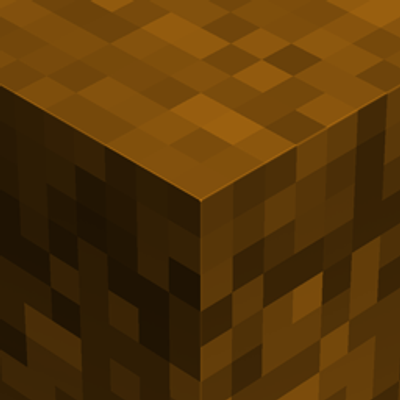
Amber UI
Amber UI gives Minecraft a complete warm amber-themed makeover — main menu, dressing room, inventory, crafting, furnace, and chests reskinned. Restart…
⬇ Download on CurseForge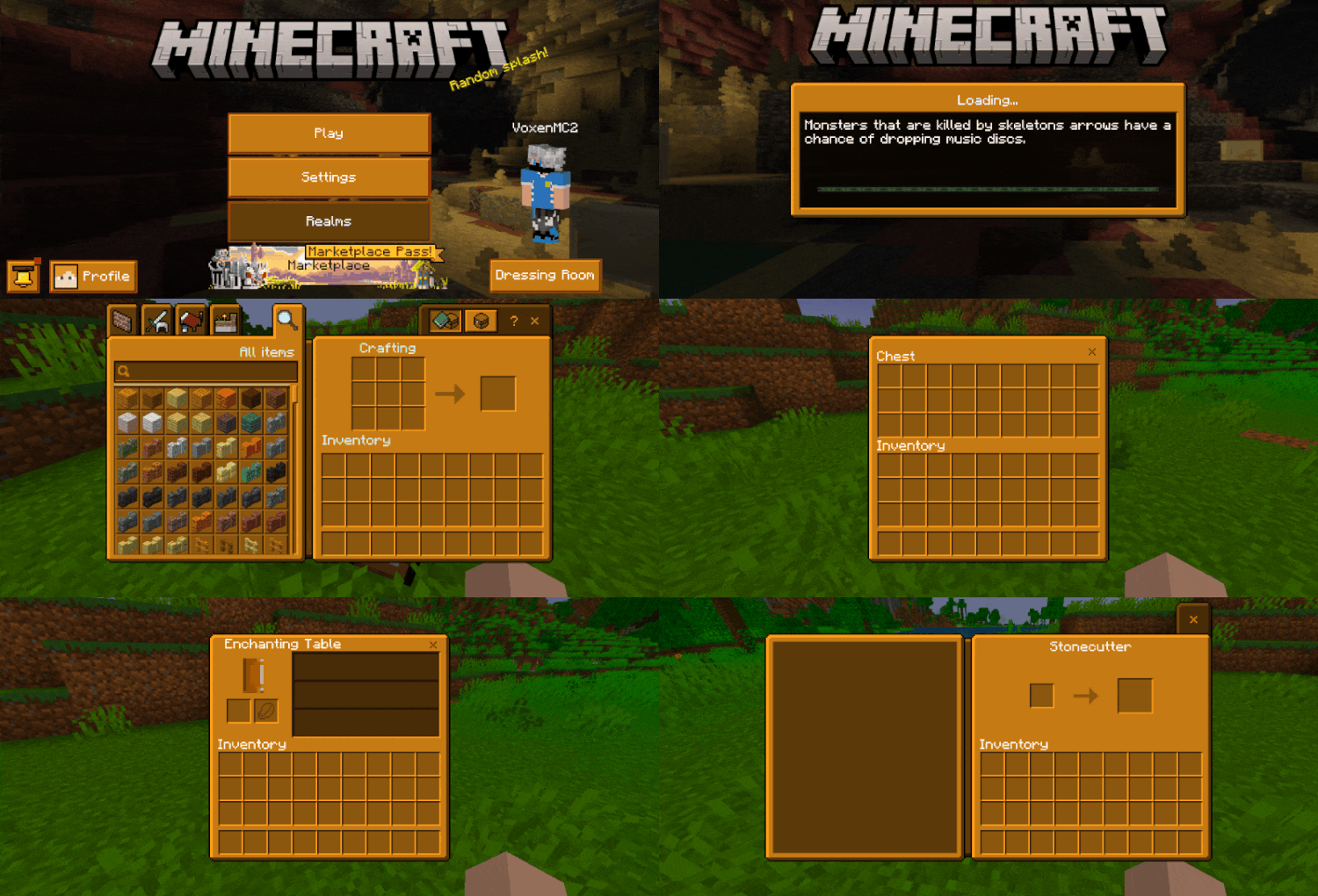
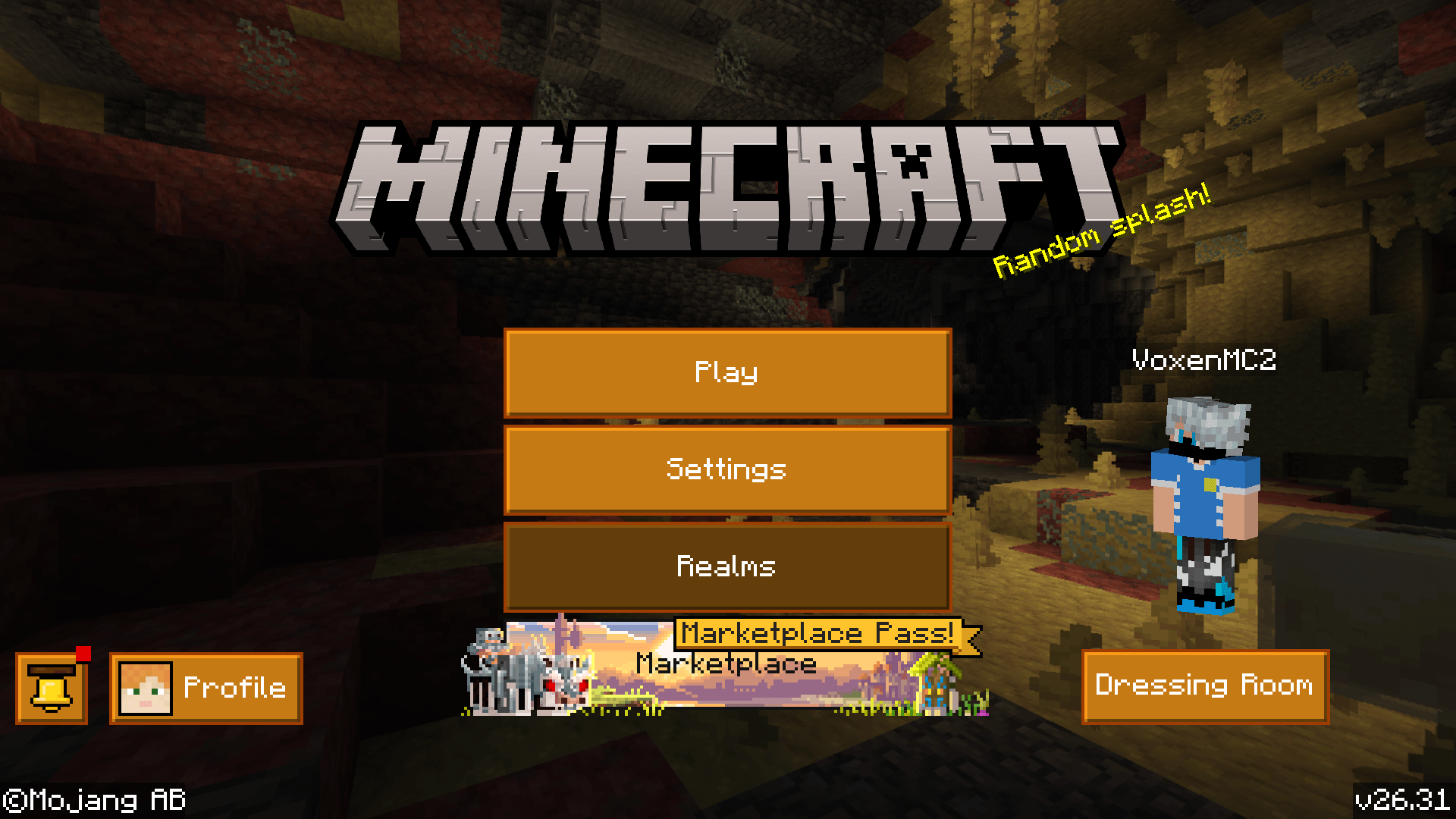
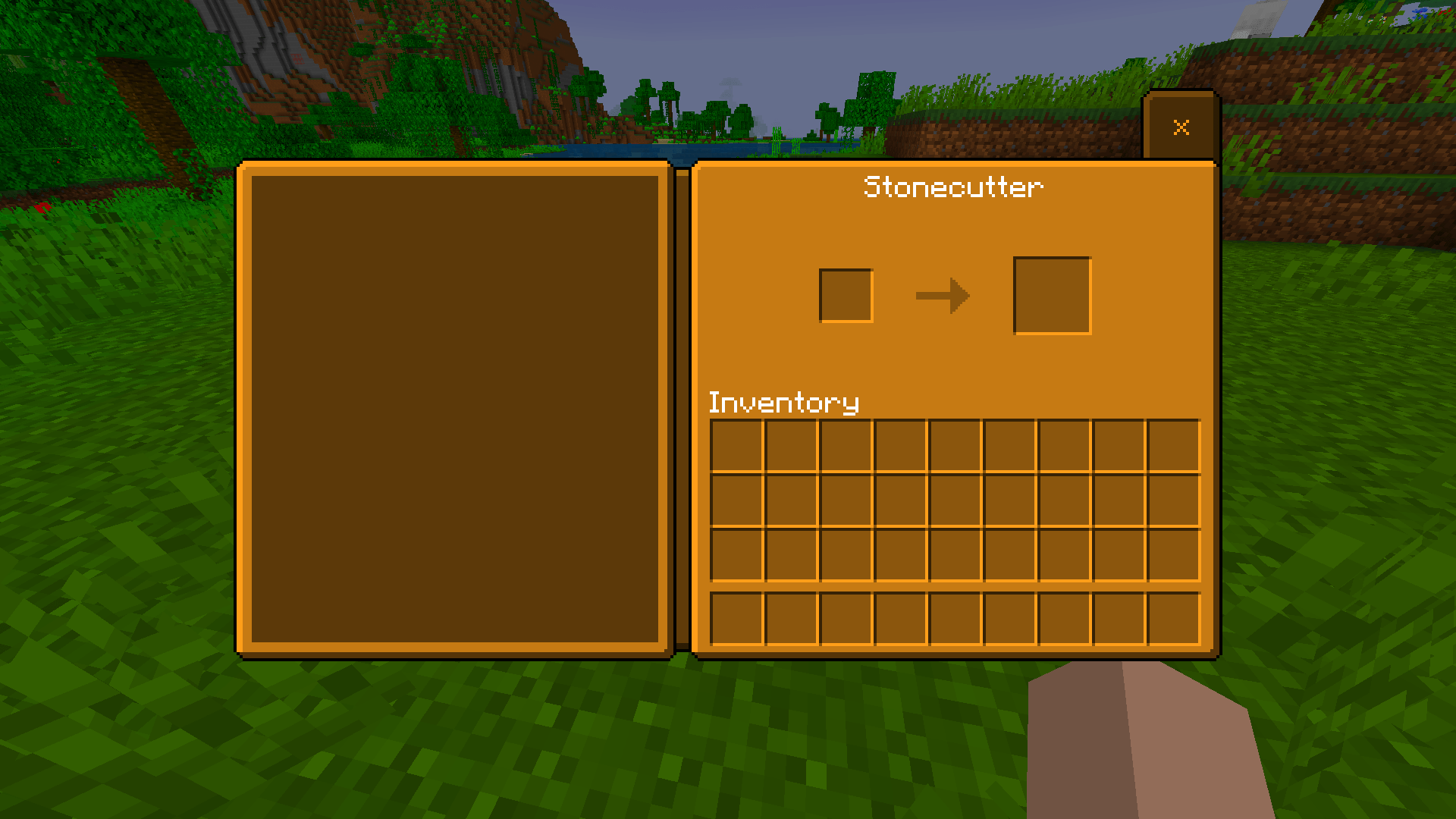
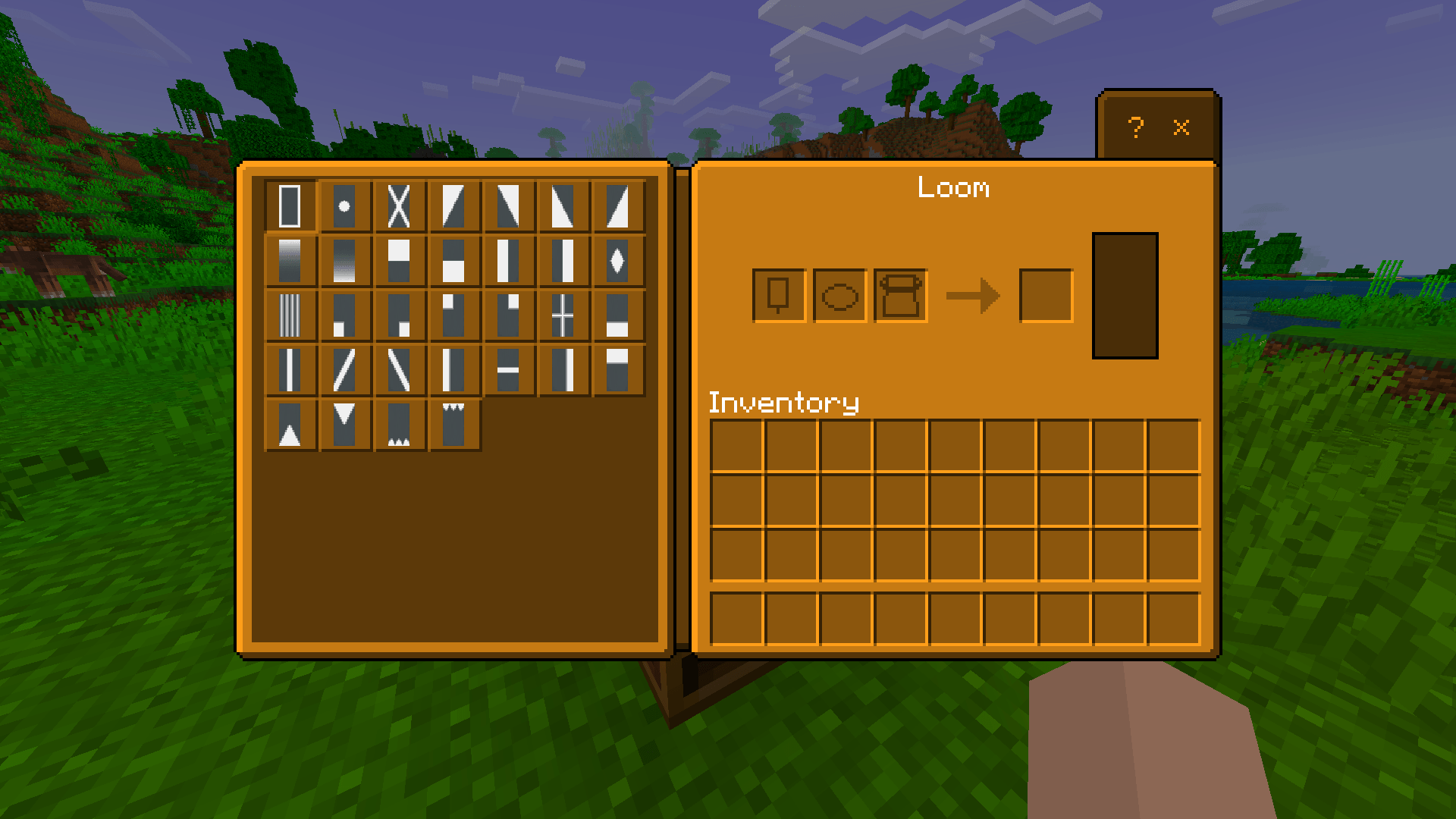
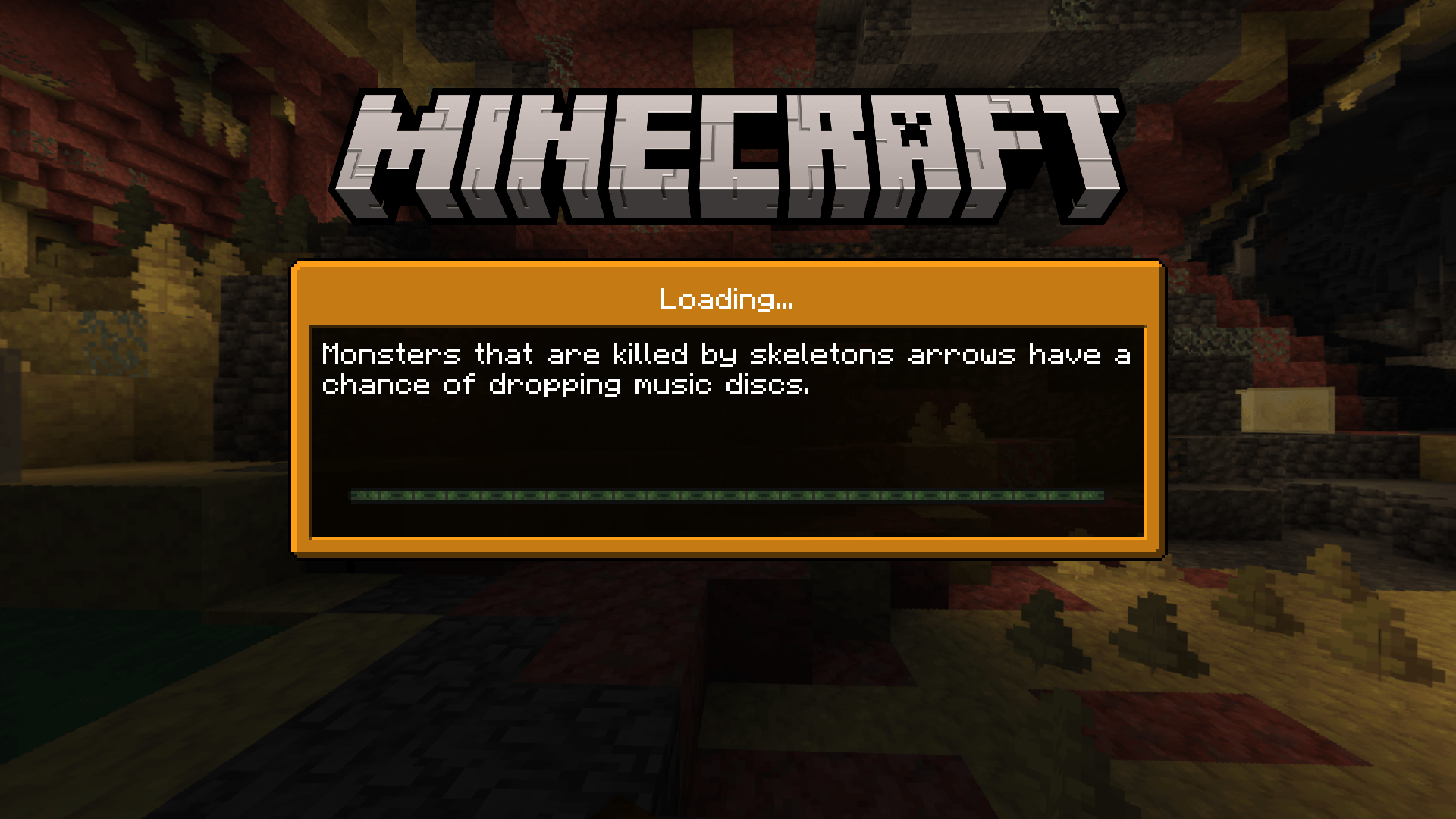
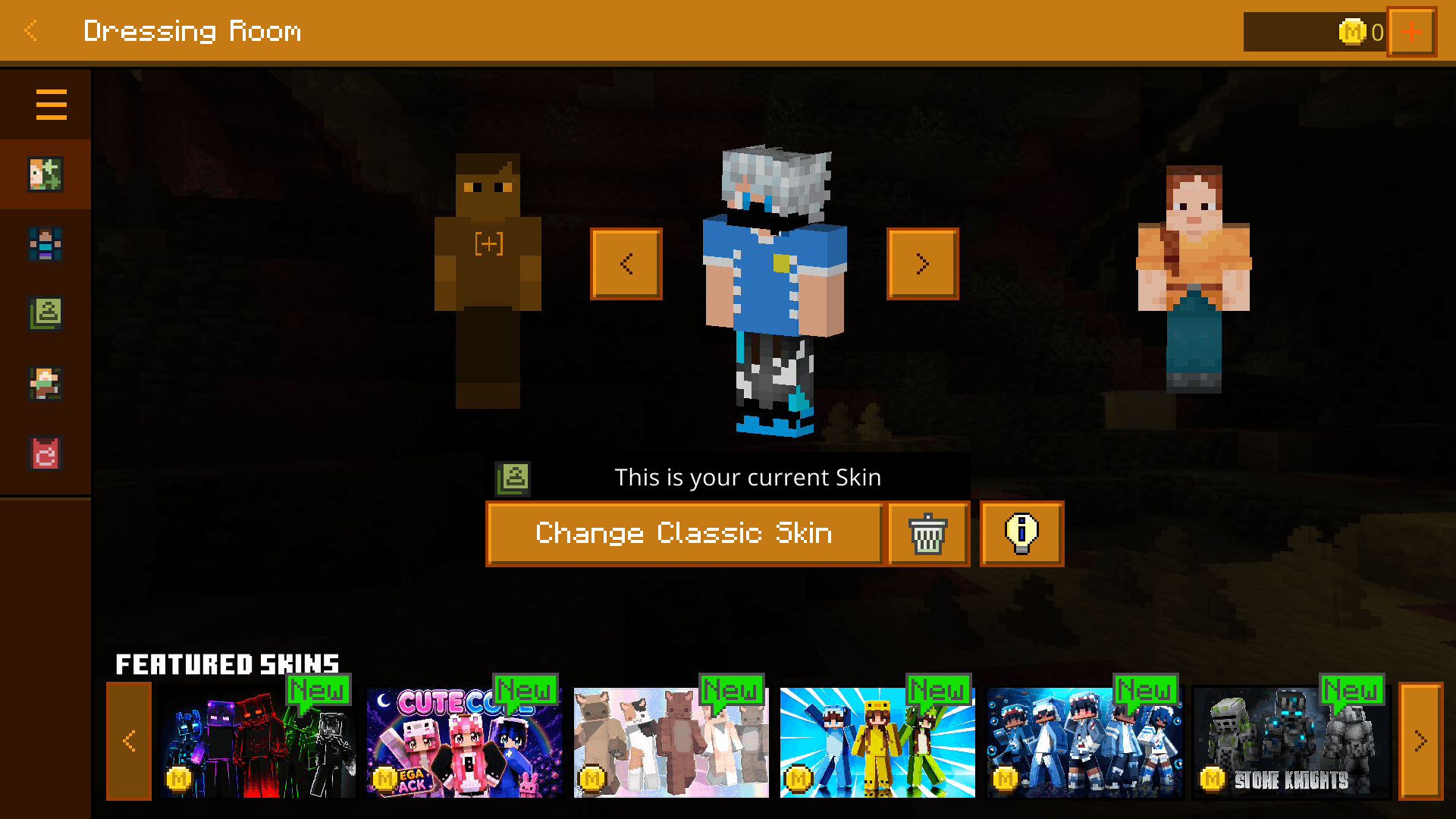
A complete UI overhaul in one bold color. Amber UI reskins every screen in Minecraft — menus, dressing room, inventory, crafting, furnace, and chests — into a sharp, consistent amber theme from start to finish.
What Gets Reskinned
- Main Menu — buttons, panels, and layout all in warm amber tones
- Dressing Room — skin selection screen reskinned to match
- Loading Screen — amber-themed loading bar and tip box
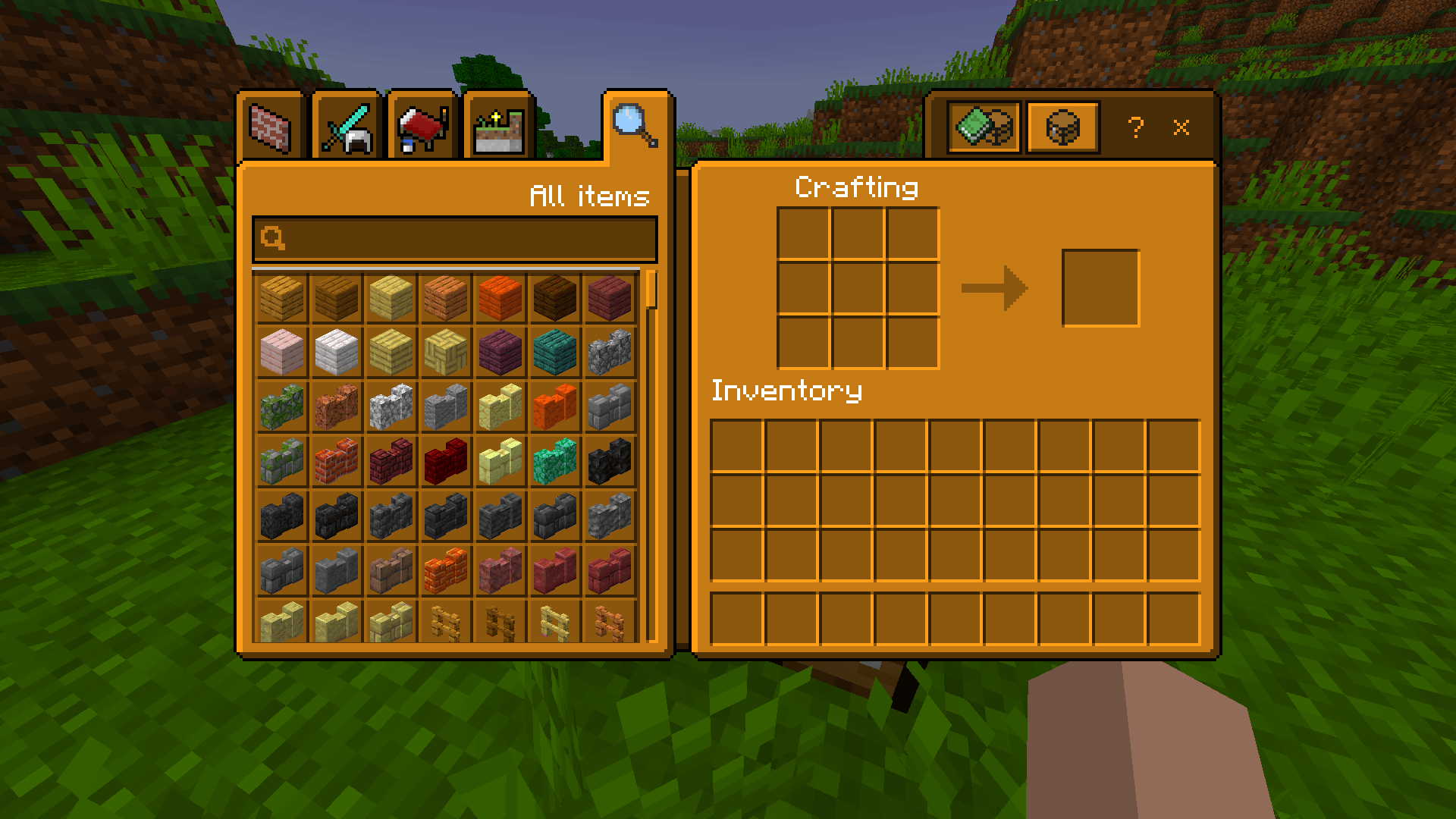
- Inventory & Crafting Table — clean amber interface
- Furnace — fully reskinned, smooth amber tones
- Chests — fully reskinned amber container UI
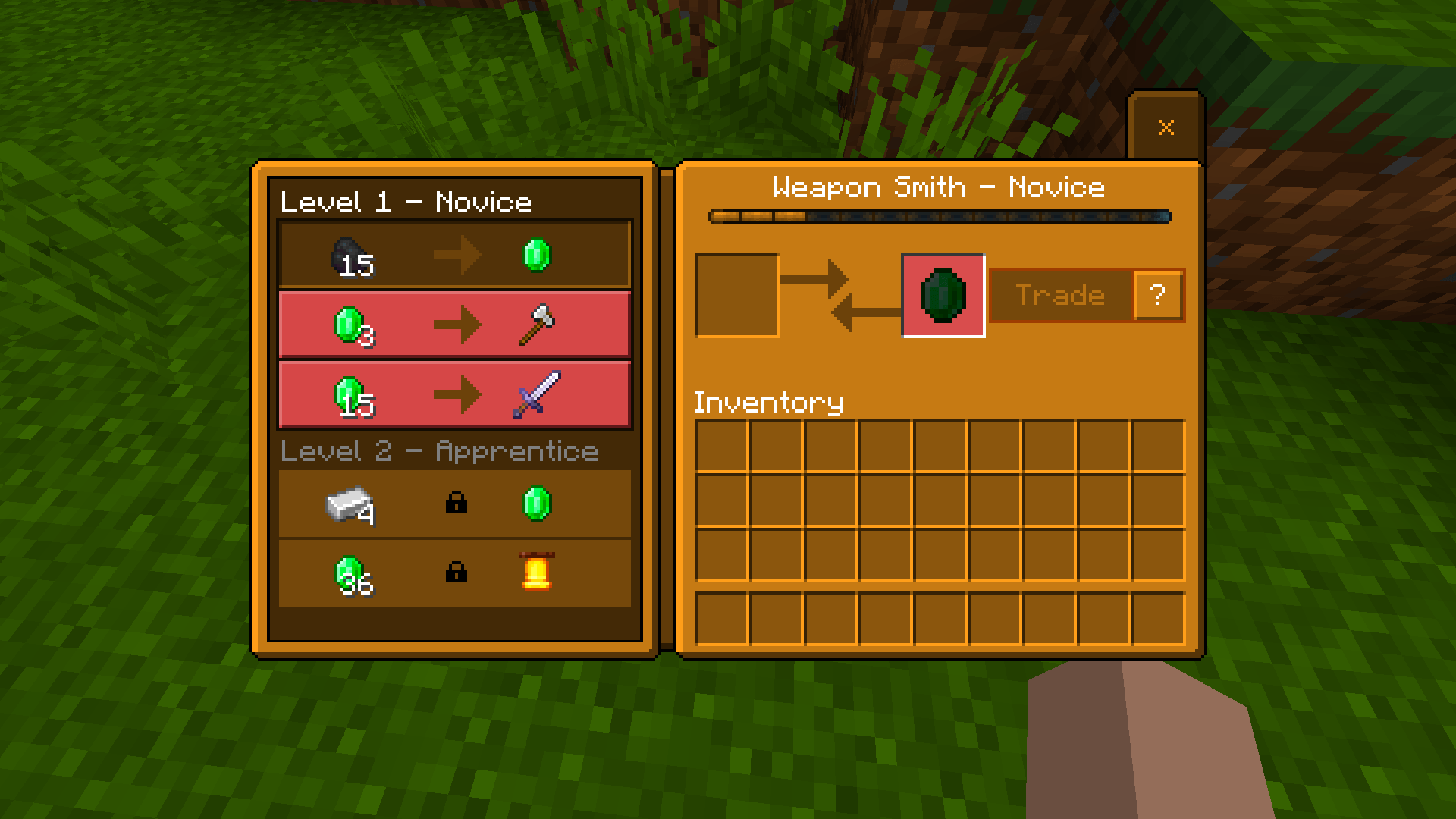
- Villager Trading UI — amber theme carried through trade screens
Important Note
After activating this pack, restart Minecraft. Some UI elements may appear buggy or not load correctly until the game is restarted.
Pure Aesthetic, Zero Gameplay Impact
UI-only pack. All slots, buttons, and functions work exactly as normal. Just a complete amber makeover.
- Edition: Minecraft Bedrock
- File type: .mcpack
- Minecraft version listed: 26.30
- How to install: Download the .mcpack. → Open it — Minecraft imports it under Resource Packs. → Activate it in Global Resources, or for one world under Resource Packs → Available.
- Where to get it: Opens on CurseForge — not every file is mirrored on our own servers.
Install steps are the general flow for this file type — How to install Minecraft Bedrock texture packs walks through it step by step.
- Pack type: .mcpack — a single pack
- Manifest requires Minecraft 1.21.0 or newer
- Complete pack — everything it depends on is inside the file
- Download size: 624 KB
- Download link checked 17 Sept 2026 — working
These come from our own check of the pack file, not from the source page.