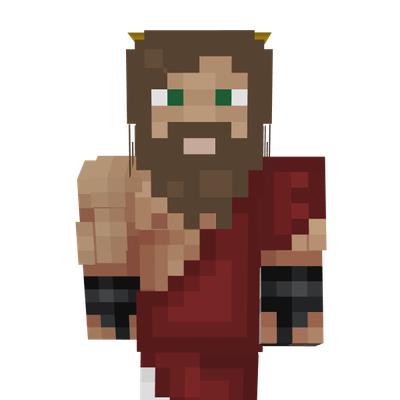
Ultimate Jesus Christ
Play as a faith-inspired Jesus Christ character in Minecraft Bedrock Edition. Perfect for roleplay, themed builds, survival worlds, and creative projects…
⬇ Download on CurseForge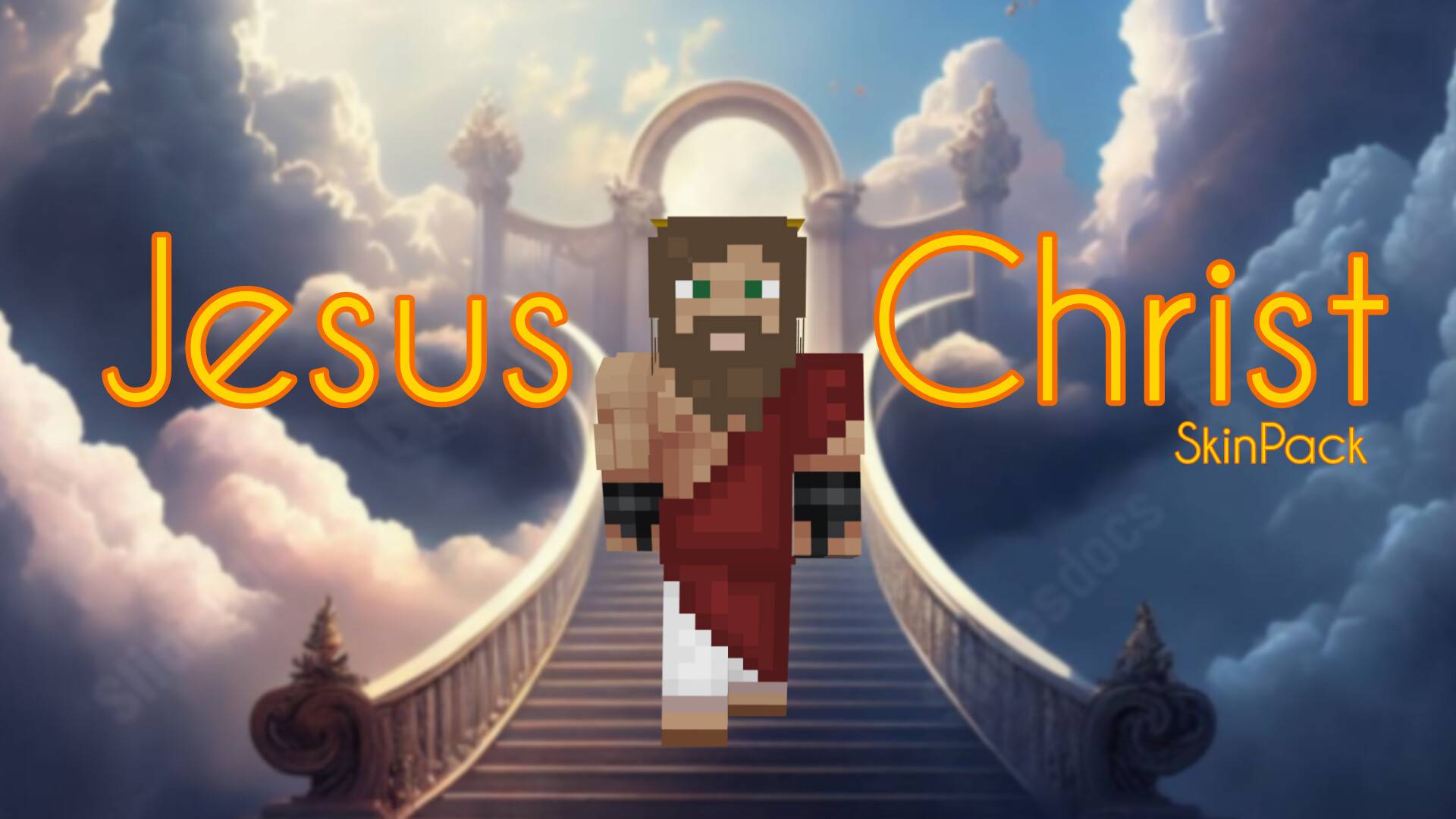
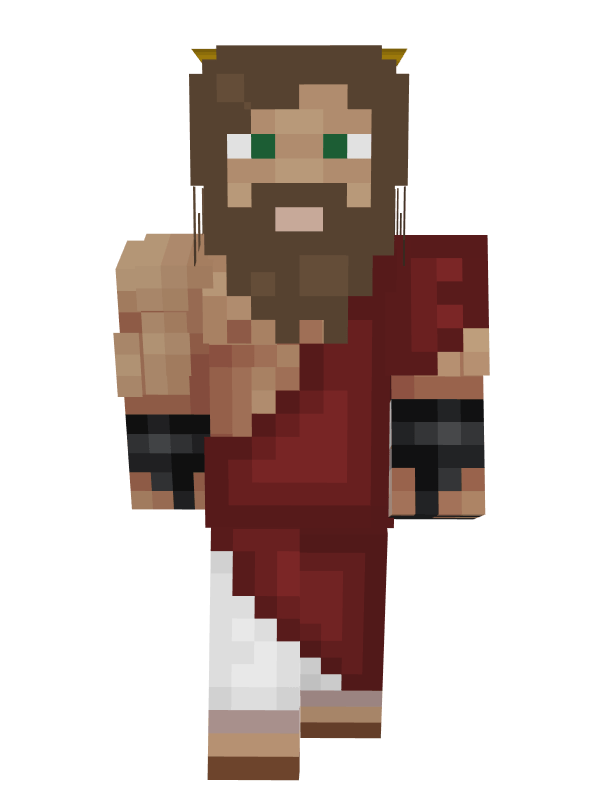
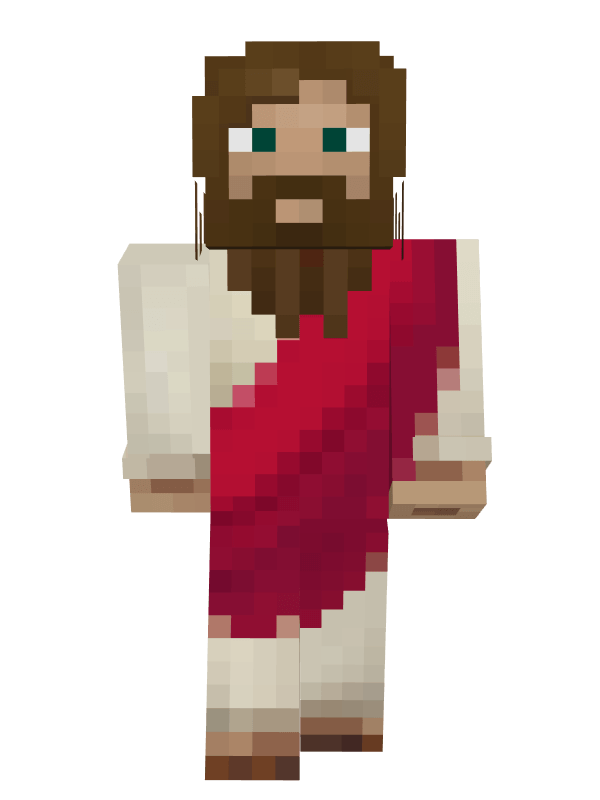
Ultimate Jesus Christ SkinPack
Bring a faith-inspired character to your Minecraft adventures with the Ultimate Jesus Christ SkinPack. This skin pack features a detailed Jesus Christ themed skin designed for players who want a peaceful, meaningful, and unique appearance in Minecraft Bedrock Edition.
Whether you're exploring survival worlds, building churches, creating biblical-themed maps, roleplaying, or simply looking for a distinctive skin, this pack offers a clean and recognizable design inspired by traditional depictions of Jesus Christ.
✦ Included Skins
- Jesus Christ
✦ Features
- Faith-inspired Jesus Christ character design.
- High-quality Minecraft Bedrock skin.
- Perfect for roleplay and themed worlds.
- Suitable for survival and creative gameplay.
- Easy installation process.
- Works on Minecraft Bedrock Edition.
- Lightweight skin pack.
✦ Why You'll Love This Pack
The Ultimate Jesus Christ SkinPack provides a simple yet meaningful character design for players who want something different from standard Minecraft skins. Whether used in personal worlds, religious-themed builds, or community projects, this skin offers a unique appearance that stands out while remaining clean and recognizable.
✦ Installation Guide
- Scroll down and download the Skin Pack.
- Open the downloaded file using ZArchiver or any file manager app.
- Tap Open With and choose Minecraft.
- Wait for Minecraft to import the Skin Pack automatically.
- Open Dressing Room or Change Skin.
- Navigate to the imported Skin Pack.
- Select the Jesus Christ skin.
- Start your adventure with your new appearance.
✦ Compatibility
- Minecraft Bedrock Edition Supported ✅
- Works on Android, iOS, Windows, and Console ✅
- Multiplayer Friendly ✅
- Easy To Install ✅
Made by BedrockForge
Images 👇🏻
- Edition: Minecraft Bedrock
- File type: .mcpack
- Minecraft versions listed: 26.20, 26.13, 26.30
- How to install: Download the .mcpack skin pack. → Open it — Minecraft imports it. → Open the Dressing Room and select the skin.
- Where to get it: Opens on CurseForge — not every file is mirrored on our own servers.
Install steps are the general flow for this file type — How to apply a custom Minecraft skin walks through it step by step.
- Pack type: .mcpack — a single pack
- Complete pack — everything it depends on is inside the file
- Download size: 10 KB
- Download link checked 26 Aug 2026 — working
These come from our own check of the pack file, not from the source page.