
LithiumReverse
Bedrock texture pack listed for Minecraft 1.20–26.x. File opened and checked on 2 Oct 2026; installs from the MC Bedrock Mods app on Android.
Eliminate unnecessary rendering, calculations, and sound load to raise FPS, reduce lag, and stabilize gameplay.
I don't know my version
🚀 LithiumReverse Facts✅
[ This only tightens existing culling rules ]
📌New Update: ULTIMATE v6.0.0 Heavily Optimized.
The Culling Version of VulkanCore Pure Culling Speed Optimization survival mode capabilities
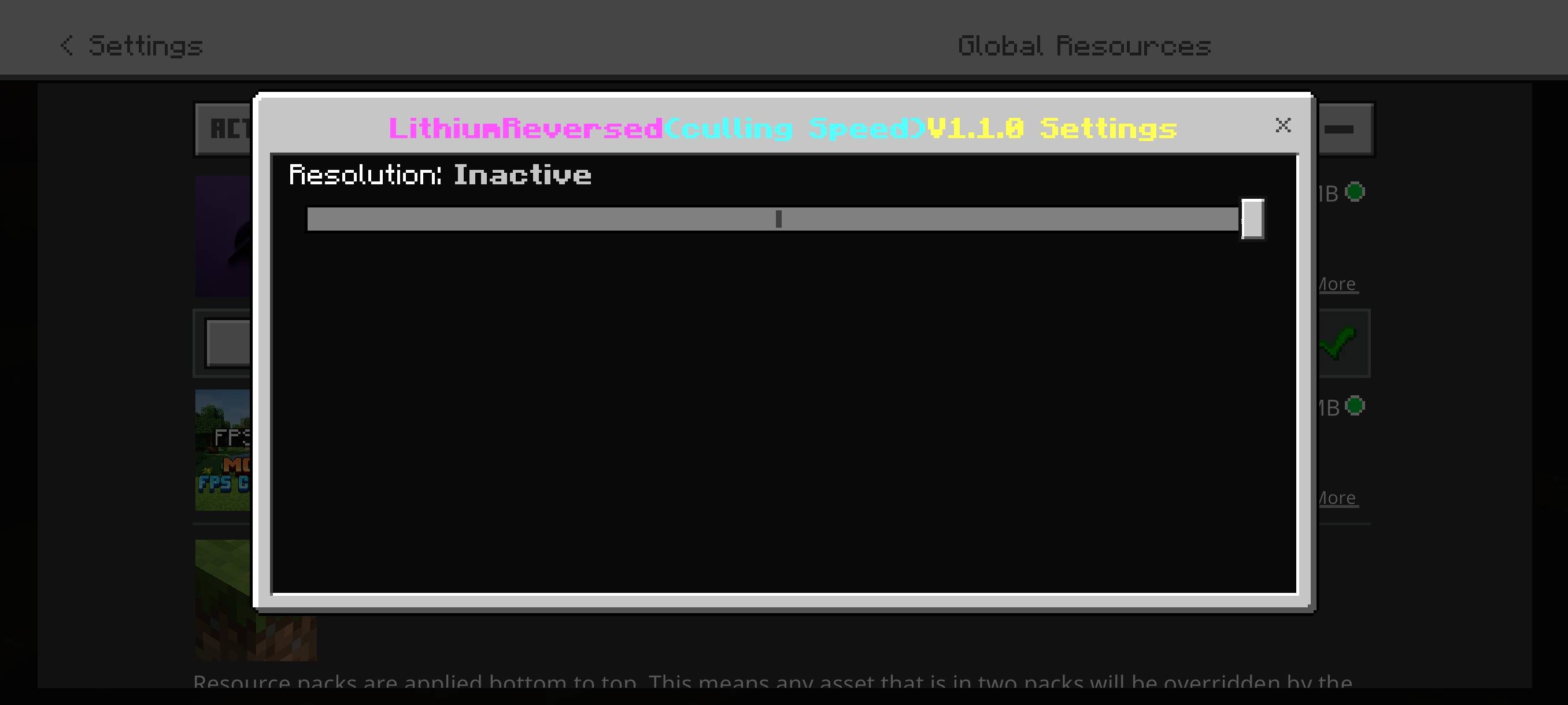
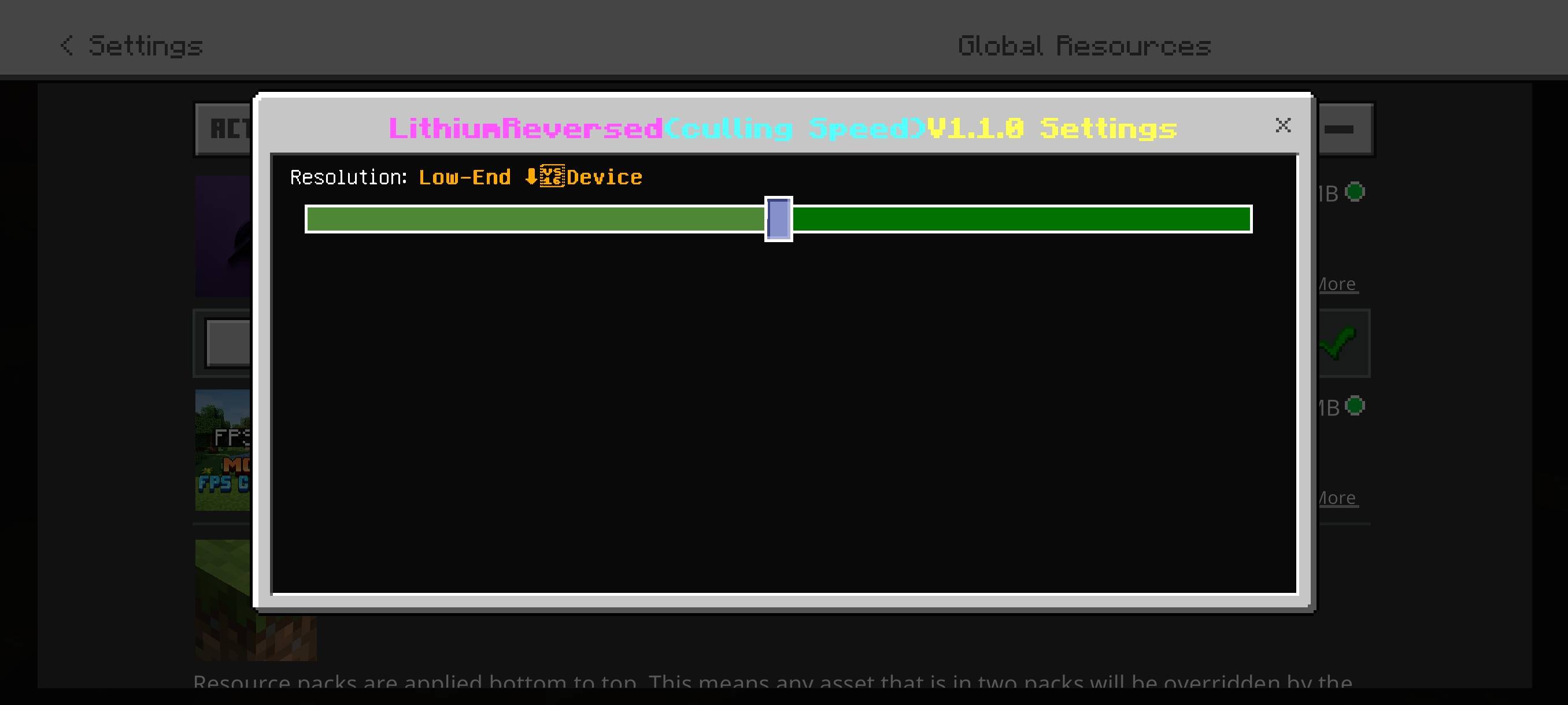
(Low-End) — Most aggressive culling, shortest distances, best for weak/older phones
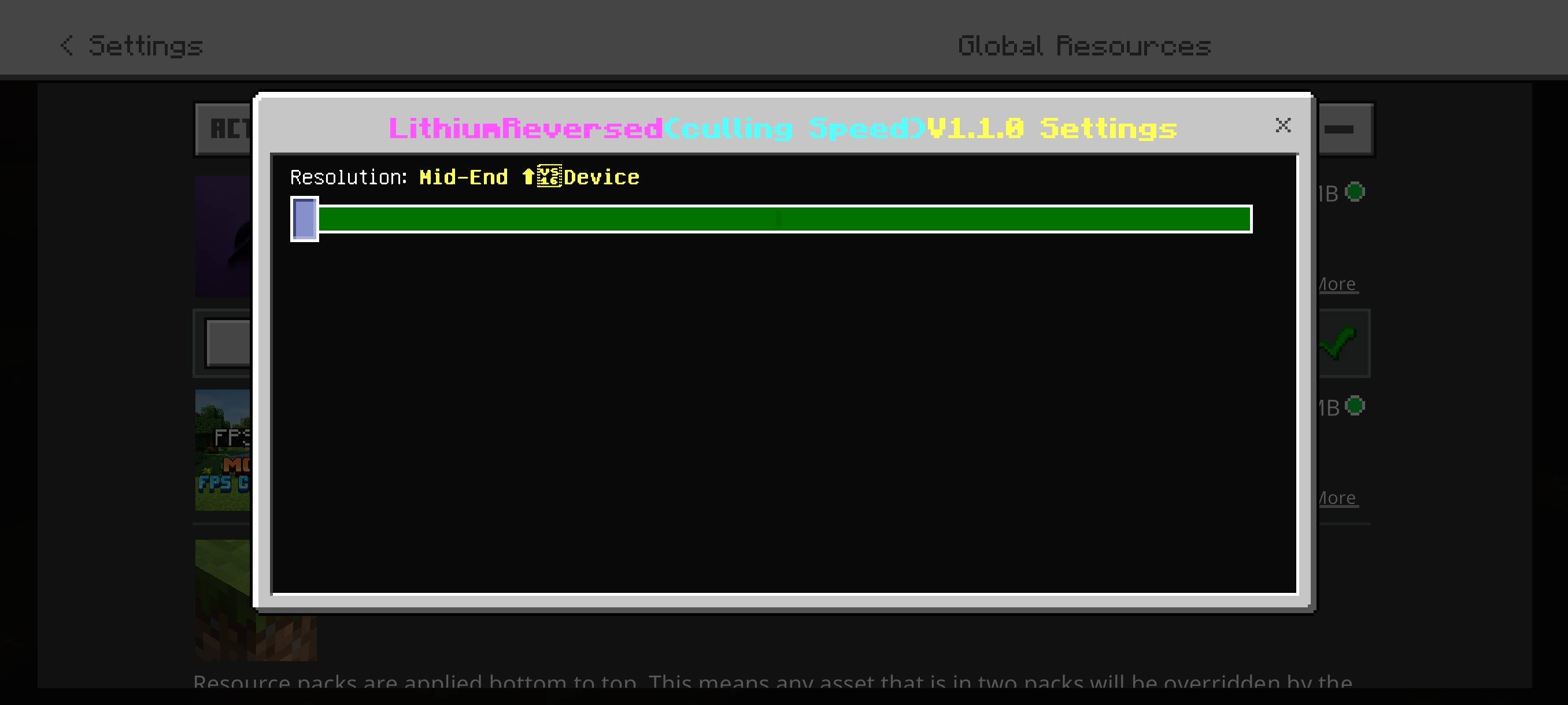
(Mid-End) — Slightly less aggressive, better visuals while still optimized
If you care about pretty graphics, this pack will look stripped down. If you care about smooth FPS on a weak device, this pack is exactly what you want.
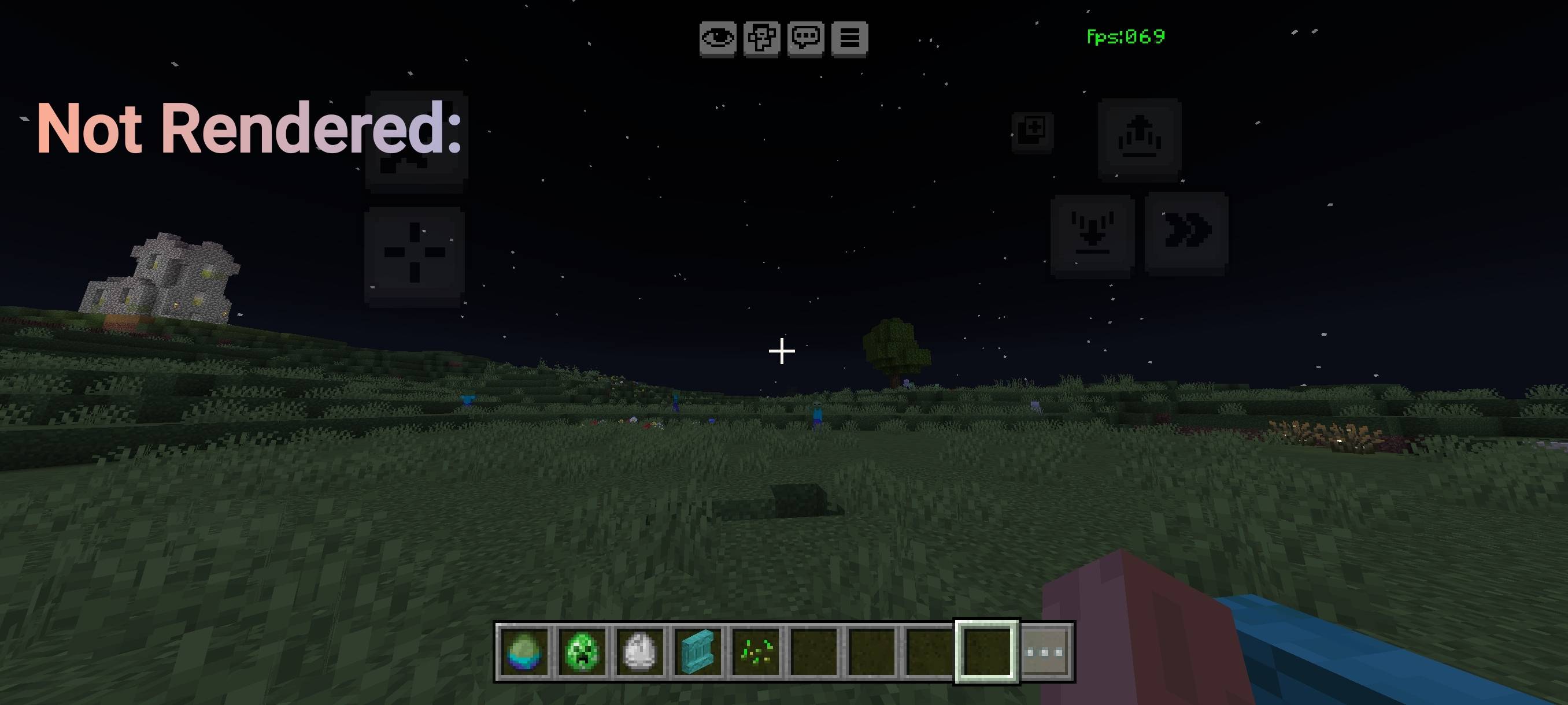
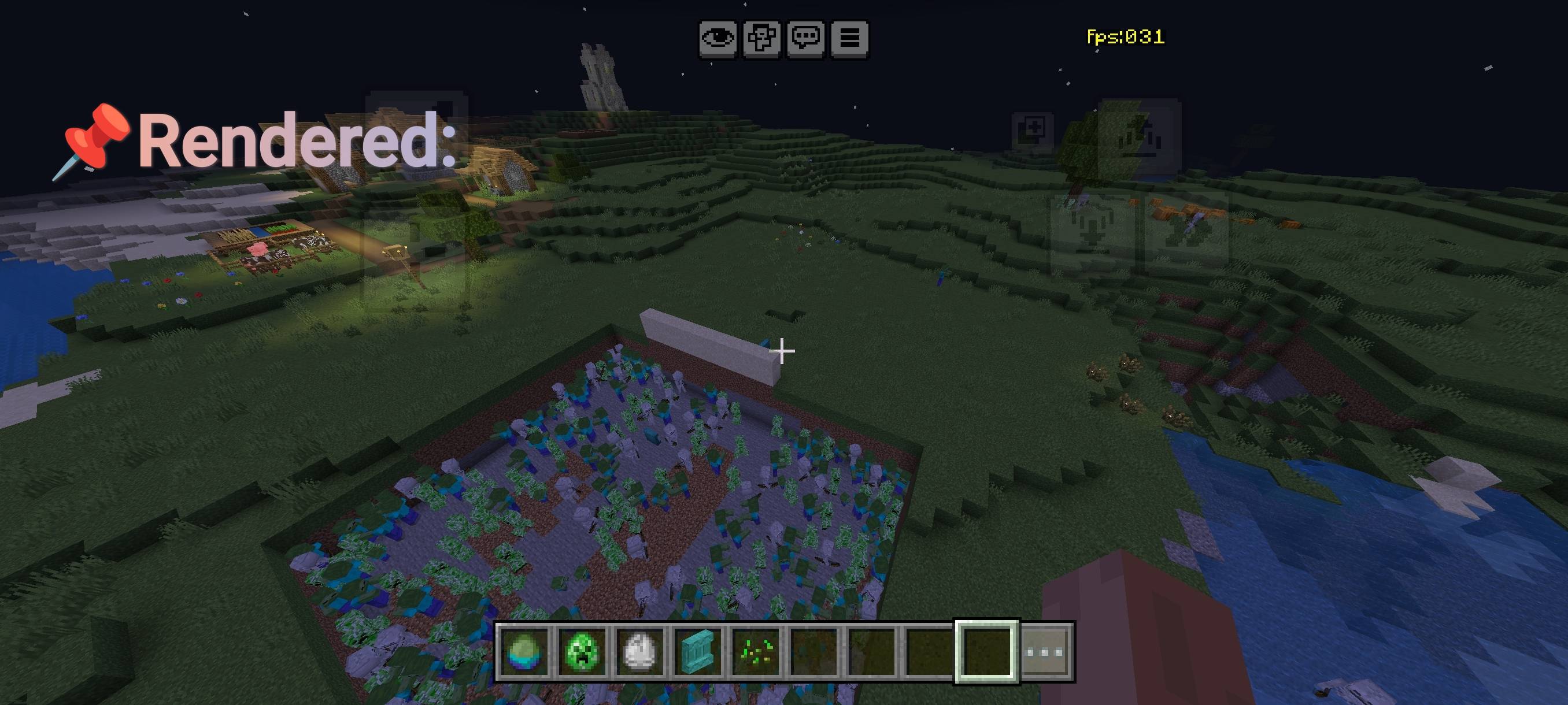
- 🔍 Entity Occlusion Culling: Entities fully hidden behind walls, floors, or solid blocks are not rendered or processed at all. Reappear instantly when visible no bugs, no missing mobs.
- 📦 Block & Chest Culling (NEW): (ALPHA)
- Chests, trapped chests, ender chests, barrels, hoppers, furnaces, blast furnaces, and smokers now fully optimized
- Max render distance: 7 blocks (Low‑End) / 10 blocks (Mid‑End) blocks beyond this range are not drawn
- Backface culling enabled, double‑sided rendering disabled, animations turned off
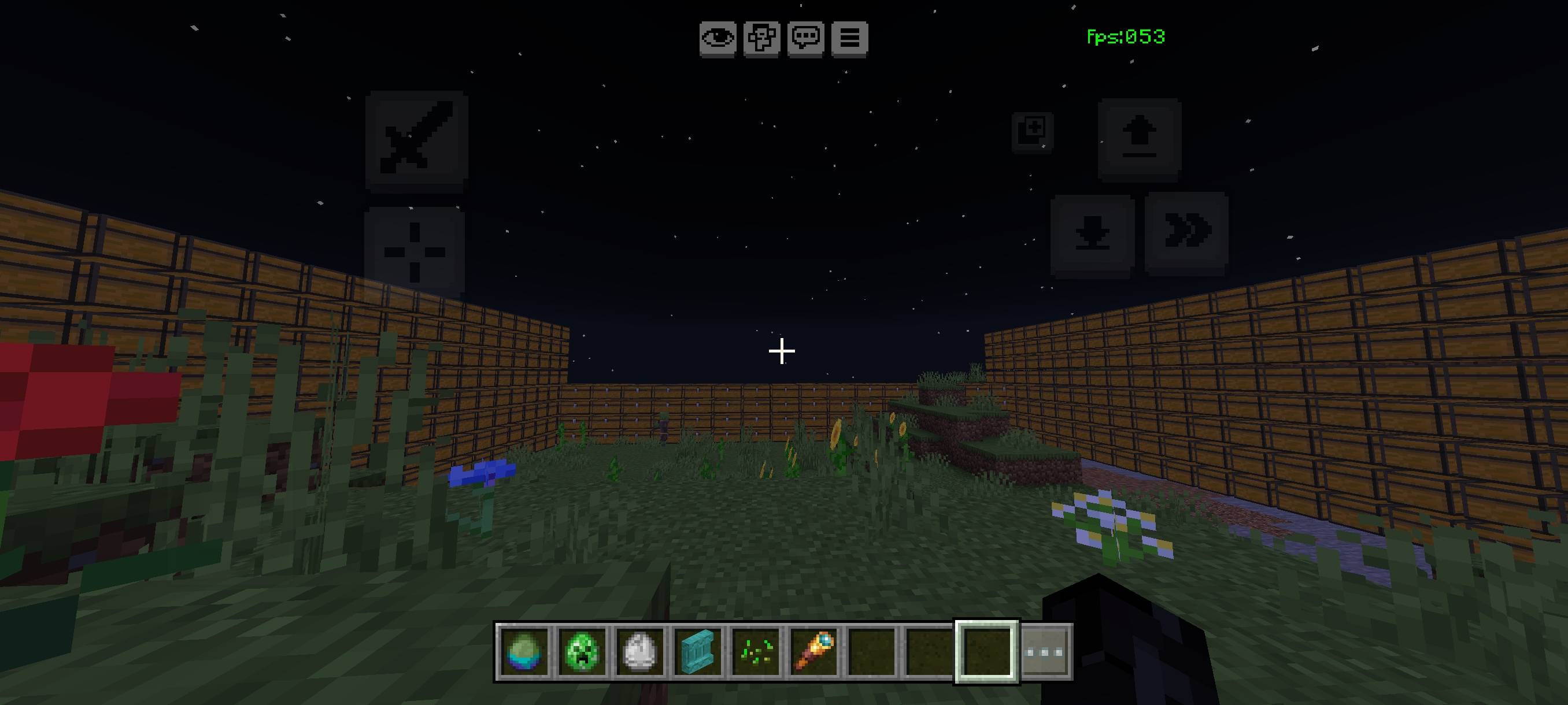
- Blocks completely hidden behind others are skipped entirely eliminates lag from 100+ lined chests or large storage rooms
- 🔇 Sound Culling: Mob noise through solid obstacles is reduced; only sounds from visible entities remain clear.
- ⚡ Smart Render Optimizations: Disables heavy shadows, limits draw distance, enables face culling & dynamic batching cuts GPU/CPU usage drastically.
- 👾 Full Entity Culling: All mobs including Slimes, Magma Cubes, Camels, Sniffers, Frogs, Allays, and utility entities now have optimized render distances and occlusion checks.
- 📊 Tick Stabilization: Smoothes world updates, reduces background work, removes random stutters for consistent FPS.
- ✅ 100% Safe & Compatible: Works on Minecraft Bedrock 1.20.0+. Only visuals are hidden inventories, redstone, hopper transfer, spawning, AI, and drops all work exactly as before.
📈 Performance Results
- Before: ~25–35 FPS in large storage rooms / mob farms
- With Lithium Reverse: 55–85 +FPS in the same areas
- Low‑End Mode: 7‑block limit → highest FPS, best for 2GB–3GB RAM devices
- Mid‑End Mode: 10‑block limit → balanced FPS + better visibility, ideal for 4GB+ devices
- Edition: Minecraft Bedrock
- File type: .mcpack
- Minecraft versions listed: 26.50, 1.21.130, 1.21.131
- How to install: Download the .mcpack. → Open it — Minecraft imports it under Resource Packs. → Activate it in Global Resources, or for one world under Resource Packs → Available.
- Where to get it: Opens on CurseForge — not every file is mirrored on our own servers.
Install steps are the general flow for this file type — How to install Minecraft Bedrock texture packs walks through it step by step.
- Save it as LithiumReversed_X_Ultimate_v7.3_fixed.mcaddon before opening — it downloads as .mcpack, but it is a .mcaddon pack
- Manifest requires Minecraft 1.20.0 or newer
- Complete pack — everything it depends on is inside the file
- Download size: 122 KB
- Download link checked 8 Oct 2026 — working
These come from our own check of the pack file, not from the source page.