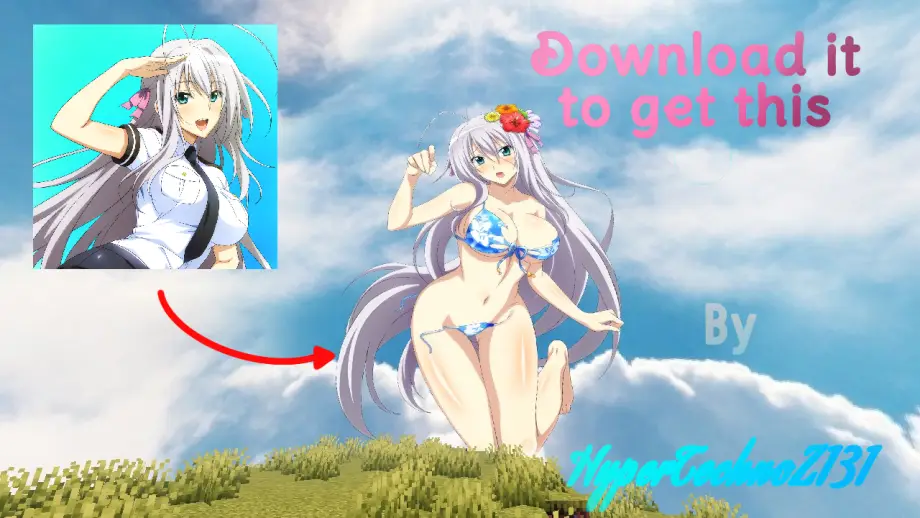
Rossweisse Anime Sky Texture Pack for MCPE 26.50
Bedrock texture pack listed for Minecraft 1.21. File opened and checked on 19 Sep 2026; installs from the MC Bedrock Mods app on Android.
High-definition anime skybox for Minecraft Bedrock featuring Rossweisse with dynamic day/night transitions and cinematic visuals.
⬇ Download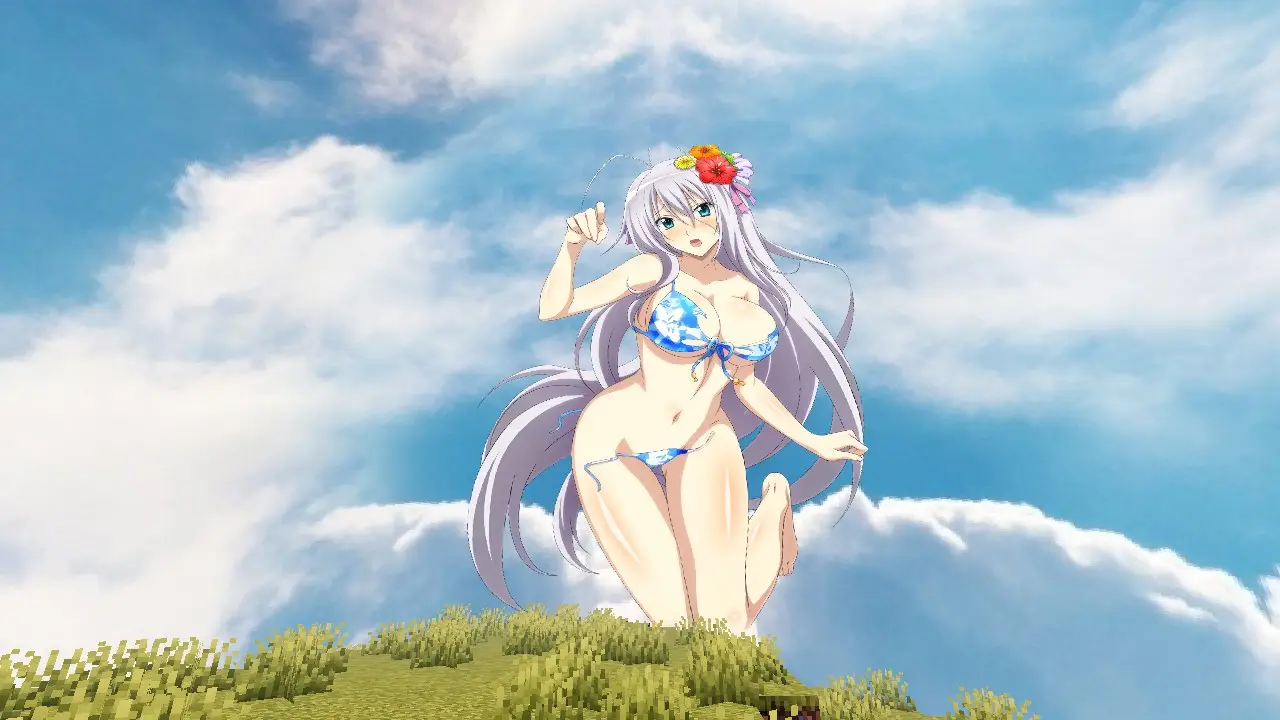
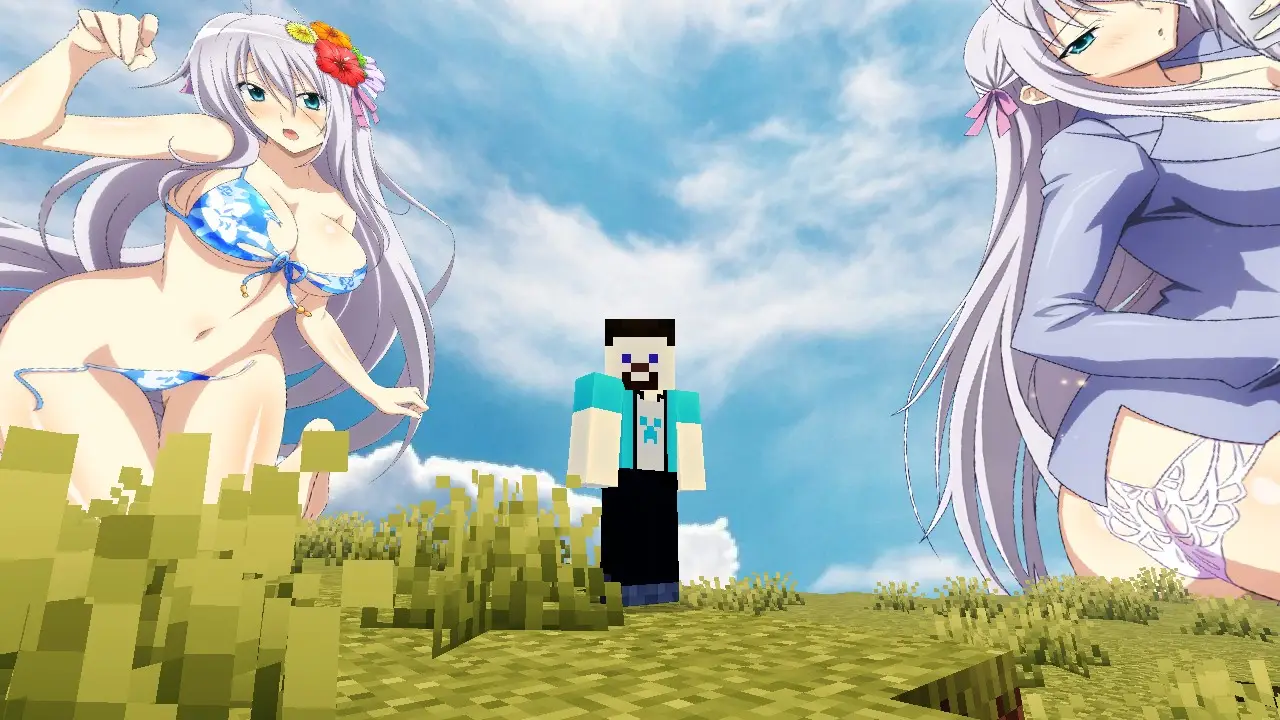
Rossweisse Anime Sky Texture Pack for Minecraft Bedrock. Transform your Minecraft Bedrock world into a breathtaking anime sanctuary. This premium sky overlay replaces the default, blocky clouds with stunning, high-definition custom skyboxes featuring the elegant and powerful Valkyrie, Rossweisse. Whether you are building a massive fantasy kingdom or just surviving the night, this texture pack brings an immersive, cinematic anime aesthetic to every Minecraft day-and-night cycle.
🌟 Key Features
High-Definition Skyboxes
Replaces standard Minecraft skies with ultra-clear custom anime imagery.
Stunning Rossweisse Visuals
Features beautiful, high-quality renders of the beloved Valkyrie integrated seamlessly into the atmosphere.
Dynamic Day & Night Transitions
Watch the sky shift from a brilliant, serene daylight view to a cosmic, magical nighttime aesthetic.
Bedrock Optimized
Crafted specifically for Minecraft Bedrock Edition to ensure smooth performance without FPS drops.
Universal Compatibility
Works flawlessly alongside your favorite block texture packs, shaders, and custom UIs.
🌌 Immersive Atmosphere
☀️ Majestic Daylight
During the day, look up to see a beautifully rendered Rossweisse watching over your world. The daytime sky features soft cosmic clouds, bright anime-style lighting, and a serene atmosphere that makes exploring feel like walking through a high-budget anime movie.
🌙 Enchanting Nightscapes
When the sun sets, the sky transforms into a magical celestial canvas. Deep purples, cosmic blues, and brilliant stars surround Rossweisse in her full Valkyrie grace — the night becomes vibrant, glowing, and completely unique compared to vanilla Minecraft.
🛠️ How to Install (Minecraft Bedrock)
- Download the .mcpack file directly to your device.
- Double-click or tap the downloaded file to automatically launch Minecraft and import the pack.
- Go to Settings > Global Resources.
- Activate the Rossweisse Anime Sky pack.
- Restart your world or join a server to enjoy your brand-new view!
📌 Important Notes
Video Settings
For the absolute best visual experience, make sure to turn ON "Beautiful Skies" in your Minecraft video settings.
Multiplayer Ready
This is a client-side resource pack, meaning you can use it on public servers, Realms, and local worlds without any issues.
Would you like me to adjust this description for a specific platform like Planet Minecraft, MCPEDL, or a YouTube video description?
- Edition: Minecraft Bedrock
- File type: .mcpack
- How to install: Download the .mcpack. → Open it — Minecraft imports it under Resource Packs. → Activate it in Global Resources, or for one world under Resource Packs → Available.
- Where to get it: In MCModsHub, or directly above on this page.
Install steps are the general flow for this file type — How to install Minecraft Bedrock texture packs walks through it step by step.
- Pack type: .mcpack — a single pack
- Manifest requires Minecraft 1.21.0 or newer
- Complete pack — everything it depends on is inside the file
- Download link checked 30 Jun 2026 — working
- Mirrored on our own servers — the download does not depend on the original host
These come from our own check of the pack file, not from the source page.