Home›Bedrock›Texture packs›Combat Hitboxes Texture Pack (26.x) – Clear Wireframe Outlines For PvP Combat
Texture packsBedrock
Combat Hitboxes Texture Pack (26.x) – Clear Wireframe Outlines For PvP Combat
Bedrock texture pack listed for Minecraft 1.21. File opened and checked on 18 Oct 2026; installs from the MC Bedrock Mods app on Android.
⬇ Download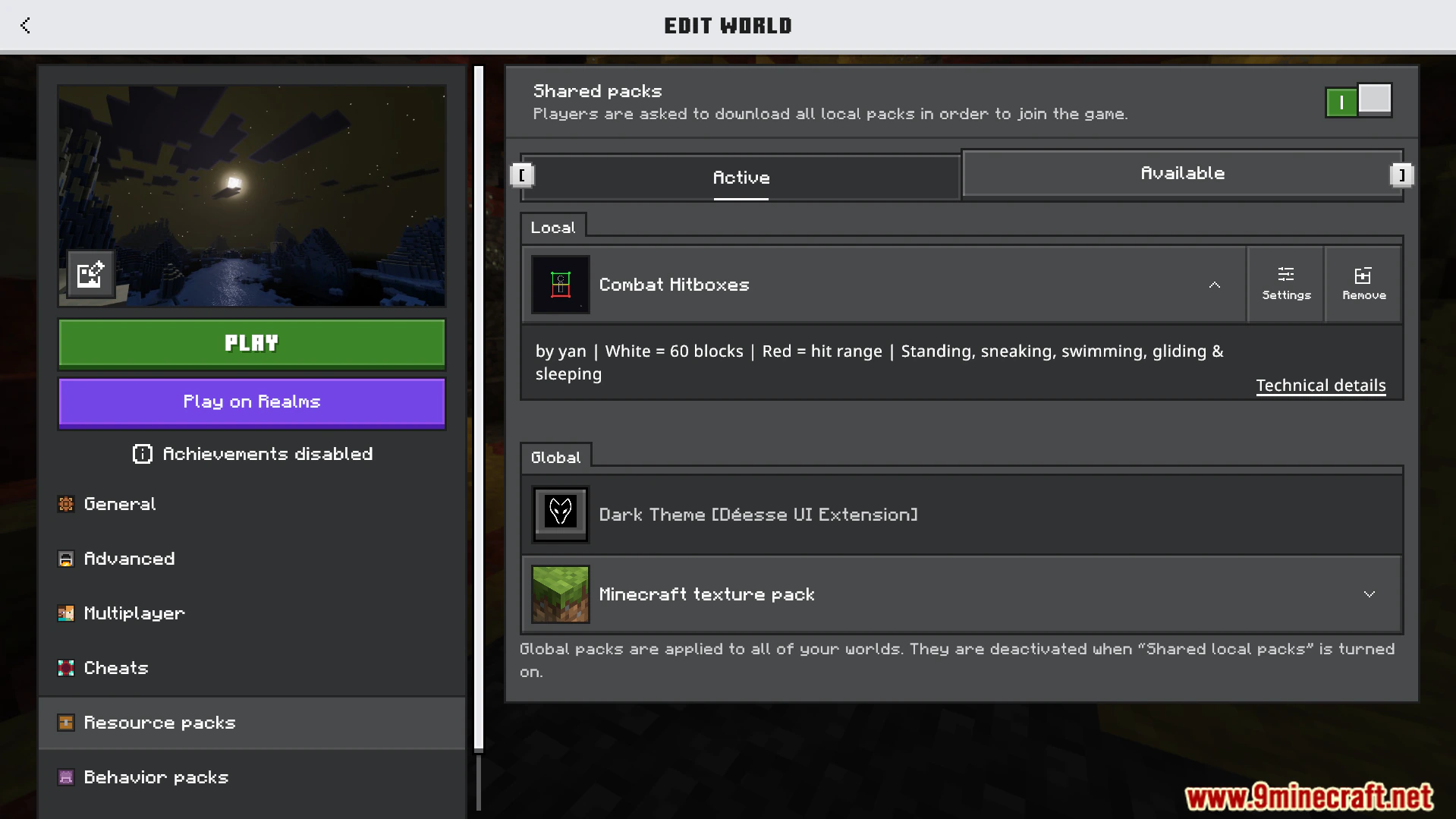
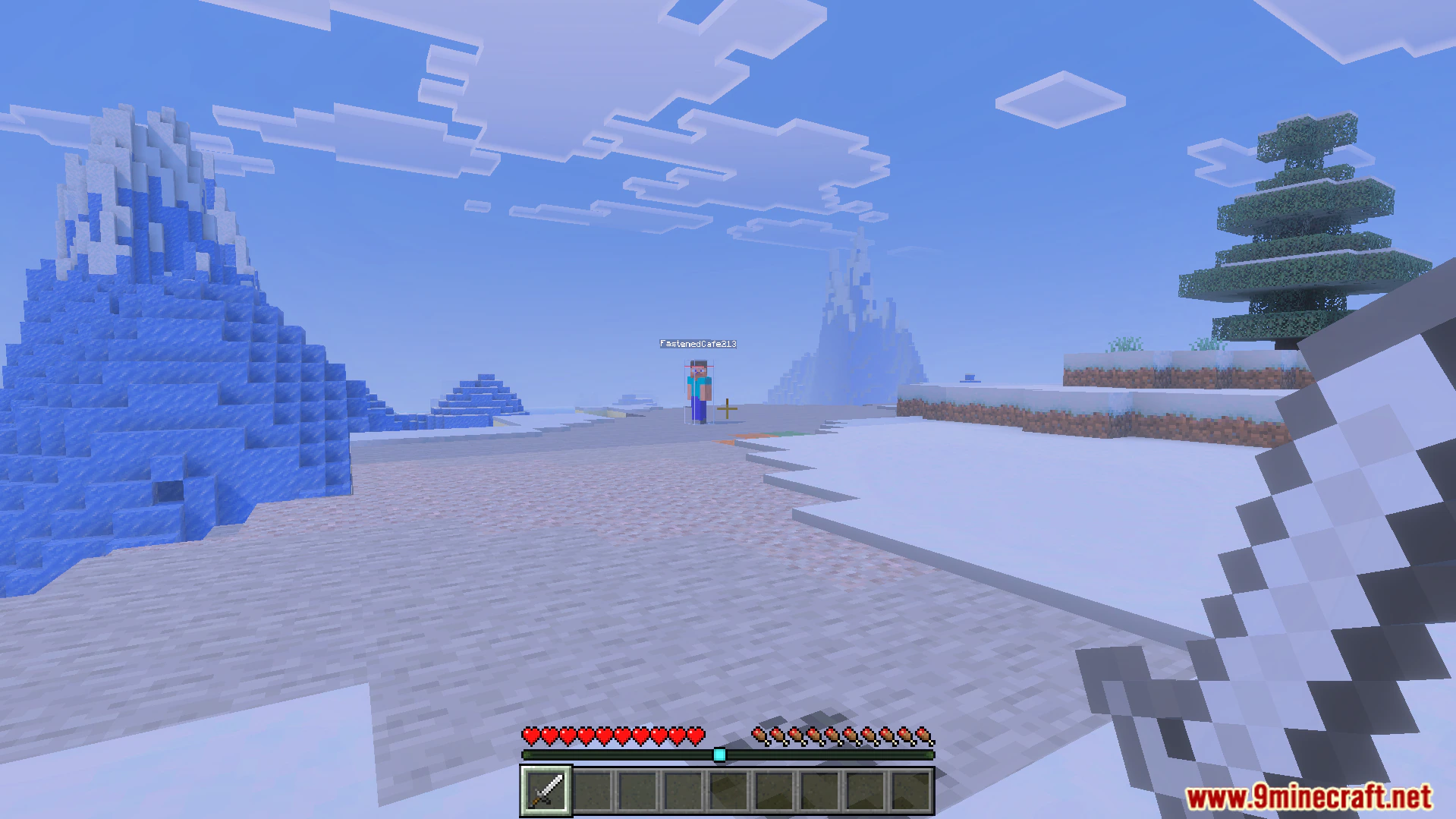
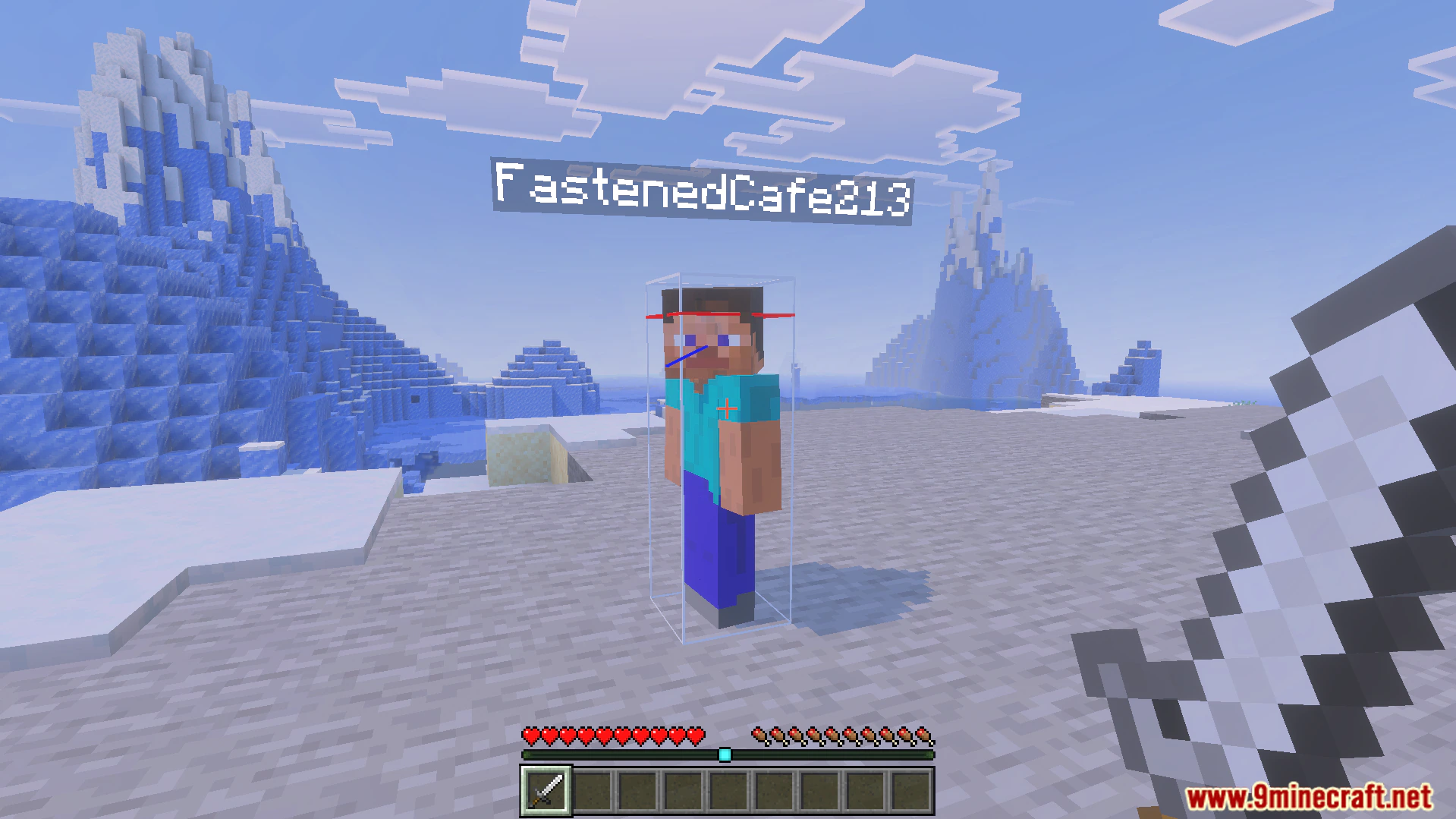
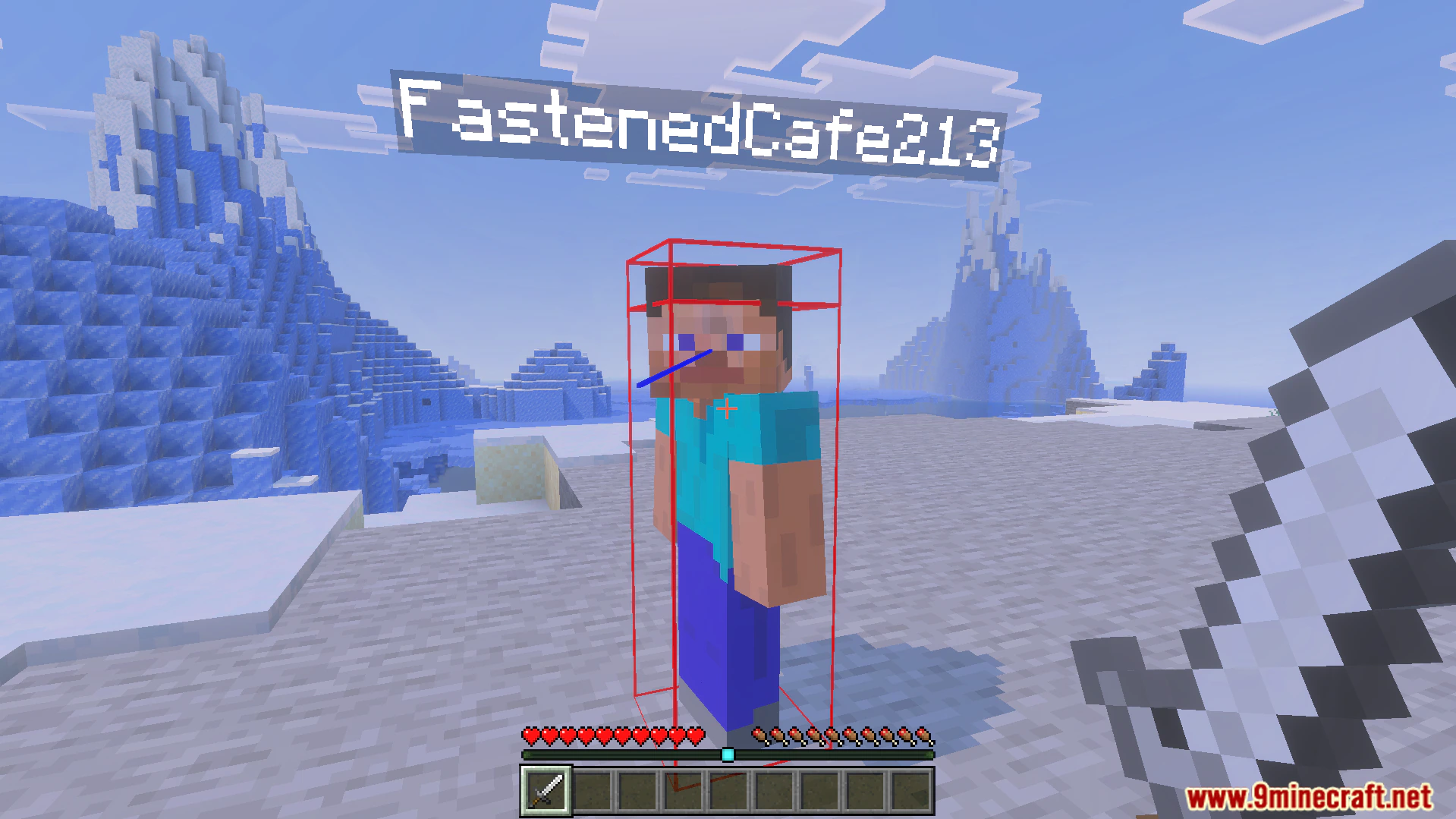
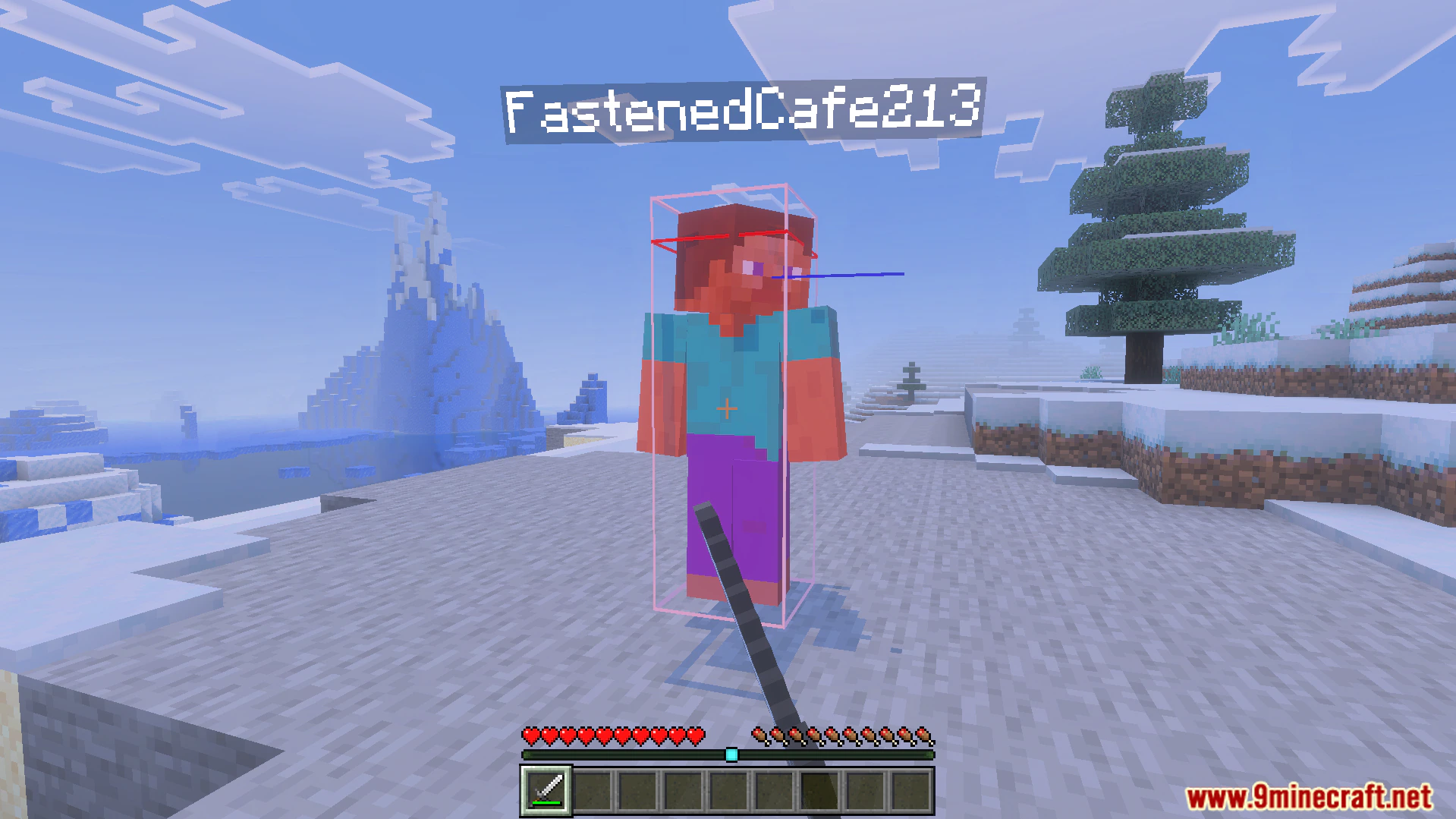
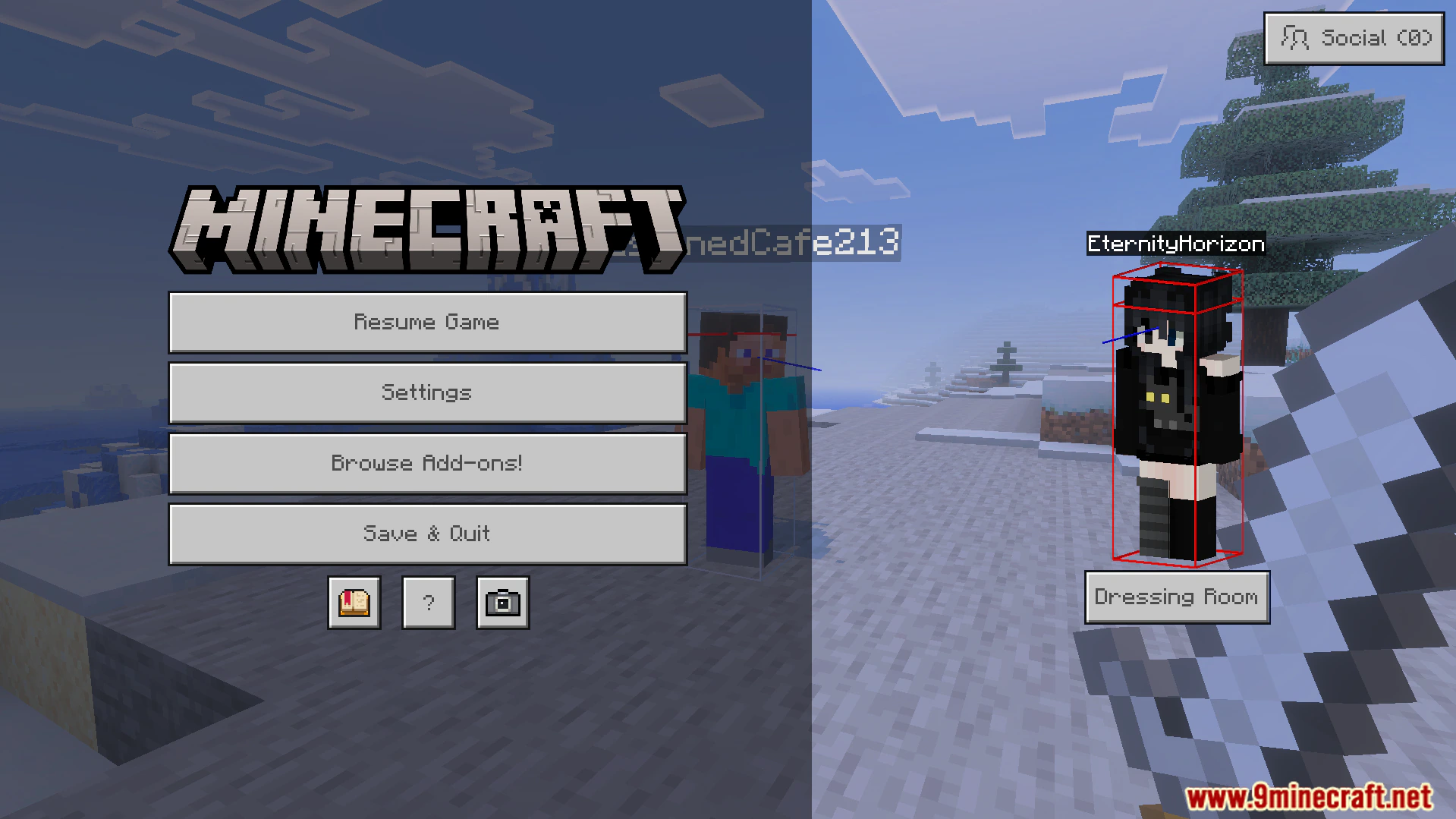
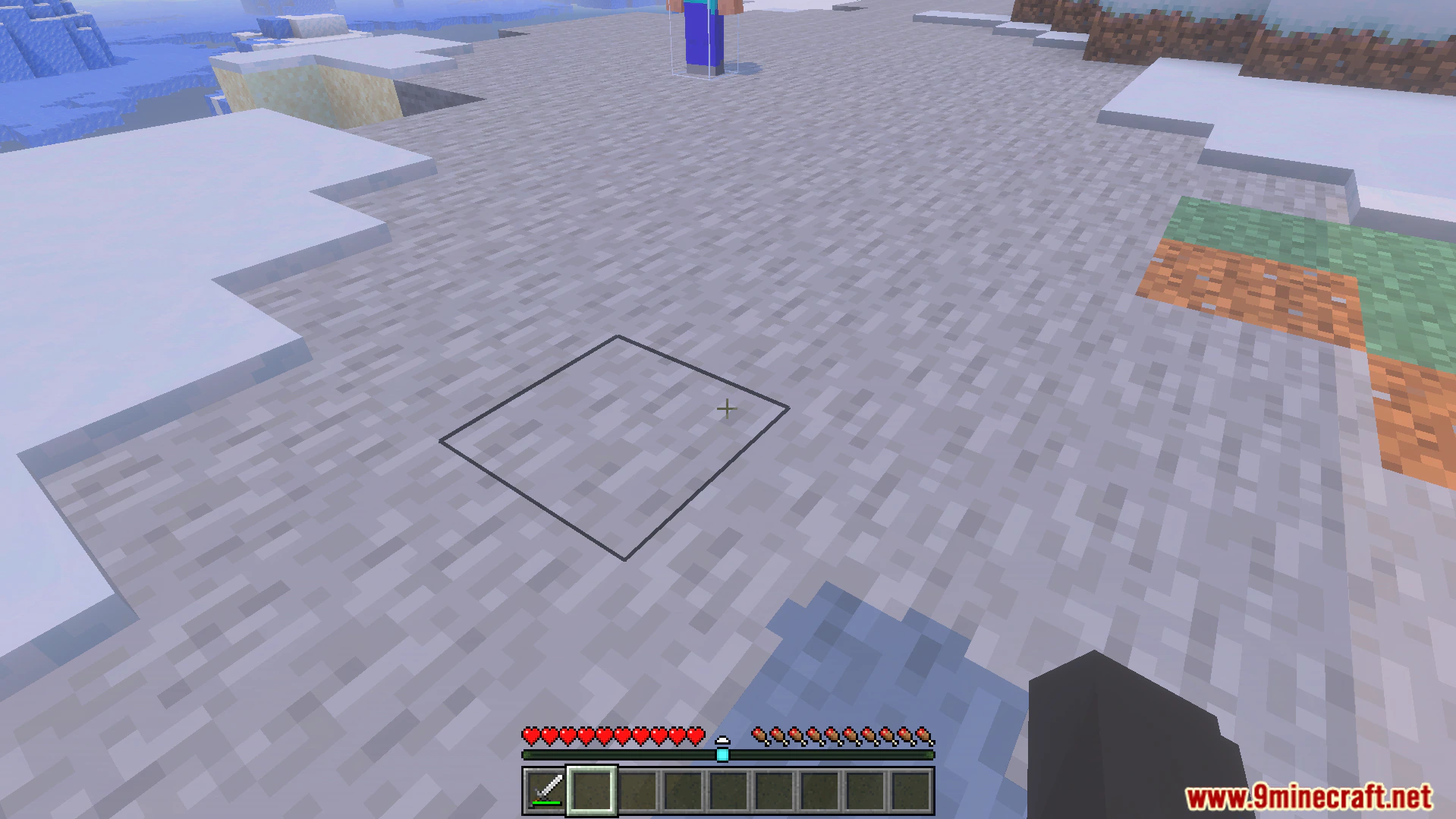
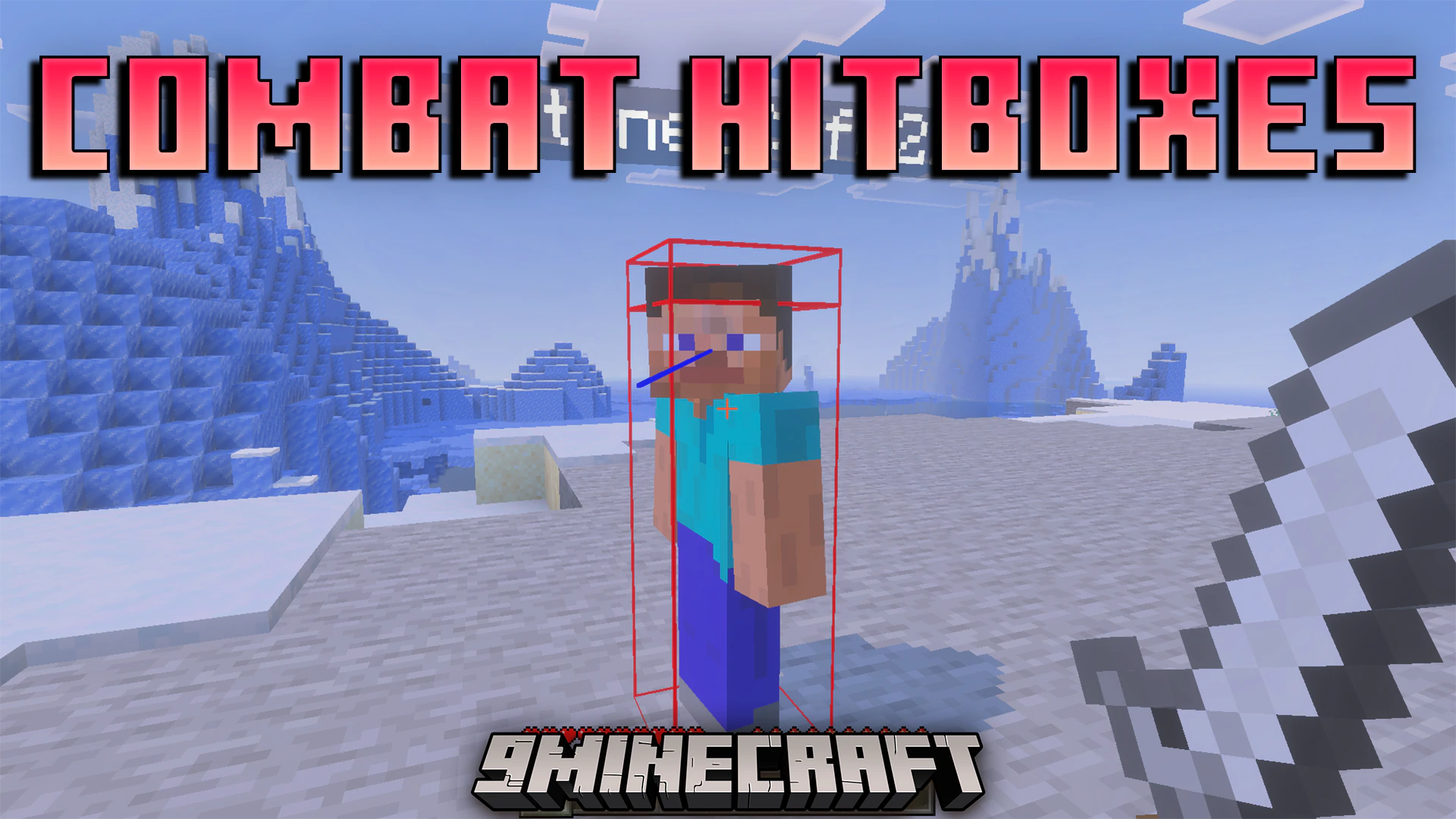
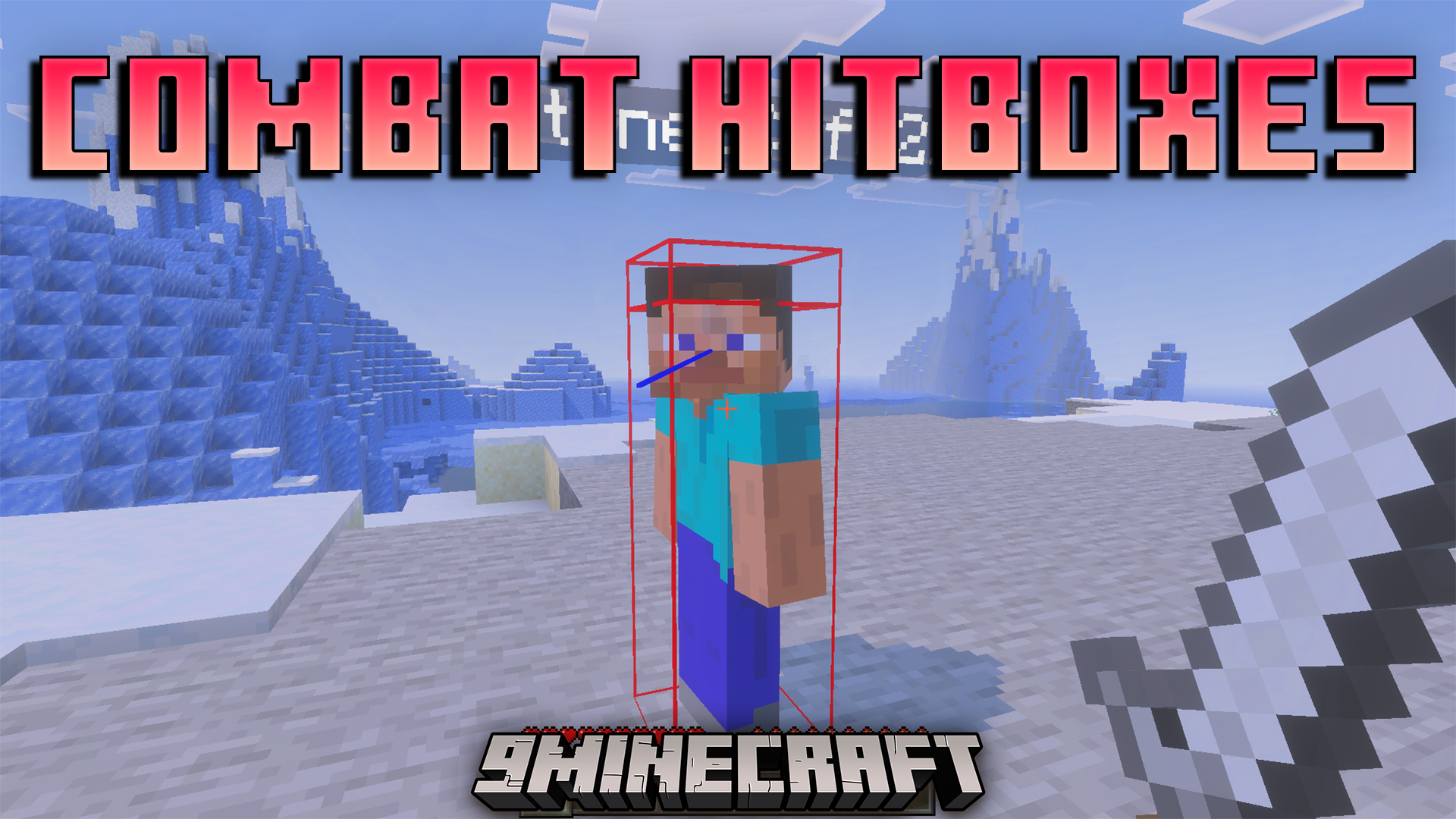
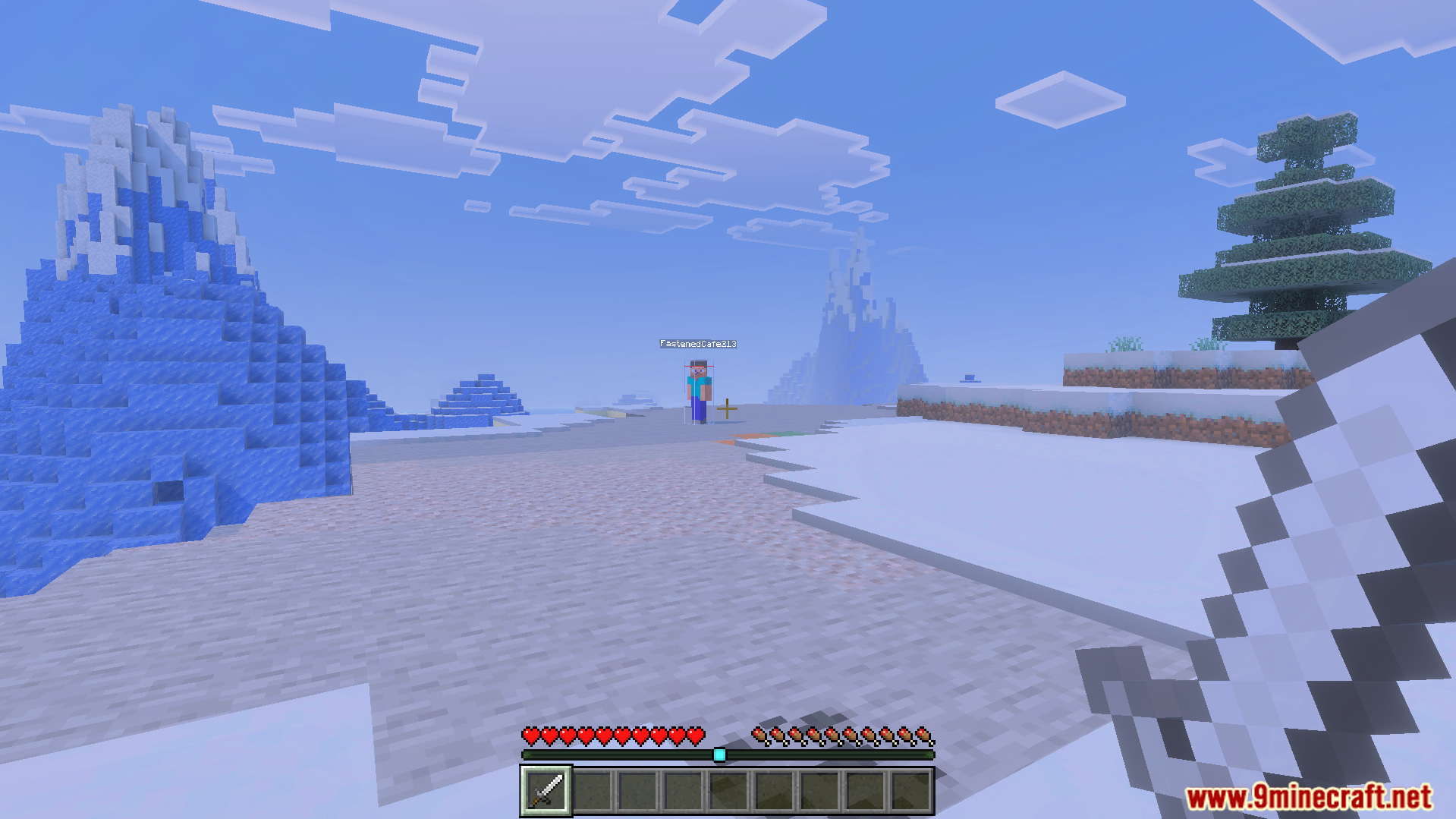
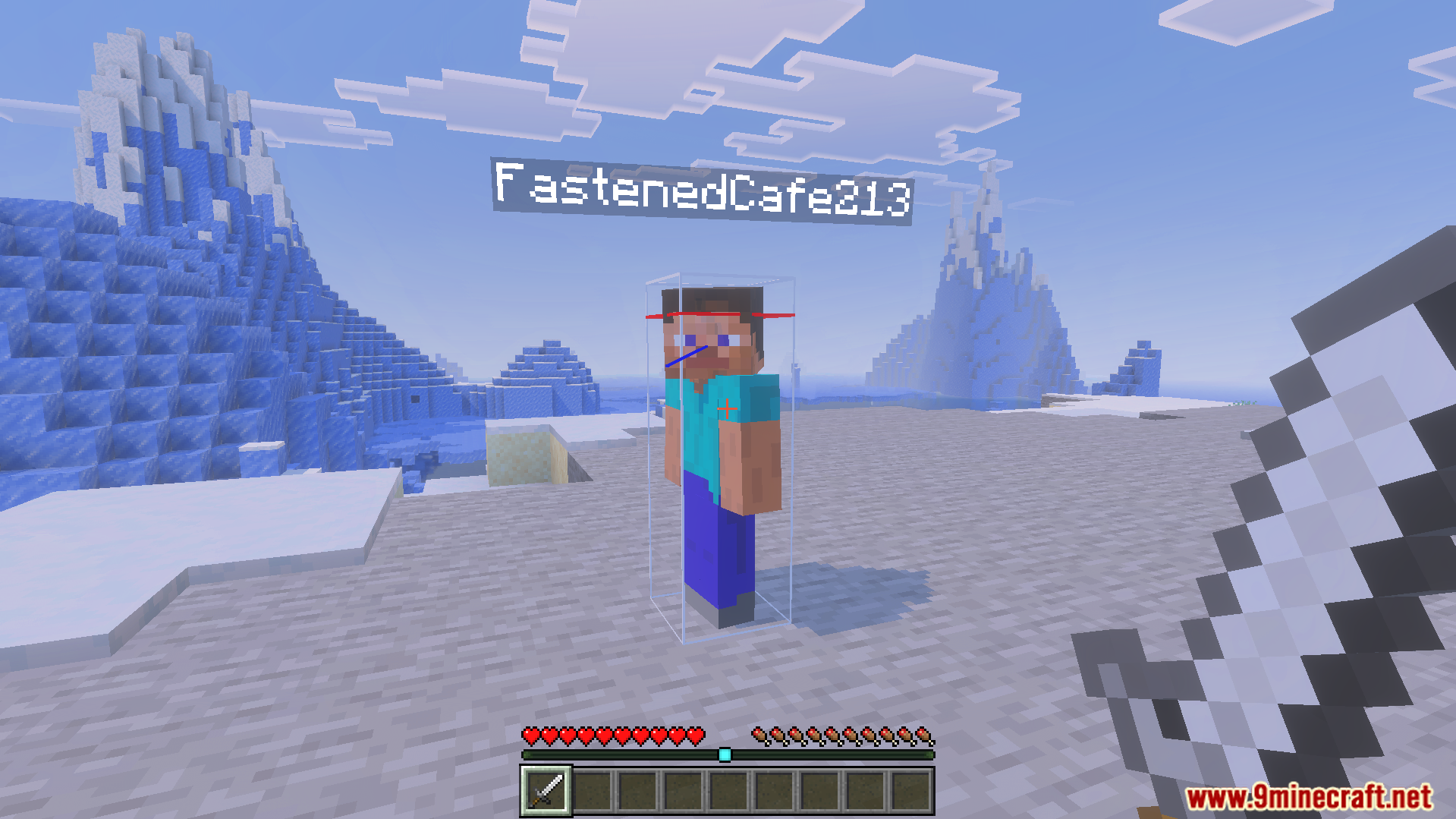
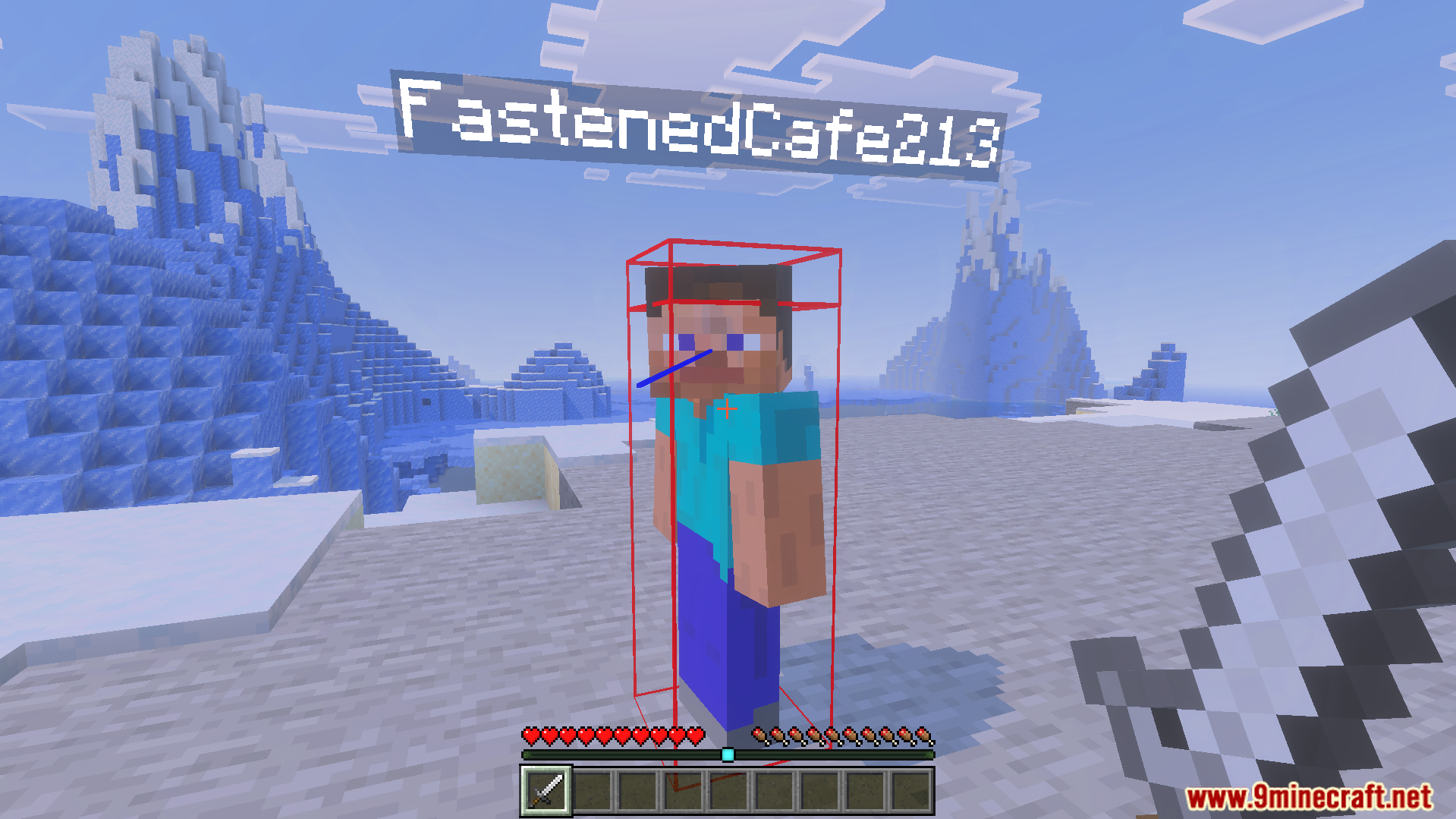
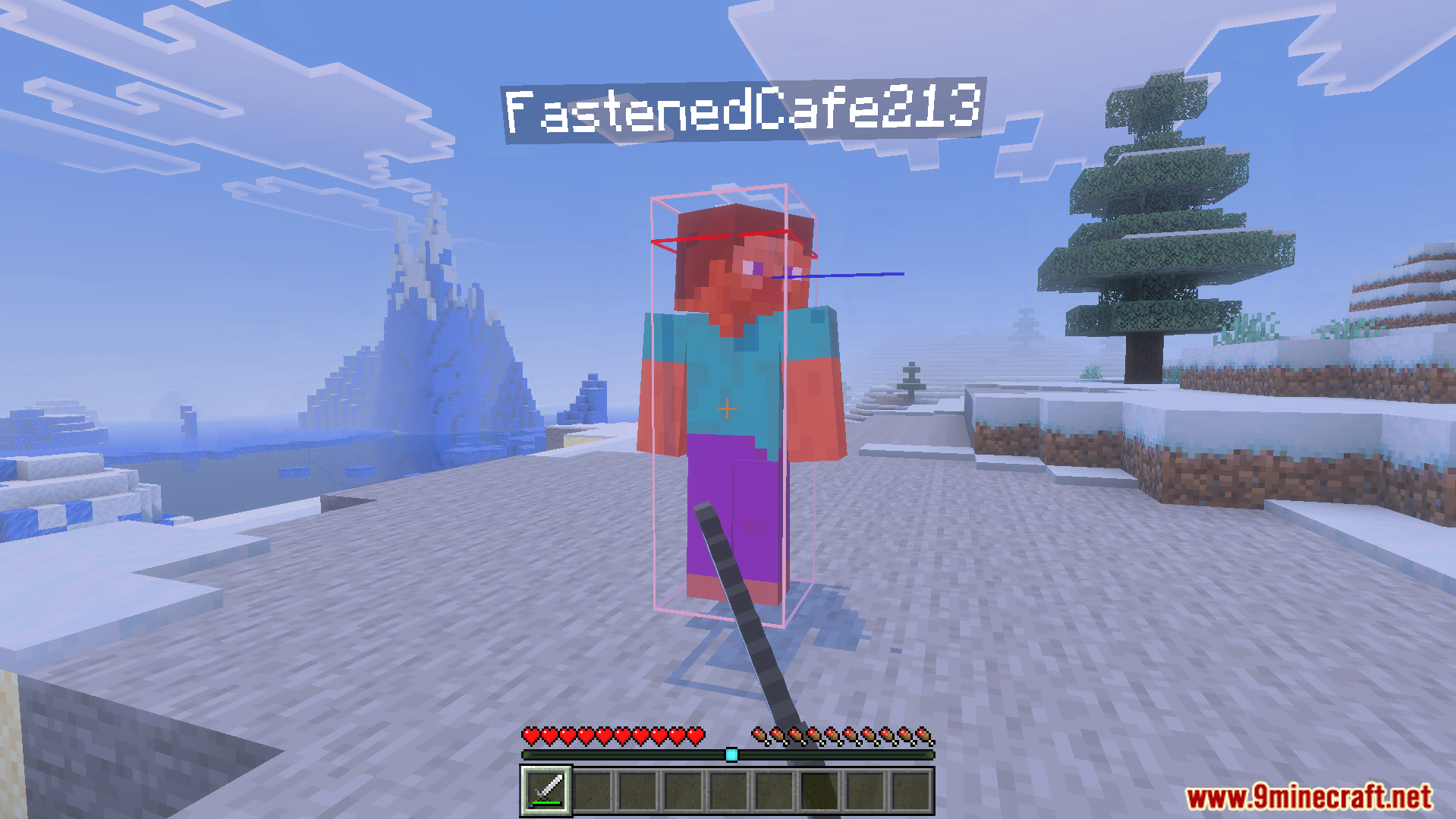
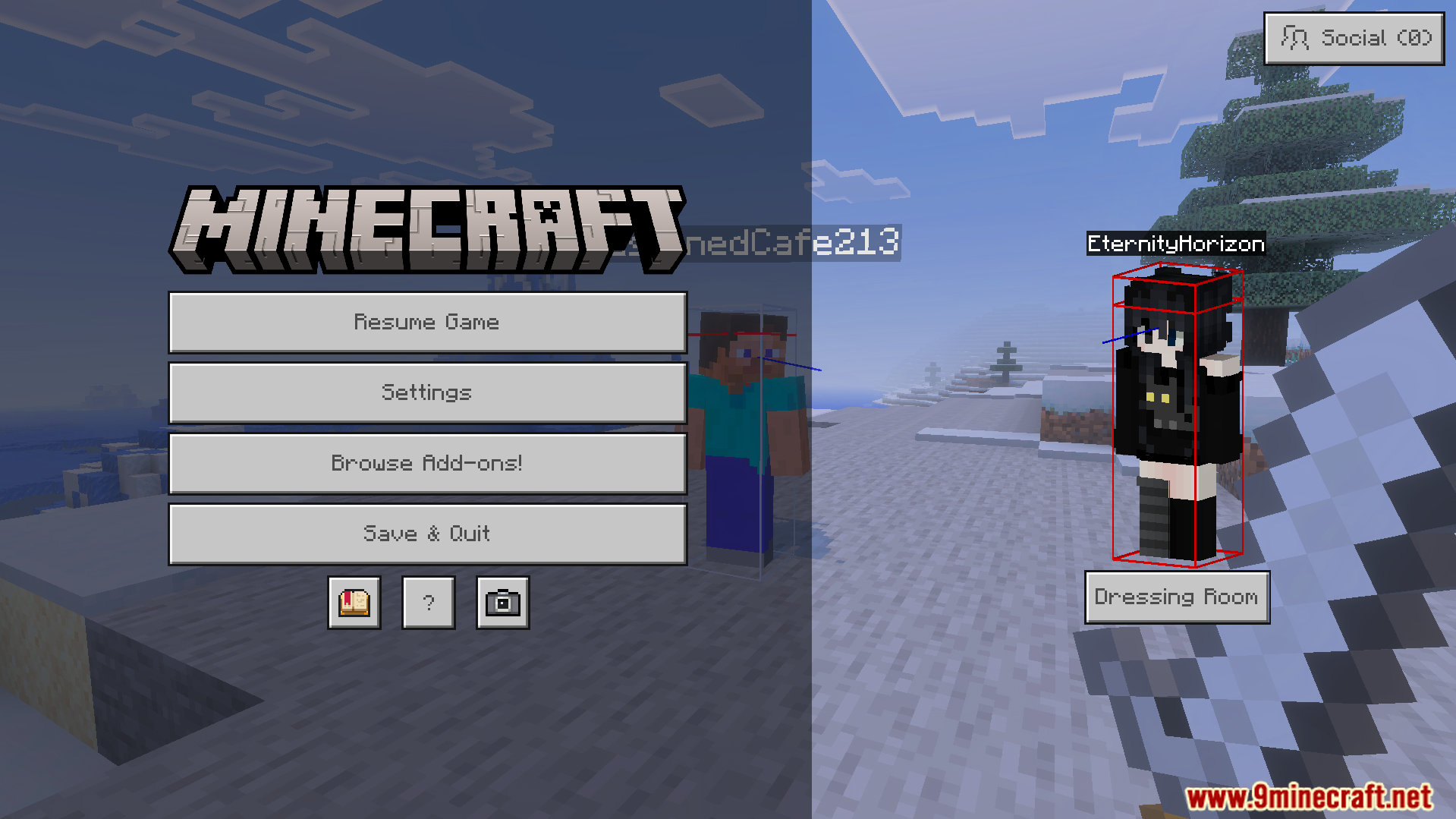
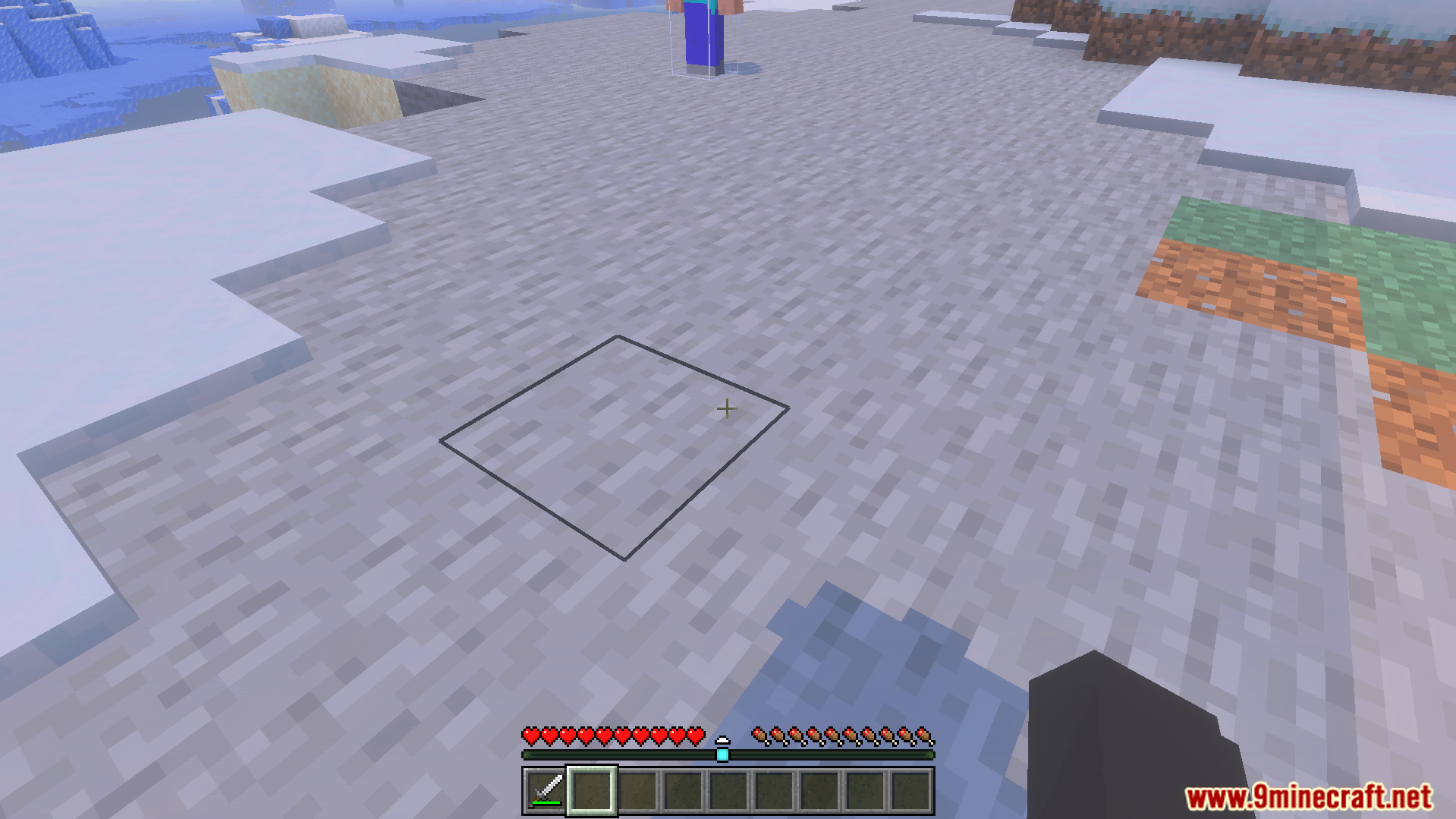
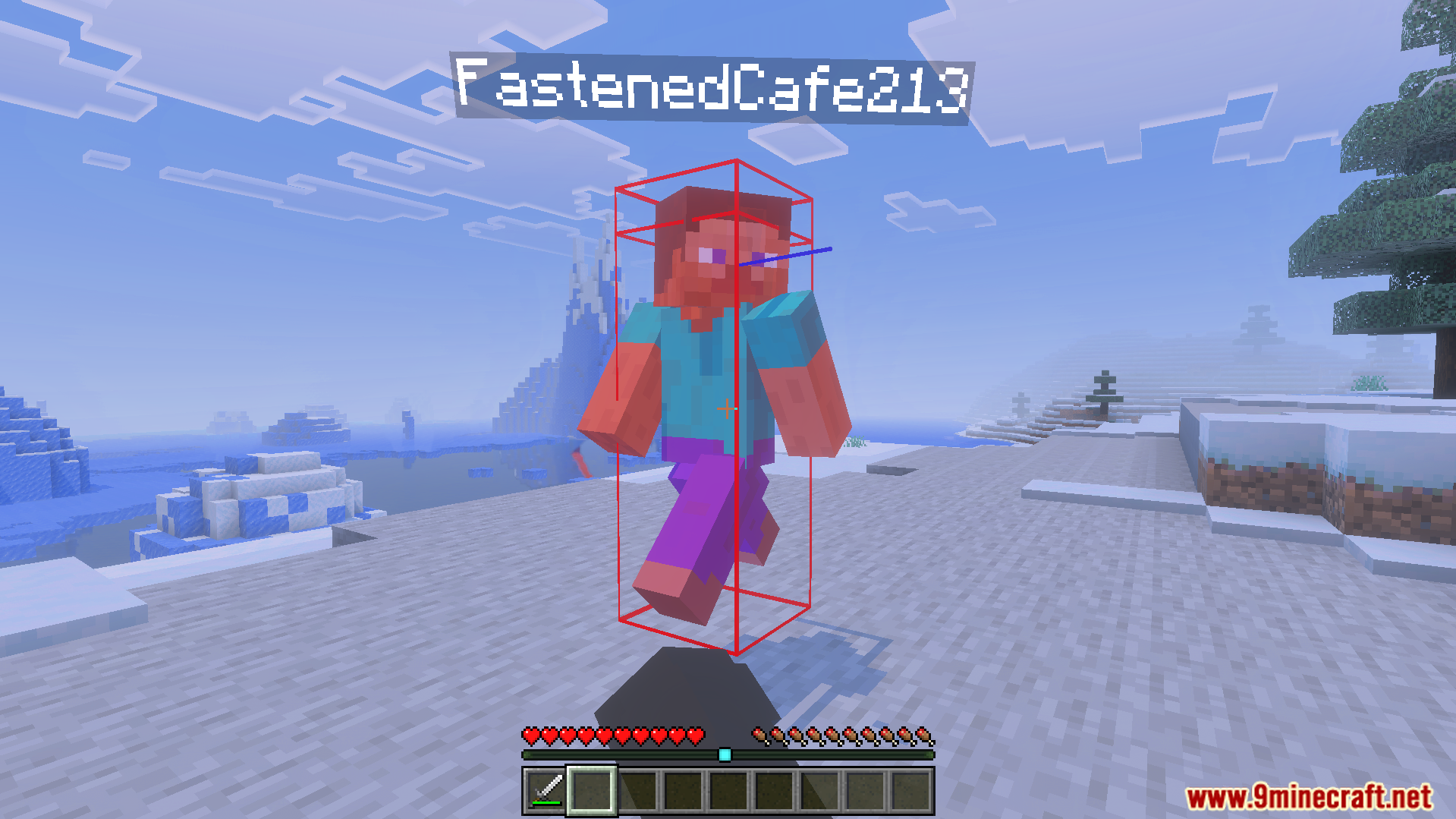
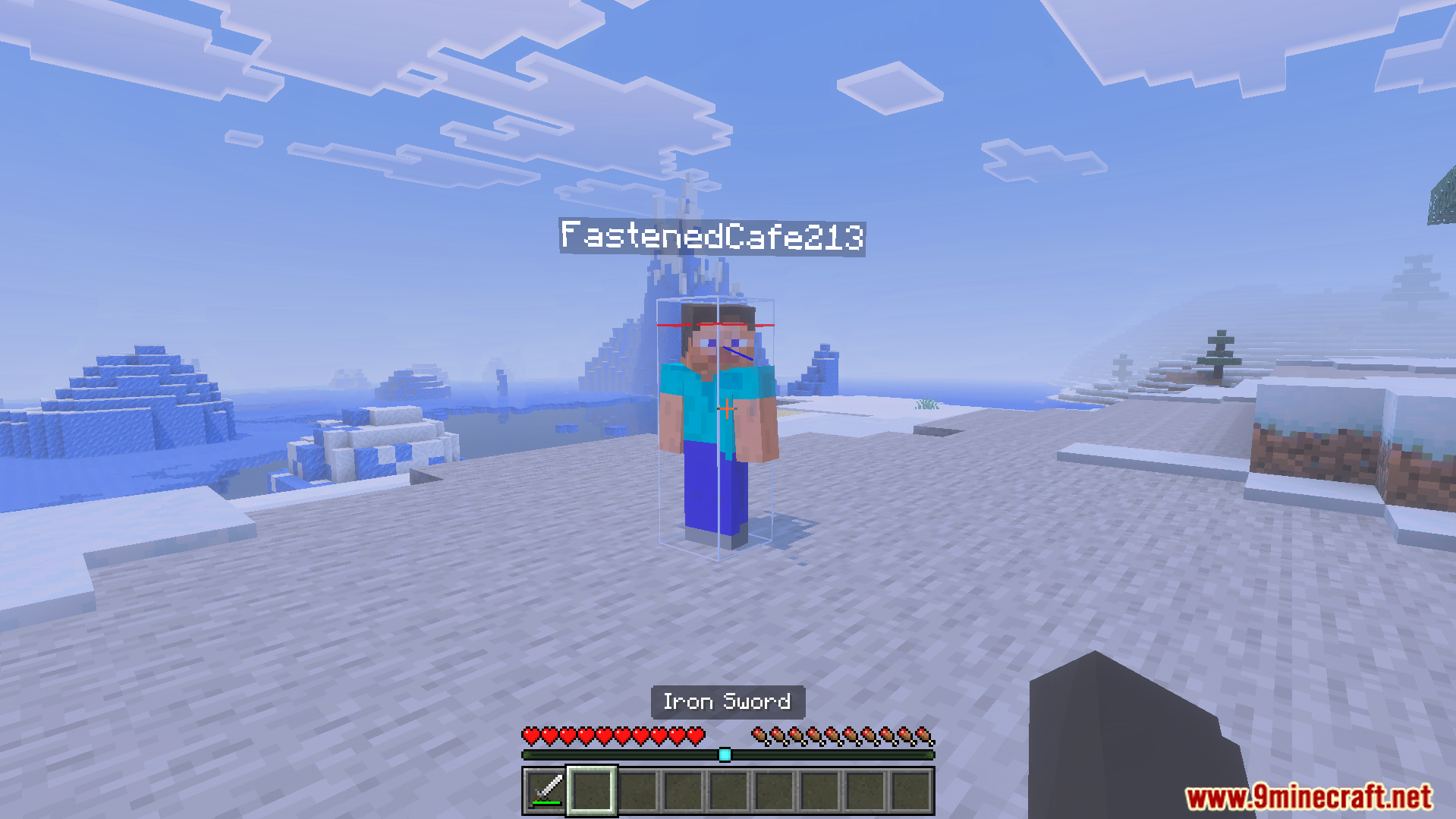
Combat Hitboxes Texture Pack adds a clear wireframe outline around every player in your game. This pack lets you know exactly when an enemy enters your attack range by changing the outline color from white to red. It allows you to spot opponents easily without needing any special behavior scripts.
Features:
- Adds a clear wireframe outline around all players.
- Changes the outline color to red when in reach.
- Follows player movements like crouching, swimming, and sleeping.
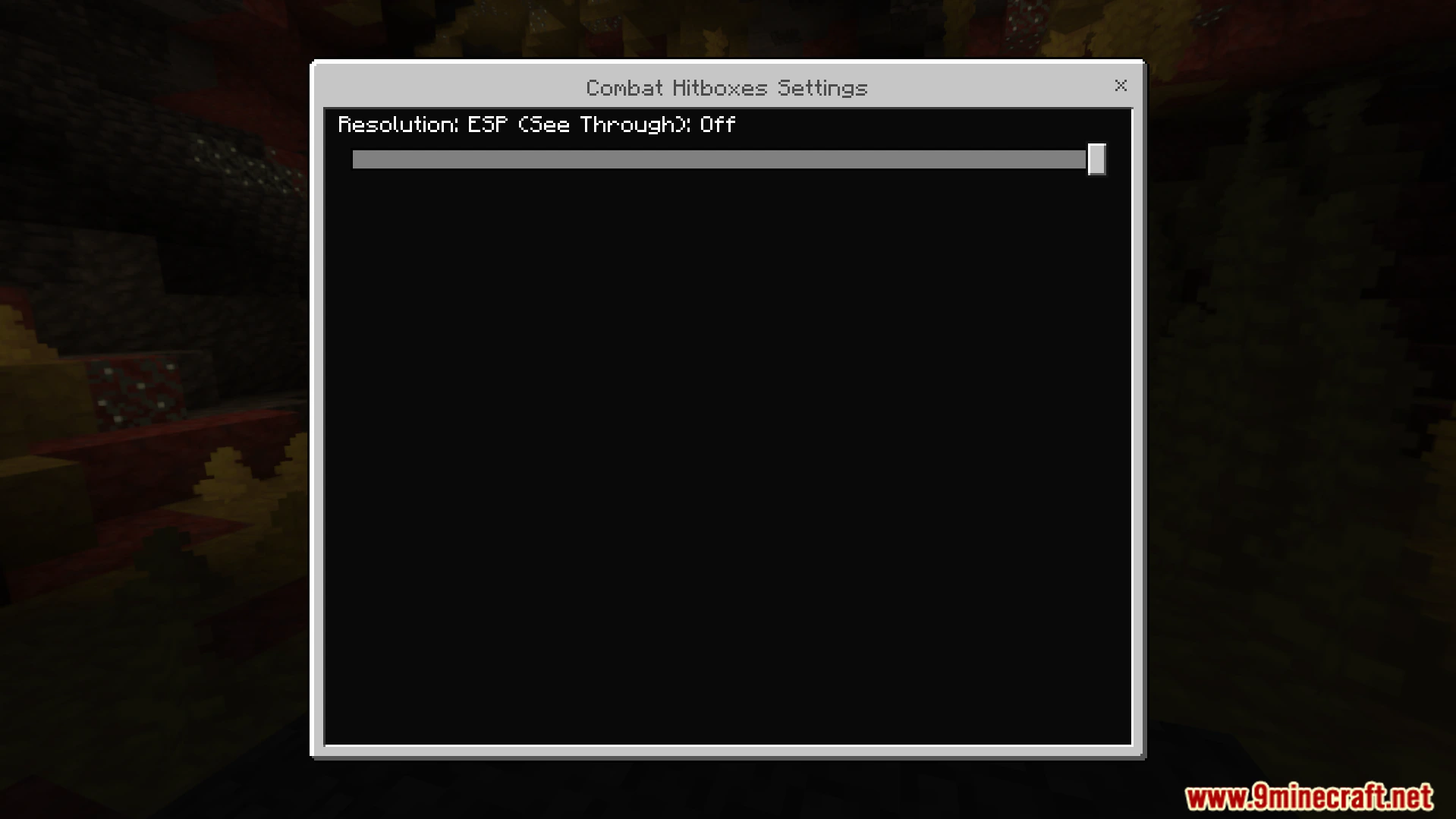
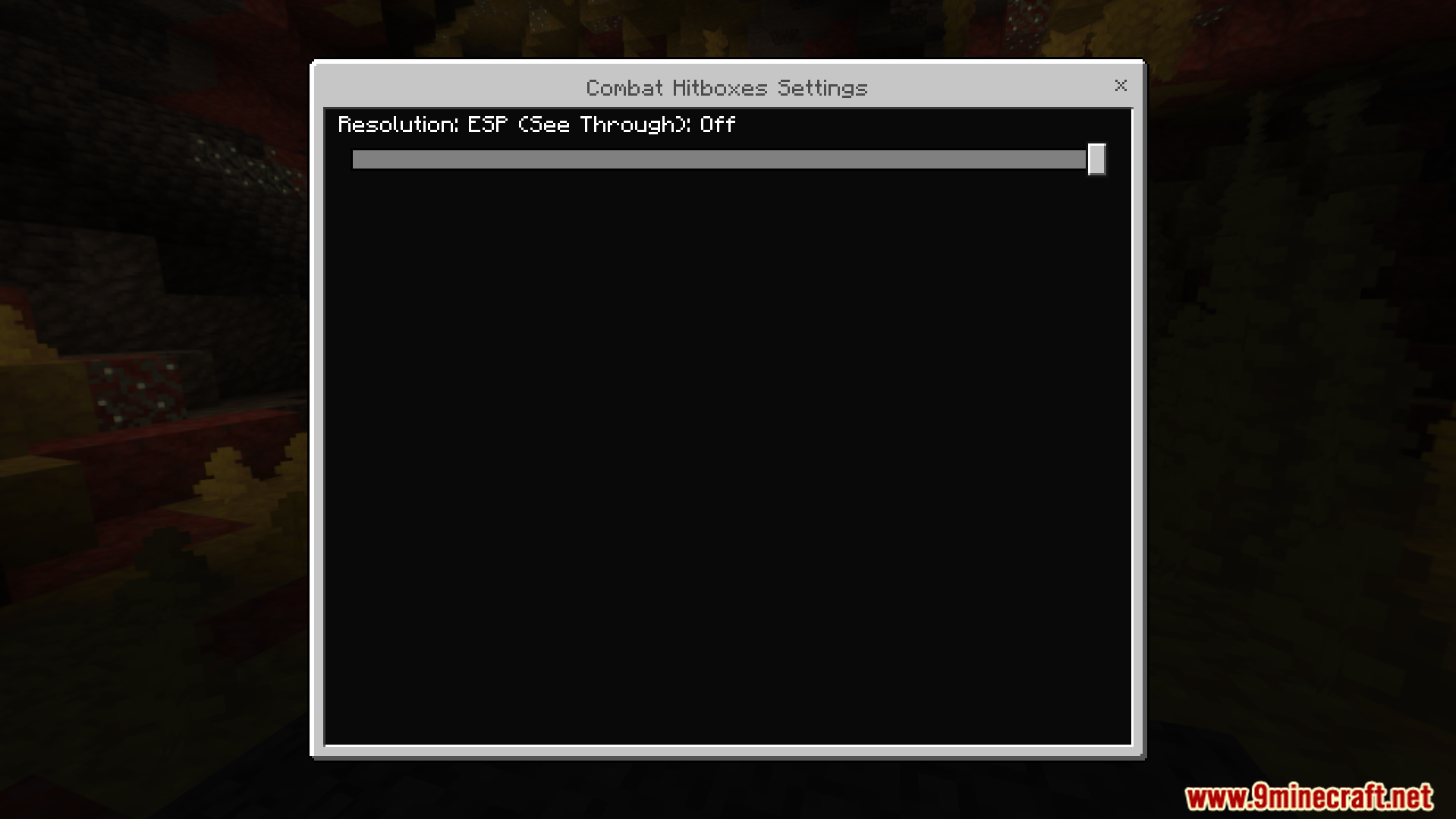
- Includes a special mode to see players through walls.
- Works perfectly as a pure resource pack without scripts.
Screenshots:
Combat Hitboxes Texture Pack Download Links
Quick facts
- Edition: Minecraft Bedrock
- File type: .mcpack
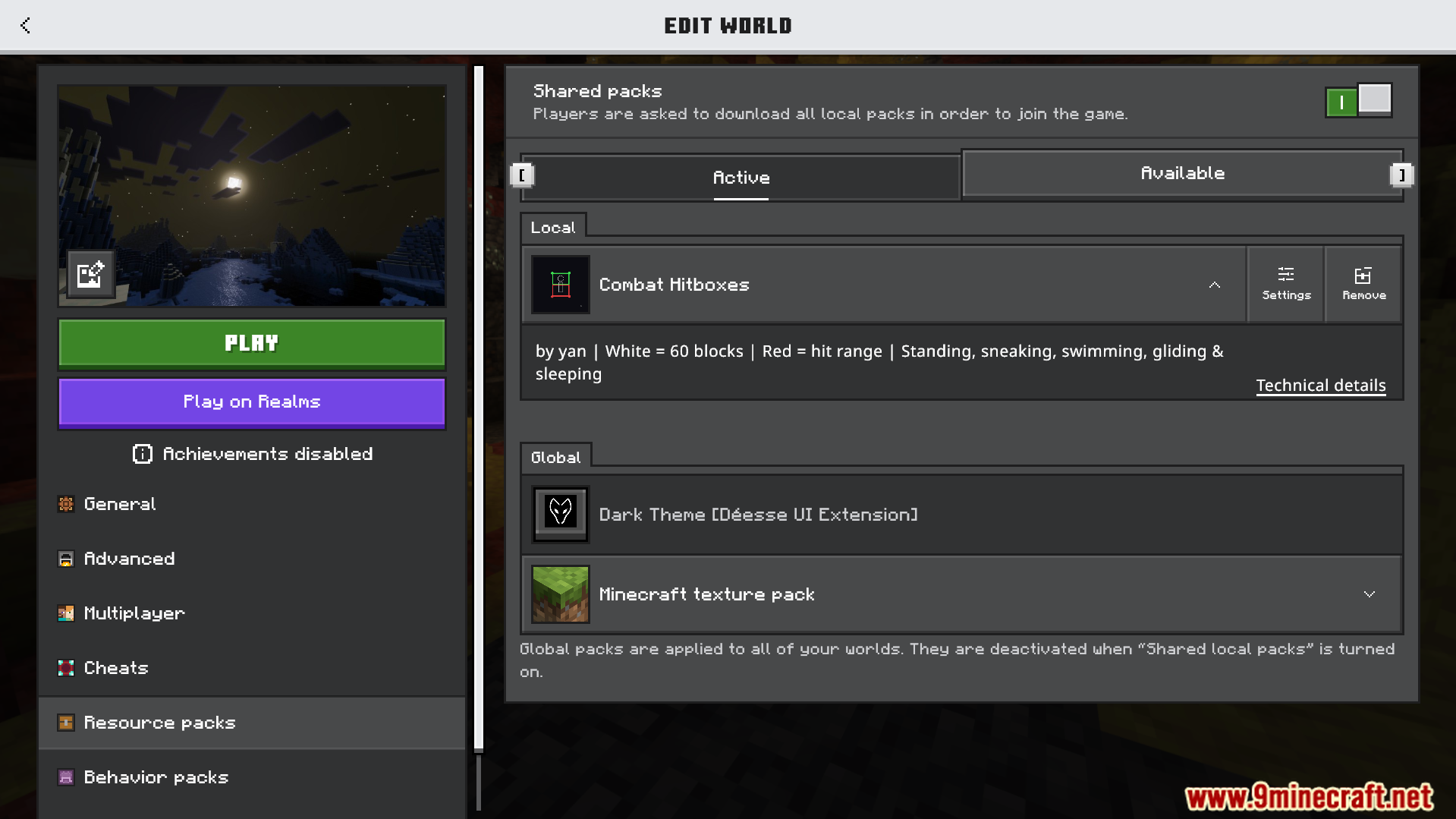
- How to install: Download the .mcpack. → Open it — Minecraft imports it under Resource Packs. → Activate it in Global Resources, or for one world under Resource Packs → Available.
- Where to get it: In MCModsHub, or directly above on this page.
Install steps are the general flow for this file type — How to install Minecraft Bedrock texture packs walks through it step by step.
File checked by MCModsHub
- Pack type: .mcaddon — behaviour and resource pack in one file
- Manifest requires Minecraft 1.21.0 or newer
- Complete pack — everything it depends on is inside the file
- Download size: 13 KB
- Download link checked 22 Jul 2026 — working
- Mirrored on our own servers — the download does not depend on the original host
These come from our own check of the pack file, not from the source page.