Before you start, make sure to read the brochure that is prepared when you first enter the map because it contains important information during your using of the map. You will need to read all the signs as well.
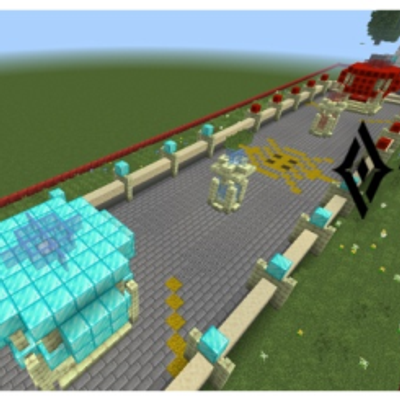
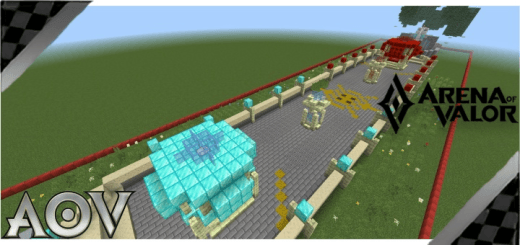
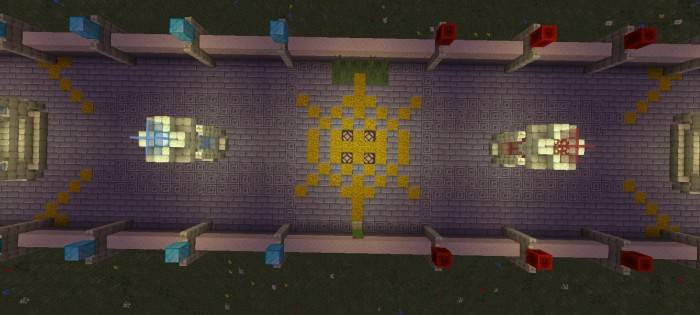
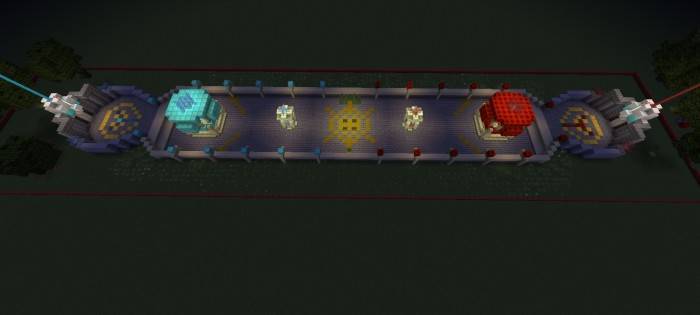
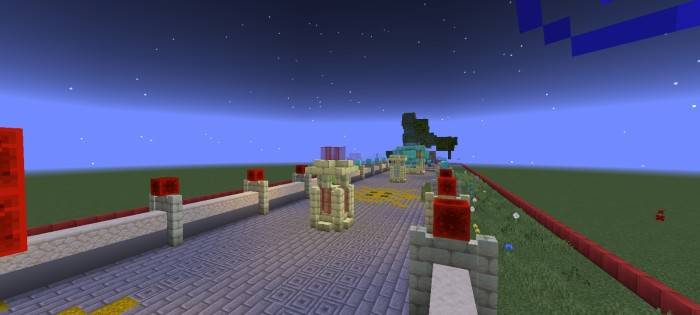
This is a pvp map and also a creation map. The map is built with an approximate scale to the actual map and has high detail. Most buildings and entities are operable. However, the main function of some things in this map may not be close to real game, sometimes not right (only simulation the effect).
Note: Map can be a bit laggy with weak devices. If so, you can adjust the game's graphics accordingly (also the distance chunks of the map).
Here are some highlights of the map. Of course, there are still many other things waiting for you to discover
INSTALLATION GUIDES: Download .mcworld file and open it directly with Minecraft. When entering the map for the first time, you should not change the existing settings of the map.
- Edition: Minecraft Bedrock
- File type: .mcworld
- Minecraft version listed: 26.0
- How to install: Download the .mcworld file. → Open it — Minecraft imports it as a new world. → Find it in your Worlds list and play.
- Where to get it: Opens on CurseForge — not every file is mirrored on our own servers.
Install steps are the general flow for this file type — How to install Minecraft Bedrock maps walks through it step by step.
- Pack type: .mcworld — a ready-made world
- Download size: 417 KB
- Download link checked 10 Sept 2026 — working
These come from our own check of the pack file, not from the source page.