Home›Bedrock›Texture packs›PVP Essentials Texture Pack (26.x, 1.21) – Clear Visuals For Competitive Combat
Texture packsBedrock
PVP Essentials Texture Pack (26.x, 1.21) – Clear Visuals For Competitive Combat
Bedrock texture pack listed for Minecraft 1.21. File opened and checked on 21 Sep 2026; installs from the MC Bedrock Mods app on Android.
⬇ Download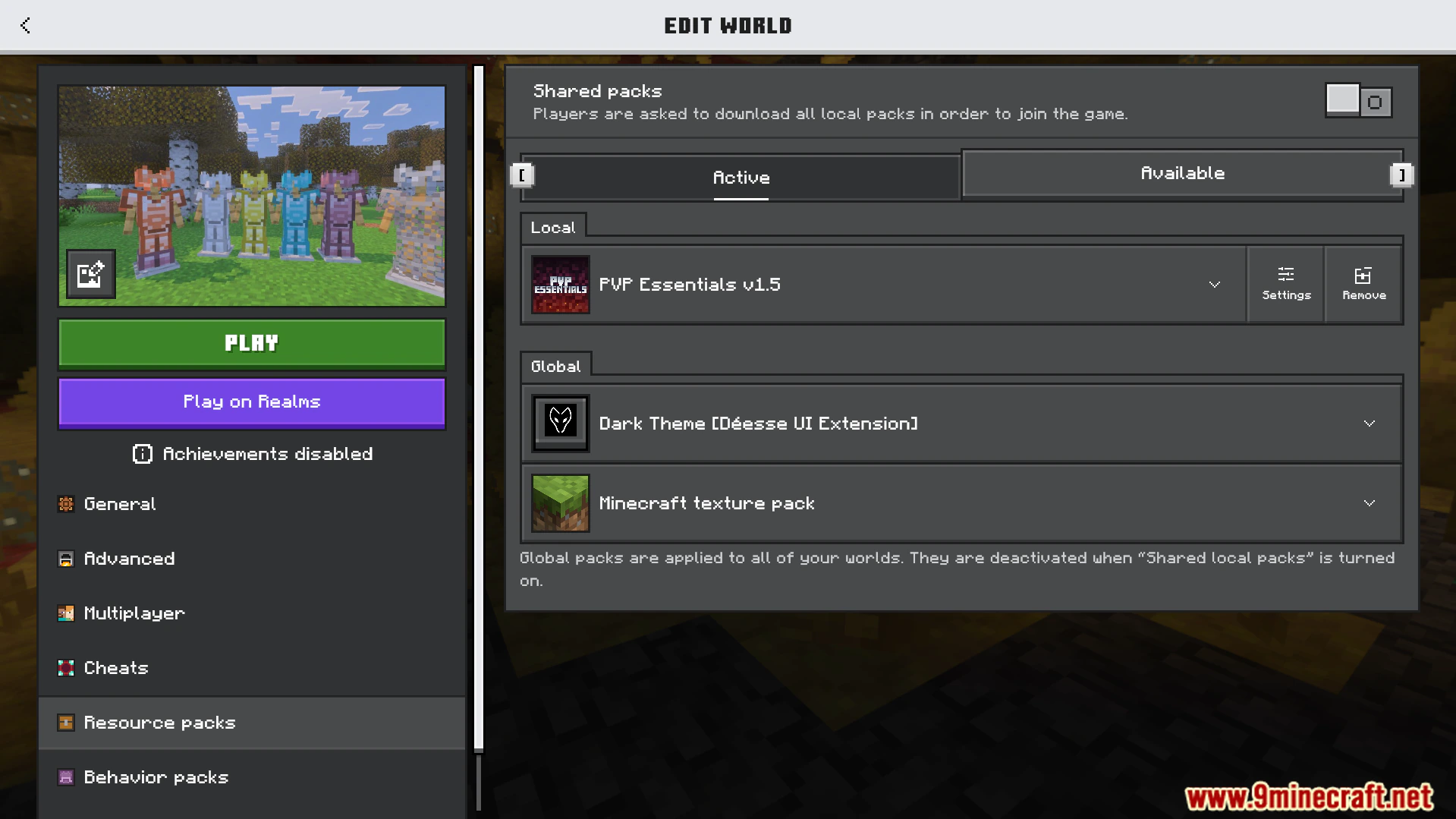
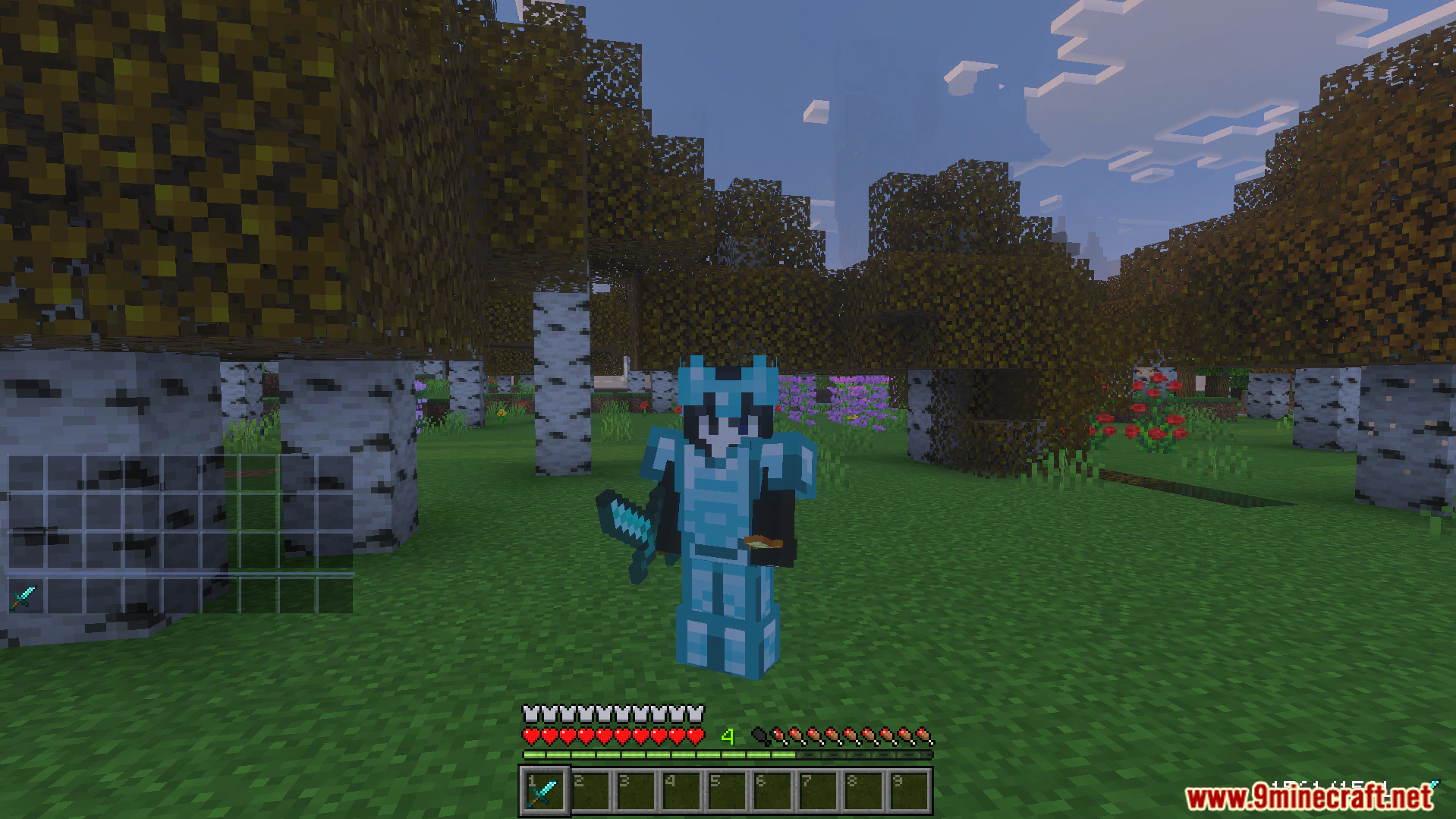
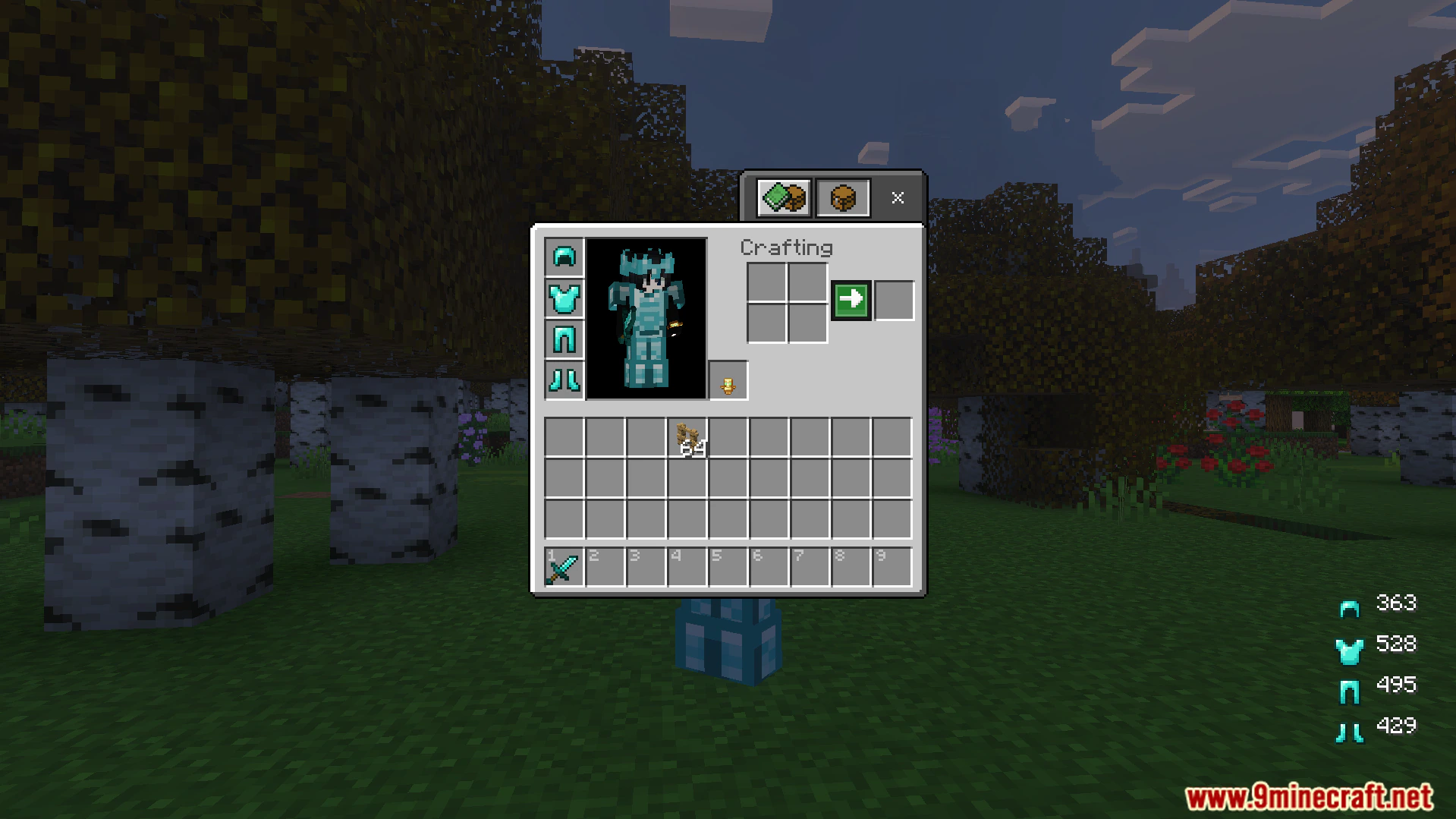
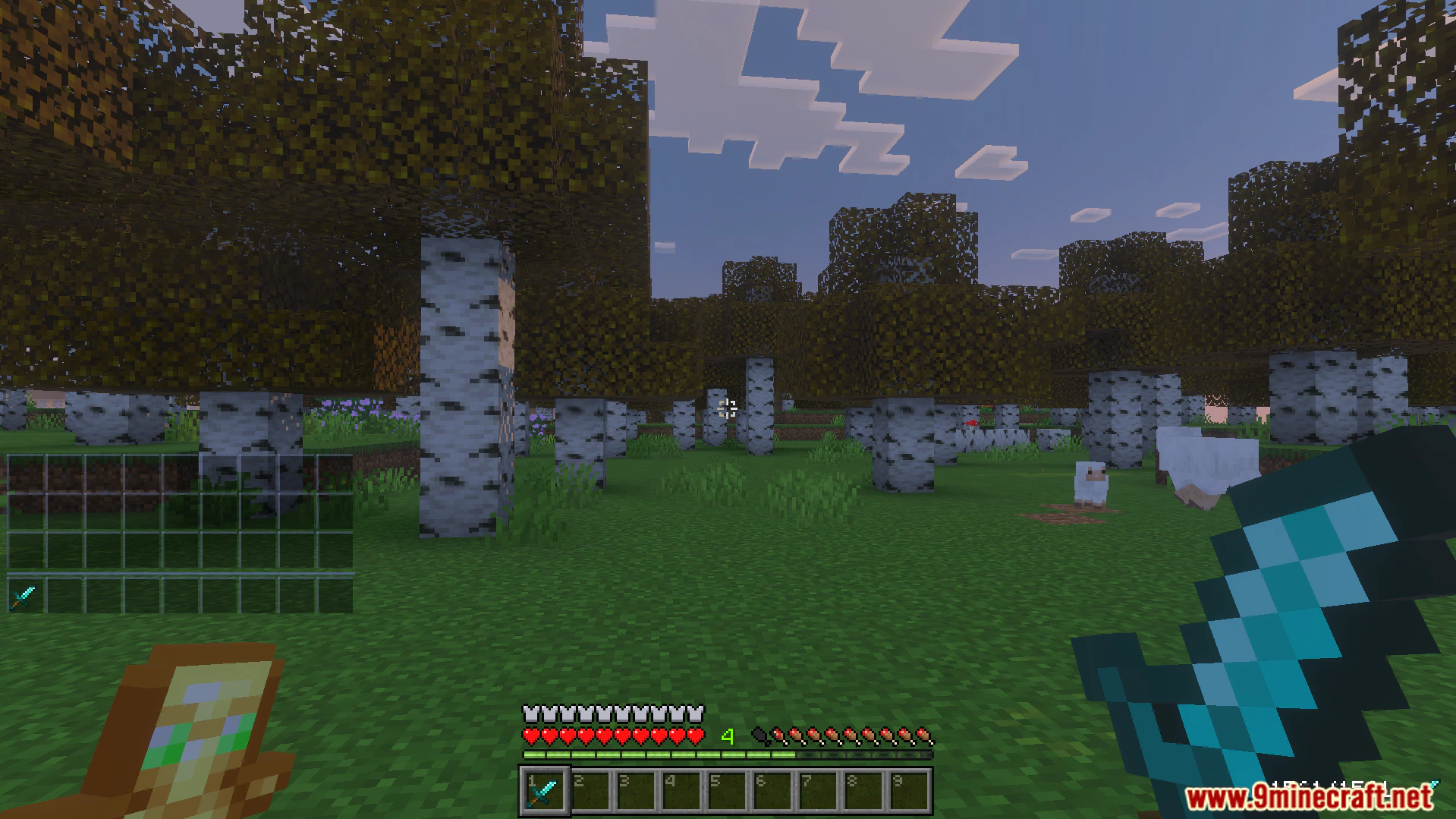
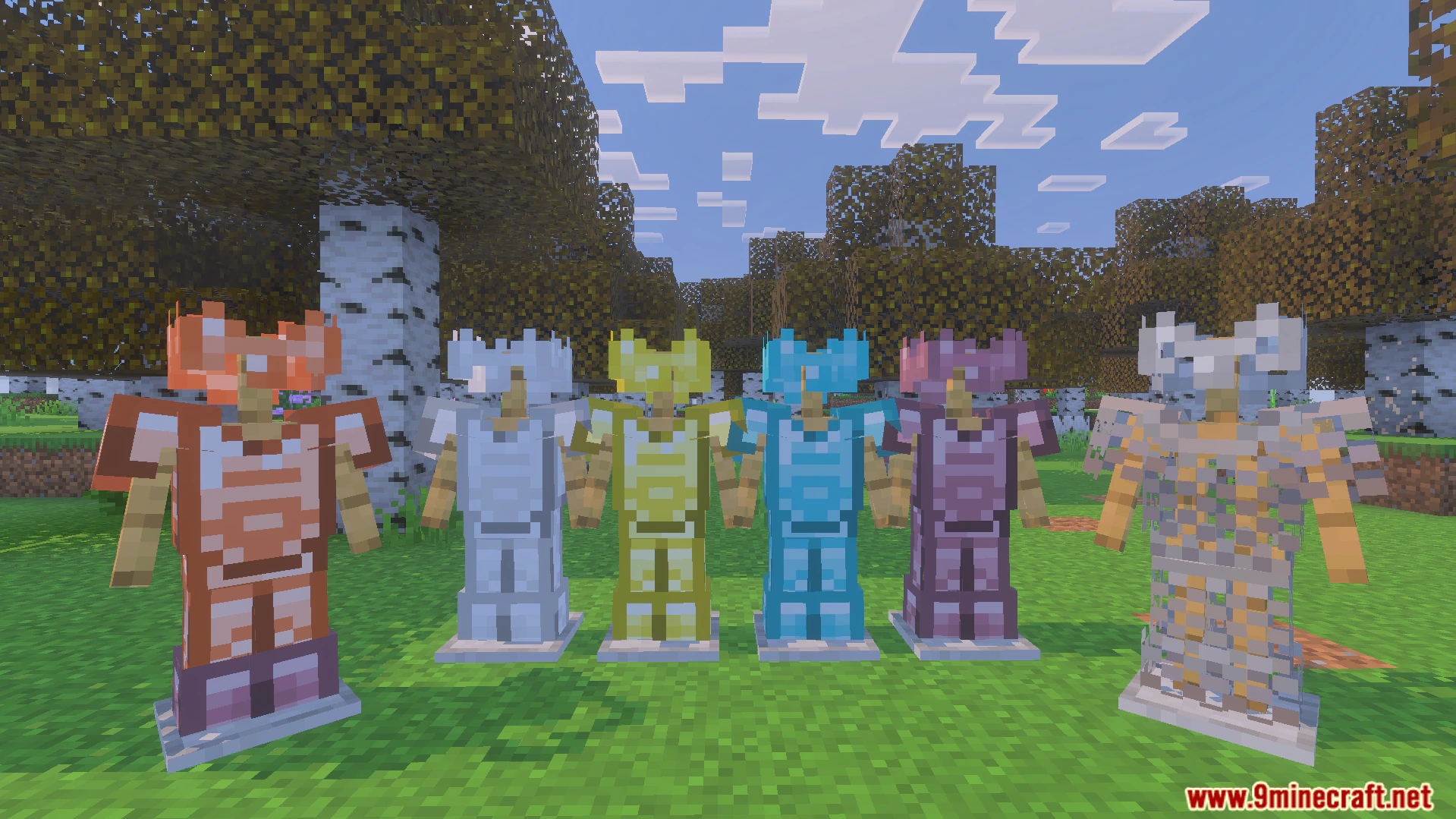
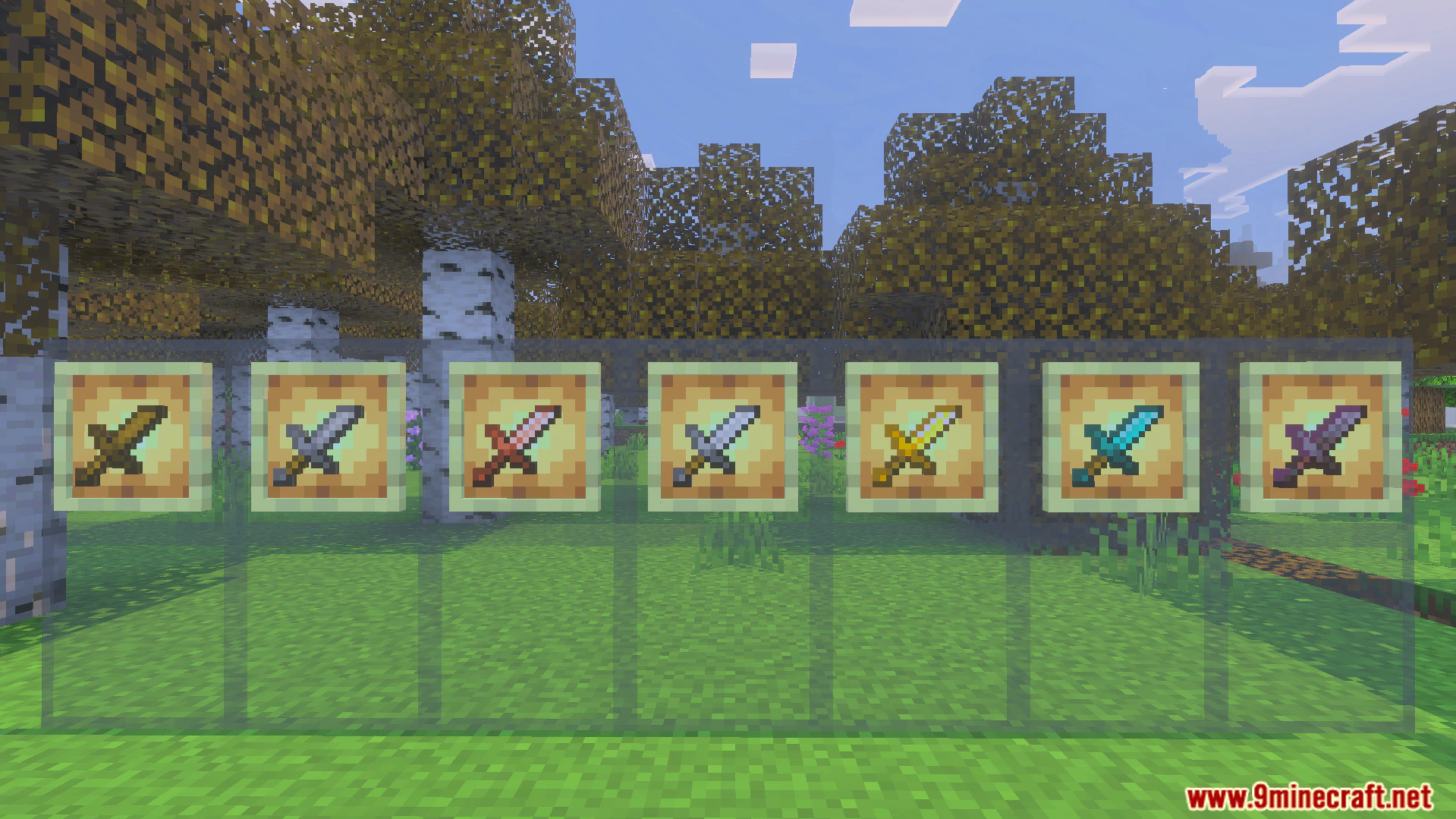
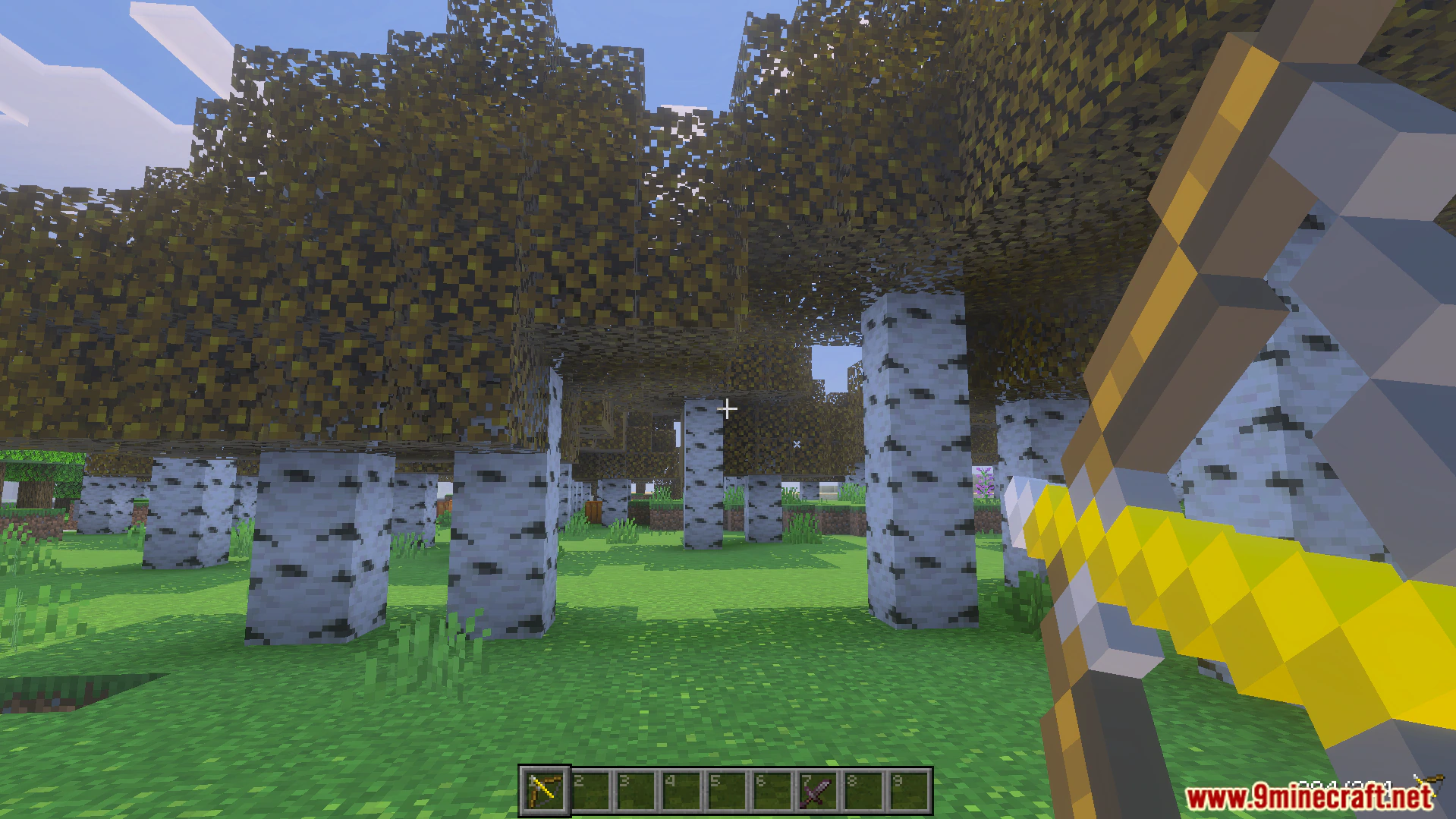
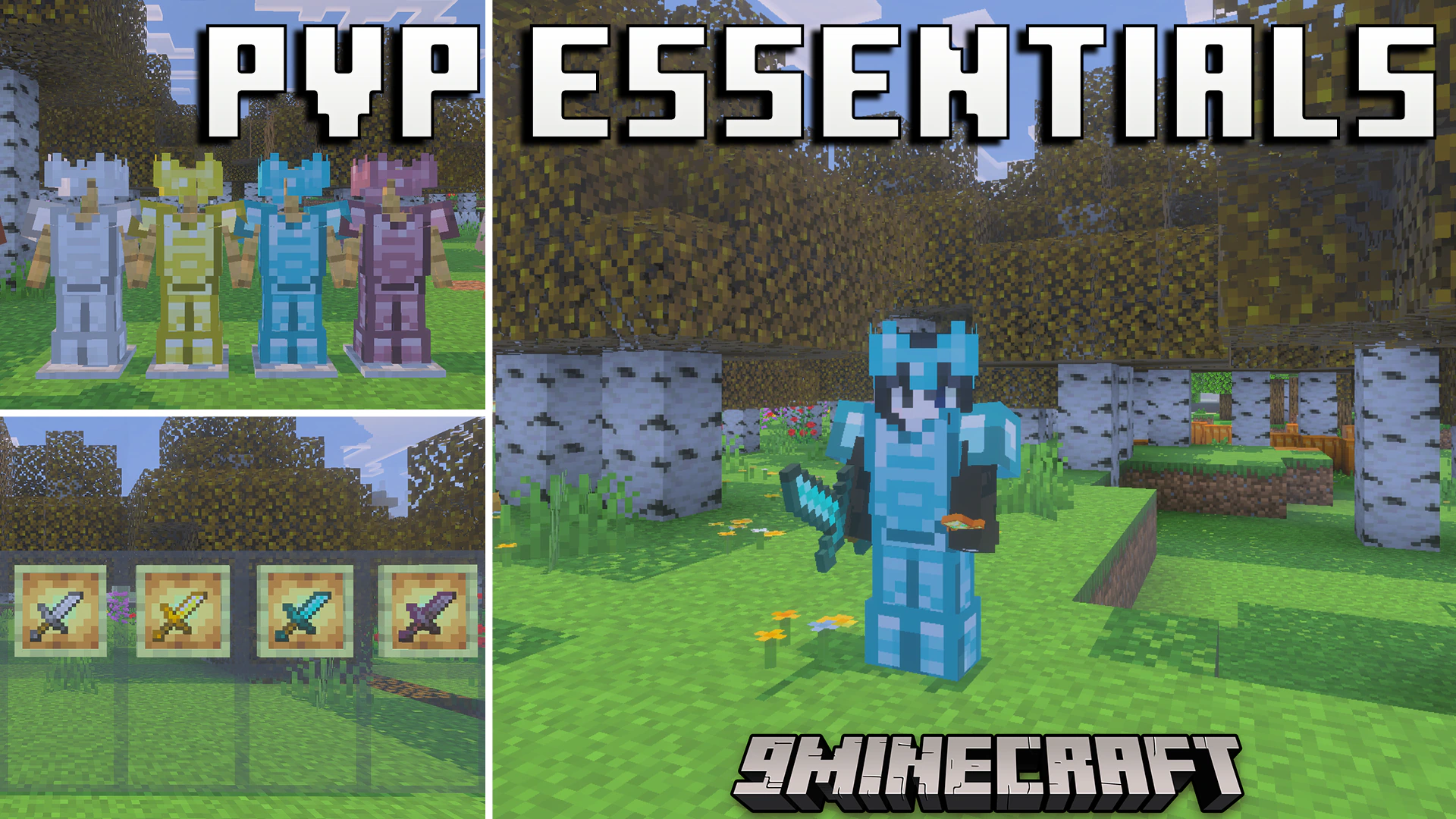
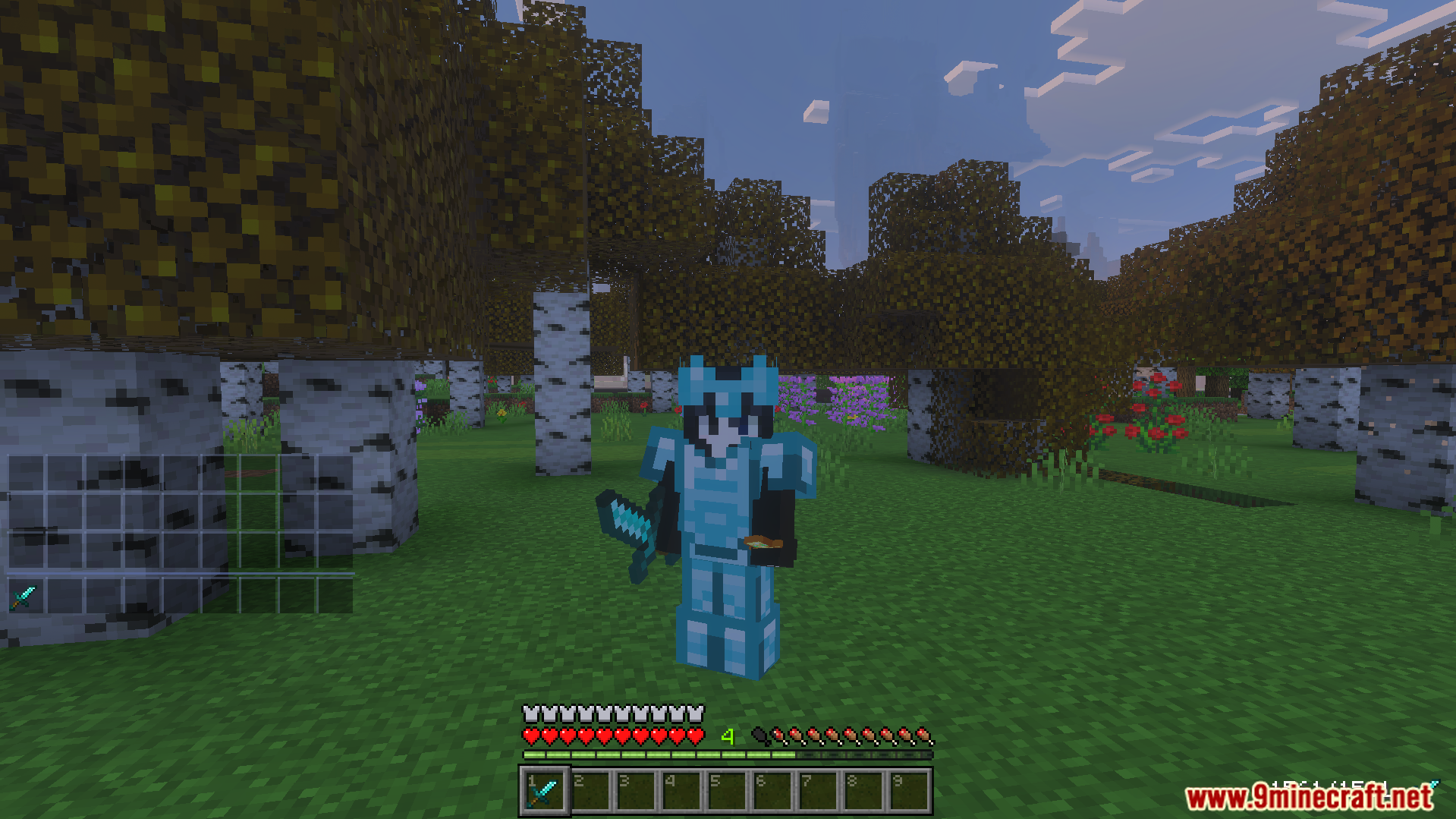
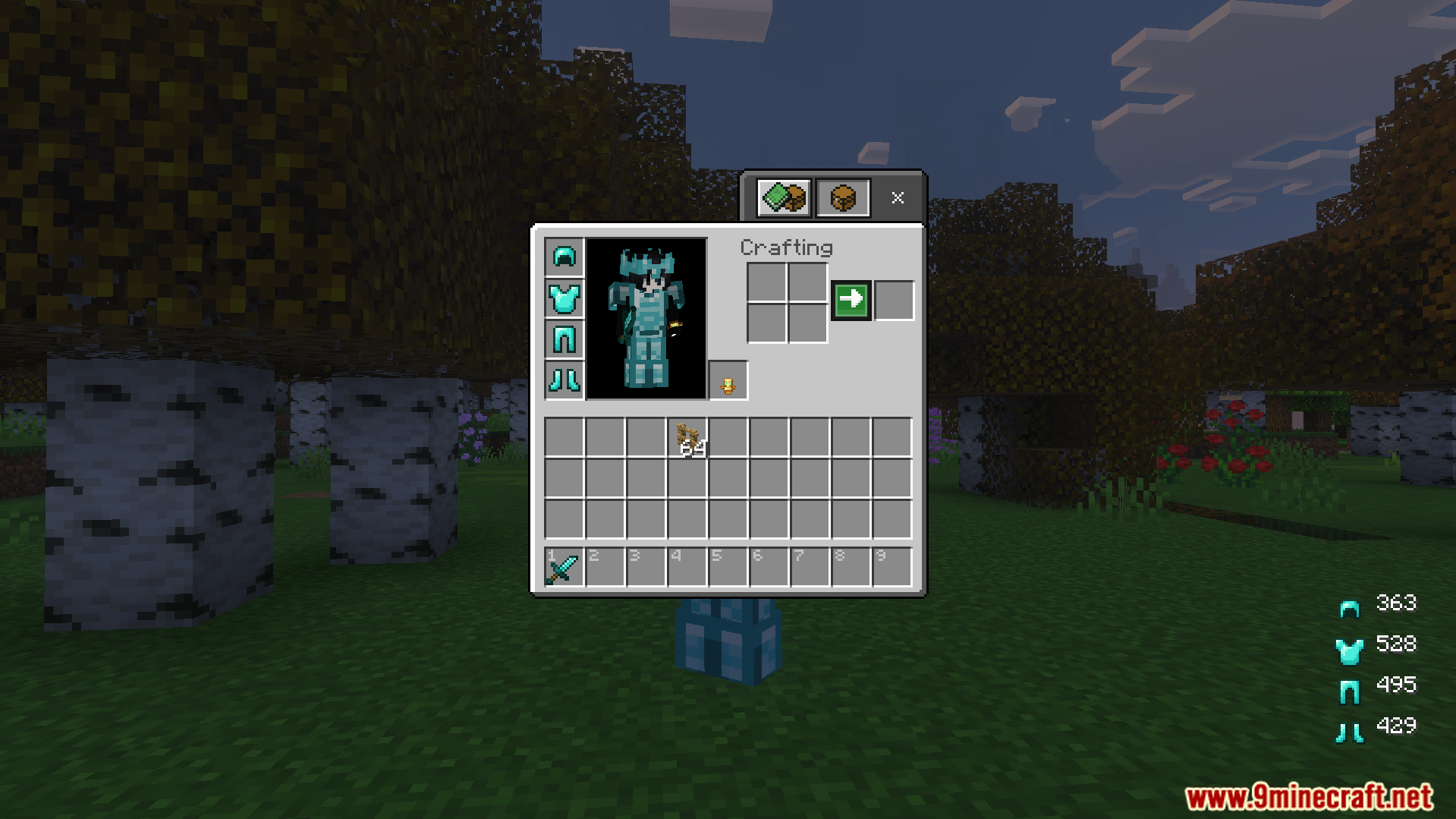
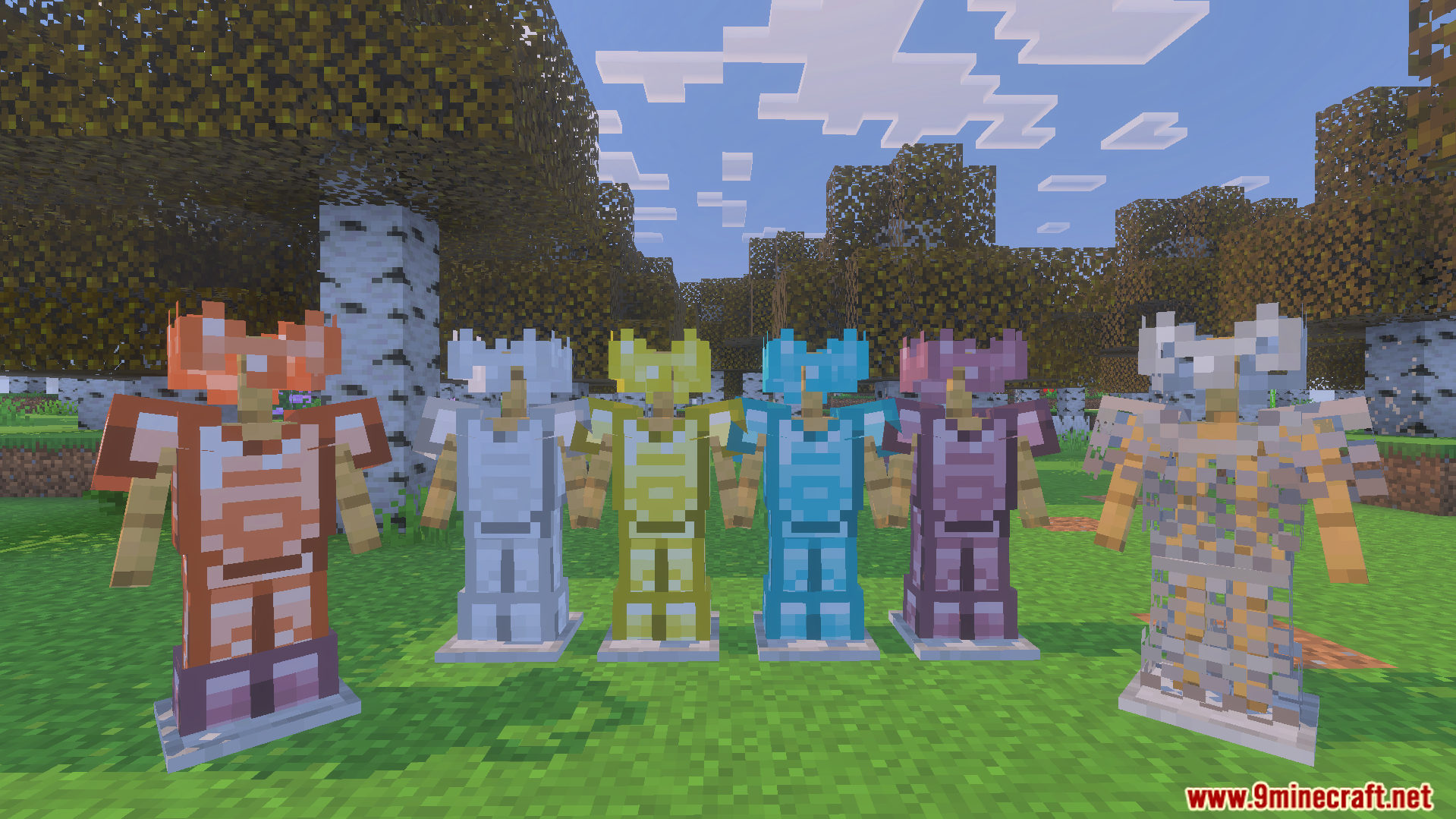
PVP Essentials Texture Pack gives competitive players an advantage by removing visual distractions. It adds highlighted ores, distinct potion colors, and transparent glass to your world. The pack also updates your interface with a numbered hotbar and quick crafting options.
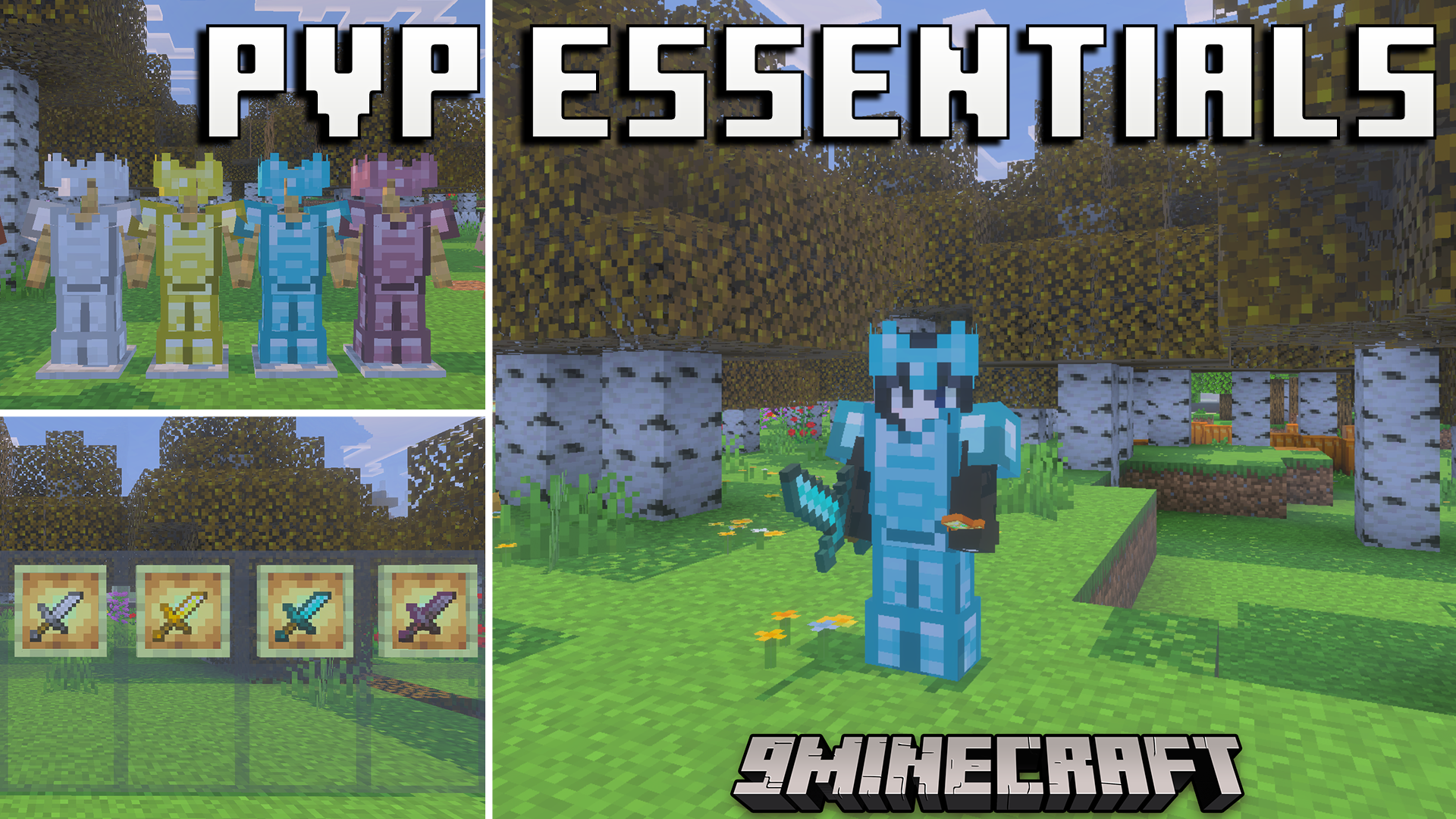
Features:
- Makes all glass colors completely transparent for better visibility.
- Highlights every ore variant including deepslate types for quick mining.
- Gives drinkable and splash potions unique colors for fast identification.
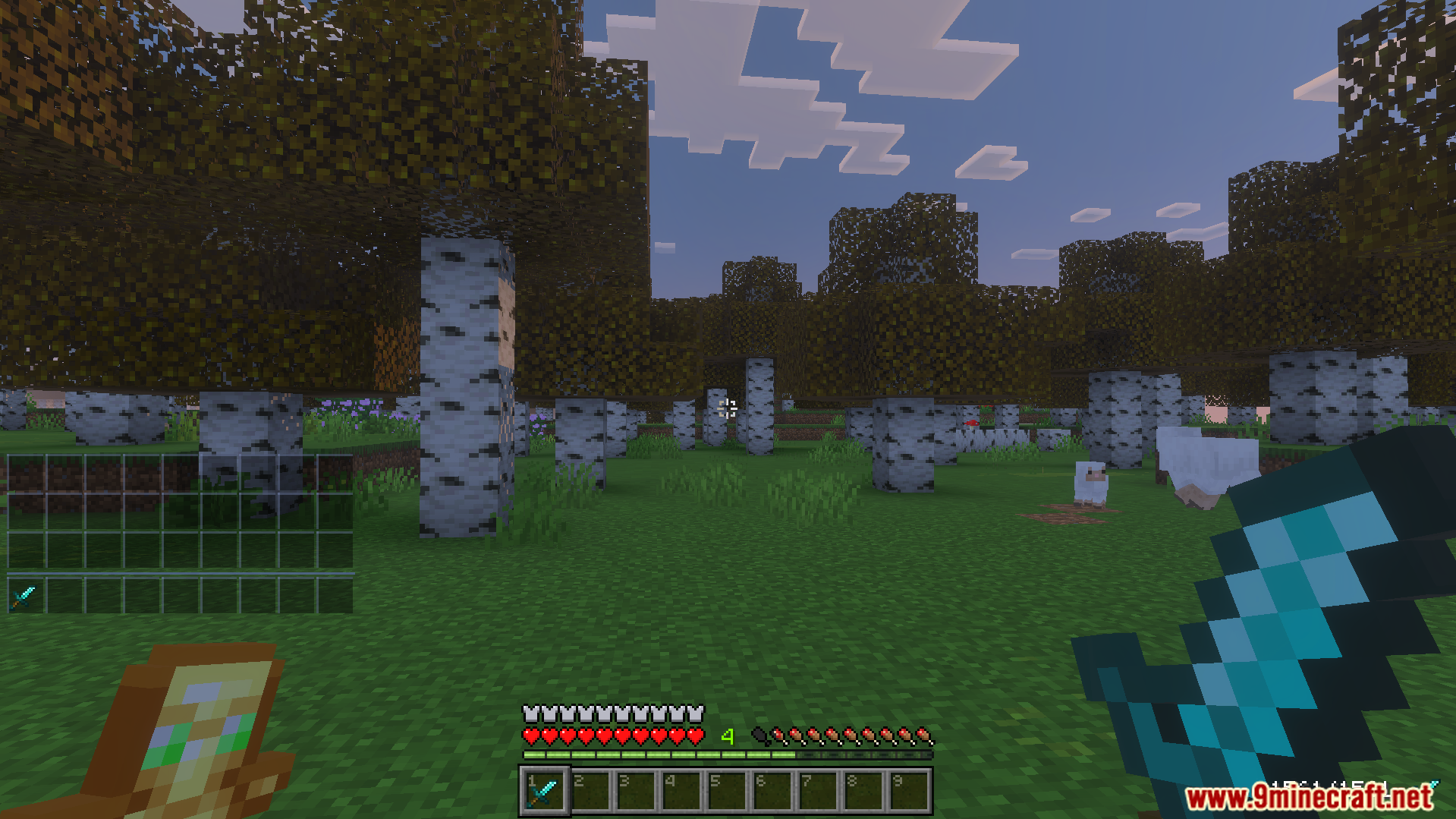
- Reduces fog across biomes and adds instant underwater vision.
- Places slot numbers on your hotbar for quick inventory reading.
Configuration:
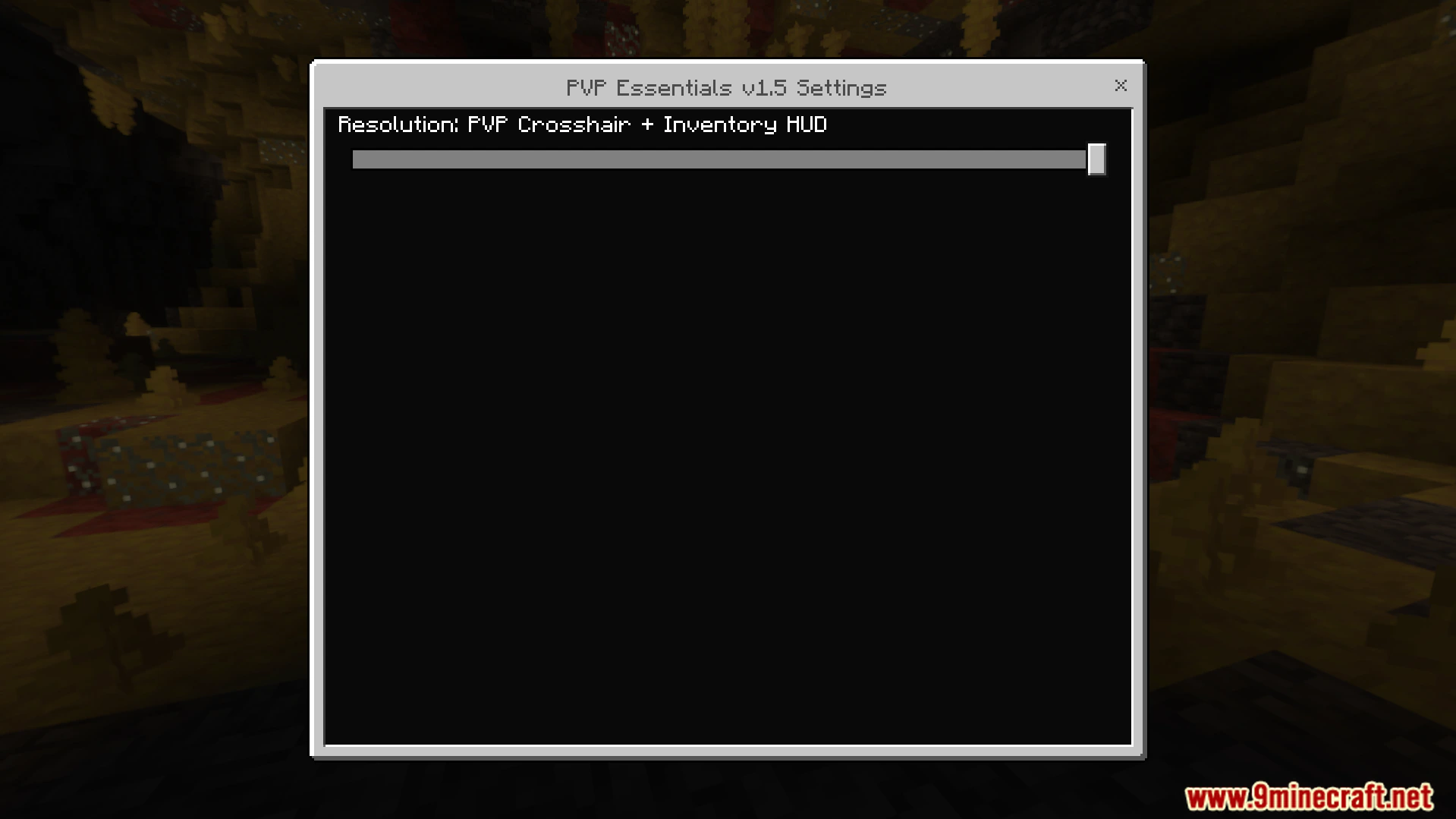
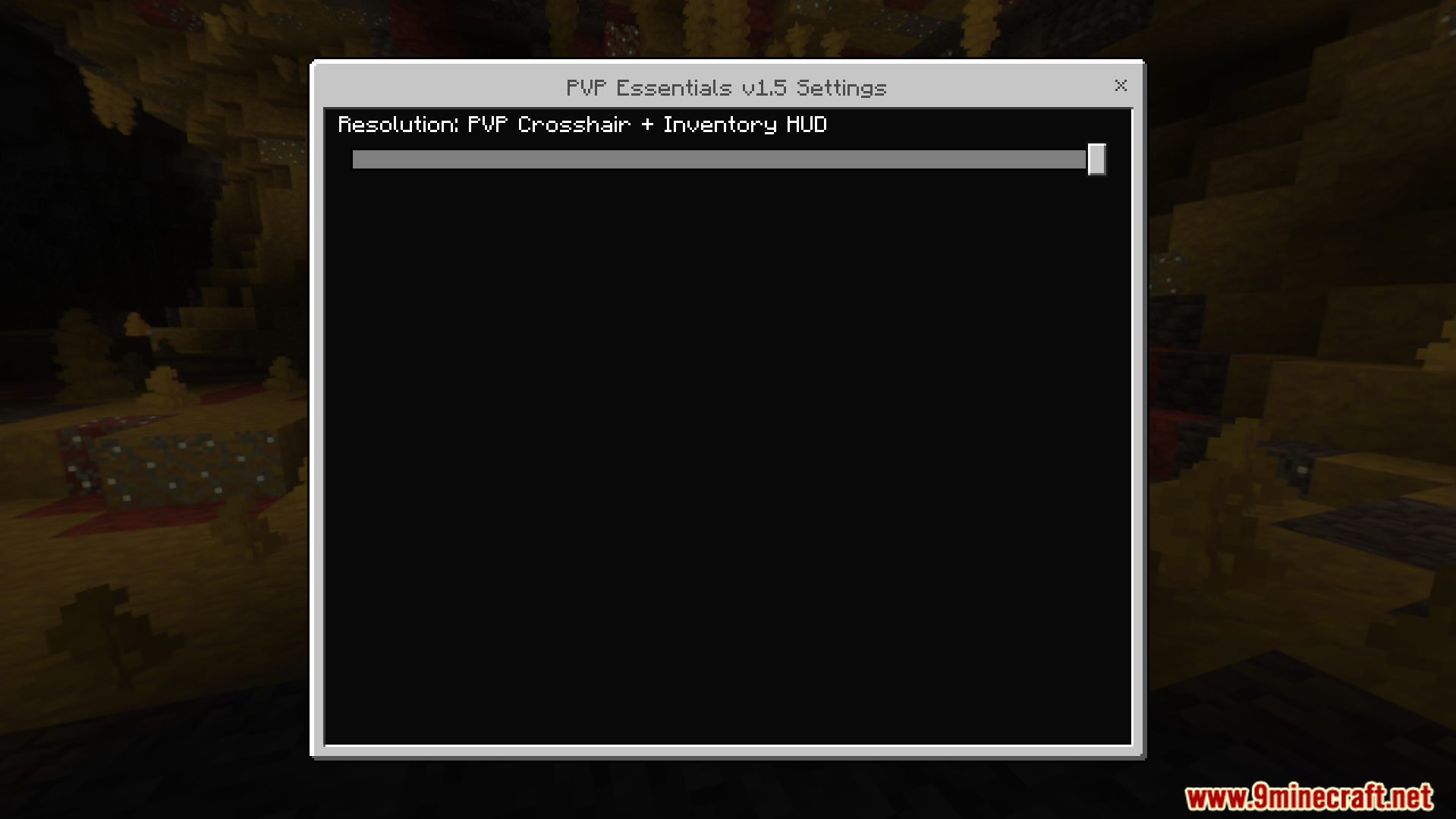
You can select your preferred mode using the pack settings gear icon.
Screenshots:
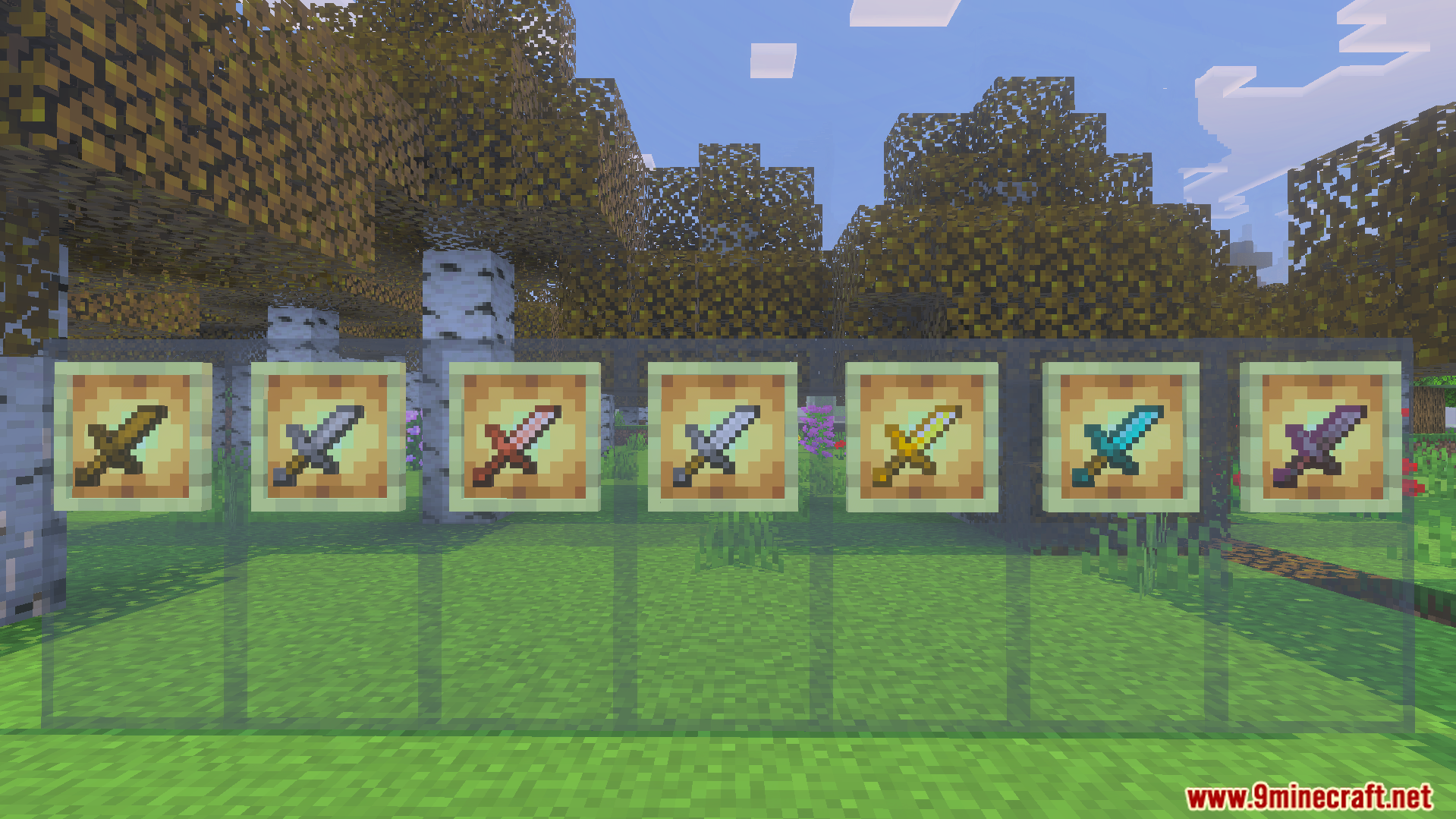
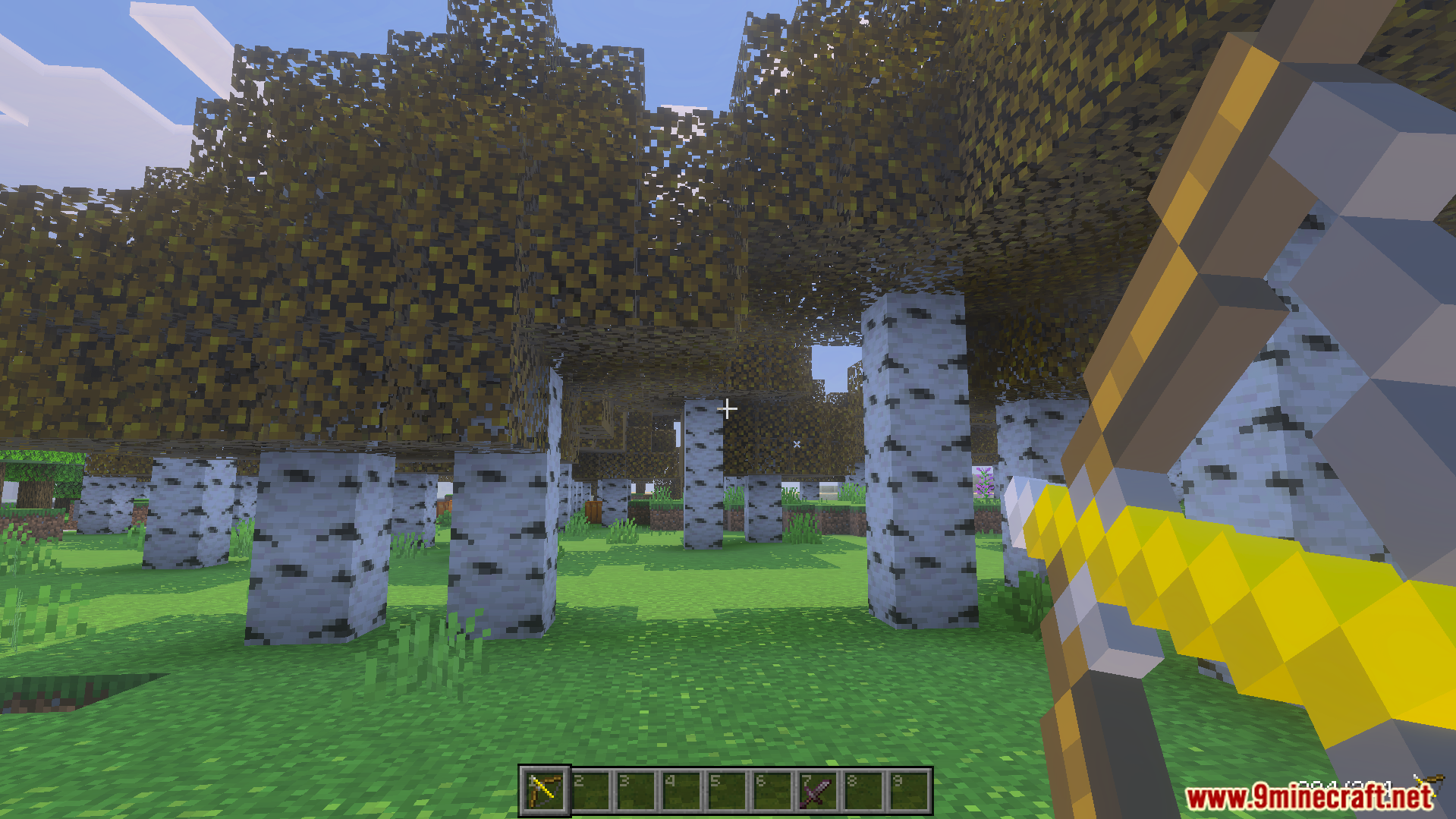
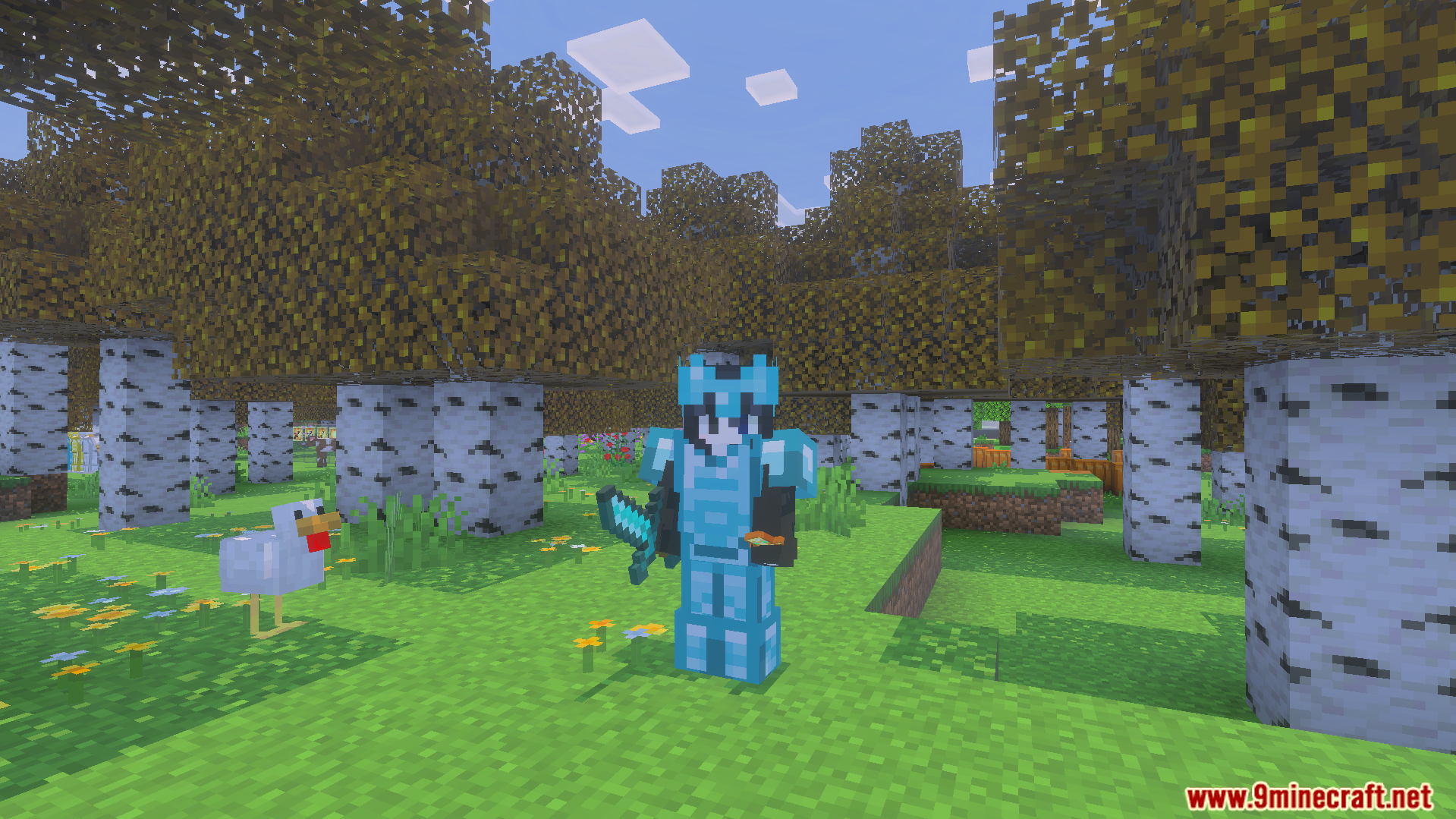
PVP Essentials Texture Pack Download Links
Quick facts
- Edition: Minecraft Bedrock
- File type: .mcpack
- Minecraft version listed: 1.21
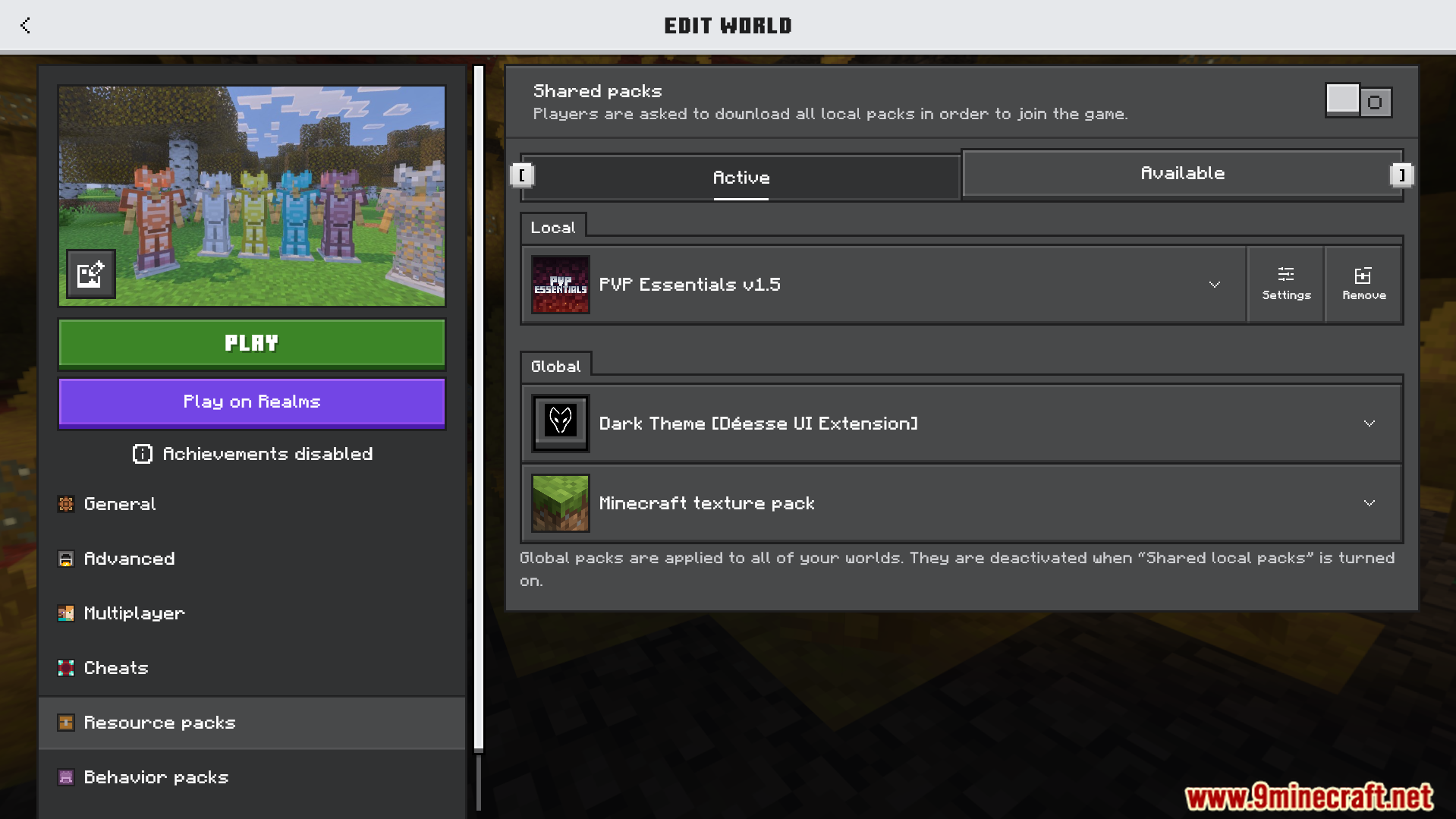
- How to install: Download the .mcpack. → Open it — Minecraft imports it under Resource Packs. → Activate it in Global Resources, or for one world under Resource Packs → Available.
- Where to get it: In MCModsHub, or directly above on this page.
Install steps are the general flow for this file type — How to install Minecraft Bedrock texture packs walks through it step by step.
File checked by MCModsHub
- Pack type: .mcpack — a single pack
- Manifest requires Minecraft 1.21.0 or newer
- Complete pack — everything it depends on is inside the file
- Download size: 6.0 MB
- Download link checked 22 Jul 2026 — working
- Mirrored on our own servers — the download does not depend on the original host
These come from our own check of the pack file, not from the source page.