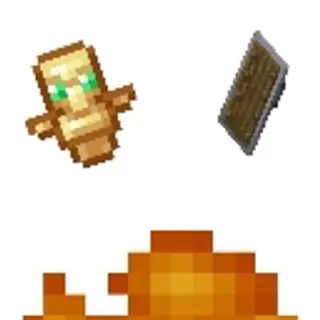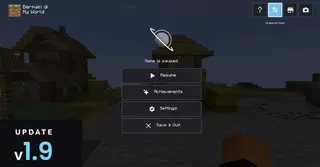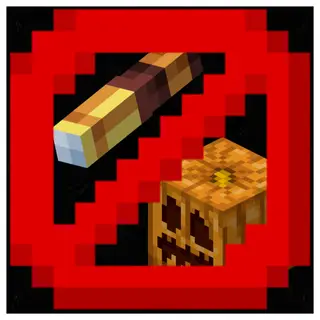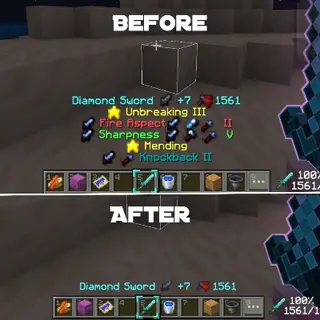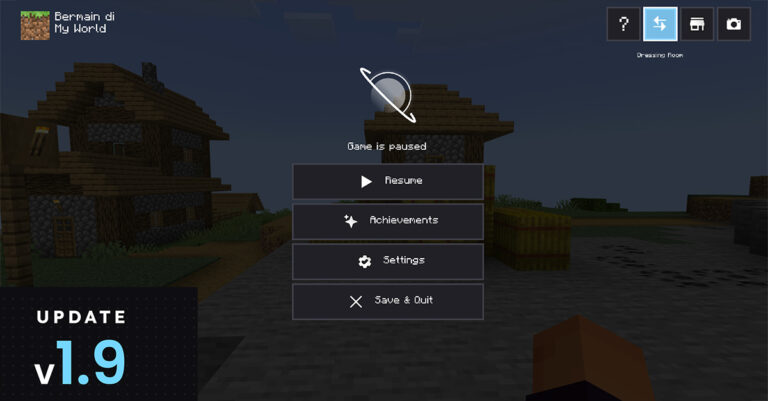
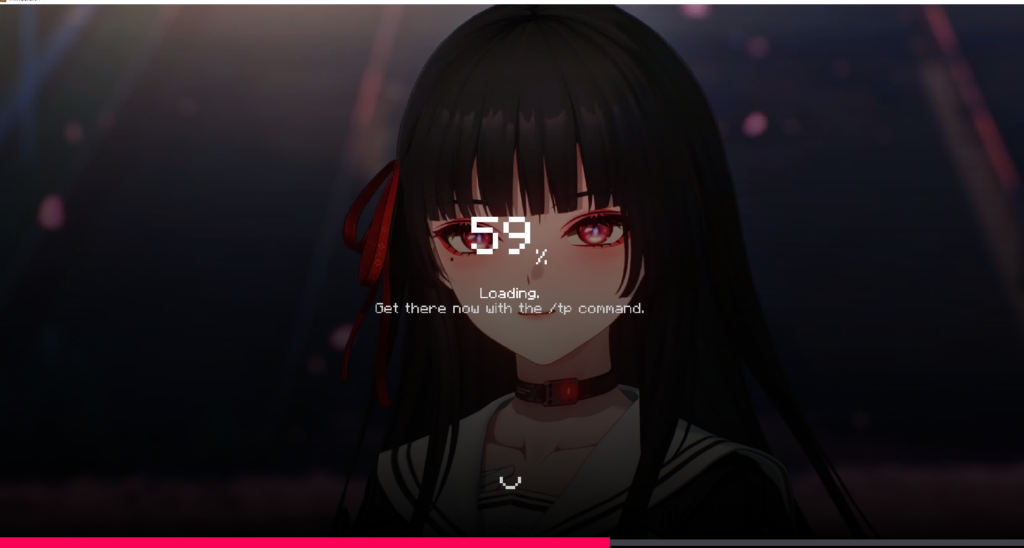
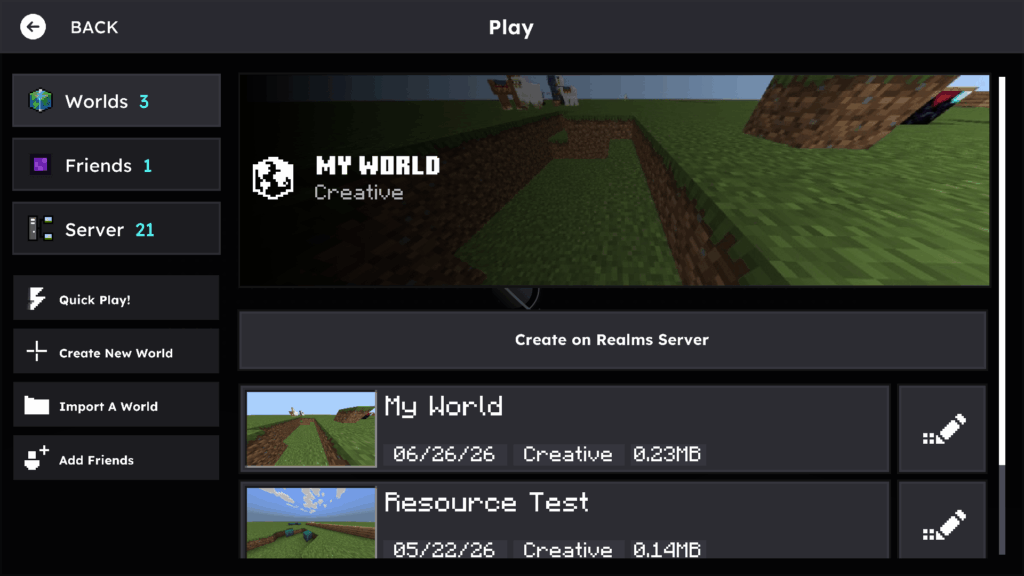
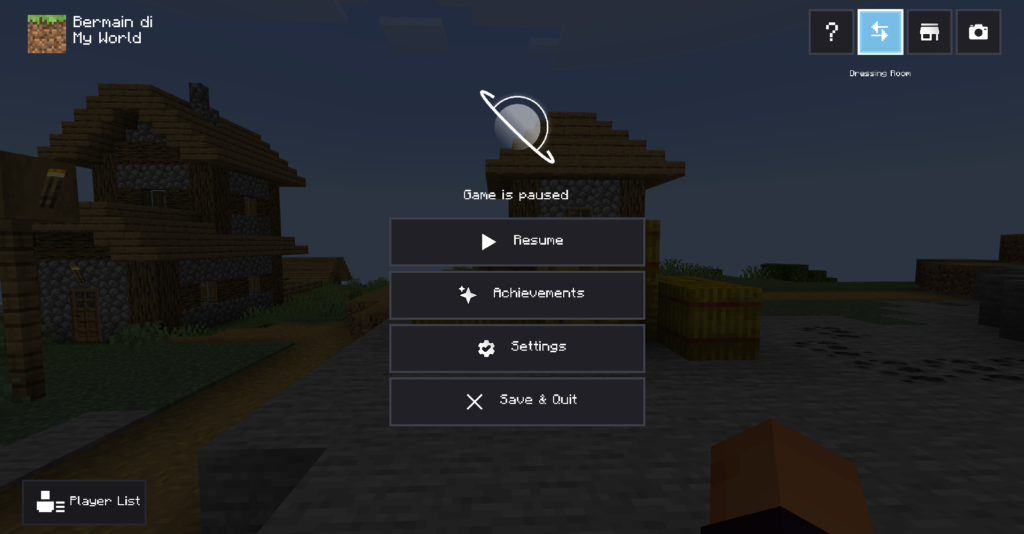
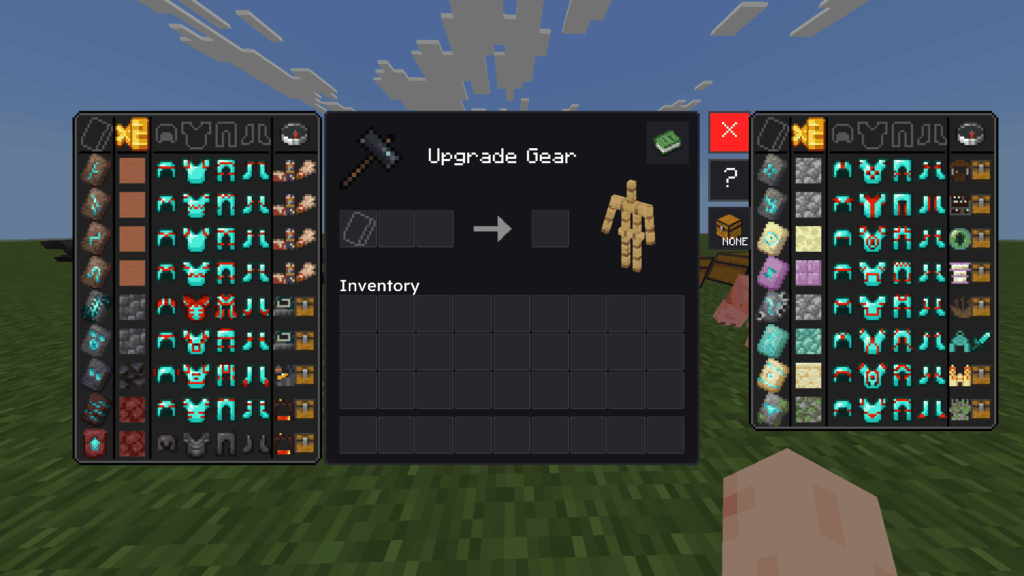
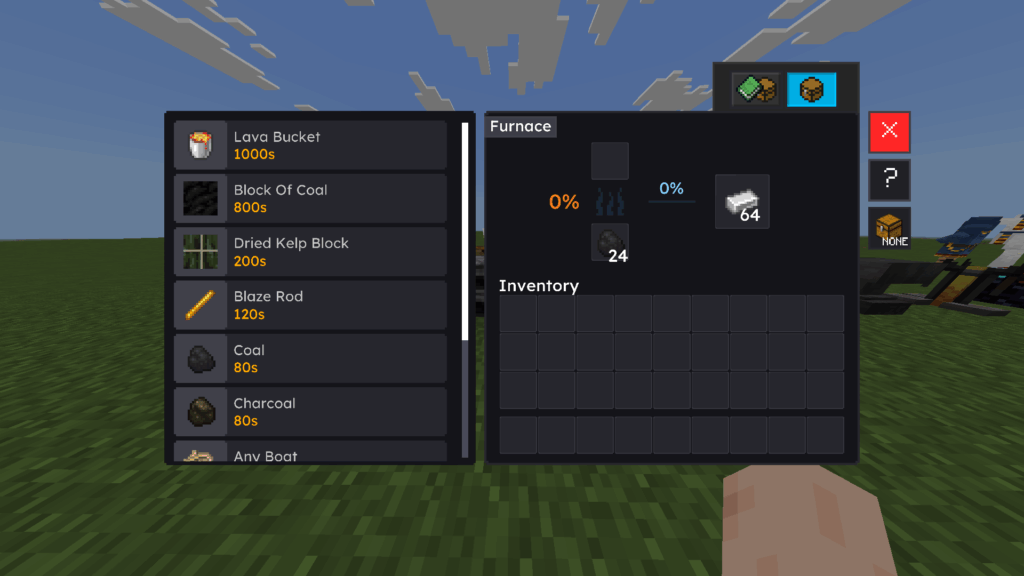
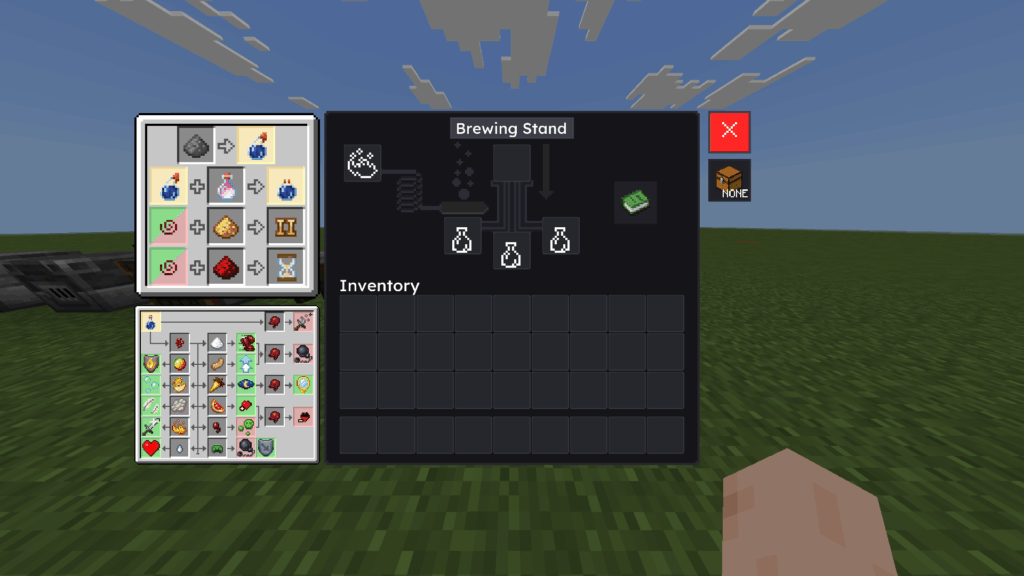
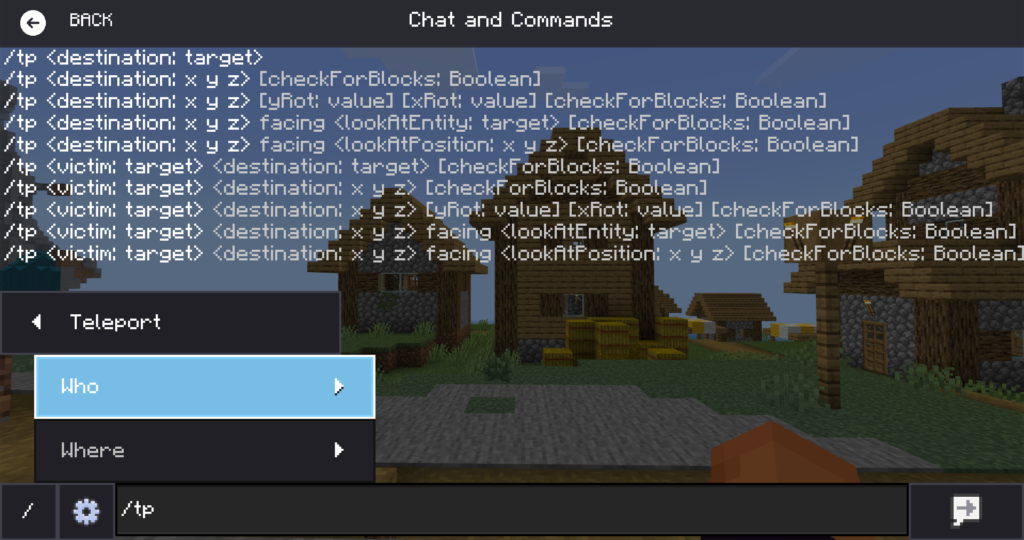
Transform your Minecraft interface with Horizon UI. A clean, modern, and highly customizable UI overhaul. Focused on ultimate visual clarity, smooth animated backgrounds, and elegant layouts, it delivers a fresh, deeply immersive feel to every screen.
Cre: hans_projects (Youtube)
Horizon UI
🎨 Key Highlights
- Quick Loot Items
- Quick Move Items
- Quick Drop Items
- Inventory Slot Counter
- Item Counter & Stack Counter
- Brewing Guides
- Smithing Guides
Downloads

More cool Minecraft textures are here:
Quick facts
- Edition: Minecraft Bedrock
- File type: .mcpack
- How to install: Download the .mcpack. → Open it — Minecraft imports it under Resource Packs. → Activate it in Global Resources, or for one world under Resource Packs → Available.
- Where to get it: In MCModsHub, or directly above on this page.
Install steps are the general flow for this file type — How to install Minecraft Bedrock texture packs walks through it step by step.
Verified by MCModsHub
- Pack type: .mcpack — a single pack
- Manifest requires Minecraft 1.26.30 or newer
- Complete pack — everything it depends on is inside the file
- Download link checked 30 Jun 2026 — working
- Mirrored on our own servers — the download does not depend on the original host
These come from our own check of the pack file, not from the source page.