Sulfur x Turbo FPS
Optimization pack designed to reduce lag, improve performance, and deliver smoother gameplay on low-end devices.
⬇ Download on CurseForge
⚡ Sulfur x Turbo | FPS Optimization Pack
Official FPS BOOST Resource Pack for Minecraft Bedrock/Pocket Edition.
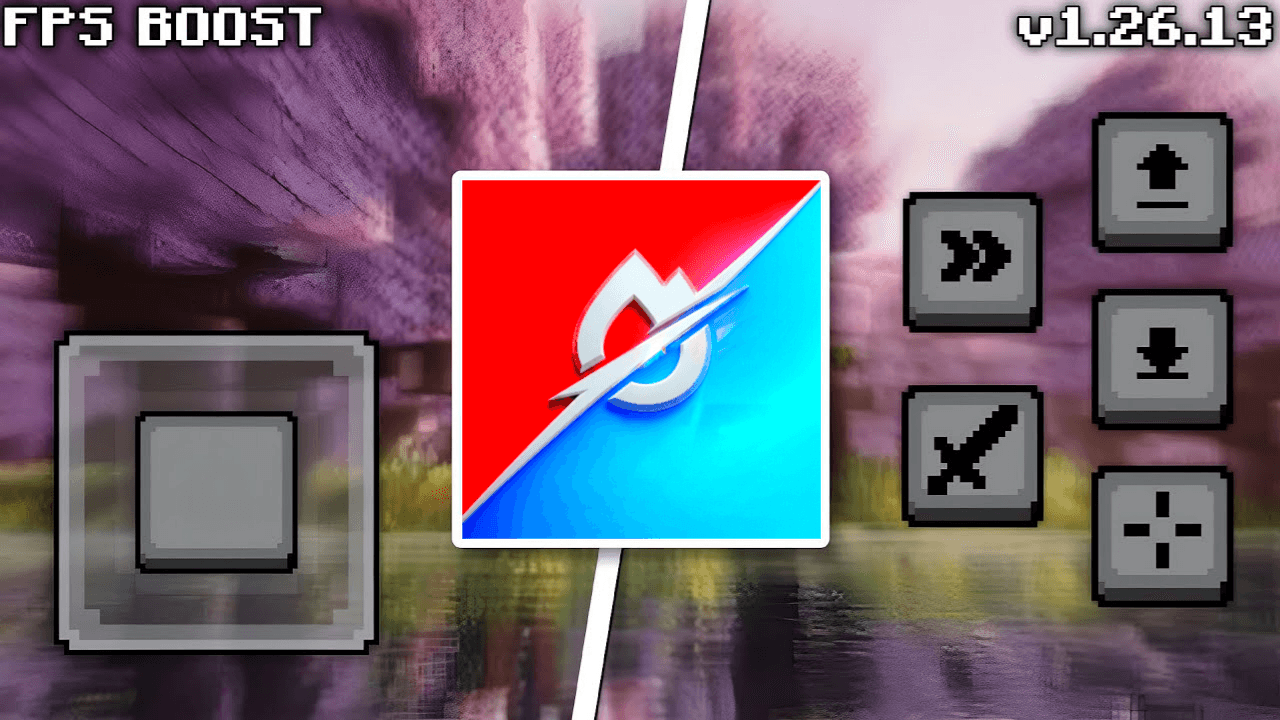
Sulfur x Turbo FPS is a carefully optimized resource pack for Minecraft Bedrock, designed to reduce lag, lower rendering load, and improve overall gameplay smoothness on low-end and mid-range devices.
Instead of flashy visuals, Sulfur x Turbo focuses on clean textures, reduced visual noise, and smart feature optimizations that directly improve performance. Every change is made to keep Minecraft looking vanilla, readable, and lightweight, while delivering a noticeably smoother and more stable experience.
📖 Key Features
-Clear water with reduced visual clutter
-Lower fire texture for improved combat visibility
-Fast & optimized full grass rendering
-No particles for improved performance
-Cleaner block visuals with refined 16× textures
-Reduced rendering overhead for smoother frame pacing
🎯 Best Use Cases
-Smoother gameplay and reduced lag
-Low-end phones, tablets & PCs
-Older hardware or weak GPUs
-Survival, PvP, and long gameplay sessions
-Reduced device heating and stutter
🛠 Compatibility
-Minecraft Bedrock Edition
-Supported versions: 1.21+, 26.0+
-Works in single-player & on servers
-Compatible with most resource packs & shaders
-Supports Pocket Edition
📥 Installation
1.Download the .mcpack file
2.Open the file — Minecraft will import it automatic
ally
3.Go to Settings → Resource Packs → My Packs

4.Activate Sulfur x Turbo FPS
❤️ Support & Feedback
If Sulfur x Turbo improves your gameplay, consider leaving a ⭐ on CurseForge or MCPEDL. Bug reports, suggestions, and feedback are always welcome, your support helps improve future updates.
- Edition: Minecraft Bedrock
- File type: .mcpack
- Minecraft versions listed: 1.21, 1.21.132, 26.30
- How to install: Download the .mcpack. → Open it — Minecraft imports it under Resource Packs. → Activate it in Global Resources, or for one world under Resource Packs → Available.
- Where to get it: Opens on CurseForge — not every file is mirrored on our own servers.
Install steps are the general flow for this file type — How to install Minecraft Bedrock texture packs walks through it step by step.
- Save it as Sulfur x Turbo V1.0.5.mcaddon before opening — it downloads as .mcpack, but it is a .mcaddon pack
- Manifest requires Minecraft 1.21.0 or newer
- Complete pack — everything it depends on is inside the file
- Download size: 1.1 MB
- Download link checked 28 Aug 2026 — working
These come from our own check of the pack file, not from the source page.