Srkuls's Timer
Bedrock add-on listed for Minecraft 26.x. File opened and checked on 7 Oct 2026; installs from the MC Bedrock Mods app on Android.
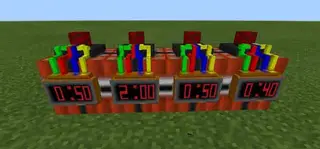
Srkuls's Timer Watch Addon adds a fully functional 3D Pocket Watch to Minecraft Bedrock Edition! Features customizable countdown timers (30s to 24h &…
⬇ Download on CurseForge
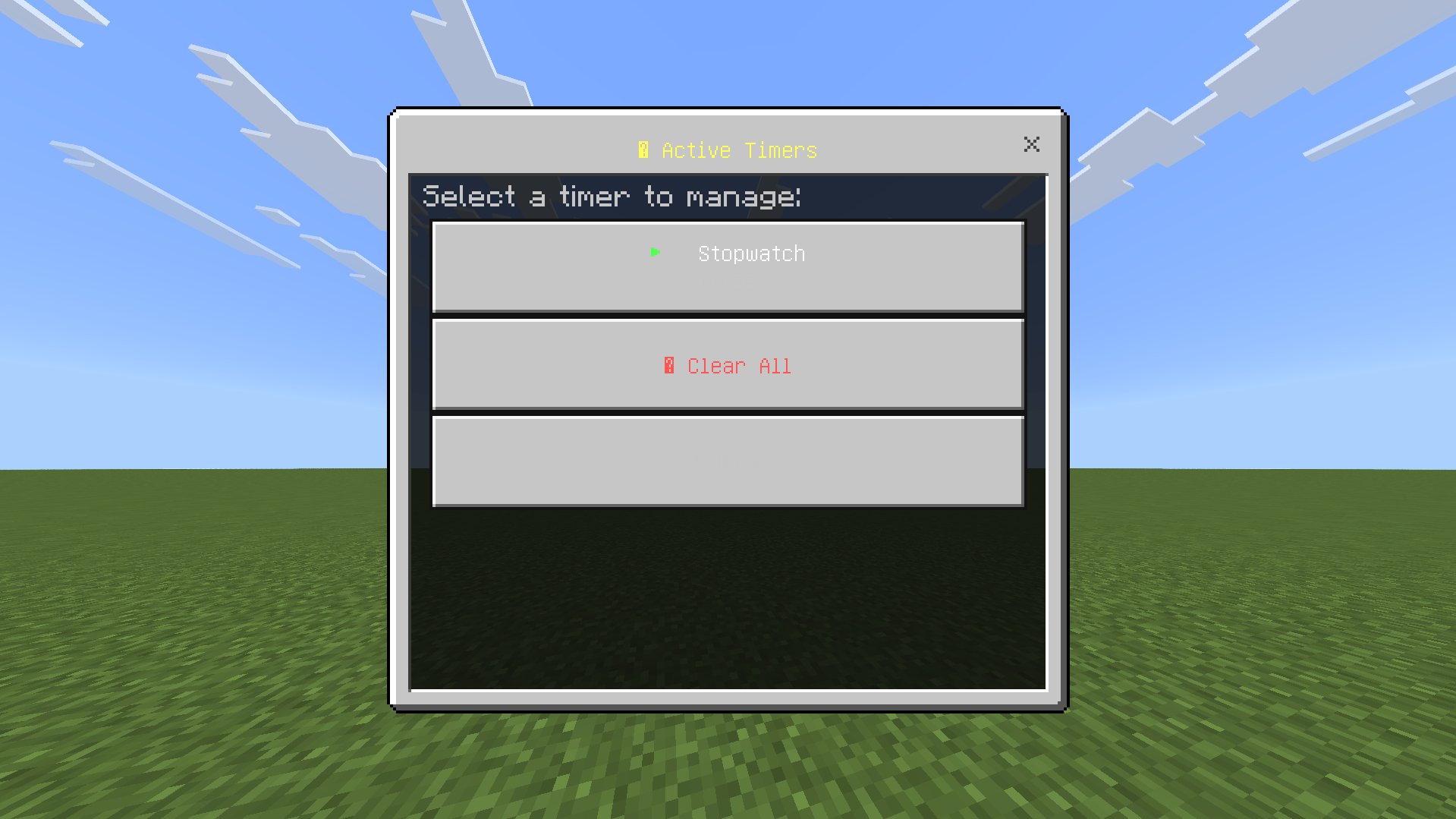
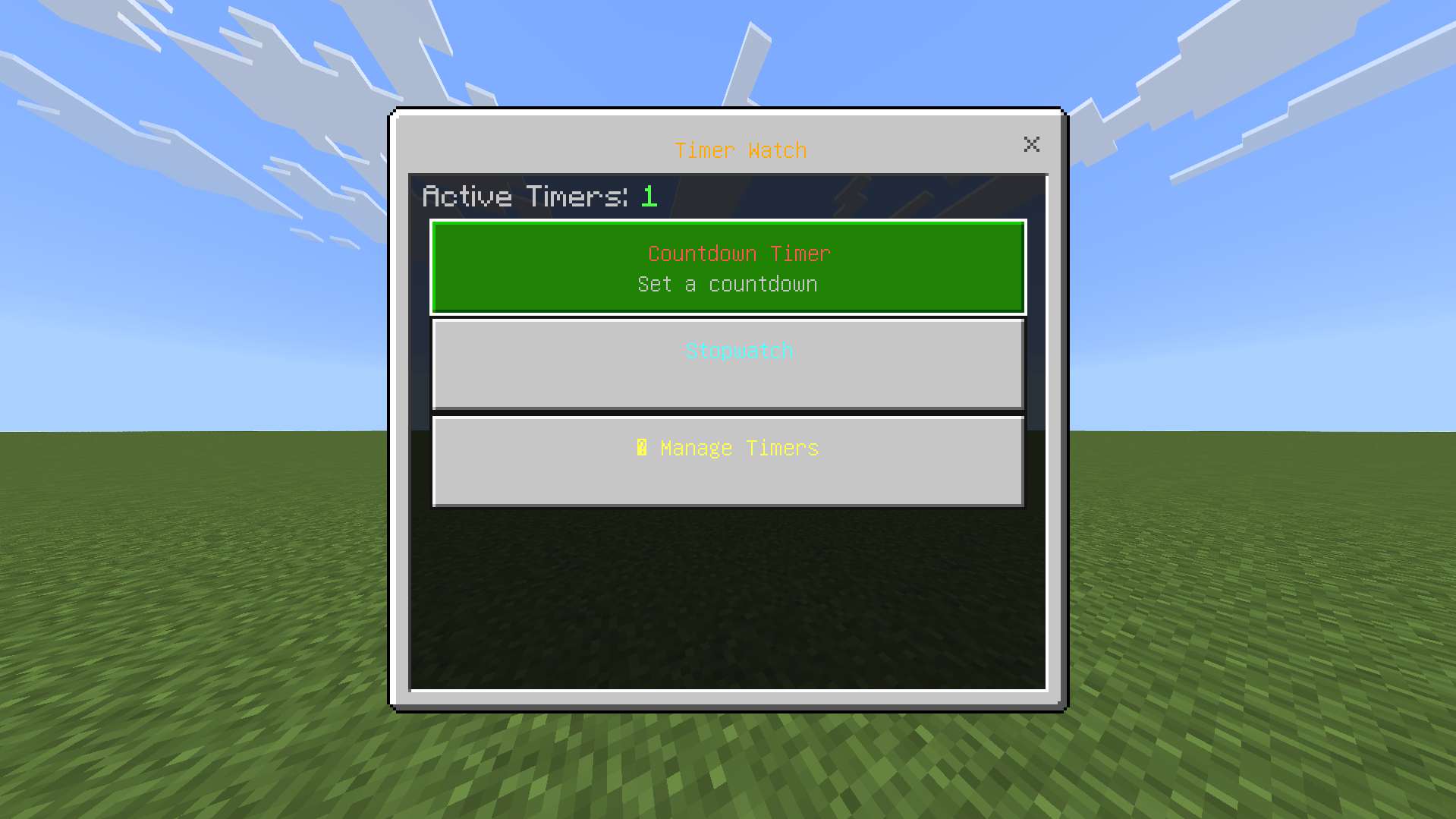
# ⏱ Srkuls's TIMER WATCH ADDON
Take full control of time in Minecraft Bedrock Edition with **Srkuls's Timer Watch**!
Whether you need a countdown for your crops, mob spawners, PvP duels, or a stopwatch for speedrunning, this addon gives you a **custom 3D Pocket Watch** with interactive UI menus and live HUD displays.
---
## 🌟 Features
* **3D Hand-Equipped Model**: Includes a detailed 3D golden Pocket Watch model rendered seamlessly in 1st person, 3rd person, and on the ground.
* **⏱ Countdown Timers**:
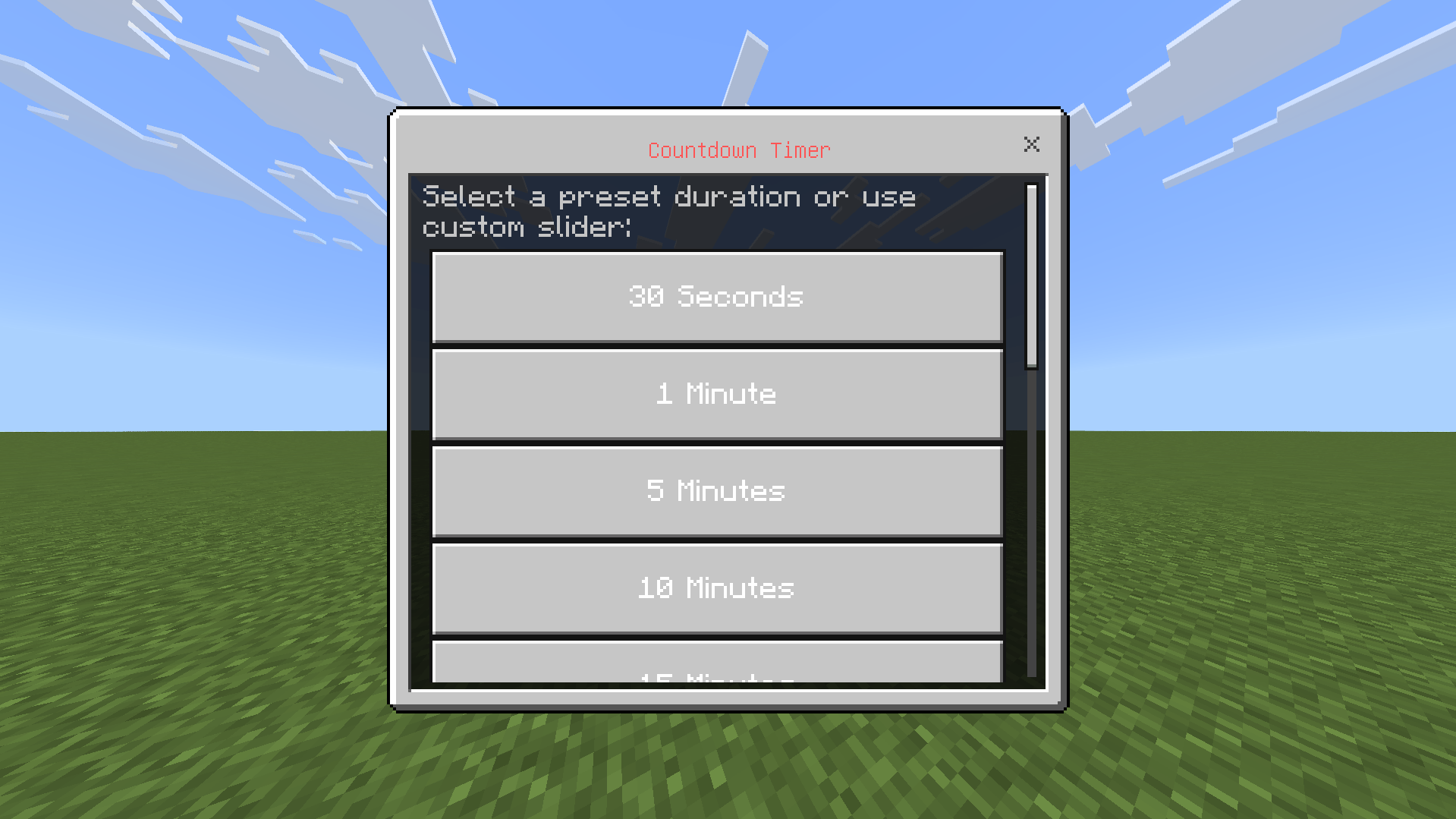
* **Quick Presets**: 30 Seconds, 1 Min, 5 Mins, 10 Mins, 15 Mins, 30 Mins, 1 Hour, 3 Hours, 8 Hours, 12 Hours, 24 Hours.
* **Custom Sliders**: Set exact Hours (0–24), Minutes (0–59), and Seconds (0–59) with custom timer names.
* **⏰ Real-Time Stopwatch**: Count up elapsed time in HH:MM:SS format.
* **📊 Live Action Bar Display**: Active timers are displayed in real-time on your action bar (HUD) with color-coded progress.
* **🔔 Audio & Screen Notifications**: Plays level-up sound and displays title text when your countdown reaches 0:00.
* **📋 Timer Management Menu**: View, pause, resume, or delete active timers at any time.
---
## 🎮 How to Use
1. Obtain the **Timer Watch** in survival or give it via command:
`/give @s timerwatch:timer_watch`
2. **Right-Click** or **Long-Press** while holding the Timer Watch to open the main menu.
3. Choose **Countdown Timer** or **Stopwatch**, select your duration, and you're good to go!
---
## 🛠 Setup & Requirements
1. Download and install both **Behavior Pack (BP)** and **Resource Pack (RP)**.
2. In your World Settings under **Experiments**, enable **Beta APIs** (required for Minecraft Script API).
3. Play and enjoy!
- Edition: Minecraft Bedrock
- File type: .mcpack or .mcaddon
- Minecraft versions listed: 26.0.02, 26.0, 26.3
- How to install: Download the .mcpack or .mcaddon file. → Open it — Minecraft imports it. → In your world: Behavior Packs → Available → Activate, then the same under Resource Packs.
- Where to get it: Opens on CurseForge — not every file is mirrored on our own servers.
Install steps are the general flow for this file type — How to install Minecraft Bedrock addons & mods walks through it step by step.
- Pack type: .mcaddon — behaviour and resource pack in one file
- Download size: 306 KB
- Download link checked 10 Oct 2026 — working
These come from our own check of the pack file, not from the source page.
Related Bedrock mods
Srkuls's Better Beds
Timer hud
Srkuls's Custom Totems
Srkuls's Aura Items

Speedrun timer