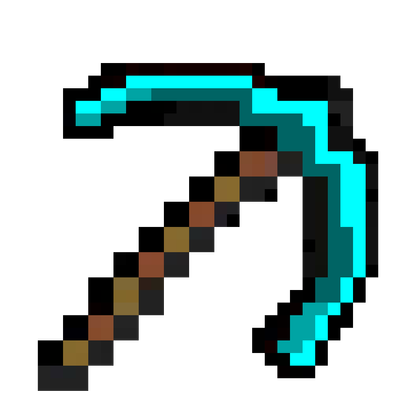
Custom curved pickaxe
Bedrock texture pack listed for Minecraft 1.13–26.x. File opened and checked on 26 Aug 2026; installs from the MC Bedrock Mods app on Android.
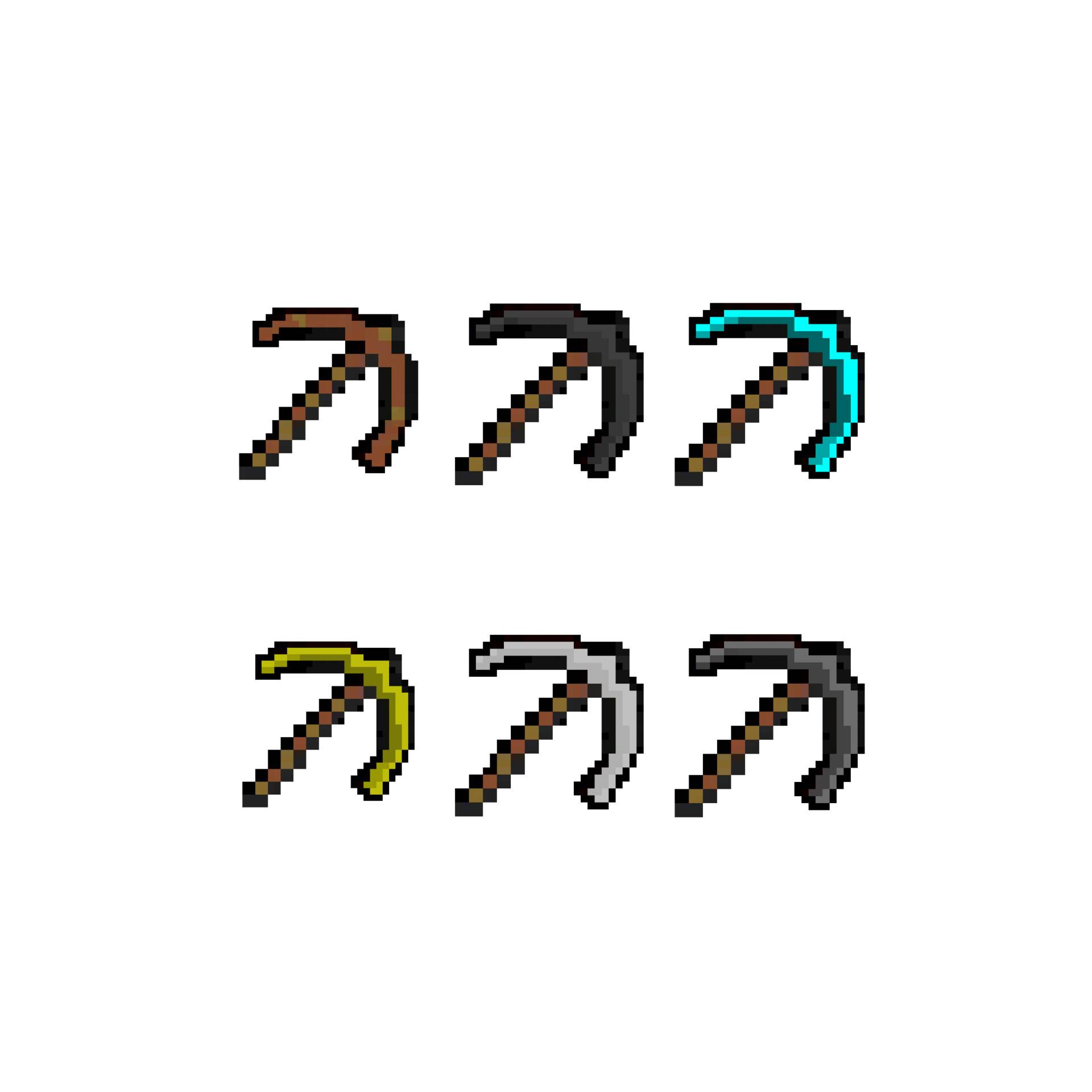
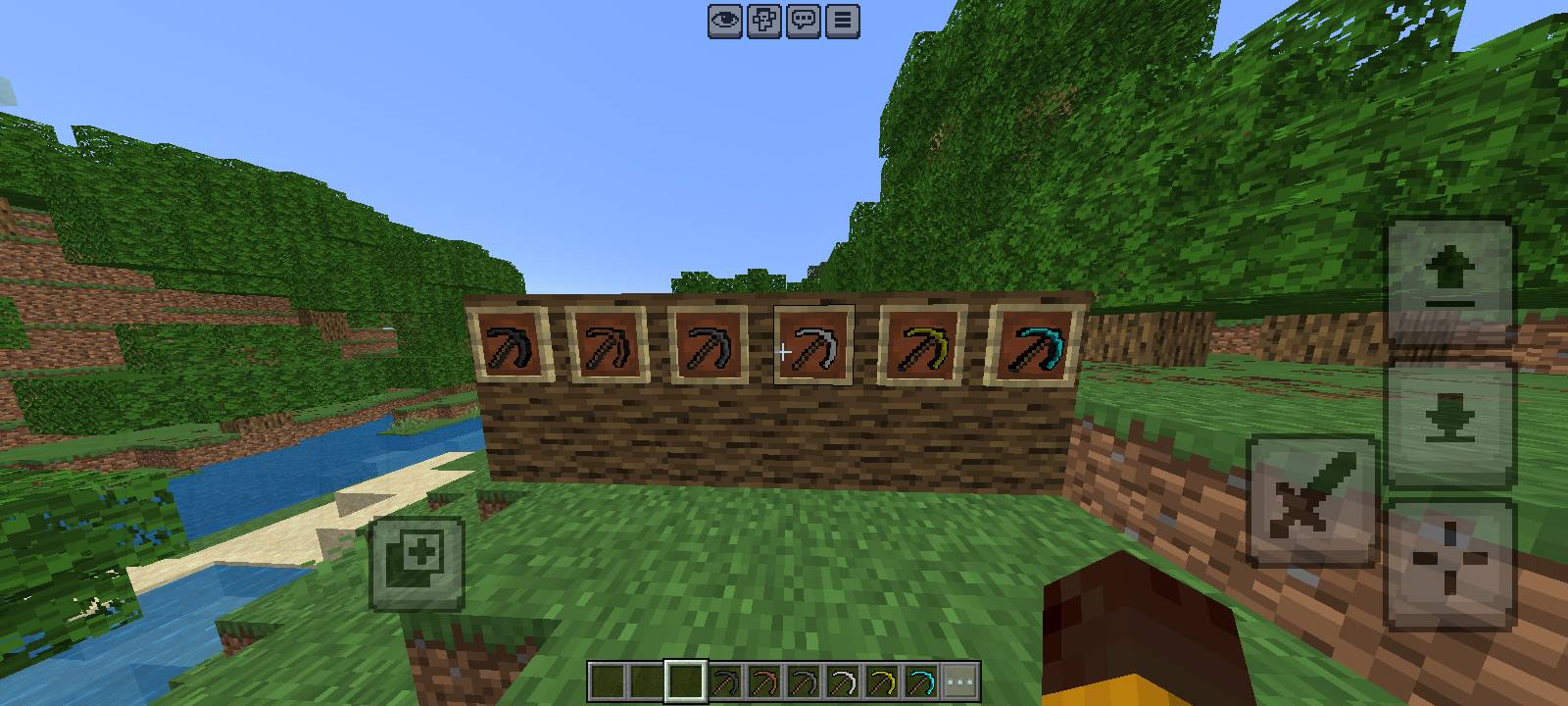
Custom Curved Pickaxes — a complete handmade retexture for all 6 pickaxes in Minecraft PE/Bedrock with a sharp new style!
⬇ Download on CurseForge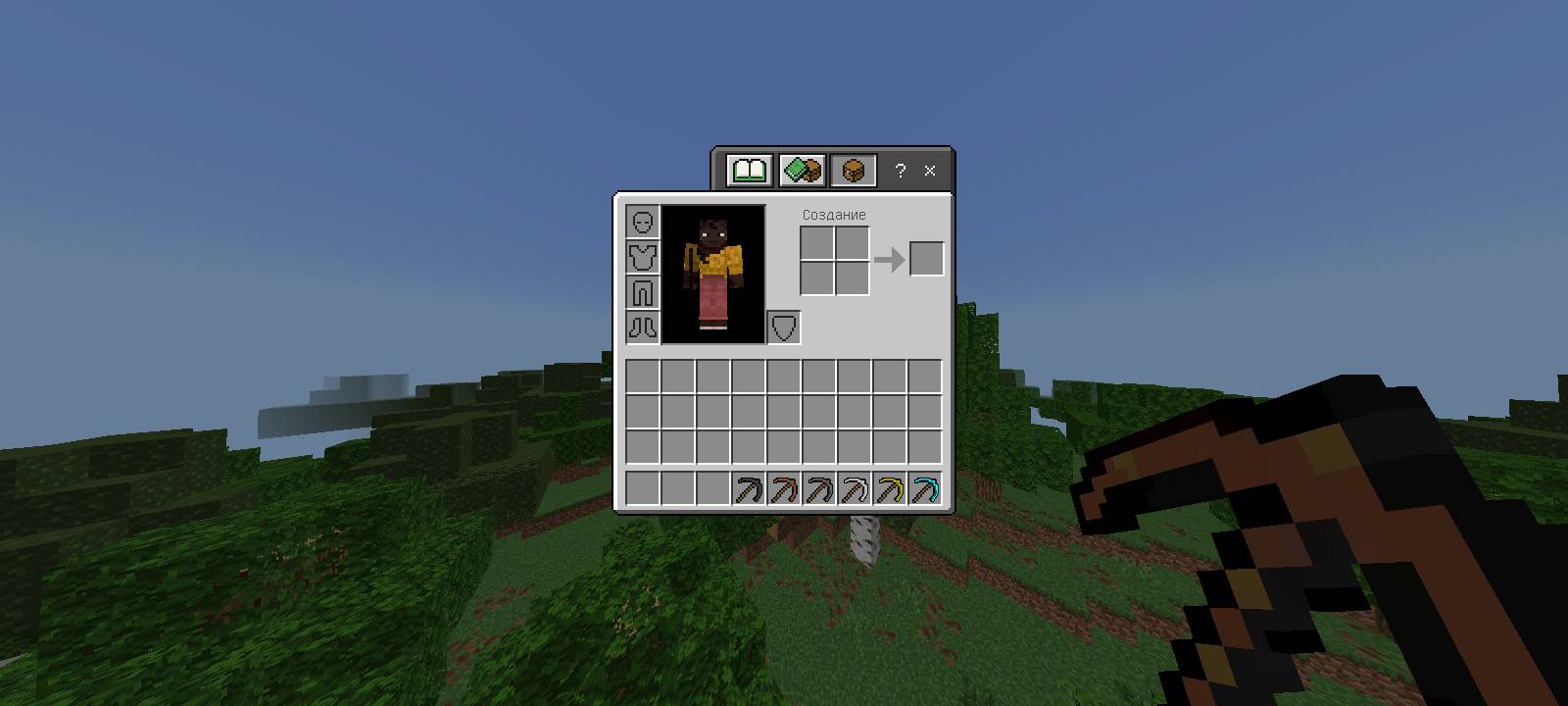
Join my Telegram channel for news and new packs: https://t.me/agentmc13`
Welcome to the Custom Curved Pickaxes Resource Pack for Minecraft PE (Bedrock Edition)!
This pack completely updates the visual design of all 6 pickaxes in the game, giving them a sharp, curved, and aggressive new shape while keeping the iconic Minecraft feel.
What is included in this pack:
- Wooden Pickaxe — Classic wooden style with a new sharp curved design.
- Stone Pickaxe — Dark, heavy, and rugged stone look.
- Iron Pickaxe — Clean steel blade with bright highlights.
- Golden Pickaxe — Rich, glowing royal gold texture.
- Diamond Pickaxe — Bright neon-cyan crystal texture that looks amazing in caves.
- Netherite Pickaxe — Dark, menacing, and ancient Nether-forged design.
Features and Gameplay Impact:
- Handmade Pixel Art: Every texture was drawn pixel-by-pixel with carefully picked color gradients.
- Unified Style: All 6 pickaxes share the same unique curved shape, making your toolset look like a matching legendary set.
- Great Visibility: Looks clean and sharp in your hotbar, in item frames, and directly in the player's hand.
- Fully Compatible: Changes only the visual textures. Mining speed, durability, and hitboxes stay completely vanilla.
Give your mining tools a fresh new look and enjoy your survival world!
- Edition: Minecraft Bedrock
- File type: .mcpack
- Minecraft versions listed: 26.20, 26.30, 26.40
- How to install: Download the .mcpack. → Open it — Minecraft imports it under Resource Packs. → Activate it in Global Resources, or for one world under Resource Packs → Available.
- Where to get it: Opens on CurseForge — not every file is mirrored on our own servers.
Install steps are the general flow for this file type — How to install Minecraft Bedrock texture packs walks through it step by step.
- Pack type: .mcpack — a single pack
- Manifest requires Minecraft 1.13.0 or newer
- Complete pack — everything it depends on is inside the file
- Download size: 7 KB
- Download link checked 6 Oct 2026 — working
These come from our own check of the pack file, not from the source page.
Related Bedrock mods
Custom PICKAXE
Custom OP Pickaxes
Pickaxe OP
Omni Pickaxe
Celestial Pickaxe