ShadersBedrock
Pixie – Vibrant Visual PBR Shader (26.x) – Realistic 3D Depth and Colored Glow
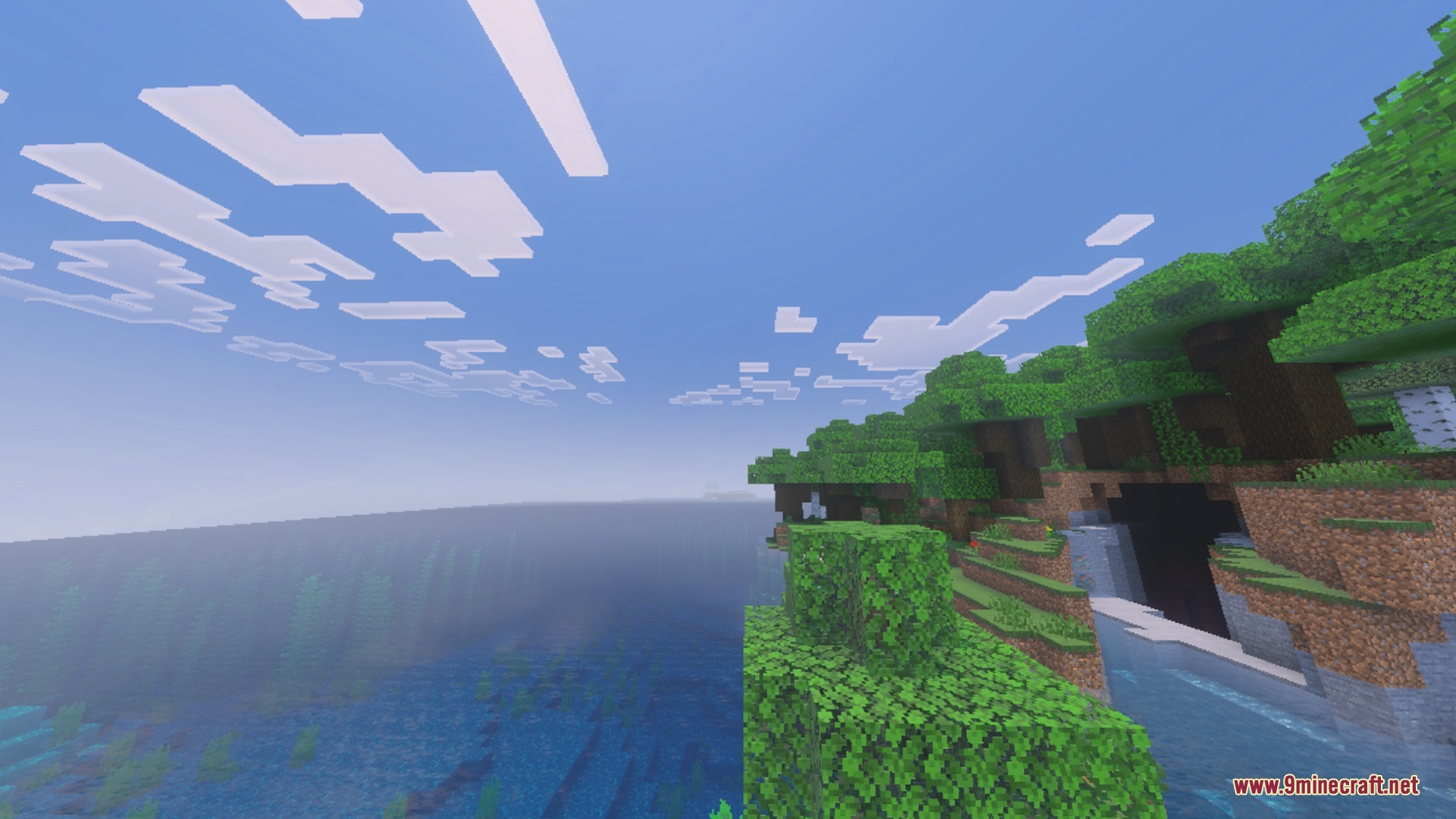
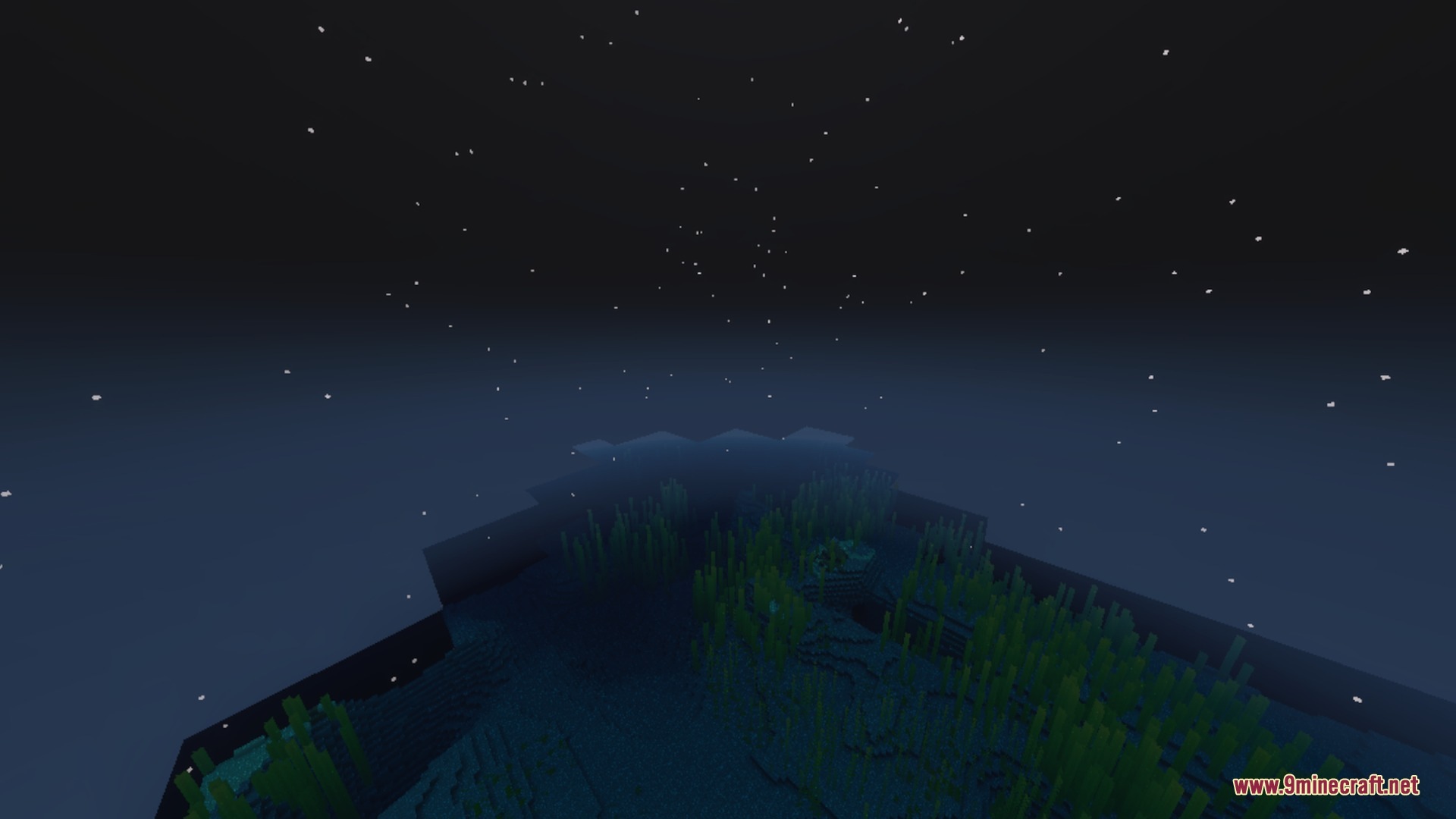
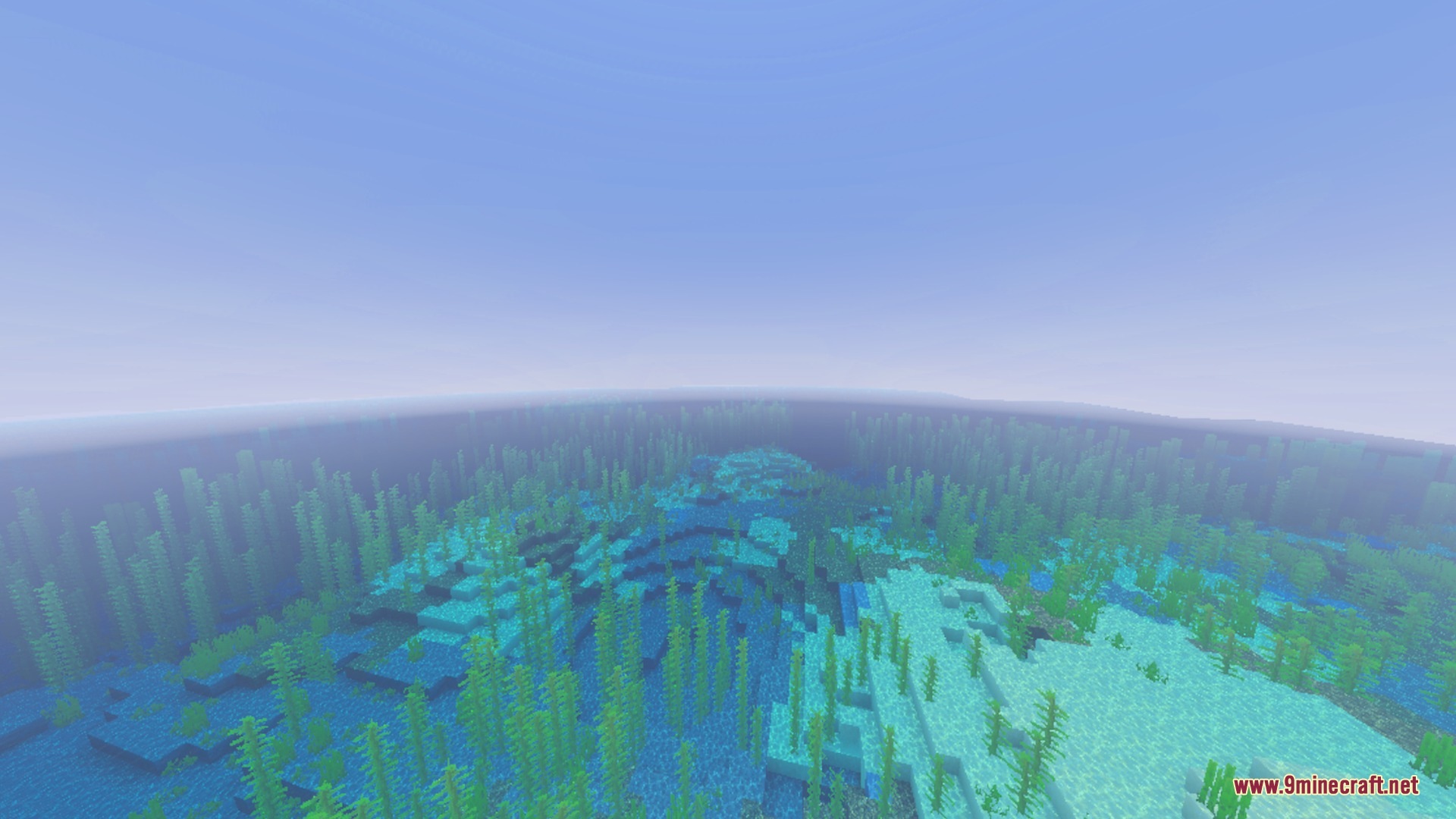
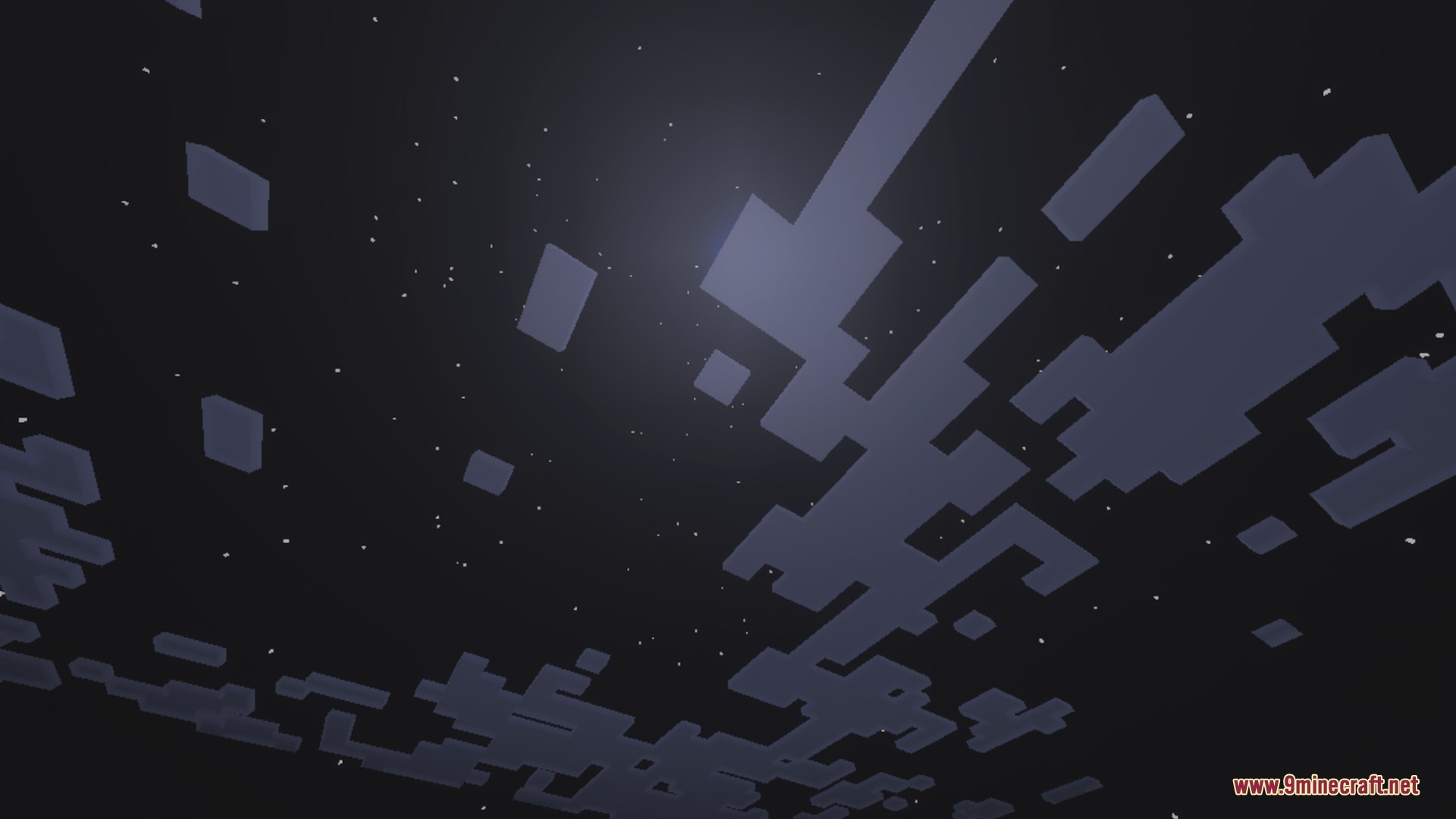
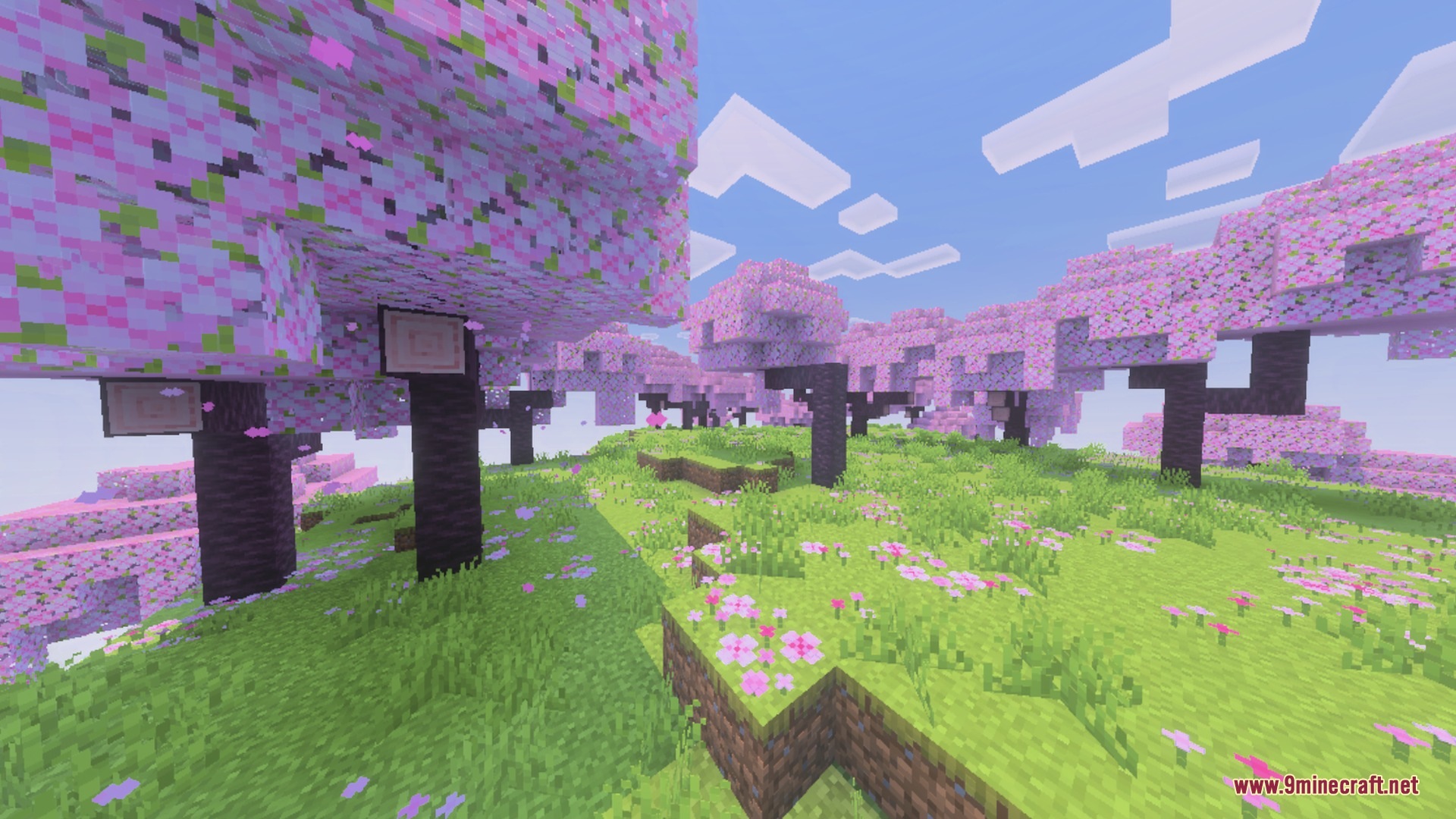
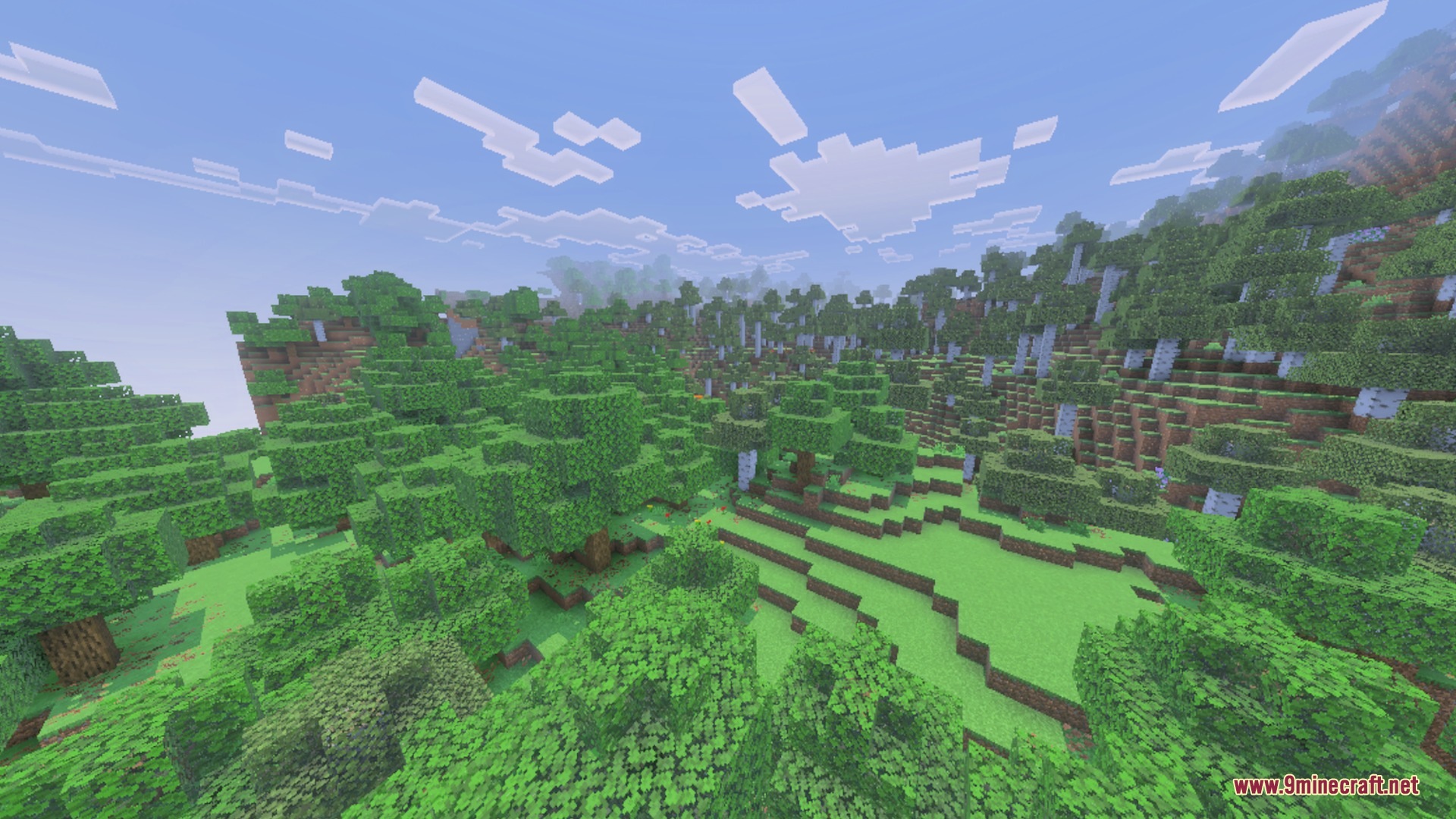
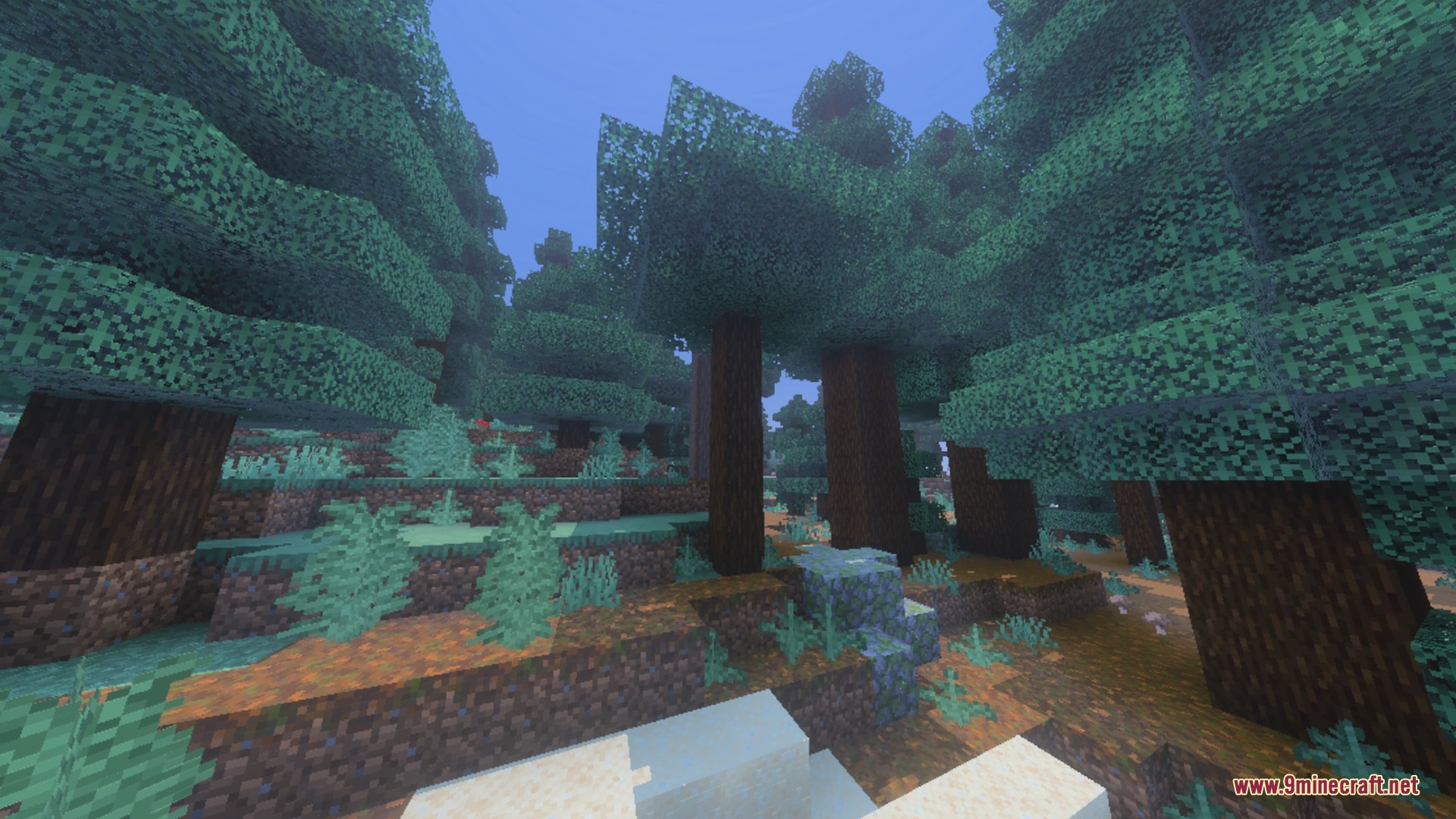
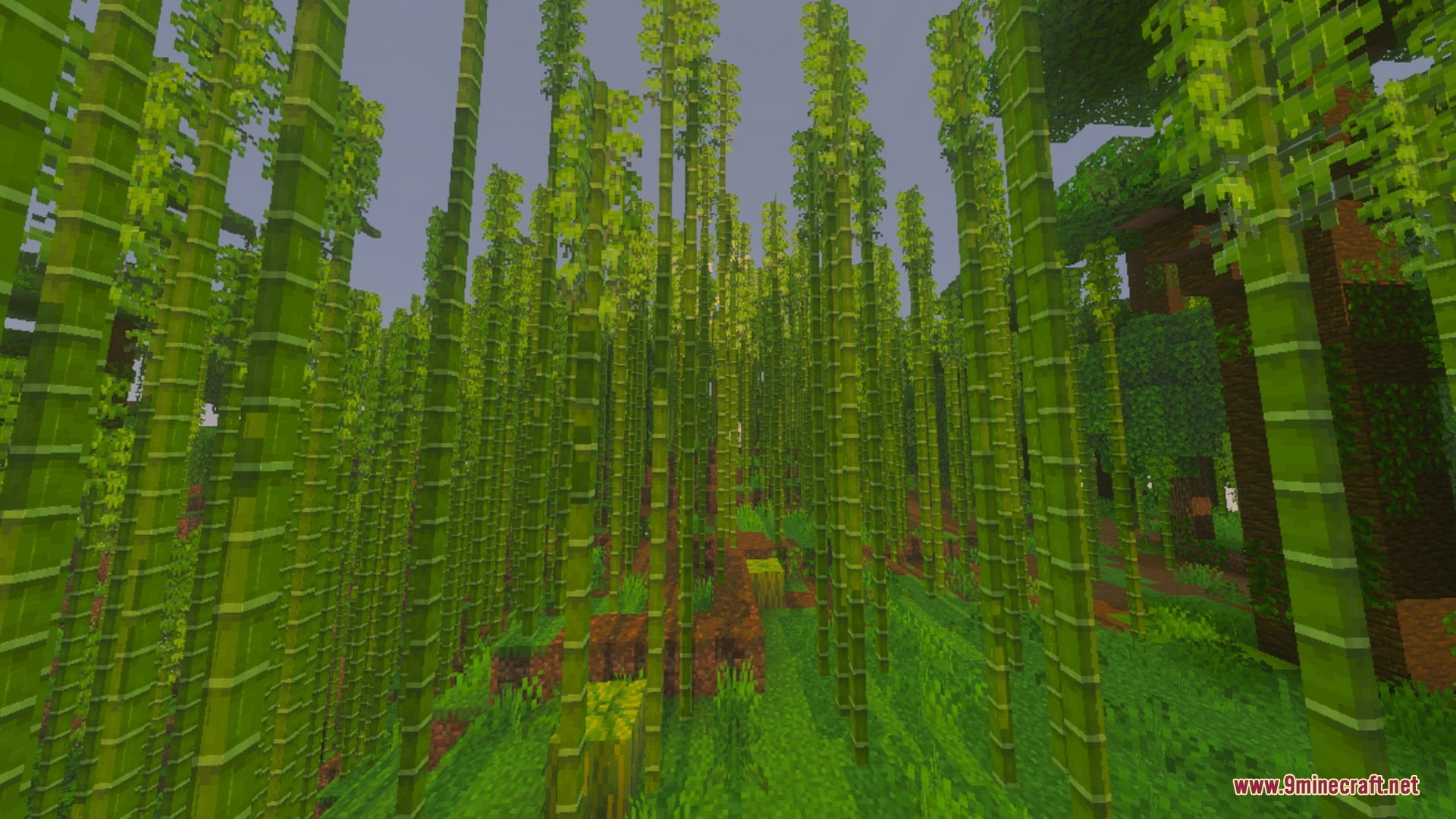
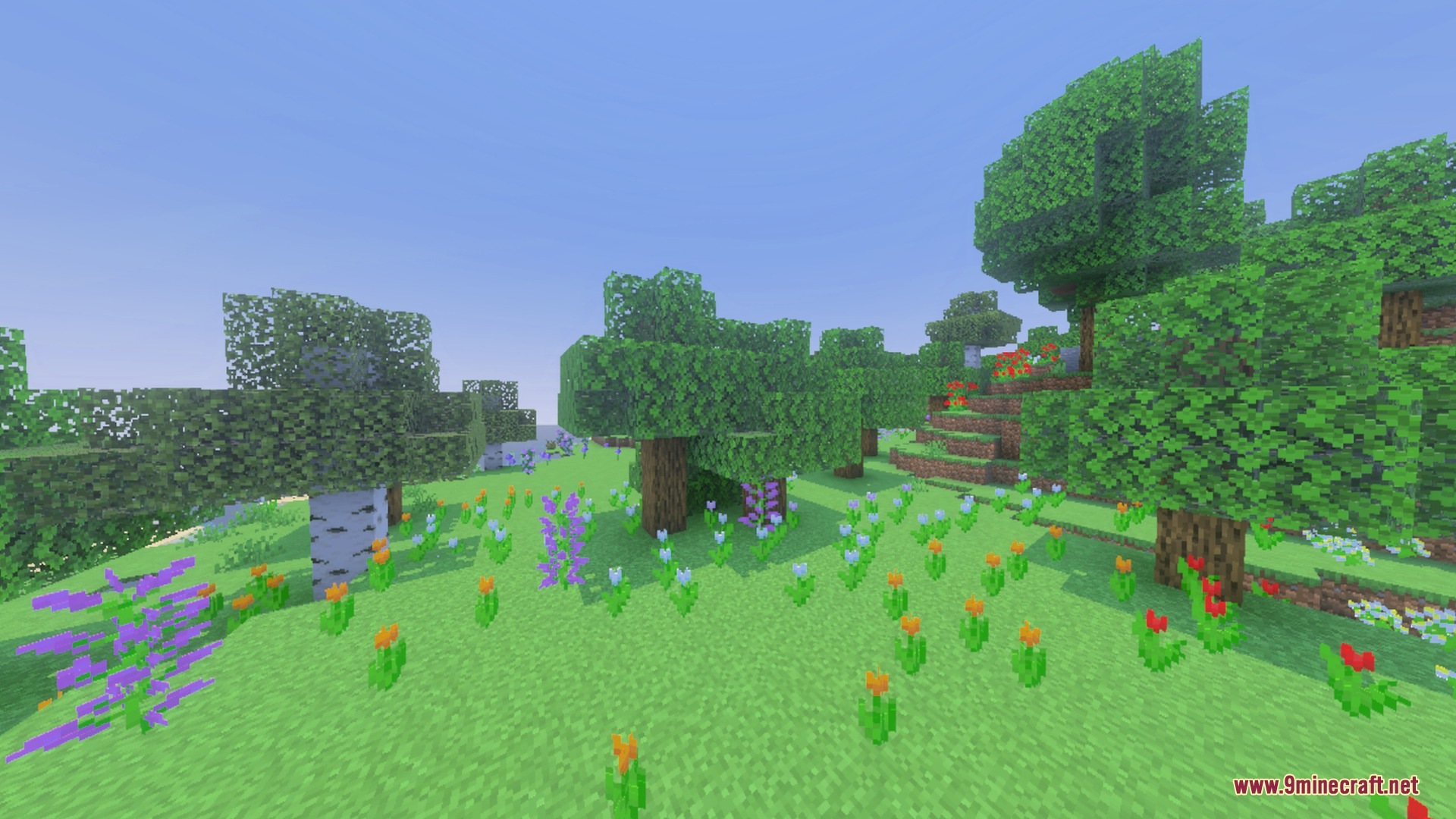
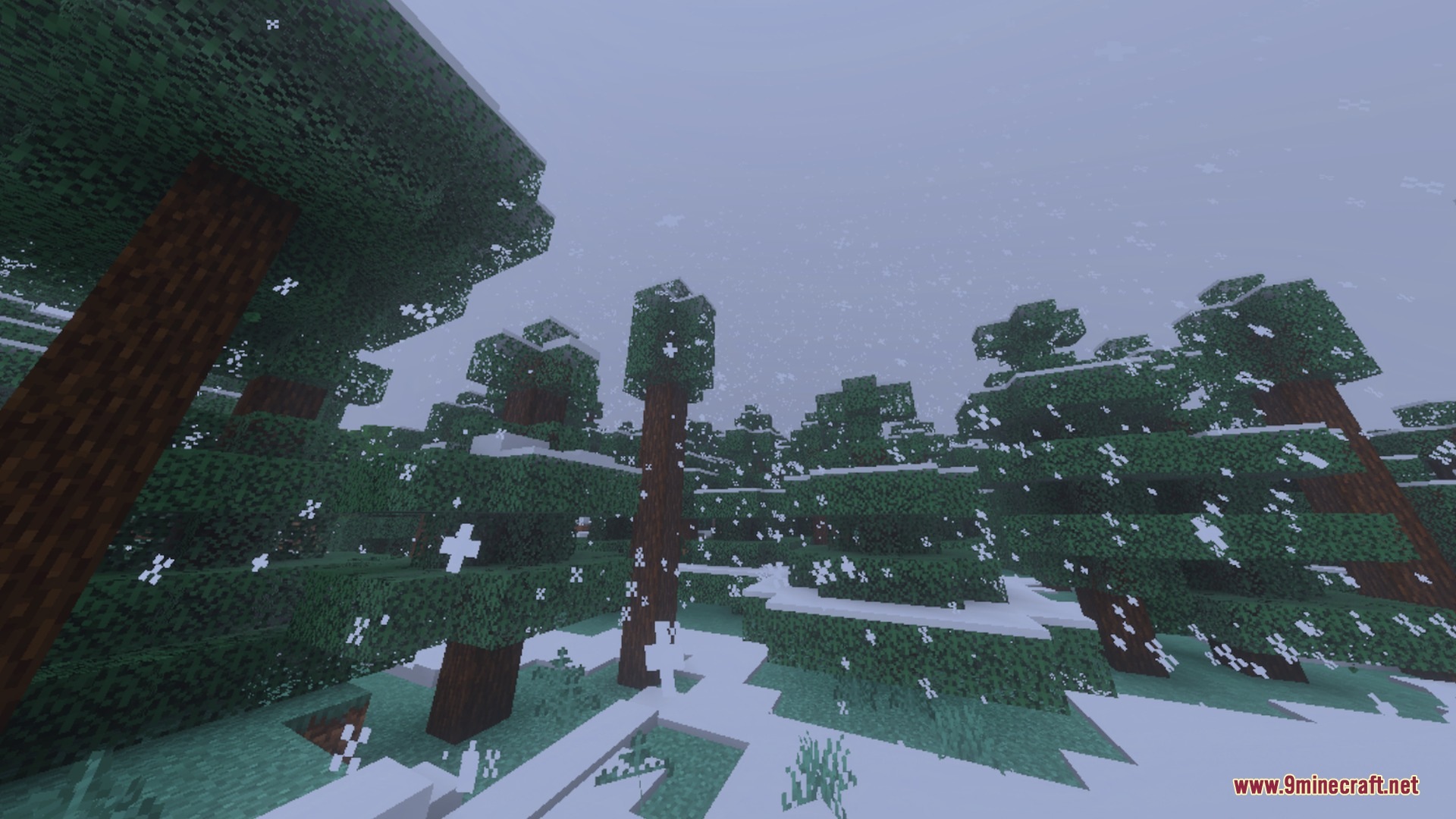
Pixie brings realistic depth and lighting to your world while keeping the classic vanilla look. It adds detailed 3D heightmaps, vibrant colored light emissions, and crisp surface reflections to standard blocks. You can pair it with deferred technical shaders to get high-quality graphics on your device without losing performance.
Features:
- Keeps the original textures while adding modern visual effects.
- Adds realistic 3D depth and surface bumps to every block.
- Supports bright, dynamic colored glow from torches and lanterns.
- Delivers realistic metallic shine, gloss, and wet surface reflections.
- Works smoothly alongside vibrant visual shaders on Bedrock devices.
Screenshots:
Pixie Download Links
Quick facts
- Edition: Minecraft Bedrock
- File type: .mcpack
- How to install: Download the .mcpack. → Open it — Minecraft imports it under Resource Packs. → Activate it in Global Resources, or for one world under Resource Packs → Available.
- Where to get it: In MCModsHub, or directly above on this page.
Install steps are the general flow for this file type — How to install Minecraft Bedrock texture packs walks through it step by step.
Verified by MCModsHub
- Pack type: .mcpack — a single pack
- Manifest requires Minecraft 1.20.0 or newer
- Complete pack — everything it depends on is inside the file
- Download link checked 22 Sept 2026 — working
- Mirrored on our own servers — the download does not depend on the original host
These come from our own check of the pack file, not from the source page.
Related Bedrock mods
1.26
BNS Shader Alpha (1.26+) – RenderDragon Support
1.21.130
Nova light shader
1.21
RealisCraft BE Texture Pack (1.21, 1.20) – RTX/DeferredRendering Shader
1.21.20
Newb SBN Shader (1.21.20+) – SetBr0ken Shader for MCPE/Bedrock
1.21
ezRTX Shader (1.21+) – MCPE/Bedrock

1.26