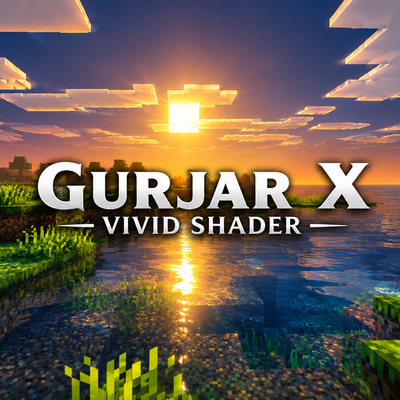
GURJAR X Vivid Shader
GURJAR X Vivid Shader gives Minecraft Bedrock a bold, punchy, always-vibrant look — rich saturated colors, high contrast, and bright golden lighting all…
⬇ Download on CurseForge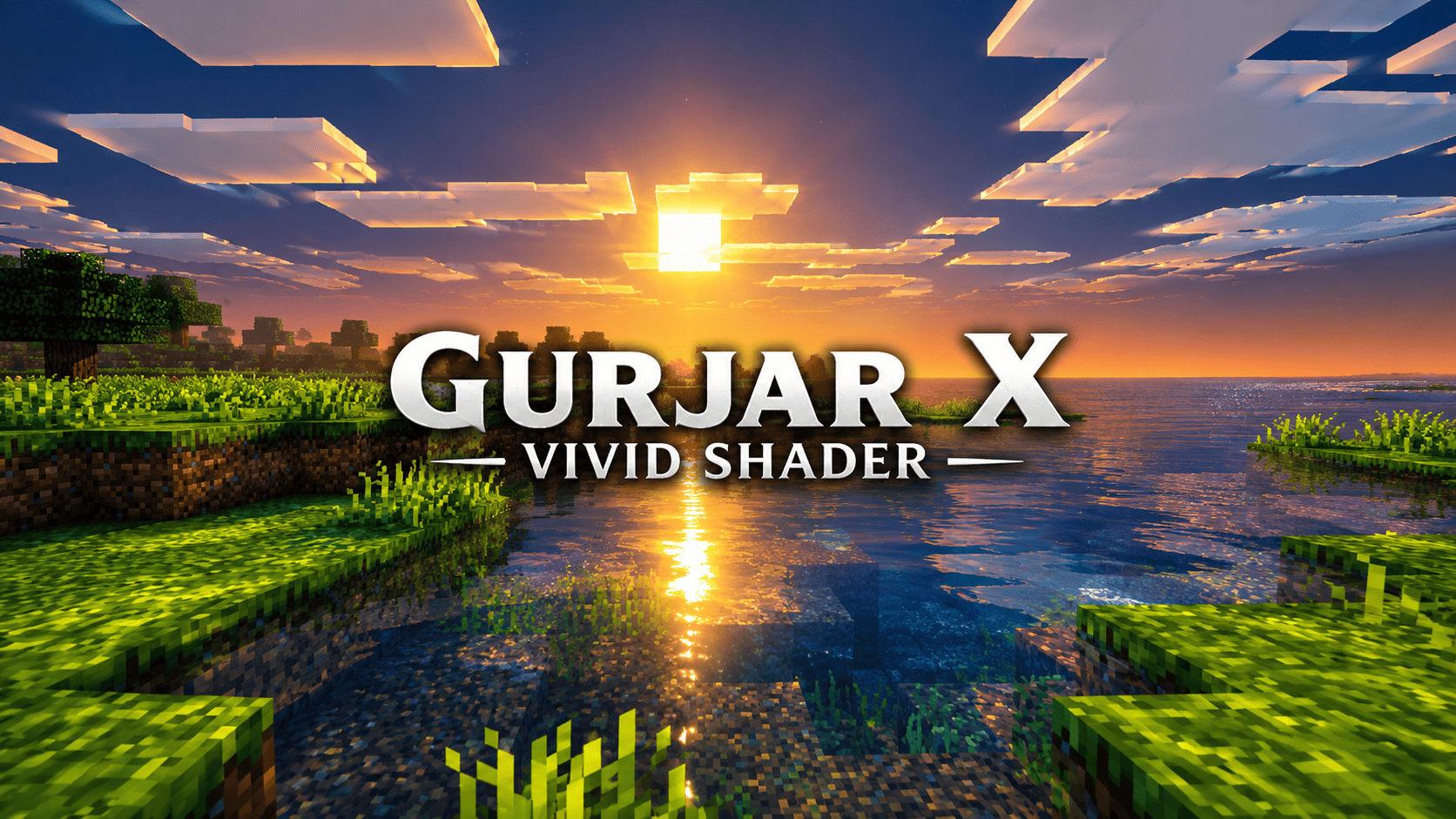
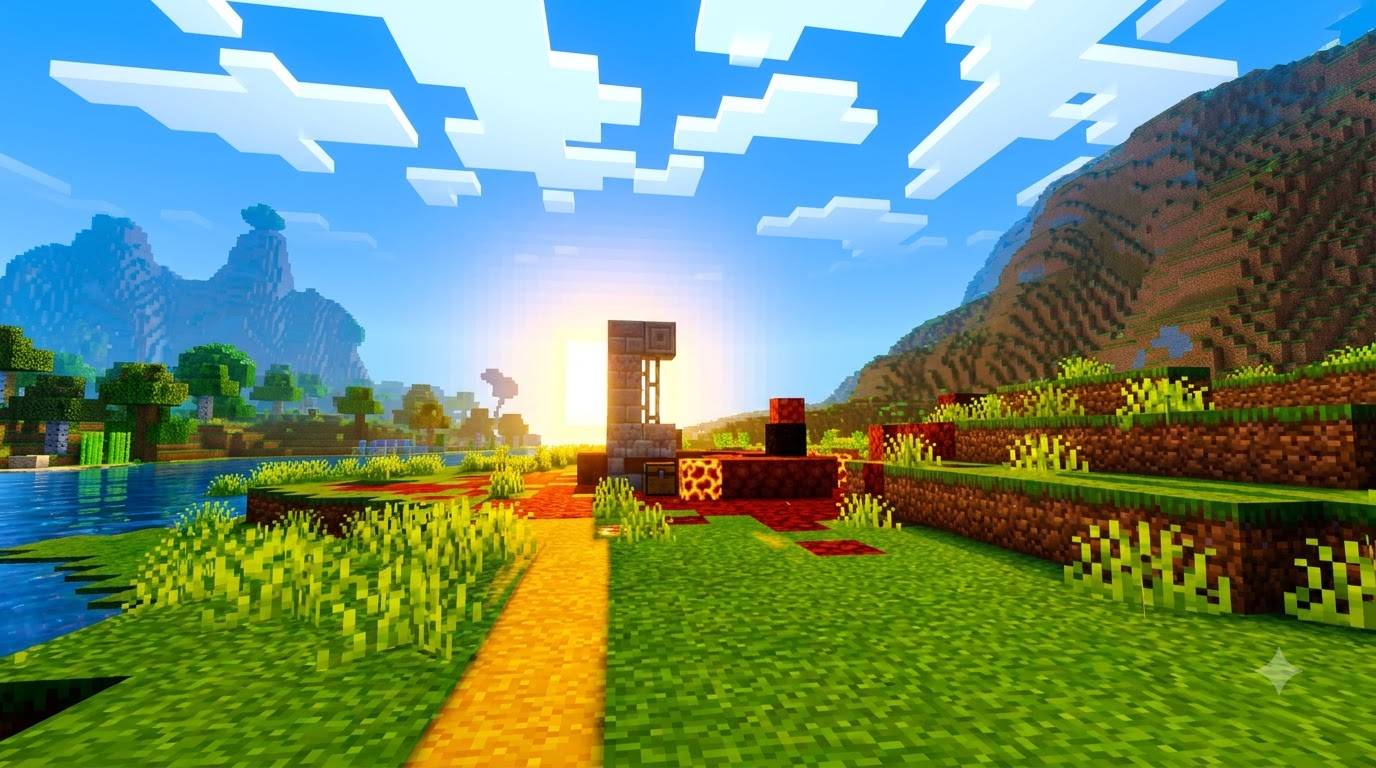
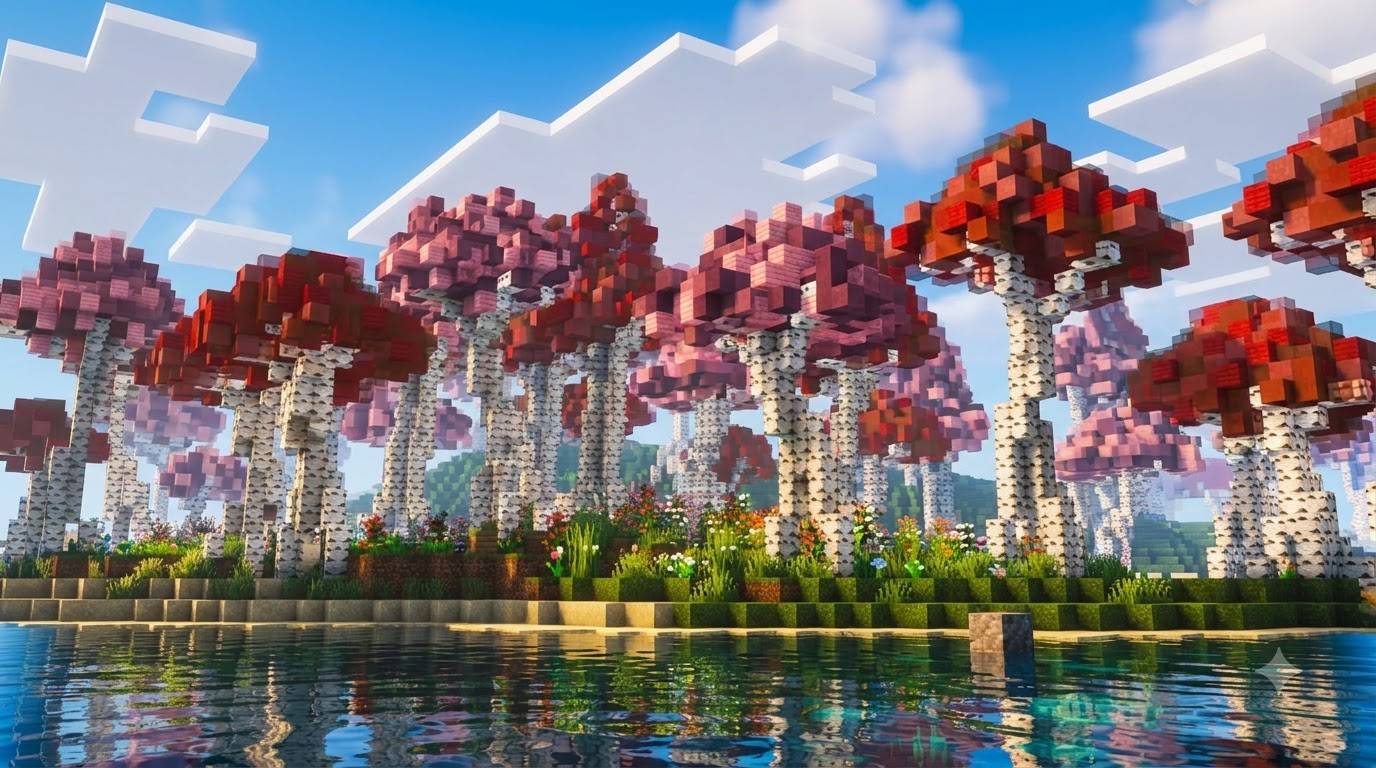
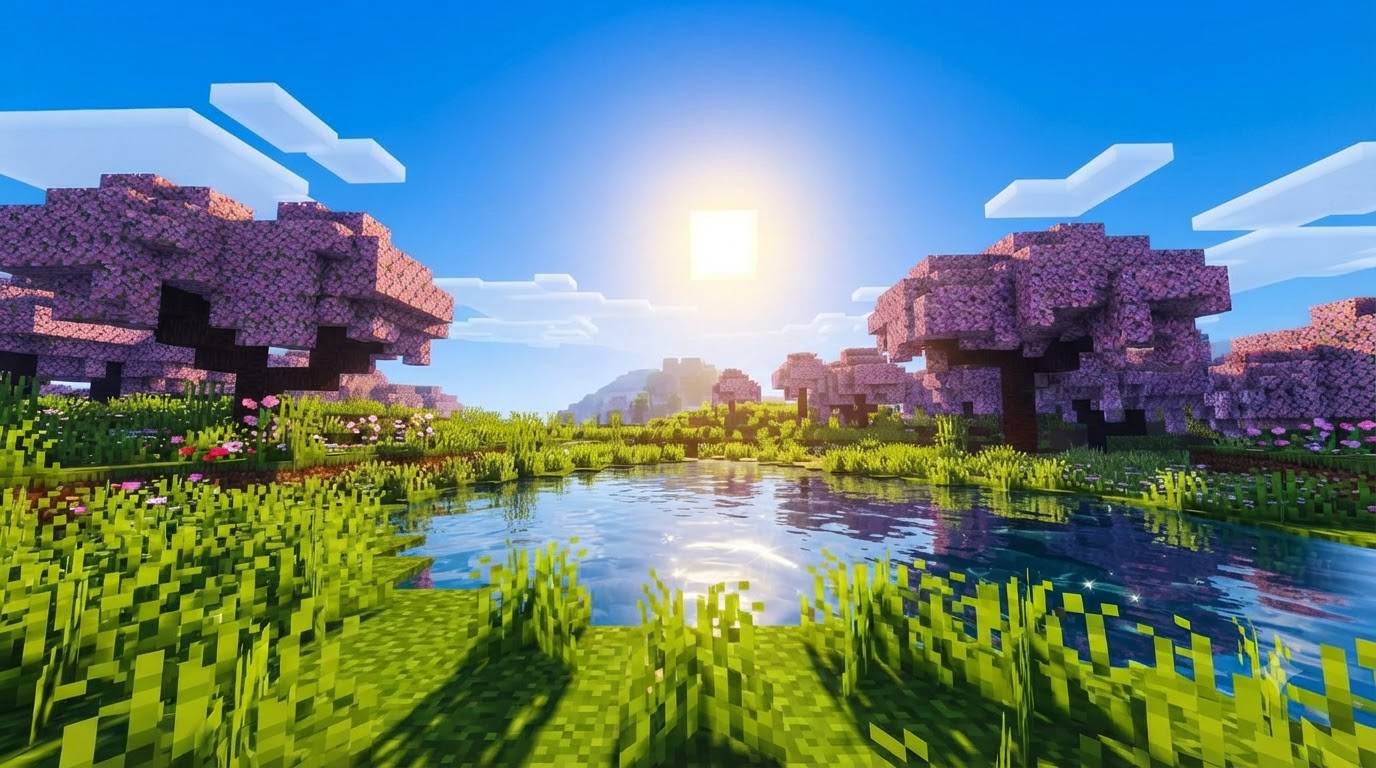
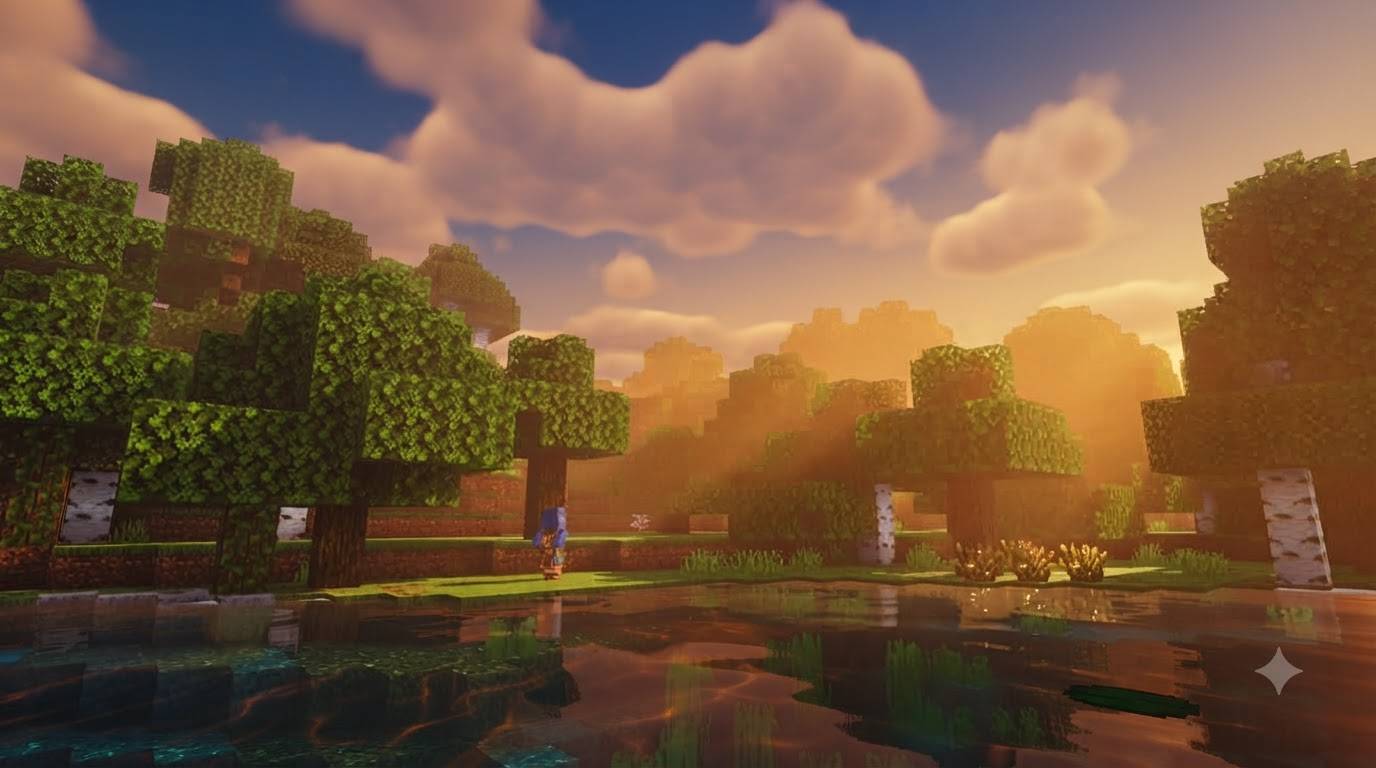
GURJAR X Vivid Shader is a lightweight, single-style visual pack for Minecraft Bedrock Edition, built on Mojang's native Vibrant Visuals render pipeline. Where moody shaders chase darkness and shadow, Vivid goes the opposite direction — it's designed to make every biome pop with rich, saturated color and punchy contrast, all day, every day.
Lighting — Unlike typical shaders that dim heavily at midday, Vivid keeps the sun's illuminance high through the entire day cycle, with warm golden tones that intensify around noon instead of fading out. This means no dull, washed-out afternoons — the world stays bright and colorful from sunrise to sunset.
Color Grading — This is where Vivid truly shines. Boosted saturation across midtones, highlights, and shadows, combined with a Hable tone-mapping curve, makes grass greener, water bluer, and skies richer — without blowing out the image. Contrast and gain are pushed up together so the whole scene feels punchy and alive rather than flat.
Atmospherics — Sky scattering and fog are tuned for clear, vibrant horizons rather than heavy haze, keeping distant terrain crisp and colorful instead of washed out by fog.
Shadows & Water — Soft-filtered shadows keep edges natural, while custom wave motion and animated caustics add sparkle and depth to oceans, rivers, and lakes.
No sliders, no subpack menu — enable it and the Vivid look is active immediately.
Requirements: Minecraft Bedrock 1.21.80+, with the Vibrant Visuals experimental toggle enabled in world settings.
Install: Tap the .mcpack file to import, then activate it under Resource Packs before creating or loading a world.
🙌 Credits
- GURJAR
- Edition: Minecraft Bedrock
- File type: .mcpack
- Minecraft versions listed: 1.21.100, 26.0
- How to install: Download the .mcpack. → Open it — Minecraft imports it under Resource Packs. → Activate it in Global Resources, or for one world under Resource Packs → Available.
- Where to get it: Opens on CurseForge — not every file is mirrored on our own servers.
Install steps are the general flow for this file type — How to install Minecraft Bedrock texture packs walks through it step by step.
- Pack type: .mcpack — a single pack
- Manifest requires Minecraft 1.21.80 or newer
- Complete pack — everything it depends on is inside the file
- Download size: 166 KB
- Download link checked 20 Sept 2026 — working
These come from our own check of the pack file, not from the source page.
Related Bedrock mods
Odyssey Deferred Shader (1.26+) – Realistic Lighting And PBR Textures
Radiant Glowing Ores
Relta Visuals

MegaTech Nexus
Dr.Neutron UltraReal Vibrant Visuals