F1 & F3 BUTTON - Windows Update
Bedrock texture pack listed for Minecraft 1.18–26.x. File opened and checked on 19 Oct 2026; installs from the MC Bedrock Mods app on Android.
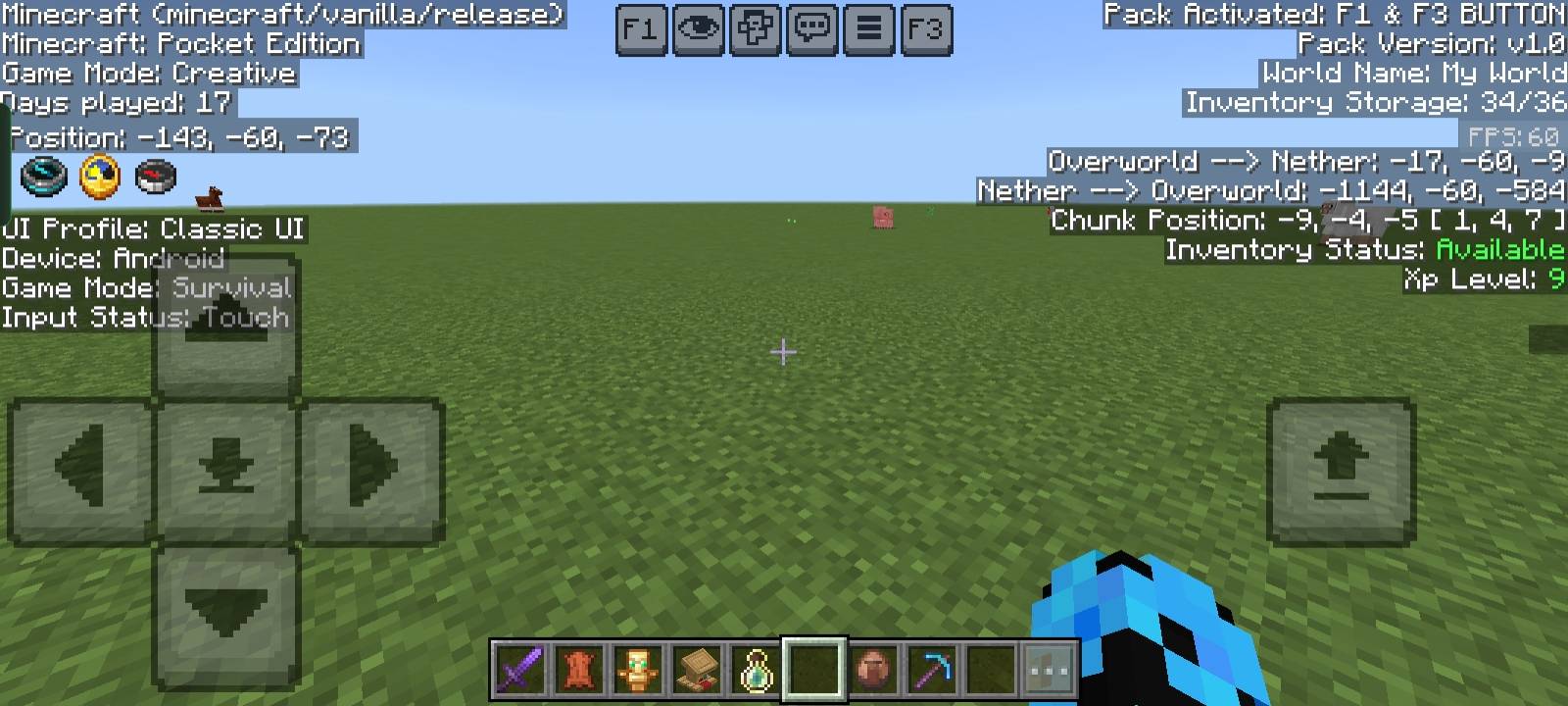
This pack adds F1 & F3 Button to Minecraft Bedrock / Pocket Edition. F3 shows a Java-like debug screen with coords, FPS, chunks, and more, while F1 hides…
I don't know my version
F1 & F3 BUTTON
This resource pack adds Java Edition-like F1 & F3 Buttons to Minecraft Bedrock / Pocket Edition.
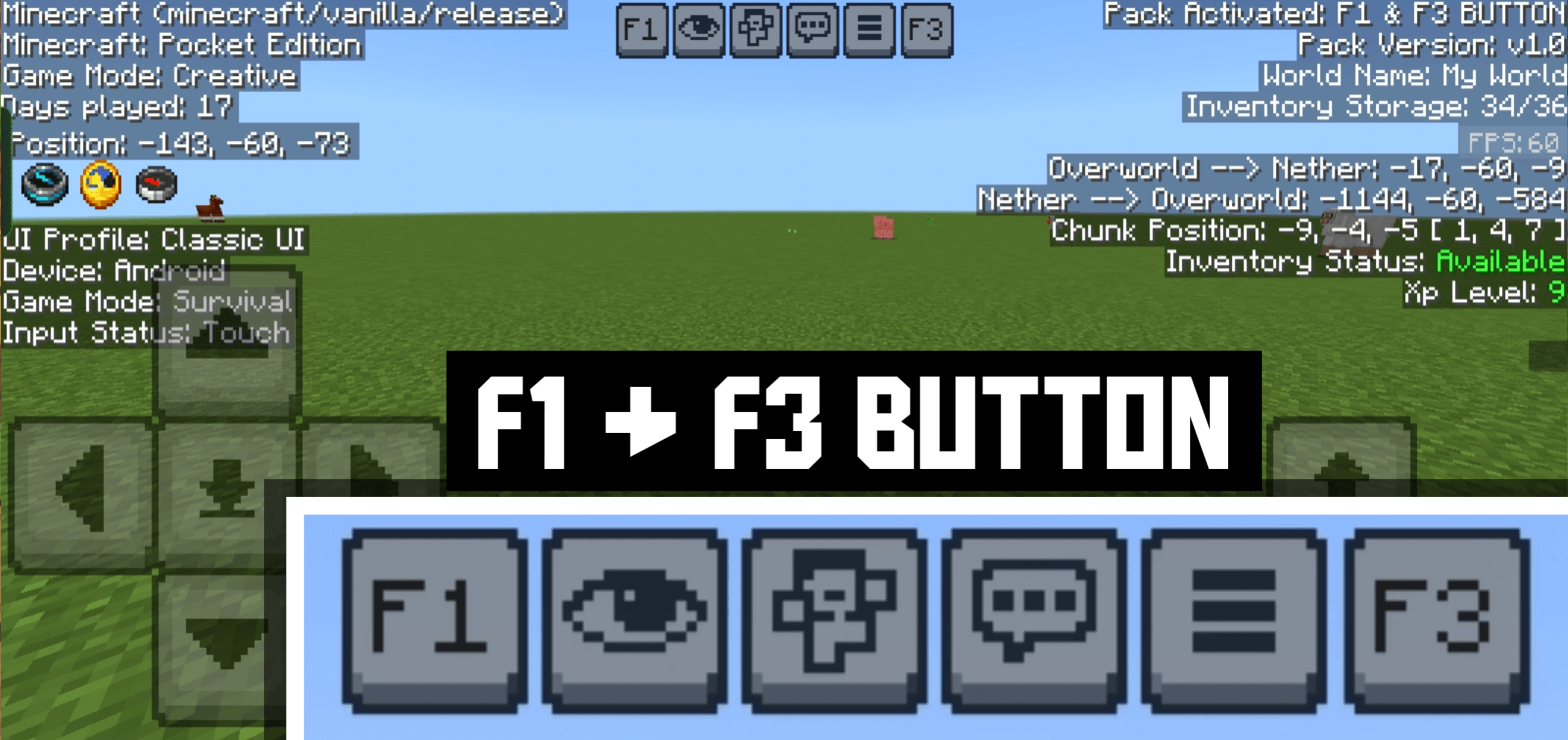
With F3, you can instantly view all important game information with a clean black background overlay for better readability.
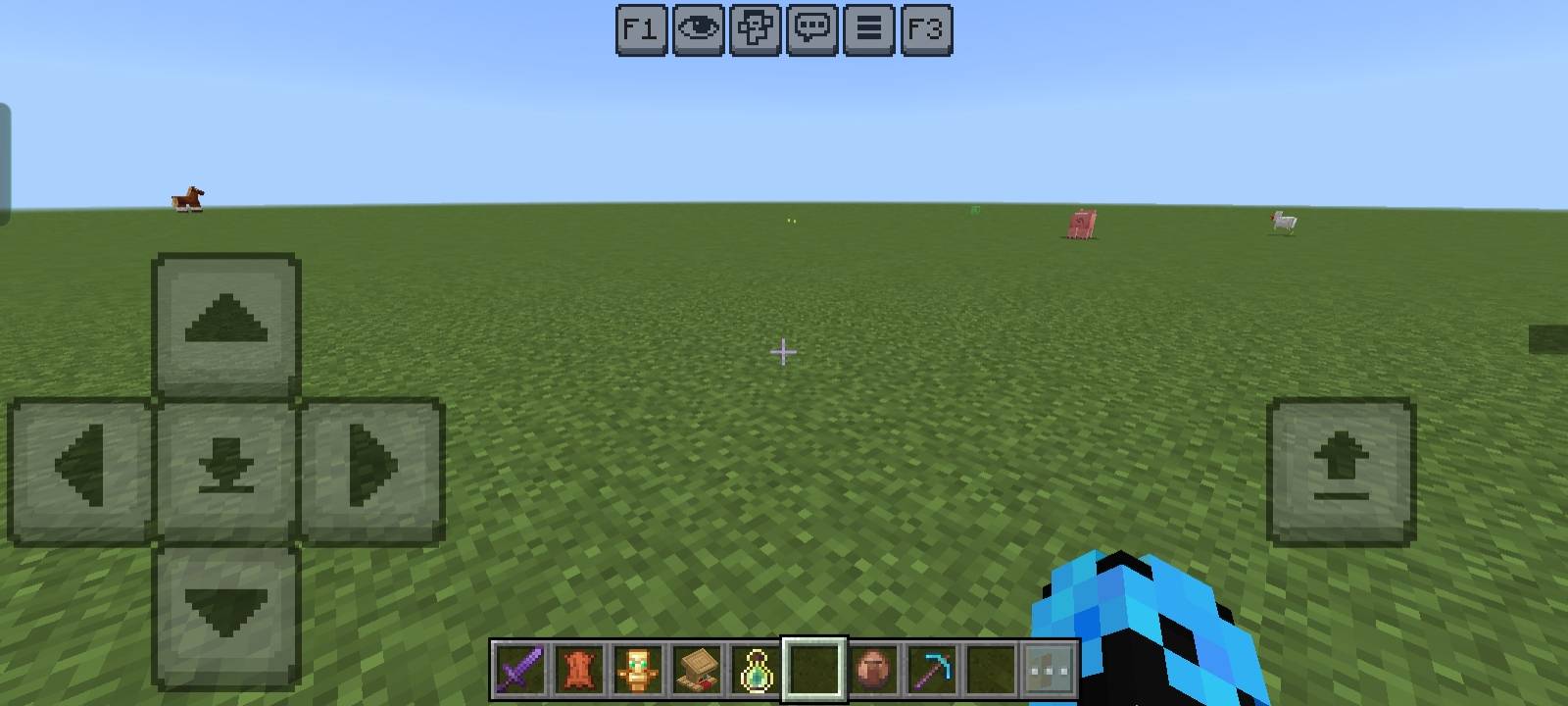
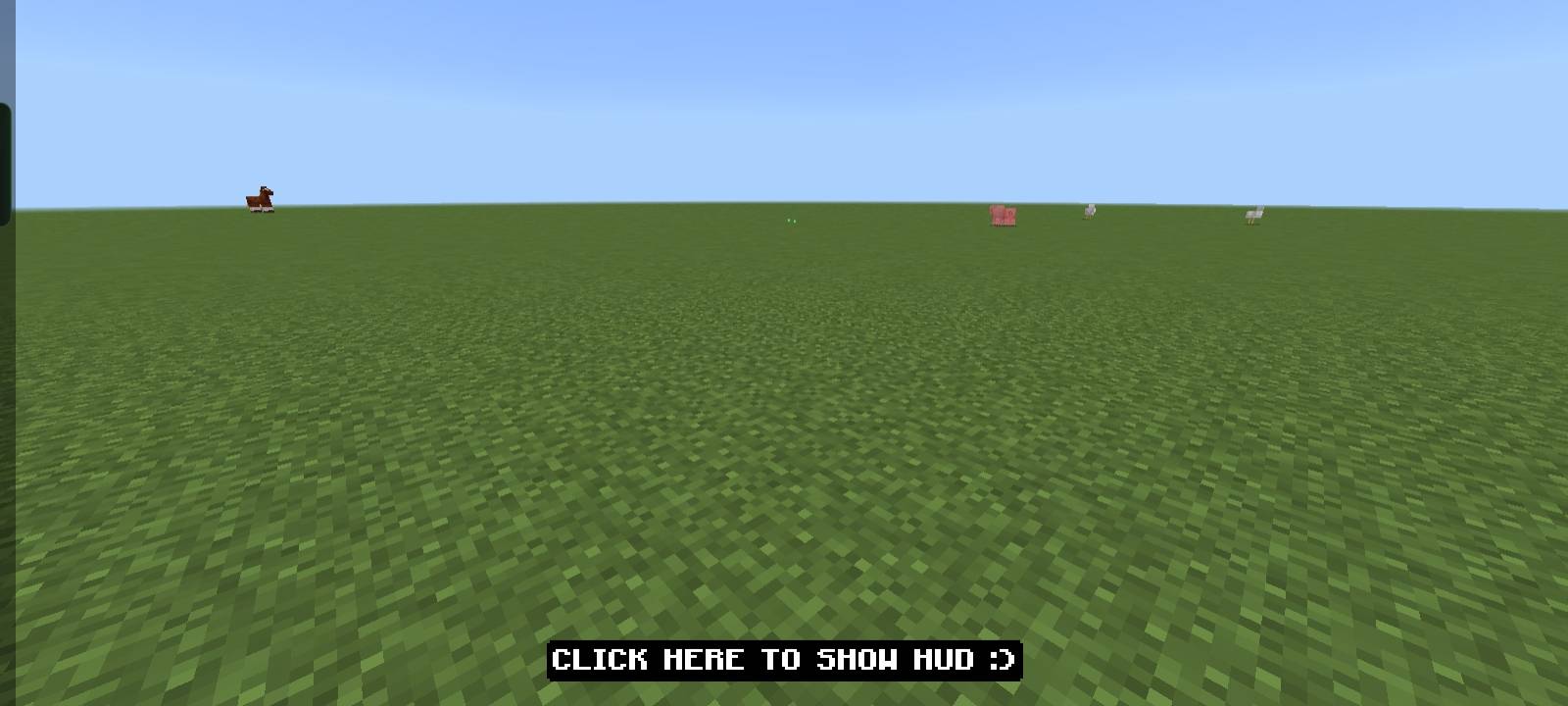
With F1, you can hide the entire HUD (hand, hotbar, chat, buttons, etc.) for a clean screen experience — perfect for screenshots or cinematic gameplay.
✨ Both features are standalone and are also available in my NeBux UI Pack.
Features:
- 📍 Position (XYZ Coordinates)
- ⏳ Days Played
- 📦 Inventory Counter (used/total slots)
- ✅ Inventory Status (Available / Full)
- ⚔️ Game Mode Info
- 📲 Device & Input Status
- 🎮 UI Profile (Classic / Pocket)
- 🔄 Dimension Info (Overworld ↔ Nether conversion)
- 🧭 Chunk Position
- 🎚️ XP Level Display
- 🎞️ FPS Counter
- 🧾 Pack Information (Pack version, world details)
- 👁️ Toggle HUD (F1 Button) — hide/show HUD instantly
If you enjoy my packs and want to support my work
Your support means a lot — thank you!
- Edition: Minecraft Bedrock
- File type: .mcpack
- Minecraft versions listed: 26.30, 26.0.02, 26.0
- How to install: Download the .mcpack. → Open it — Minecraft imports it under Resource Packs. → Activate it in Global Resources, or for one world under Resource Packs → Available.
- Where to get it: Opens on CurseForge — not every file is mirrored on our own servers.
Install steps are the general flow for this file type — How to install Minecraft Bedrock texture packs walks through it step by step.
- Save it as F1_F3_Button_v1.1.3.mcaddon before opening — it downloads as .mcpack, but it is a .mcaddon pack
- Manifest requires Minecraft 1.18.0 or newer
- Complete pack — everything it depends on is inside the file
- Download size: 1.3 MB
- Download link checked 5 Oct 2026 — working
These come from our own check of the pack file, not from the source page.
🧩 In these setups curated mod combos that play well together






📺 Bedrock videos for F1 & F3 BUTTON - Windows Update watch on YouTube ↗
🎬Made a video about F1 & F3 BUTTON - Windows Update? Feature it #1 here for free — put the mcmodshub.com link near the top of your description, or in a pinned comment.→


Related Bedrock mods

Artifacts Add-on (Unofficial Port)
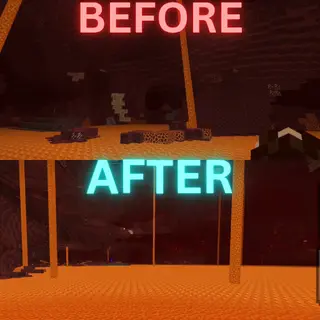
No Nether Fog
Eagl's Better enhanced fog
Obsidian To Bedrock
Clearstone 128x – Faithful Style