GlowCraft Shader 2.7 (Vibrant Visuals)
Bedrock texture pack listed for Minecraft 1.21–26.x. File opened and checked on 19 Sep 2026; installs from the MC Bedrock Mods app on Android.
I don't know my version
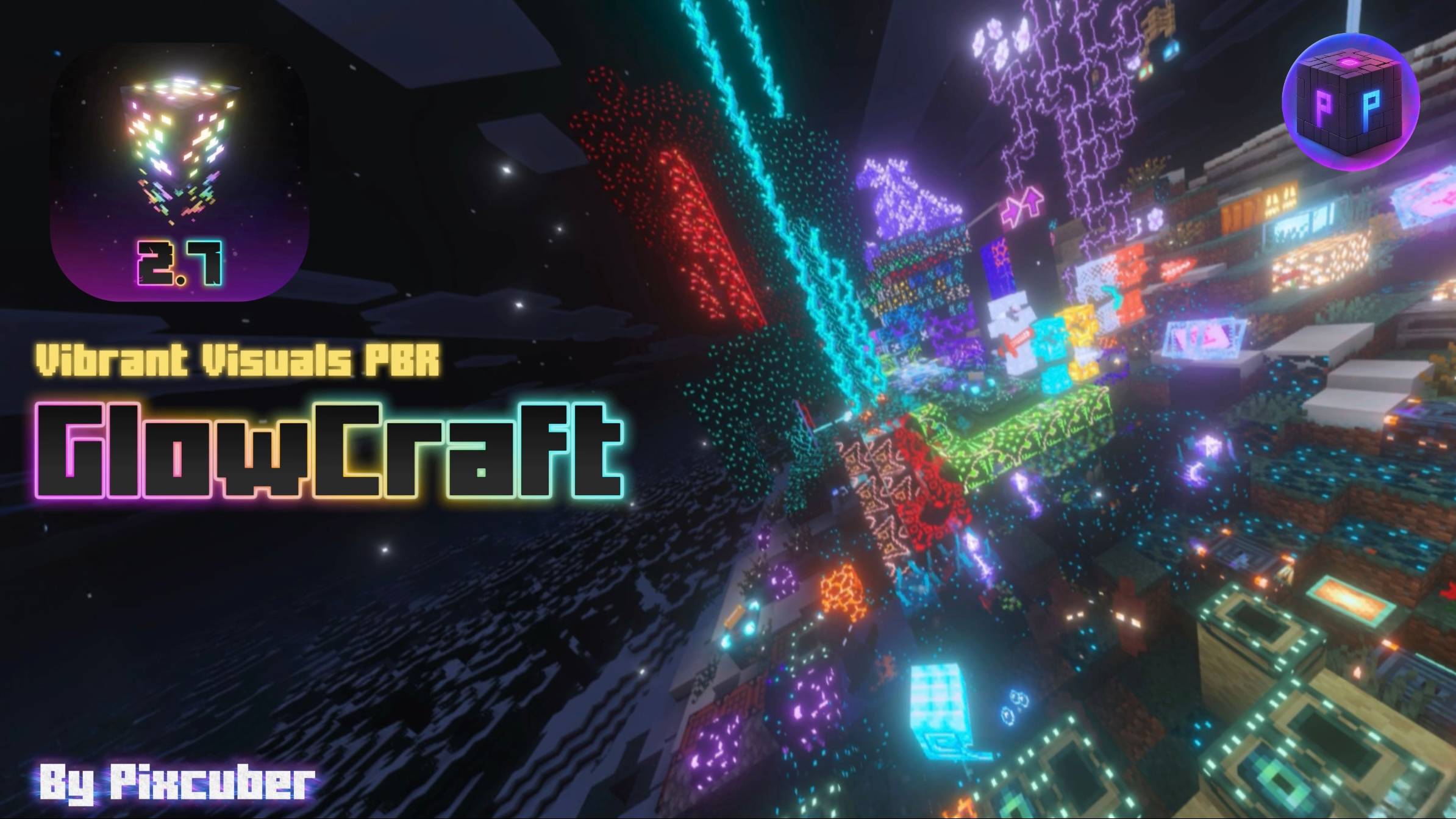
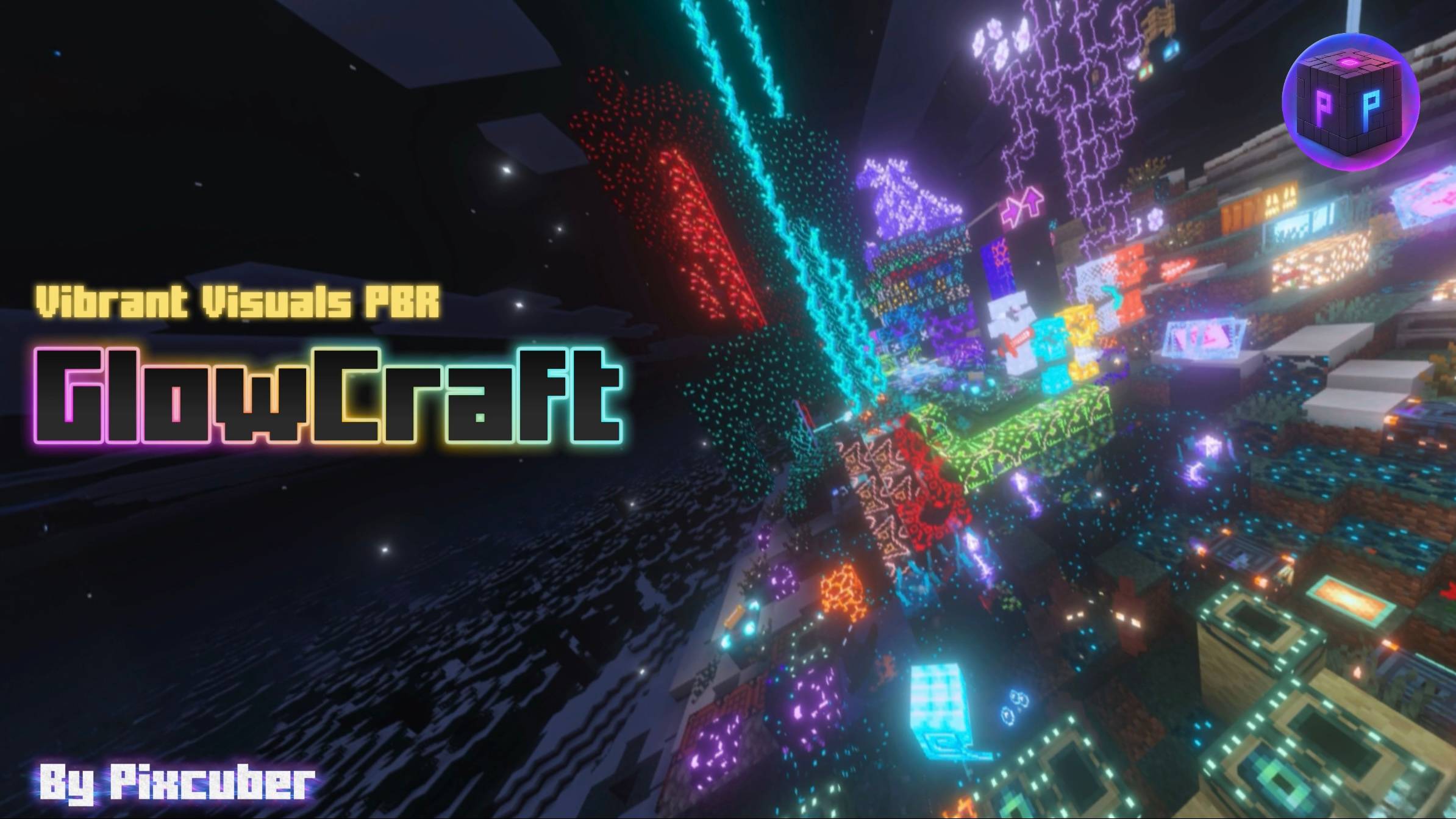
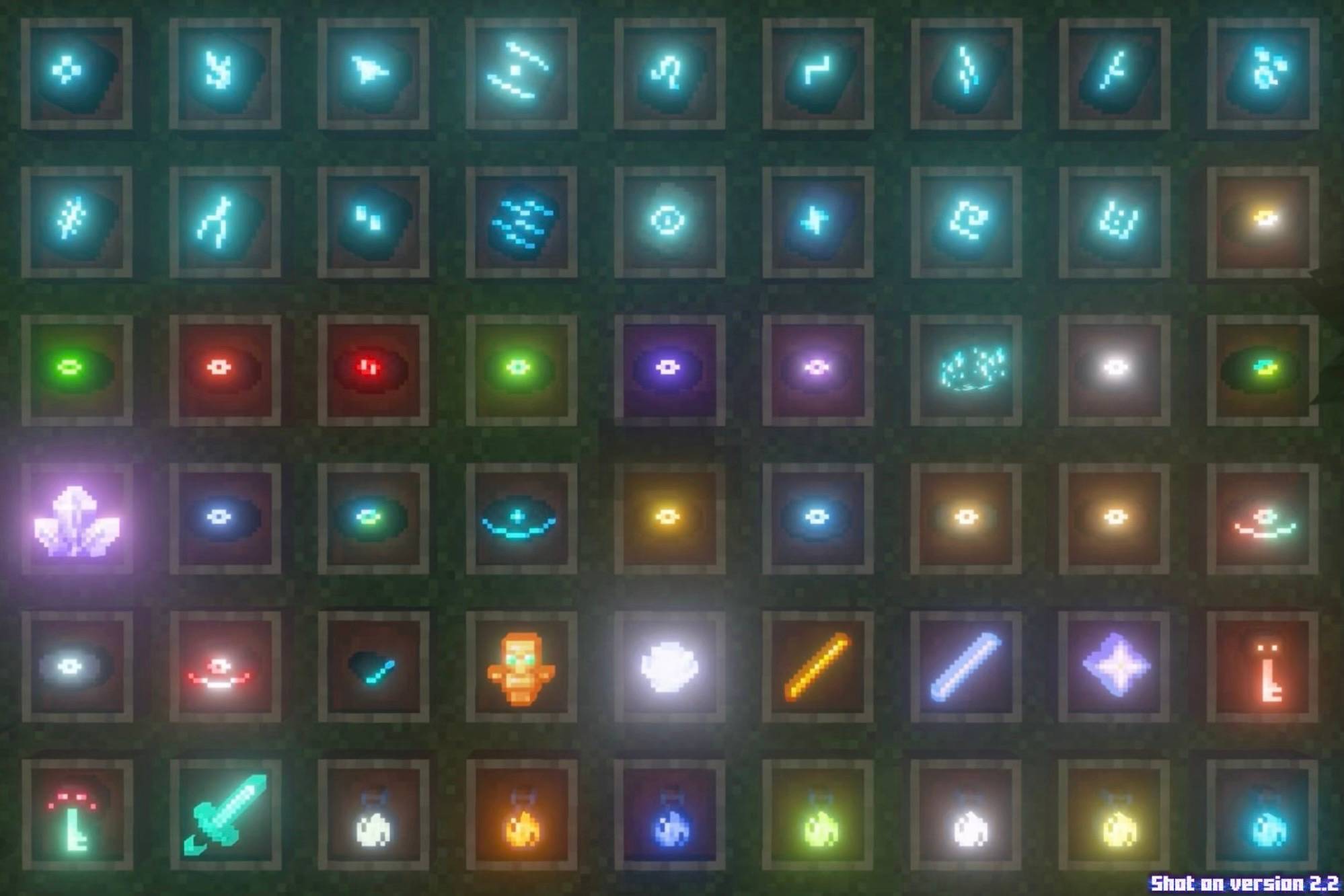
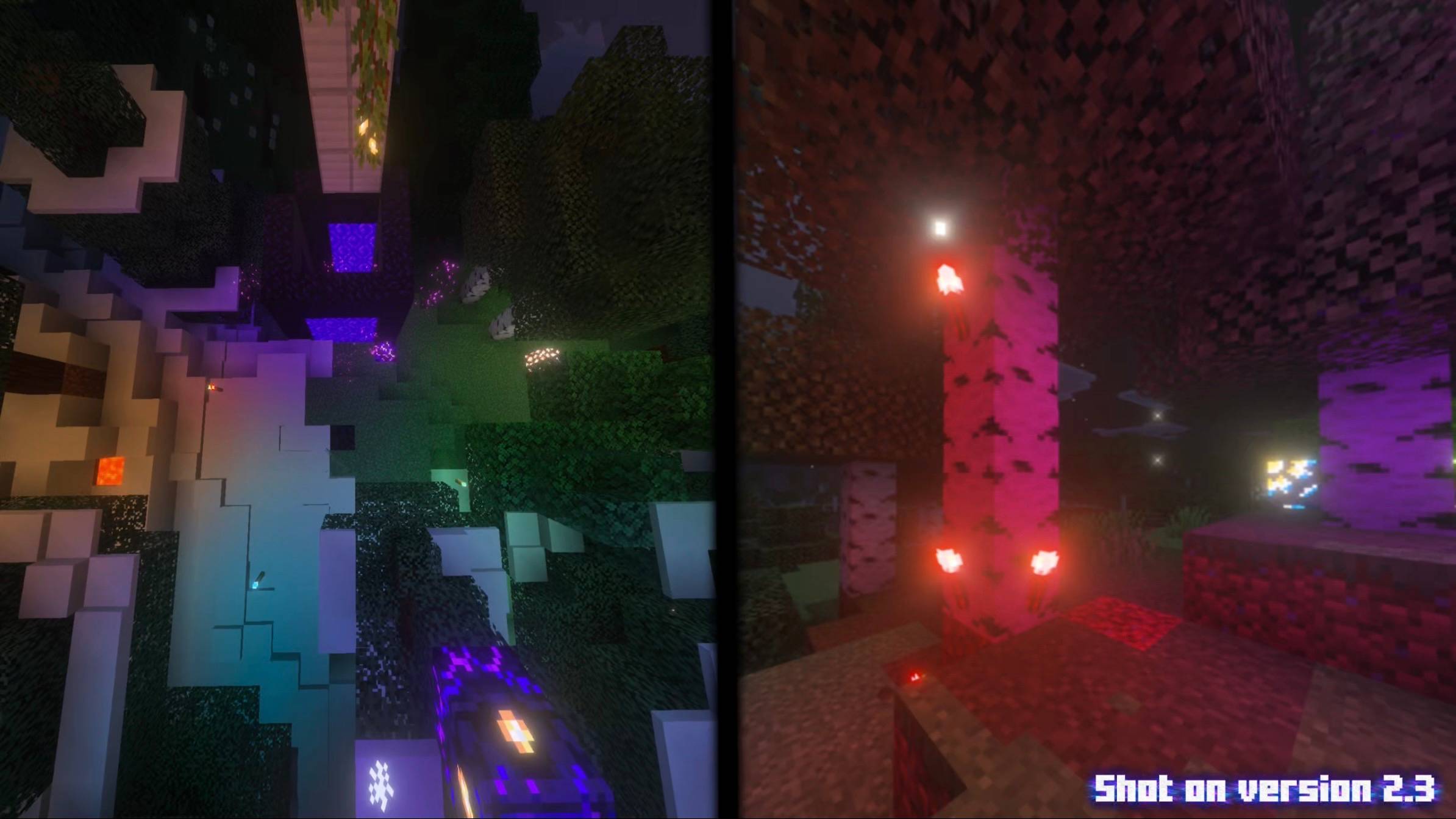
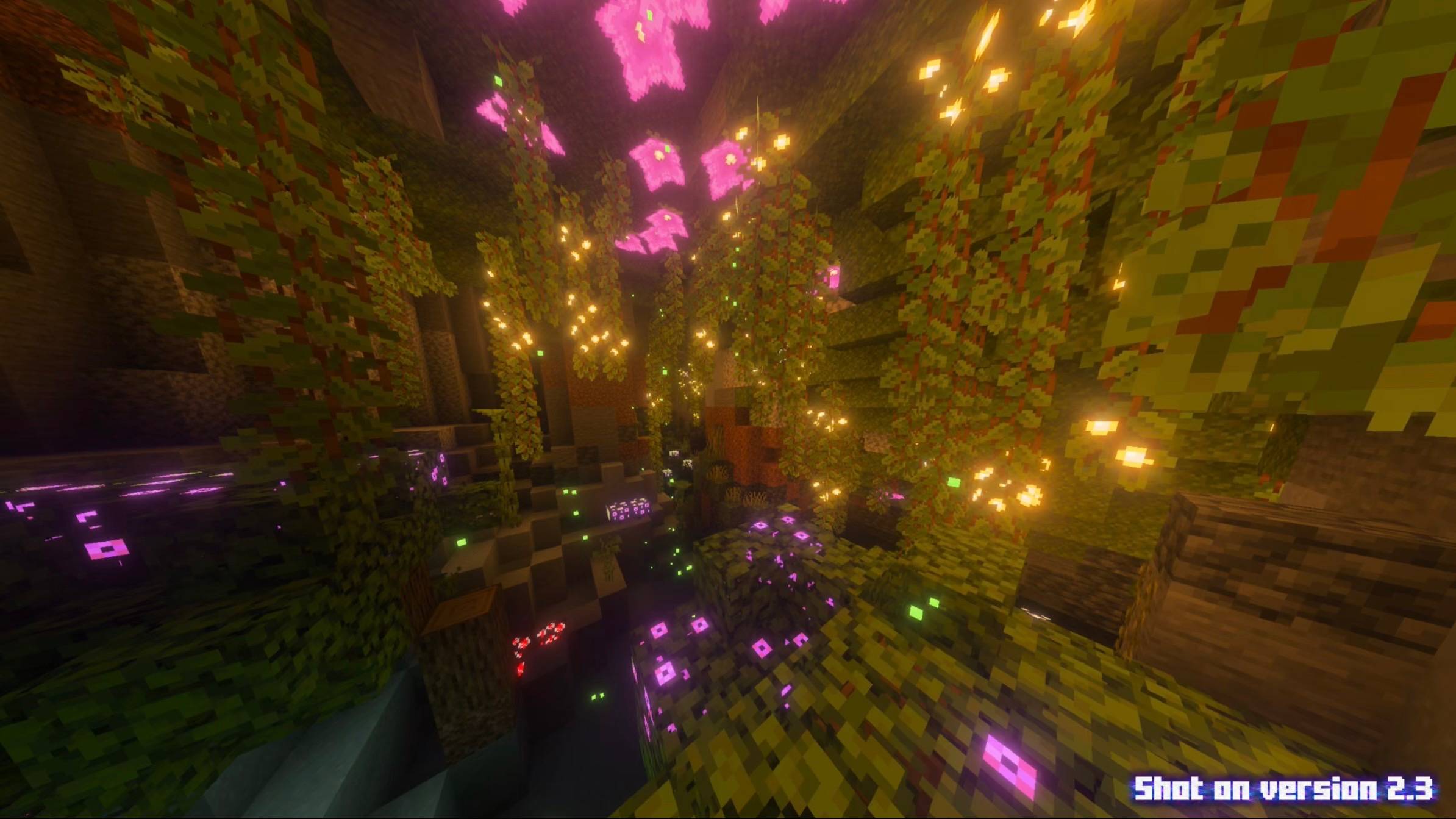
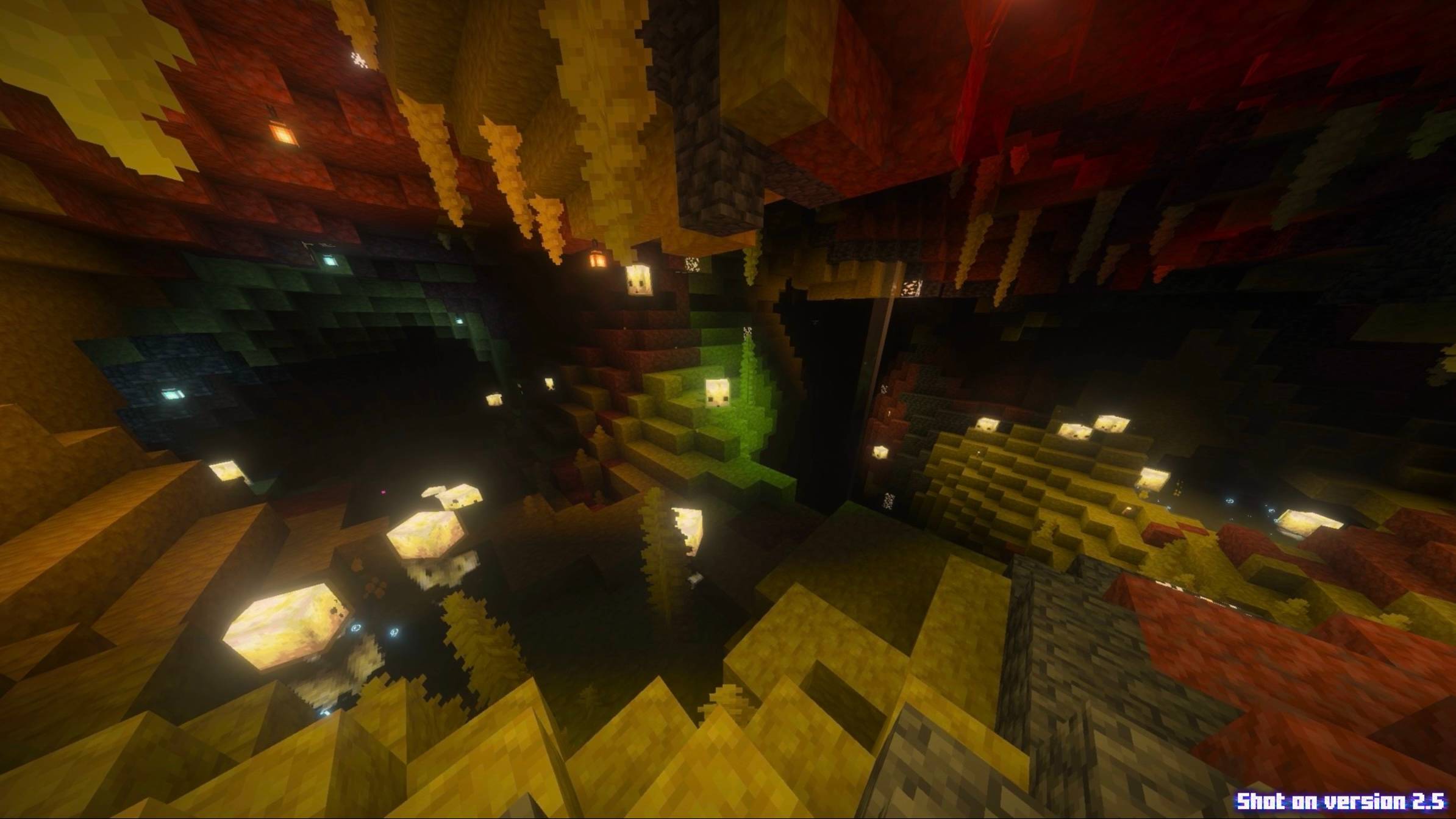
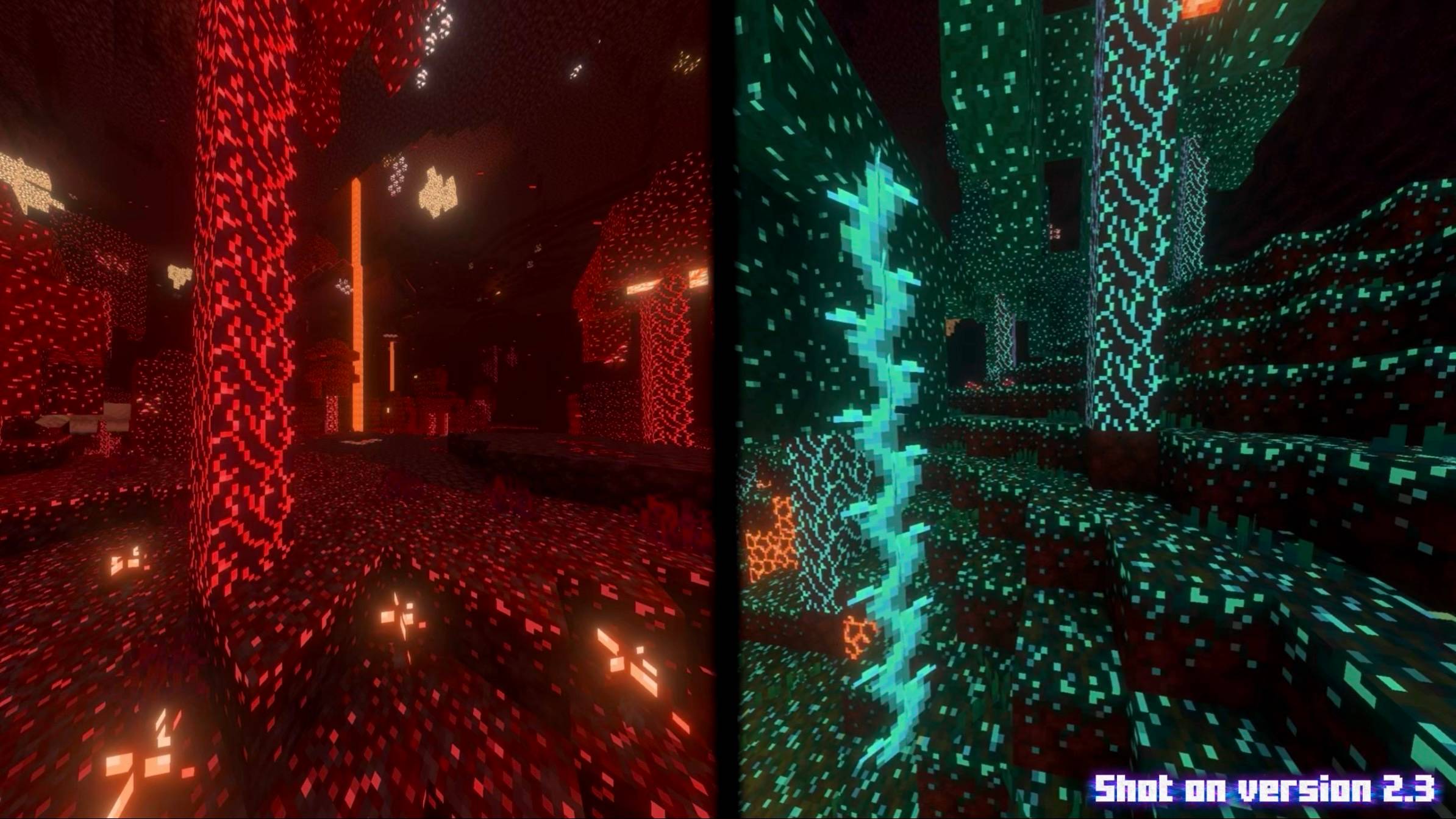
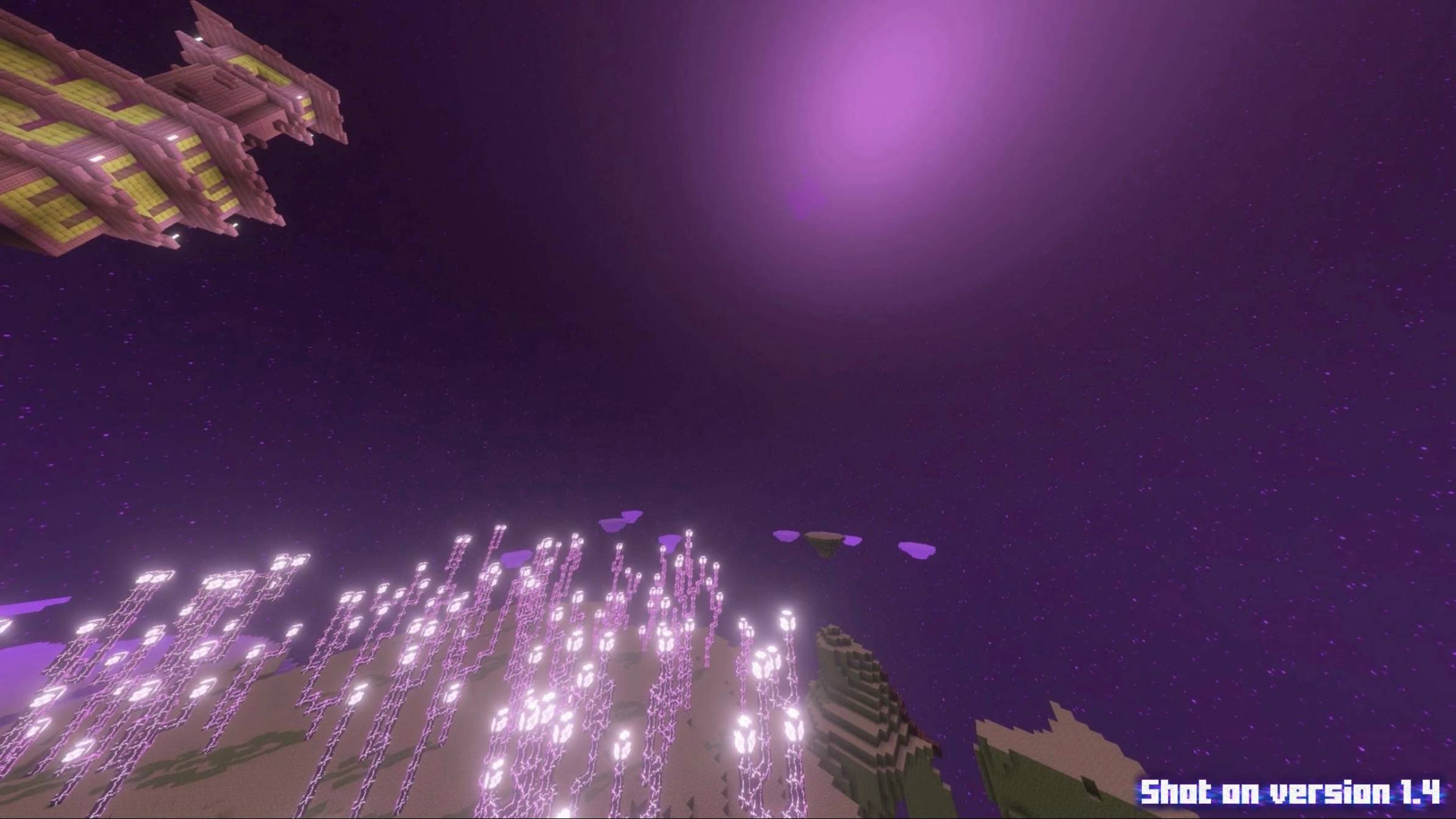
GlowCraft is a stunning Vibrant Visuals shader pack for Minecraft Bedrock that makes blocks, items, particles, & entities glow, bringing true illumination and best visuals to your game. It makes your world look cool and magical!
GlowCraft uses Vibrant Visuals and works on every platform that supports it!
To see what's new in GlowCraft version 2.7, scroll down to the changelog. ⬇️
Warning: The GlowCraft background panorama on the title screen may not work on 26.50-52, note that this is a Minecraft problem and nothing to do with GlowCraft.
GlowCraft 2.0 Showcase Video:
Make sure your Vibrant Visuals settings is set to the default gamma level (100%) for best experience:
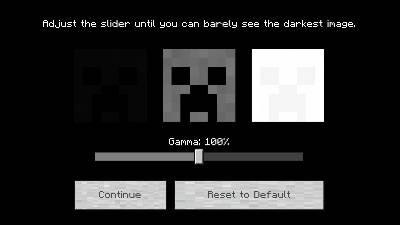
Minimum Required Minecraft version: v1.21.120
Recommended Minecraft version: v26.40 (26.50 works, but has broken UI issues)
Requires Vibrant Visuals to be turned ON to work, and it's highly recommended to have bloom turned on in settings.
GlowCraft UI is turned ON by default. It can be turned OFF in the pack settings.
Latest Changelog:
v2.7: Crushed many bugs, removed unnecessary code to reduce file size, updated minimum version to 1.21.120, and a few other small improvements.
For older logs, view the changelog below the pack version.
Disclaimers:
There are some things which are not possible to glow/bloom in Vibrant Visuals, which is why they are not included in GlowCraft. I don't make netherite glow because it makes it look pink. I also tried to add many toggles in GlowCraft settings but it's not possible yet with the current Minecraft Bedrock.
The GlowCraft 2.0 video was recorded before I implemented the new colored lighting feature.
If upgrading GlowCraft has a duplicate error, make sure to delete the old files first.
There is a bug in Minecraft Bedrock v26.50-52 that has invisible and broken UIs, none of those is related to GlowCraft. The background panorama also may not work until Mojang fixes it.
Special thanks to "Ty-El's UI" for providing more UI elements for GlowCraft UI v2.0 - v2.7.
Special thanks to "The Bracken Pack" ("The Faewild") for providing a background panorama for GlowCraft UI v1.7 - v2.7.
Lastly, no AI has been used to create GlowCraft.
- Edition: Minecraft Bedrock
- File type: .mcpack
- Minecraft versions listed: 1.21.120, 1.21.122, 1.21.121
- How to install: Download the .mcpack. → Open it — Minecraft imports it under Resource Packs. → Activate it in Global Resources, or for one world under Resource Packs → Available.
- Where to get it: In MCModsHub, or directly above on this page.
Install steps are the general flow for this file type — How to install Minecraft Bedrock texture packs walks through it step by step.
- Pack type: .mcpack — a single pack
- Complete pack — everything it depends on is inside the file
- Download size: 20.0 MB
- Download link checked 18 Jun 2026 — working
These come from our own check of the pack file, not from the source page.
📺 Bedrock videos for GlowCraft Shader 2.7 (Vibrant Visuals) watch on YouTube ↗
🎬Made a video about GlowCraft Shader 2.7 (Vibrant Visuals)? Feature it #1 here for free — put the mcmodshub.com link near the top of your description, or in a pinned comment.→


Related Bedrock mods
RealisCraft BE Texture Pack (1.21, 1.20) – RTX/DeferredRendering Shader
Phantom Visuals Shader (1.26+) – Warm Tones and Soft Lighting
FirmamentCraft 5.0 Shader (1.26+) – Reflective Water and Glowing Ores on Mobile
Flora Visual Shader (1.26+) – MCPE/Bedrock
Pasta Shader (1.26+) – MCPE/Bedrock