Xenovia Quarta Sky Texture Pack for Minecraft Bedrock 26.30
Bedrock texture pack listed for Minecraft 26.x. File opened and checked on 19 Sep 2026; installs from the MC Bedrock Mods app on Android.
MCPE sky overlay featuring Xenovia Quarta artwork, compatible with popular texture packs and optimized for Render Dragon.
⬇ Download🌌 Xenovia Quarta Custom Sky Overlay for MCPE
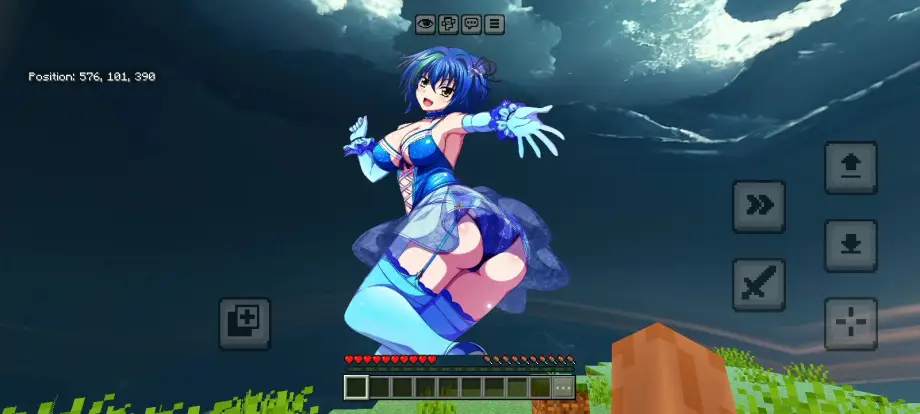
Transform your Minecraft world with this custom sky overlay featuring Xenovia Quarta, the fierce Excalibur-wielding knight from High School DxD. This pack replaces the standard, boring Minecraft sky with high-quality, atmospheric visuals of Xenovia, making your PvP sessions and survival worlds look incredibly unique.
This pack functions as an overlay, meaning you can stack it on top of your favorite texture pack or PvP client without losing your custom blocks, items, or UI
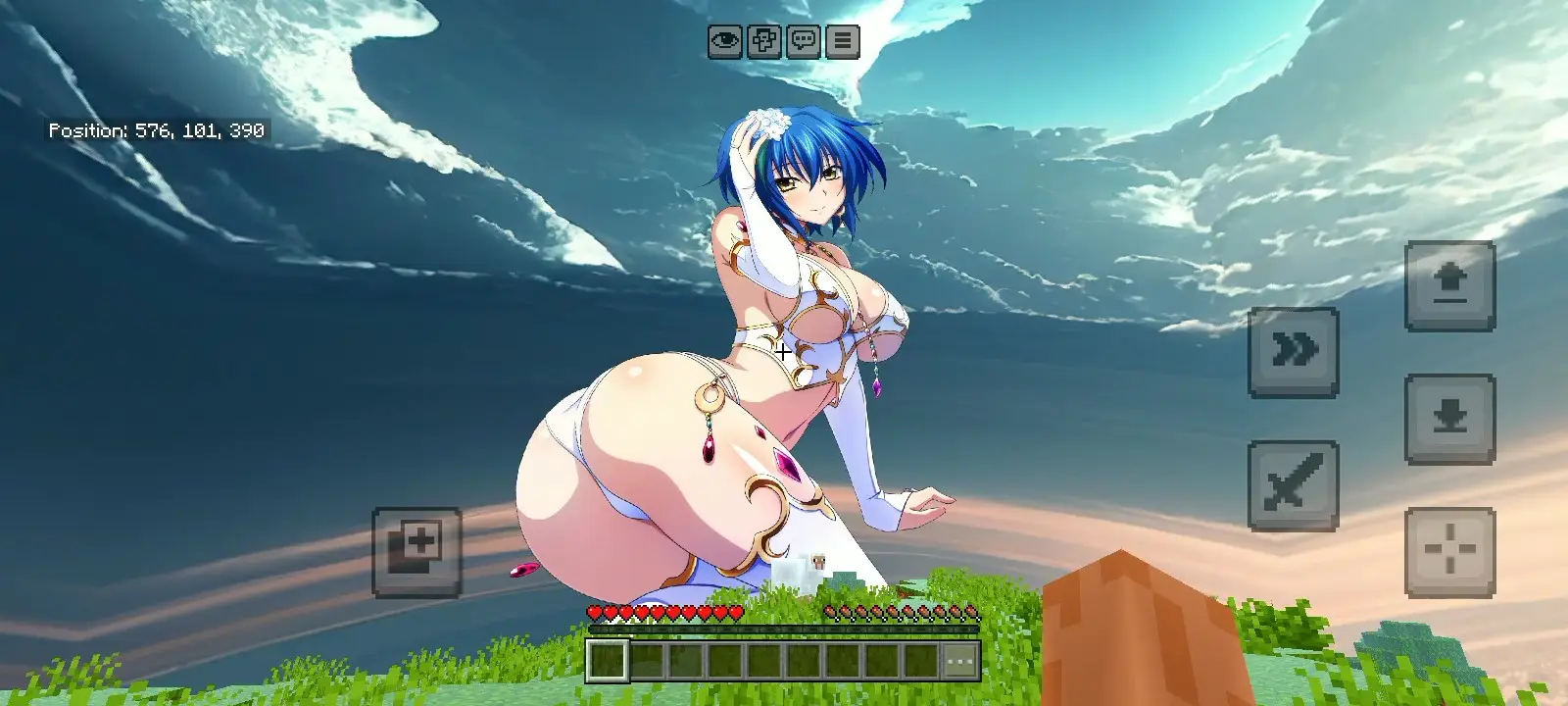
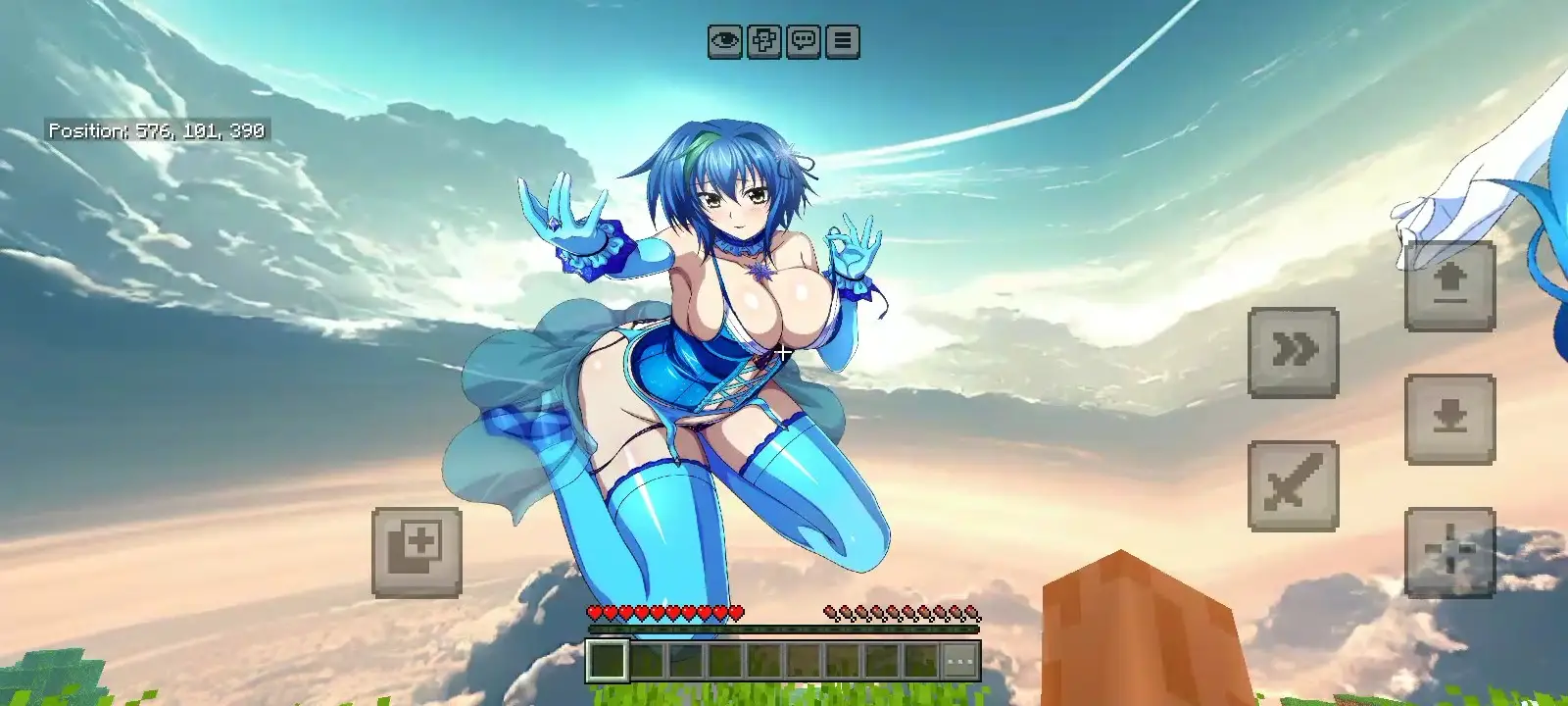
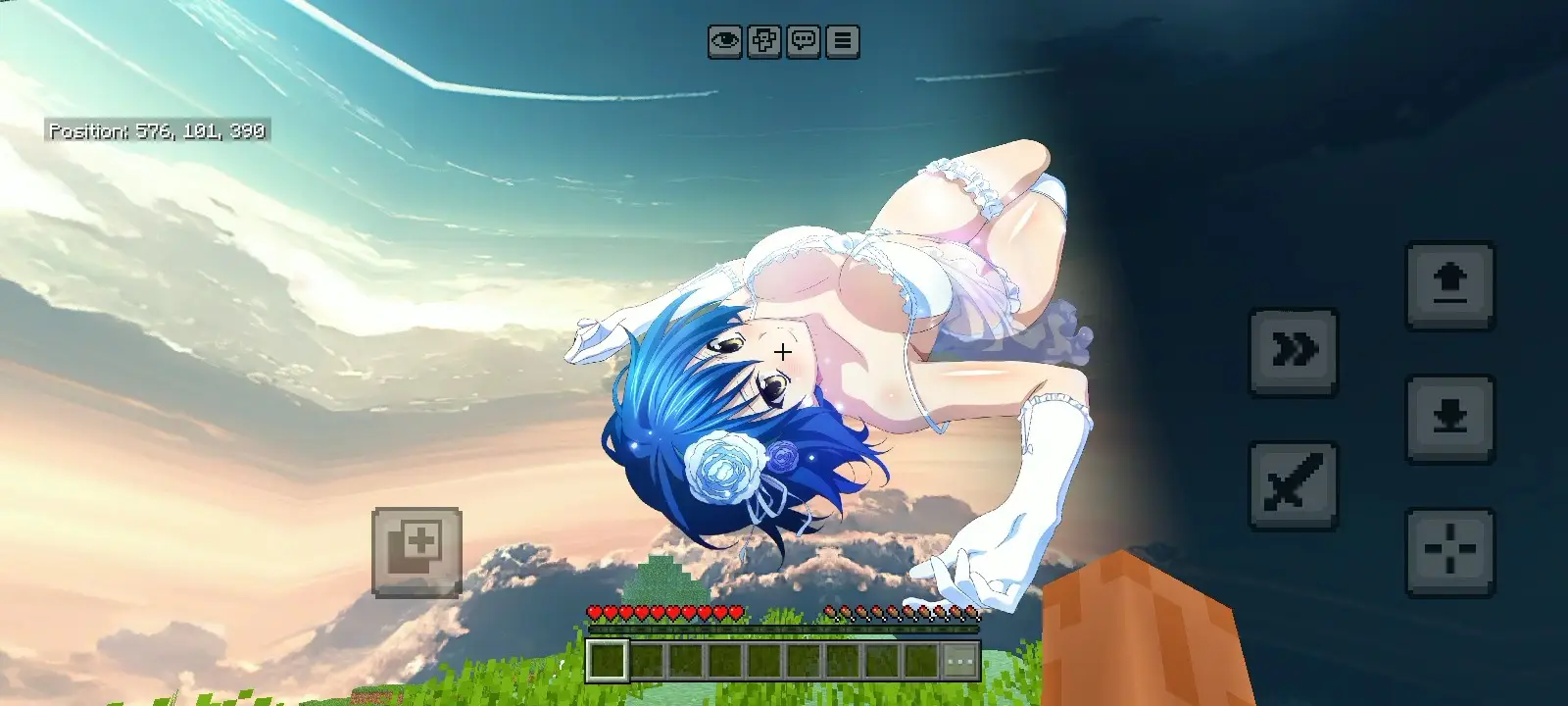
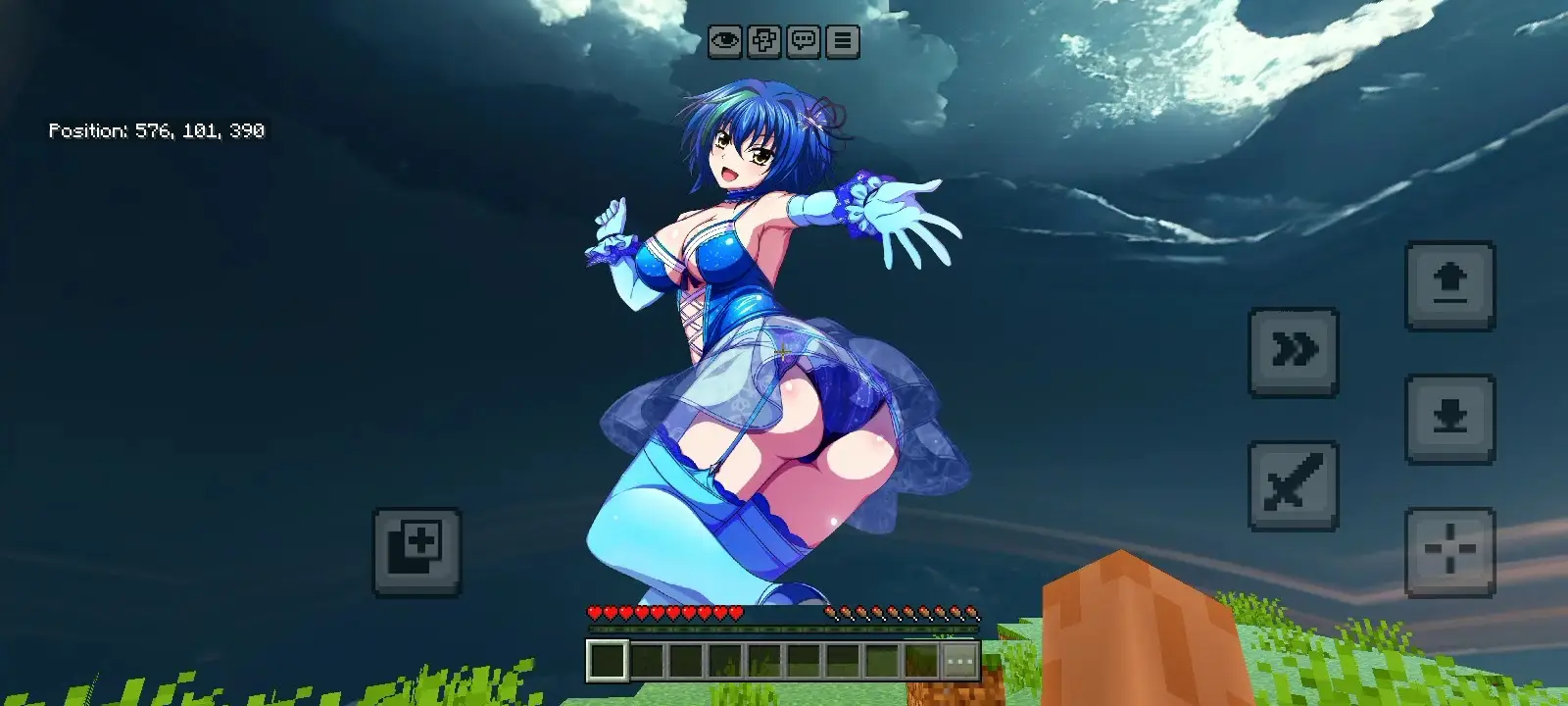
- Stunning Xenovia Visuals: High-resolution skybox textures featuring Xenovia Quarta integrated seamlessly into the horizon.
- Day & Night Cycle Support: Watch the sky transition beautifully from a vibrant daytime look to a deep, cosmic night sky.
- Performance Friendly: Zero lag optimization ensures smooth frame rates (FPS) during intense PvP matches or heavy rendering.
- Universal Compatibility: Works perfectly alongside any 16x, 32x, 64x, or 128x texture pack.
- Render Dragon Ready: Fully optimized to work on modern MCPE/Bedrock engine versions.
🛠️ How to Install
- Download the .mcpack file.
- Click the file to automatically import it into Minecraft Pocket Edition.
- Open Minecraft and go to Settings > Global Resources.
- Activate the Xenovia Quarta Sky Pack.
⚠️ Important: Make sure this pack is placed at the very top of your active texture pack list so the sky overrides your current pack!
Video Settings: Ensure that Beautiful Skies is turned ON in your in-game video settings.
📝 Terms of Use
Do not re-upload this pack to other websites without permission.
Do not claim ownership of the artwork or code.
- Edition: Minecraft Bedrock
- File type: .mcpack
- How to install: Download the .mcpack. → Open it — Minecraft imports it under Resource Packs. → Activate it in Global Resources, or for one world under Resource Packs → Available.
- Where to get it: In MCModsHub, or directly above on this page.
Install steps are the general flow for this file type — How to install Minecraft Bedrock texture packs walks through it step by step.
- Pack type: .mcpack — a single pack
- Manifest requires Minecraft 1.26.0 or newer
- Complete pack — everything it depends on is inside the file
- Download link checked 18 Jun 2026 — working
- Mirrored on our own servers — the download does not depend on the original host
These come from our own check of the pack file, not from the source page.
Related Bedrock mods
RG Shader Support Render Dragon

Newb X Trailer Shader (1.26+) – Support Render Dragon
Lunac Shaders 3.1.2 | Vibrant Visuals Shader
Agni Shaders
RTX FPS BOOST