Saturation
Bedrock texture pack listed for Minecraft 1.16–26.x. File opened and checked on 12 Oct 2026; installs from the MC Bedrock Mods app on Android.
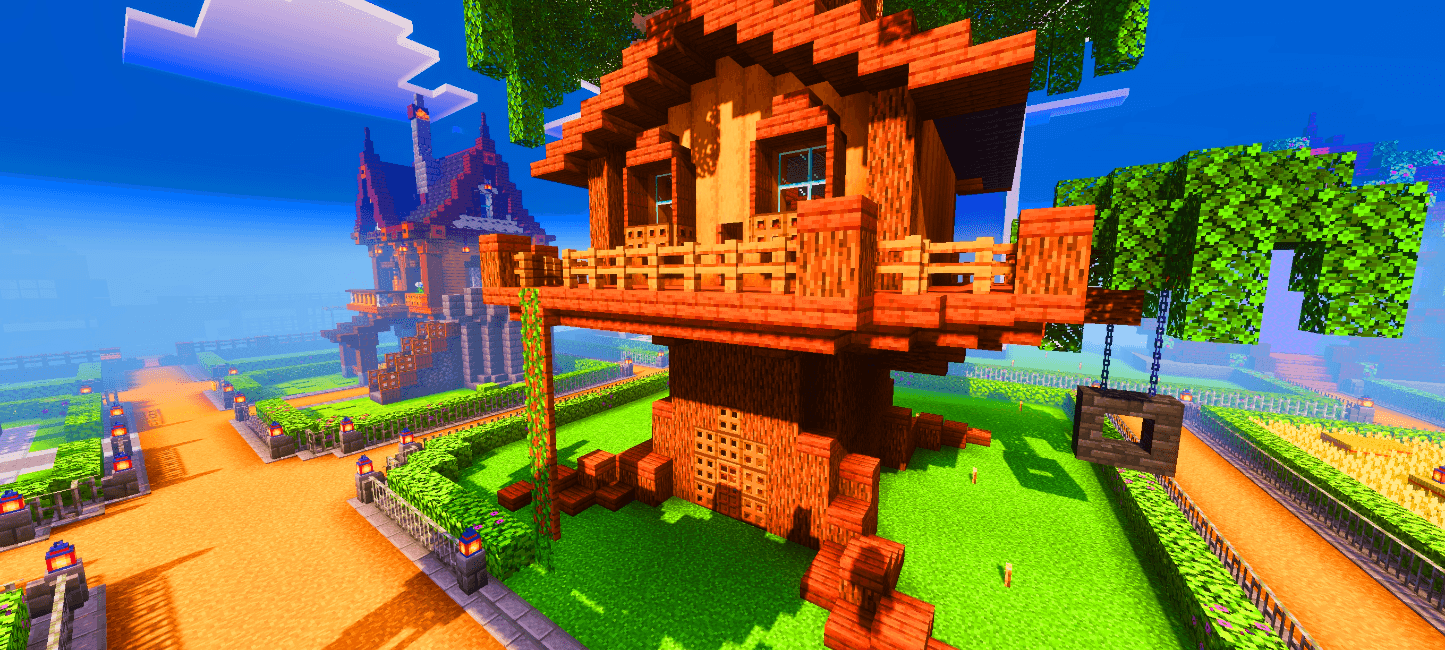
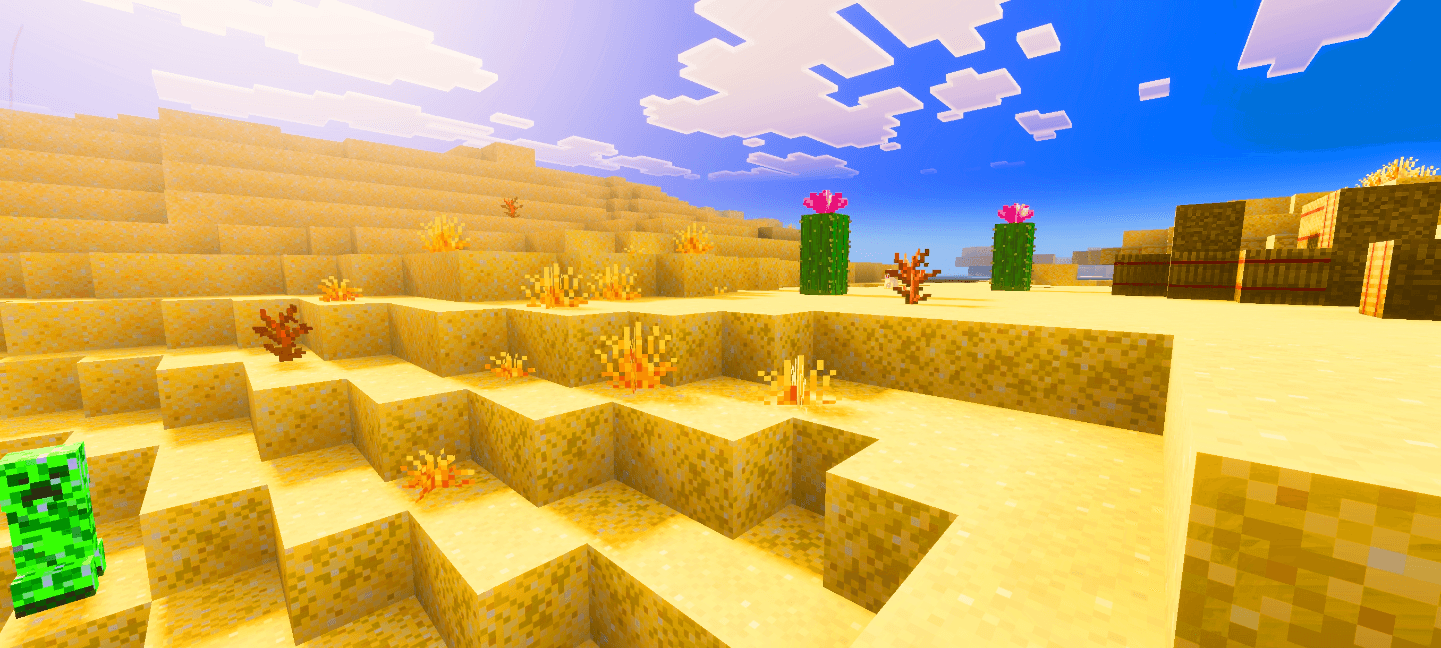
This pack boosts the saturation of Minecraft’s textures, giving the world richer colors and a more vibrant, lively look while still keeping the original…
I don't know my version
Saturation
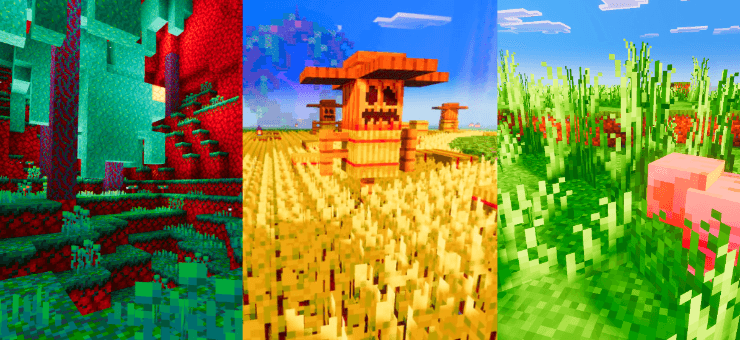
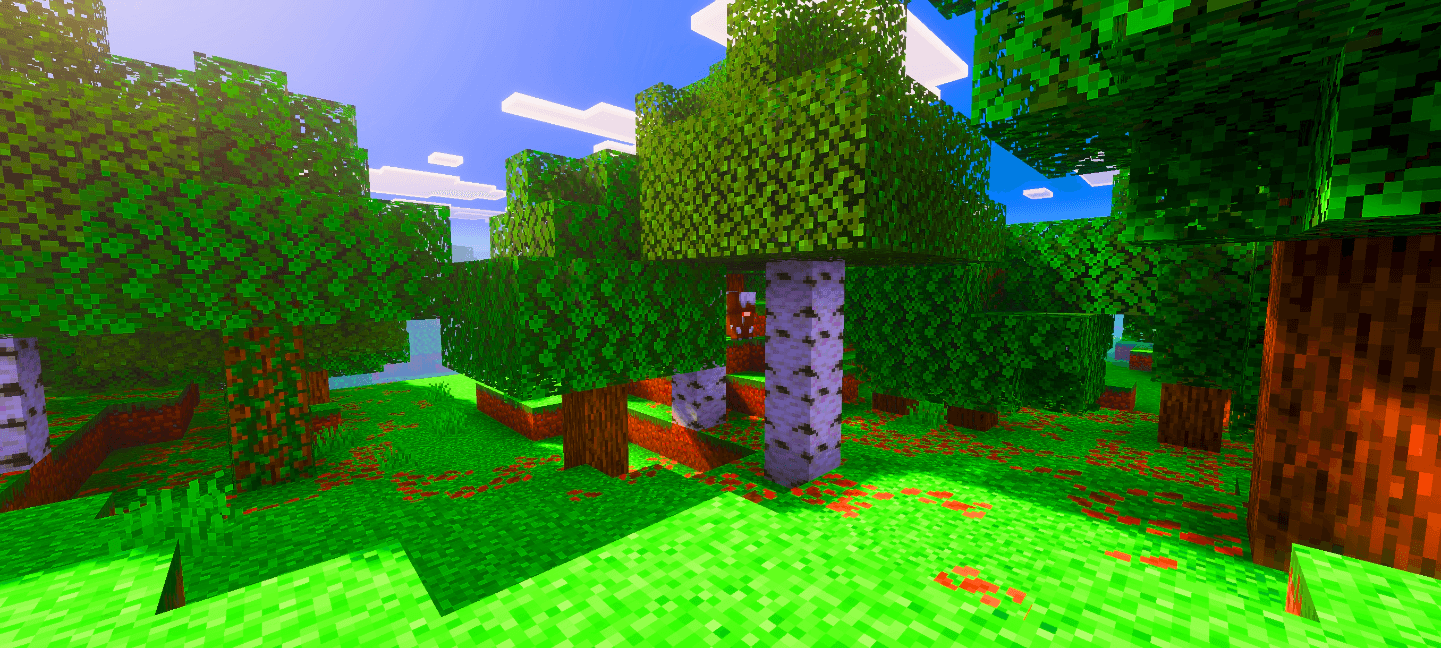
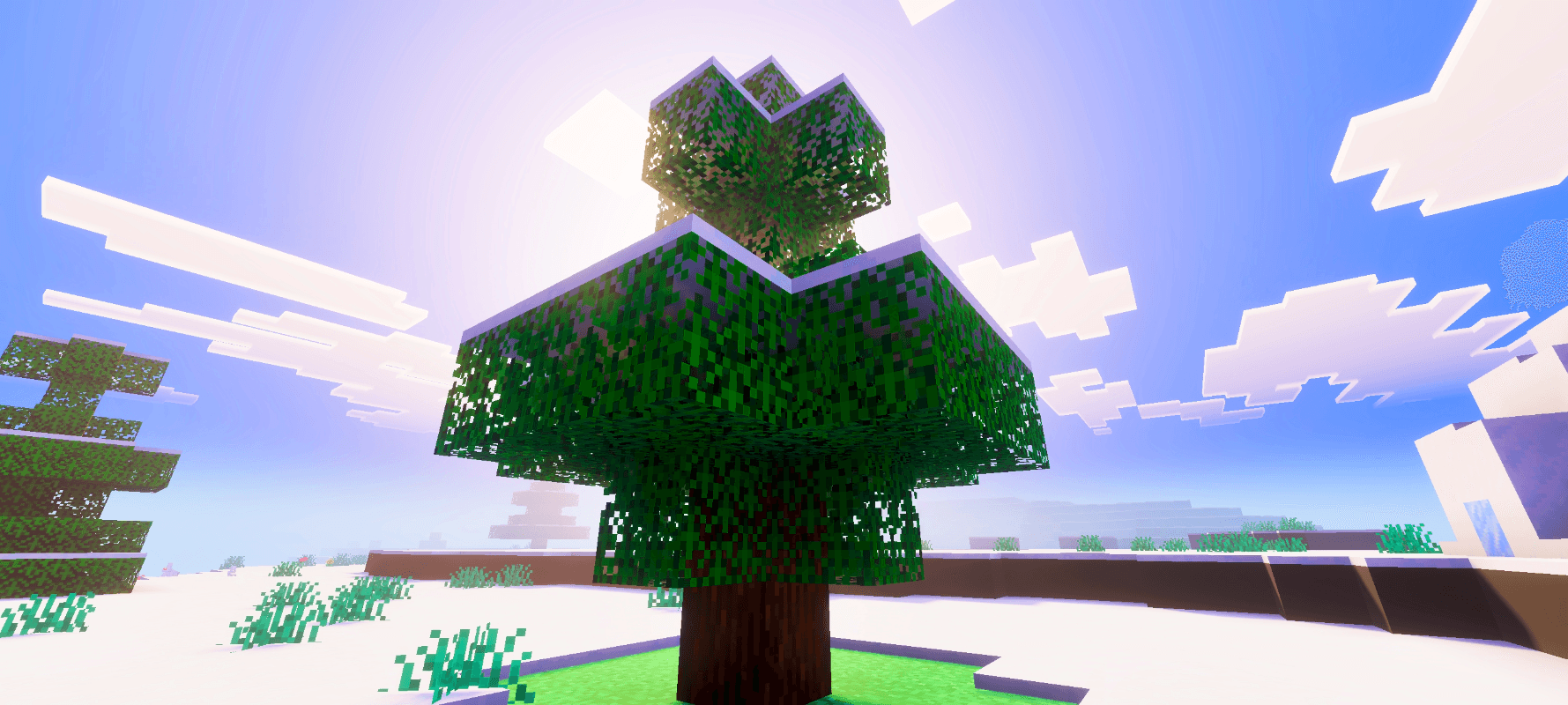
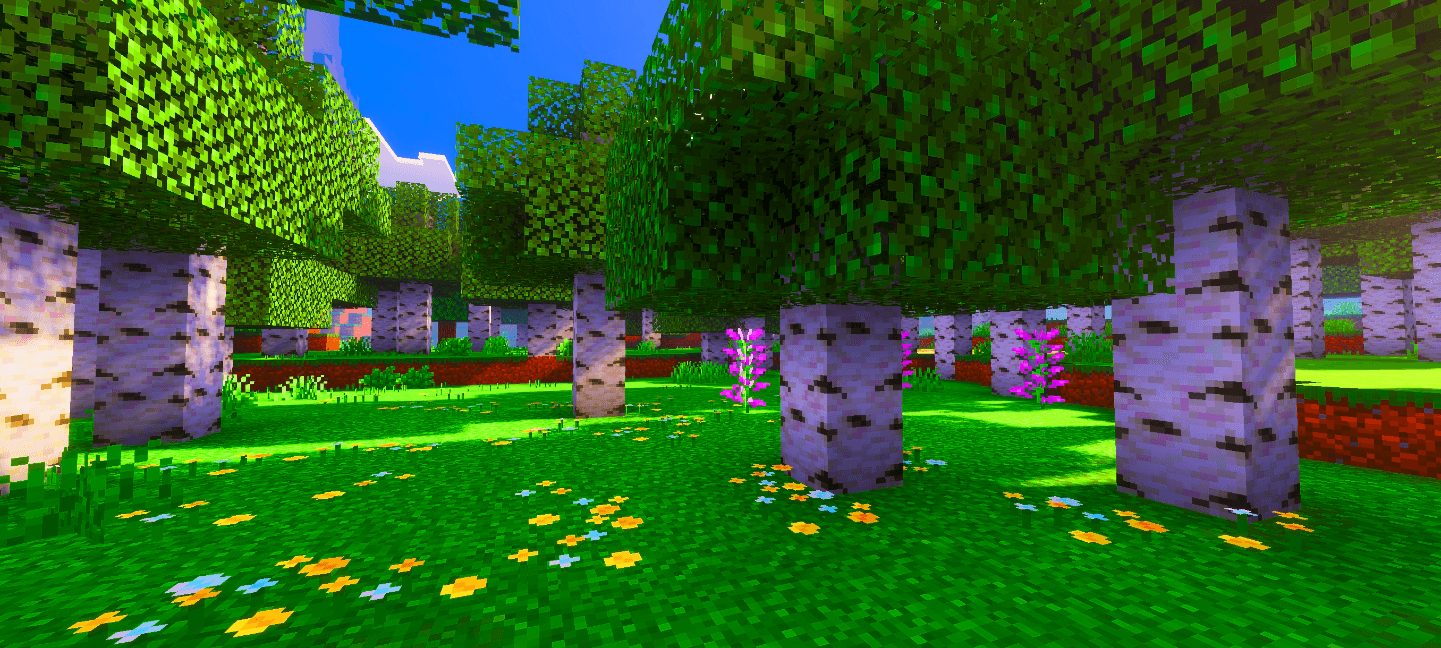
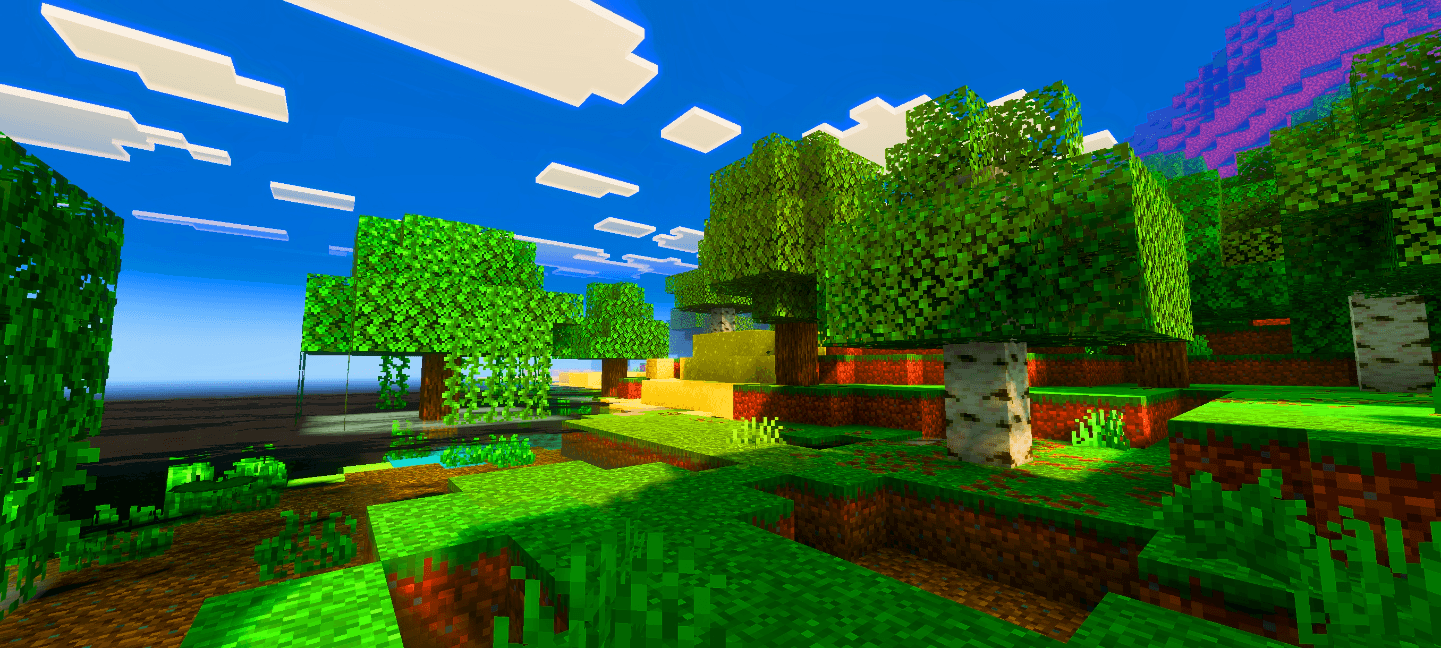
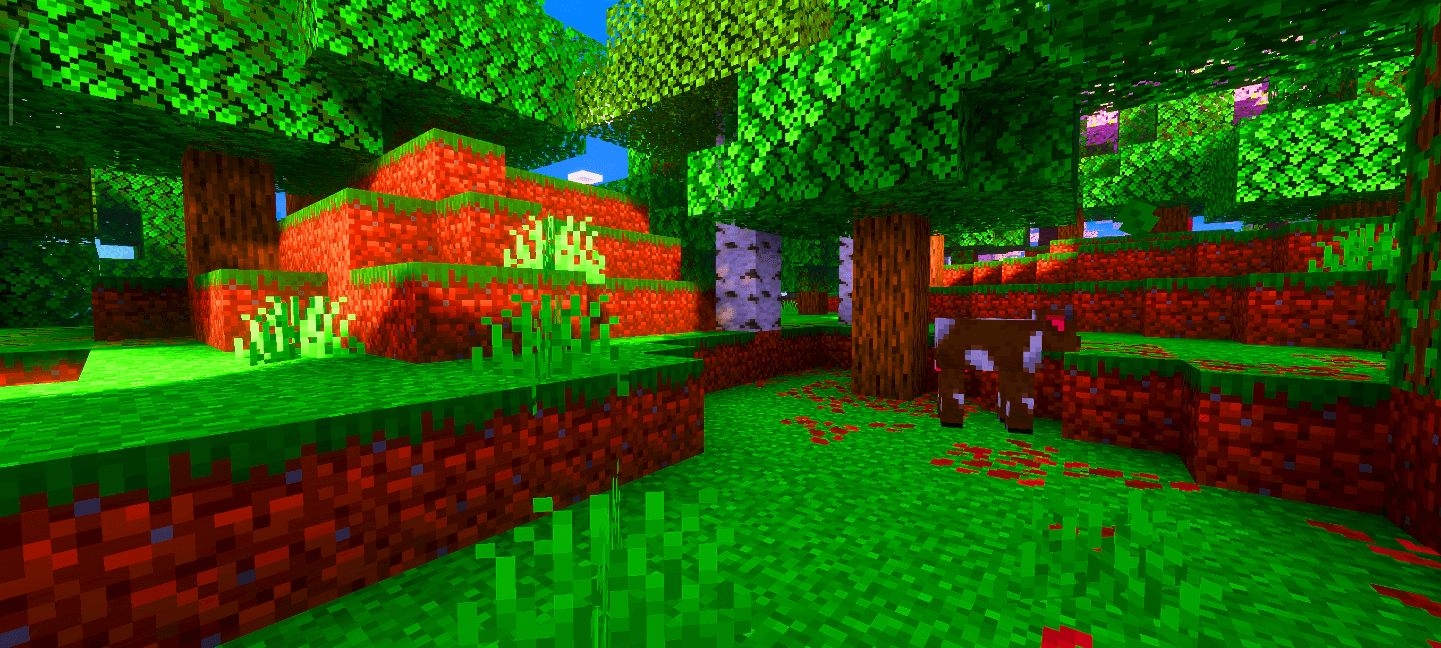
This pack boosts the saturation of Minecraft’s textures, making the world look more vibrant, colorful, and lively. It enhances blocks, items, and environments with richer tones while keeping the original style intact.
The saturation in the preview images was increased externally to make them look better. In-game textures will not appear that strong.
I will also release additional versions soon with different saturation levels, allowing you to choose how much saturation you prefer. This feature is still in development, so it may take some time, but updates will continue. If you have any feedback or want to report something, the comments section is open for you.

- Edition: Minecraft Bedrock
- File type: .mcpack
- Minecraft versions listed: 26.50, 26.40, 26.30
- How to install: Download the .mcpack. → Open it — Minecraft imports it under Resource Packs. → Activate it in Global Resources, or for one world under Resource Packs → Available.
- Where to get it: Opens on CurseForge — not every file is mirrored on our own servers.
Install steps are the general flow for this file type — How to install Minecraft Bedrock texture packs walks through it step by step.
- Save it as Saturation.mcaddon before opening — it downloads as .mcpack, but it is a .mcaddon pack
- Manifest requires Minecraft 1.16.0 or newer
- Complete pack — everything it depends on is inside the file
- Download size: 18.7 MB
- Download link checked 26 Oct 2026 — working
These come from our own check of the pack file, not from the source page.
🧩 In these setups curated mod combos that play well together



📺 Bedrock videos for Saturation watch on YouTube ↗
🎬Made a video about Saturation? Feature it #1 here for free — put the mcmodshub.com link near the top of your description, or in a pinned comment.→


Related Bedrock mods
MBL2 Shader Loader (1.21) – Minecraft Bedrock Loader 2
Nami Visual Shader (1.26+) – MCPE/Bedrock
Iris Shader (1.26+) – MCPE/Bedrock
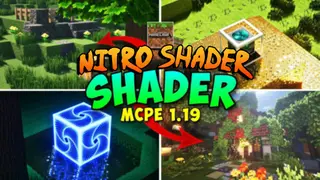
Nitro Shader (1.26+) – RenderDragon Support

Siren Head: The Field Map for Minecraft Bedrock 26.10